


ChessPal Chess Engine Integration
Integrate FlowHunt with the Stockfish-powered ChessPal Chess Engine to automate chess move calculations, validate positions, and streamline game logic using AI-...
4 min read
AI
ChessPal
+4
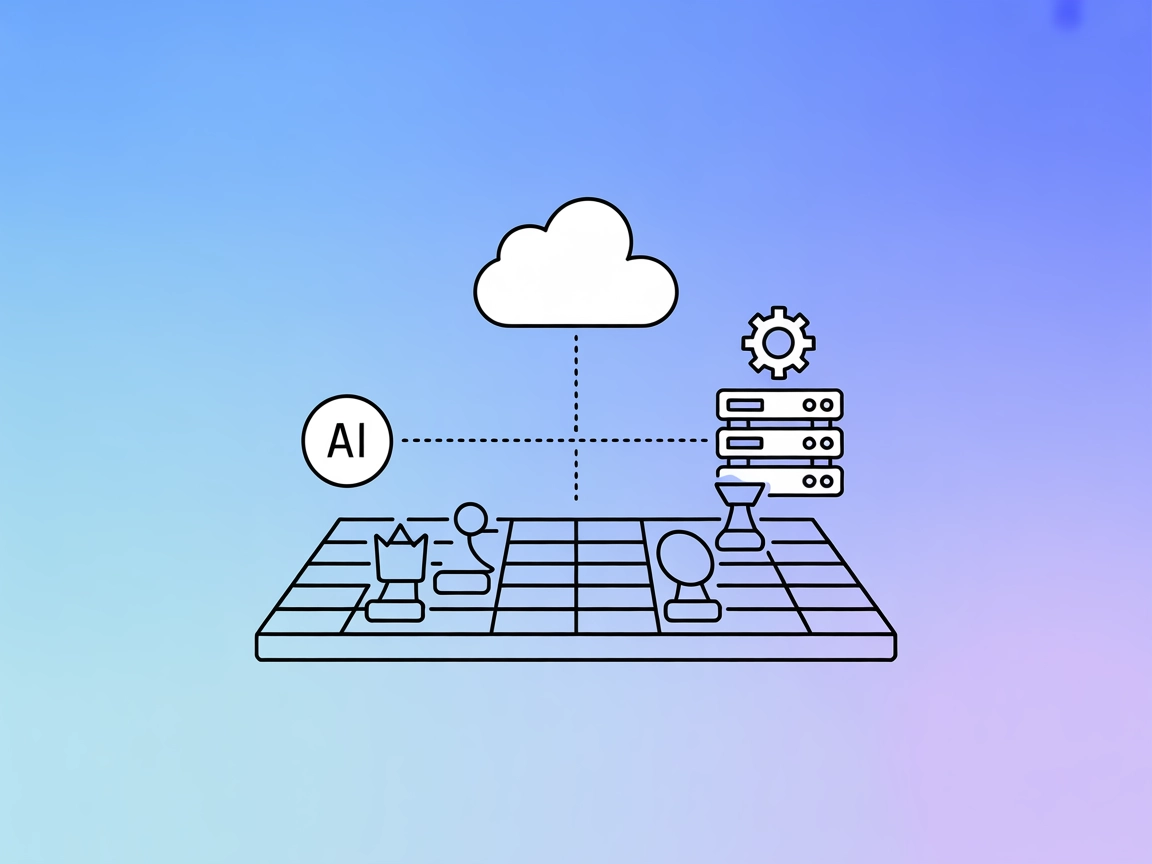
Integrate Stockfish-powered chess analysis and move generation into your AI workflows with ChessPal MCP Server.
The ChessPal MCP Server is a specialized Model Context Protocol (MCP) server that exposes the capabilities of the Stockfish chess engine to AI assistants and clients. By acting as a bridge, ChessPal allows AI models and applications to access advanced chess functionalities programmatically. This enables tasks such as evaluating chess positions, generating move suggestions, analyzing games, and more—all through a standardized MCP interface. The server enhances developer workflows by allowing seamless integration of Stockfish’s powerful chess analysis into AI-driven tools, bots, or educational platforms, making it easier to build applications that require chess expertise without directly managing the complexities of the engine itself.
No information about prompt templates is available in the repository.

Start your free trial today and see results within days.
No explicit resources are described in the repository.
Get latest tips, trends, and deals for free.
mcpServers object using a JSON snippet.{
"mcpServers": {
"chesspal-mcp": {
"command": "chesspal-mcp-engine",
"args": []
}
}
}
{
  "mcpServers": {
    "chesspal-mcp": {
      "command": "chesspal-mcp-engine",
      "args": []
    }
  }
}
{
  "mcpServers": {
    "chesspal-mcp": {
      "command": "chesspal-mcp-engine",
      "args": []
    }
  }
}
{
  "mcpServers": {
    "chesspal-mcp": {
      "command": "chesspal-mcp-engine",
      "args": []
    }
  }
}
Securing API Keys
If the server requires API keys or secrets, store them in environment variables. Example:
{
  "mcpServers": {
    "chesspal-mcp": {
      "command": "chesspal-mcp-engine",
      "args": [],
      "env": {
        "MY_API_KEY": "${MY_API_KEY}"
      },
      "inputs": {
        "api_key": "${MY_API_KEY}"
      }
    }
  }
}
Using MCP in FlowHunt
To integrate MCP servers into your FlowHunt workflow, start by adding the MCP component to your flow and connecting it to your AI agent:

Click on the MCP component to open the configuration panel. In the system MCP configuration section, insert your MCP server details using this JSON format:
{
  "chesspal-mcp": {
    "transport": "streamable_http",
    "url": "https://yourmcpserver.example/pathtothemcp/url"
  }
}
Once configured, the AI agent is now able to use this MCP as a tool with access to all its functions and capabilities. Remember to change “chesspal-mcp” to the actual name of your MCP server and replace the URL with your own MCP server URL.
| Section | Availability | Details/Notes |
|---|---|---|
| Overview | ✅ | |
| List of Prompts | ⛔ | No prompt templates found |
| List of Resources | ⛔ | No explicit resources documented |
| List of Tools | ⛔ | No explicit tools listed |
| Securing API Keys | ✅ | Example provided |
| Sampling Support (less important in evaluation) | ⛔ | Not mentioned |
Between the available documentation and what is visible in the repository, ChessPal MCP Server appears to be a functional, single-purpose MCP server with clear setup guidance but lacks explicit documentation about resources, prompts, and tools. It does have a license (GPL-3.0), and is open source with minimal community activity. Based on these tables, I’d rate its completeness and documentation at 3/10.
| Has a LICENSE | ✅ (GPL-3.0) |
|---|---|
| Has at least one tool | ⛔ |
| Number of Forks | 1 |
| Number of Stars | 0 |
Bring the power of Stockfish chess analysis to your applications and agents with seamless MCP integration.
Integrate FlowHunt with the Stockfish-powered ChessPal Chess Engine to automate chess move calculations, validate positions, and streamline game logic using AI-...
The Chess.com MCP Server bridges the Chess.com public API with AI workflows via MCP, enabling seamless access to player profiles, statistics, and game records f...

Integrate FlowHunt with the Chess.com MCP Server to enable seamless access to player profiles, live stats, game archives, club data, and titled player insights,...
Cookie Consent
We use cookies to enhance your browsing experience and analyze our traffic. See our privacy policy.