



DataHub MCP Server
Integrate FlowHunt with DataHub’s MCP Server for advanced metadata search, data lineage analysis, and effortless SQL query listing. Leverage AI to streamline me...
4 min read
AI
DataHub
+5
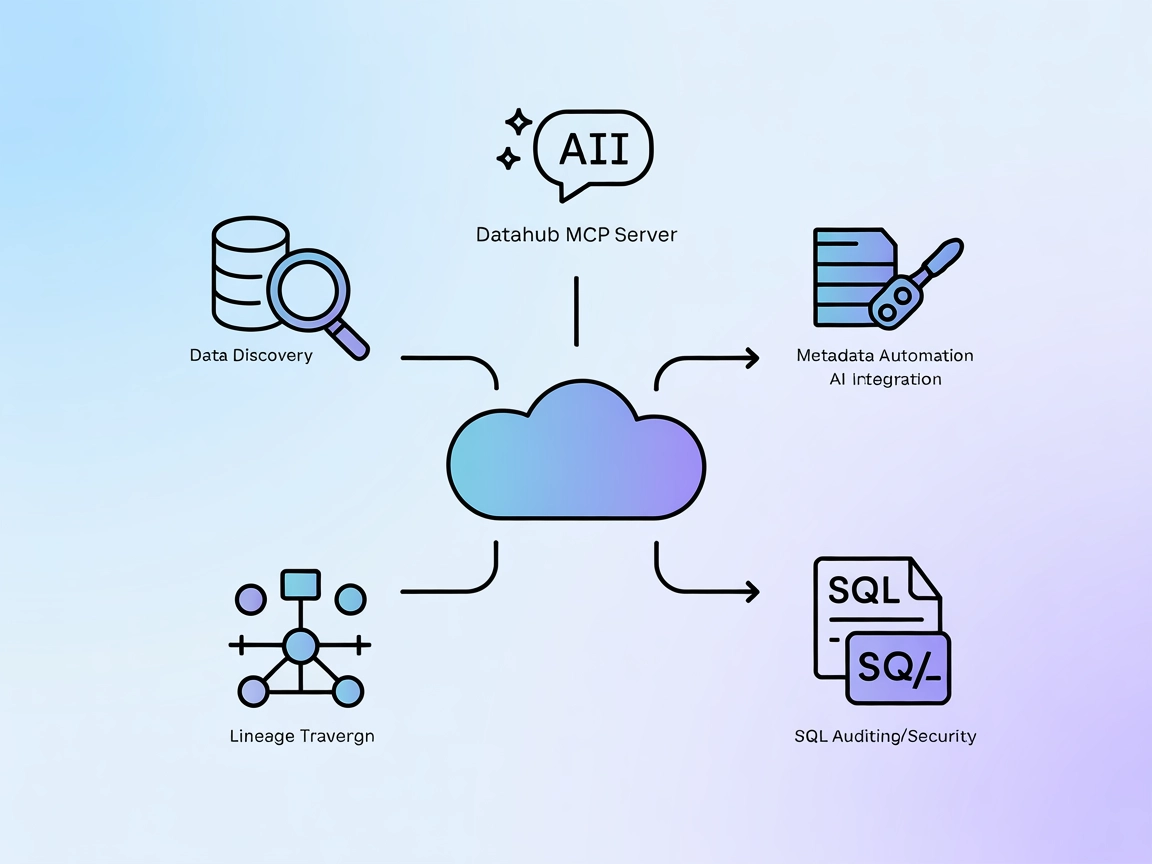
Integrate FlowHunt AI agents with your organization’s DataHub using the MCP Server, unlocking powerful metadata search, lineage exploration, and automated SQL auditing directly within your AI workflows.
The DataHub MCP (Model Context Protocol) Server acts as a bridge between AI assistants and your DataHub data ecosystem. By exposing DataHub’s powerful metadata and context APIs via the MCP standard, this server enables AI agents to search across all entity types, fetch detailed metadata, traverse data lineage, and list associated SQL queries. This dramatically improves development workflows by allowing AI models to access up-to-date data context, perform complex queries, and automate metadata exploration directly from your preferred AI interface. DataHub MCP Server supports both DataHub Core and DataHub Cloud, making it a versatile solution for organizations seeking to integrate their metadata platform with AI-driven tools and assistants.
No prompt templates are detailed or mentioned in the repository or README.

Start your free trial today and see results within days.
No explicit MCP resource primitives are described in the repository or README.
Get latest tips, trends, and deals for free.
No Windsurf-specific instructions found in the repository.
Install uv
.
Locate the full path to the uvx command using which uvx.
Obtain your DataHub URL and personal access token.
Edit your claude_desktop_config.json file:
{
  "mcpServers": {
    "datahub": {
      "command": "<full-path-to-uvx>",  // e.g. /Users/hsheth/.local/bin/uvx
      "args": ["mcp-server-datahub"],
      "env": {
        "DATAHUB_GMS_URL": "<your-datahub-url>",
        "DATAHUB_GMS_TOKEN": "<your-datahub-token>"
      }
    }
  }
}
Save and (re)start Claude Desktop. Verify connection in the agent interface.
Install uv
.
Obtain your DataHub URL and personal access token.
Edit .cursor/mcp.json:
{
  "mcpServers": {
    "datahub": {
      "command": "uvx",
      "args": ["mcp-server-datahub"],
      "env": {
        "DATAHUB_GMS_URL": "<your-datahub-url>",
        "DATAHUB_GMS_TOKEN": "<your-datahub-token>"
      }
    }
  }
}
Save the file and restart Cursor. Check the MCP status panel.
No Cline-specific instructions found in the repository.
Install uv
.
Prepare your DataHub URL and personal access token.
Use this configuration:
command: uvx
args:
  - mcp-server-datahub
env:
  DATAHUB_GMS_URL: <your-datahub-url>
  DATAHUB_GMS_TOKEN: <your-datahub-token>
Integrate this command in your MCP client configuration.
Always store sensitive credentials like DATAHUB_GMS_TOKEN in environment variables, not in plaintext files. In your configuration, use the env field as shown above to inject secrets securely.
Using MCP in FlowHunt
To integrate MCP servers into your FlowHunt workflow, start by adding the MCP component to your flow and connecting it to your AI agent:

Click on the MCP component to open the configuration panel. In the system MCP configuration section, insert your MCP server details using this JSON format:
{
  "datahub": {
    "transport": "streamable_http",
    "url": "https://yourmcpserver.example/pathtothemcp/url"
  }
}
Once configured, the AI agent is now able to use this MCP as a tool with access to all its functions and capabilities. Remember to change “datahub” to whatever the actual name of your MCP server is and replace the URL with your own MCP server URL.
| Section | Availability | Details/Notes |
|---|---|---|
| Overview | ✅ | Present in README and repo description |
| List of Prompts | ⛔ | No prompt templates found |
| List of Resources | ⛔ | No explicit MCP resource primitives described |
| List of Tools | ✅ | Tools described in README features section |
| Securing API Keys | ✅ | Environment variables in setup instructions |
| Sampling Support (less important in evaluation) | ⛔ | No mention of sampling in README or code |
I would rate this MCP server at about 6/10. It has a clear open-source license, multiple real tools, and basic secure setup instructions, but lacks documented prompt templates, explicit resource primitives, and advanced MCP features like sampling or roots.
| Has a LICENSE | ✅ (Apache-2.0) |
|---|---|
| Has at least one tool | ✅ |
| Number of Forks | 13 |
| Number of Stars | 37 |
Empower your AI workflows with real-time access to organizational metadata, lineage, and data discovery tools using the DataHub MCP Server. Automate data management and governance directly from FlowHunt.
Integrate FlowHunt with DataHub’s MCP Server for advanced metadata search, data lineage analysis, and effortless SQL query listing. Leverage AI to streamline me...
The Metoro MCP Server bridges AI agents with external data sources, APIs, and services, enabling FlowHunt users to automate workflows, standardize integrations,...
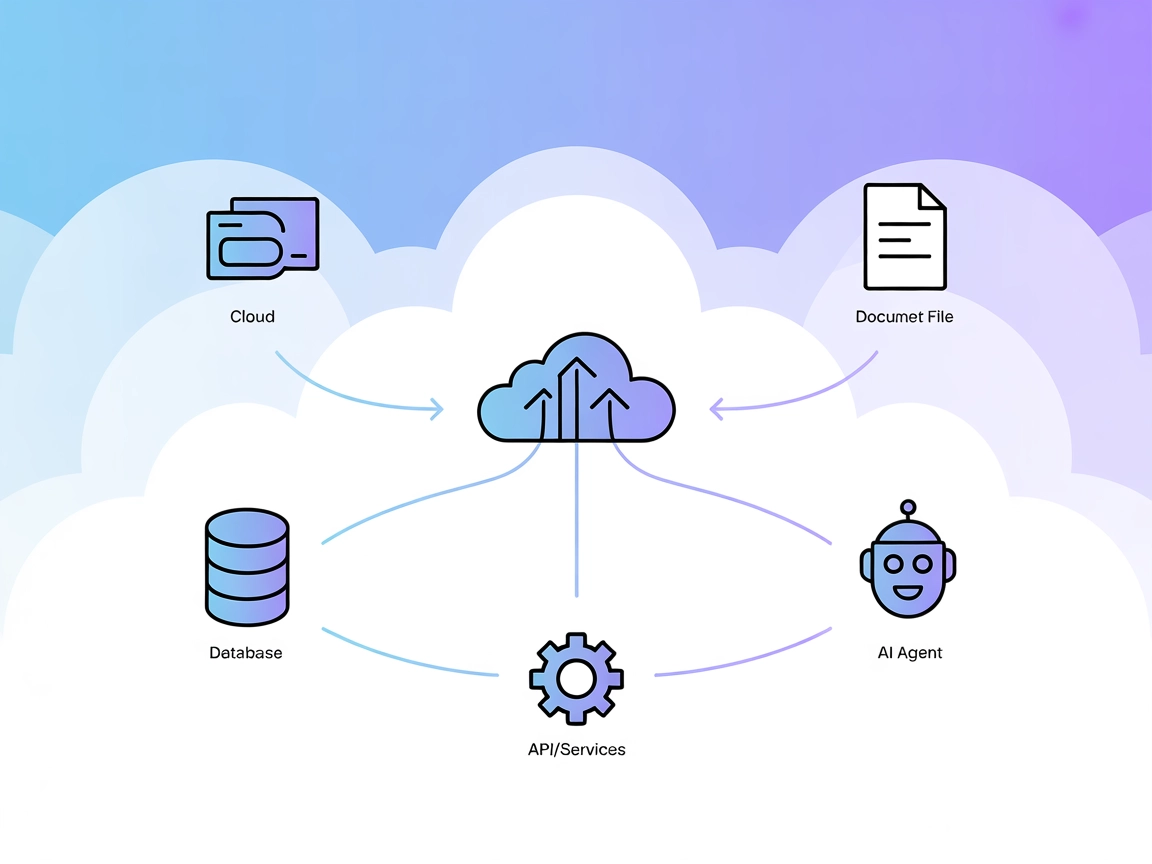
The Model Context Protocol (MCP) Server bridges AI assistants with external data sources, APIs, and services, enabling streamlined integration of complex workfl...
Cookie Consent
We use cookies to enhance your browsing experience and analyze our traffic. See our privacy policy.