


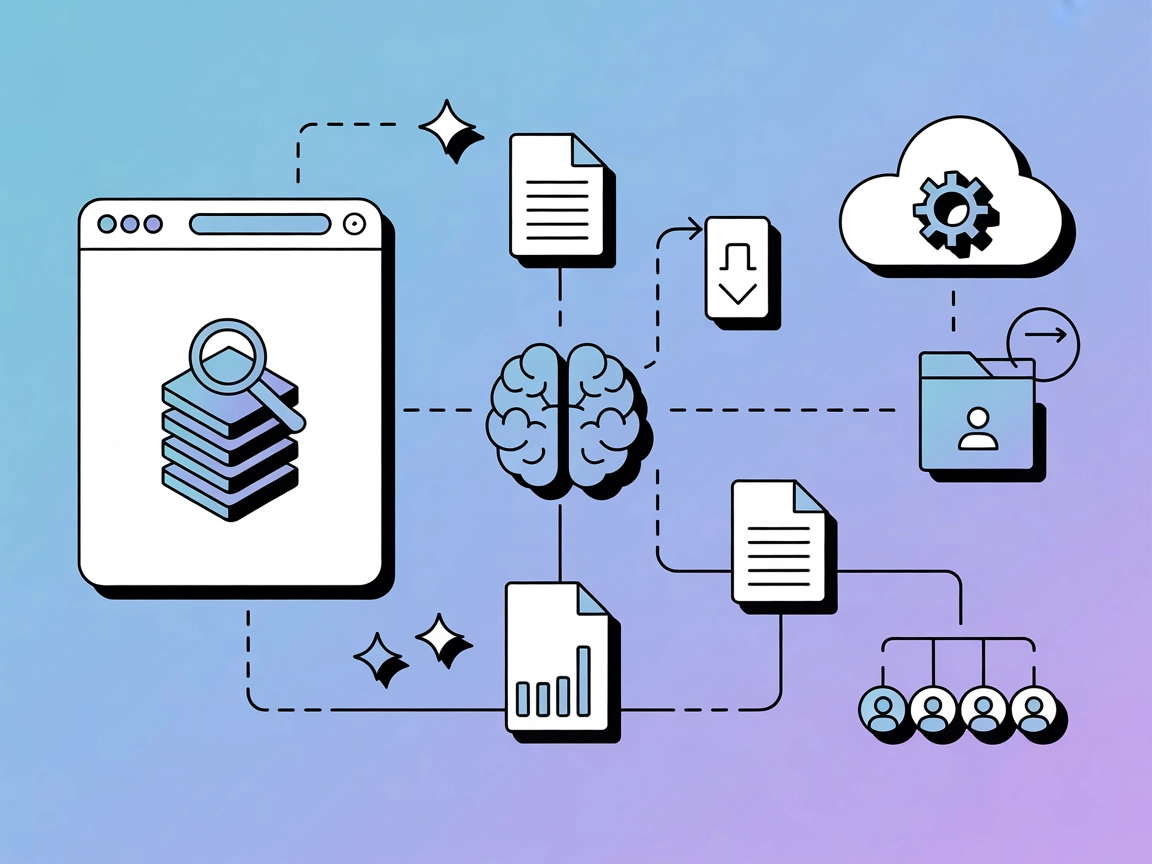
MCP-DBLP
Connect FlowHunt with the DBLP computer science bibliography via the Model Context Protocol. Instantly search, retrieve, and process academic publications, gene...
4 min read
AI
DBLP
+4

Integrate academic literature search and citation workflows into your LLM agents with MCP-DBLP, a specialized MCP server for DBLP bibliographic data.
The MCP-DBLP server provides seamless access to the DBLP computer science bibliography database for Large Language Models (LLMs) using the Model Context Protocol (MCP). By integrating the DBLP API, MCP-DBLP enables AI assistants to search and retrieve academic publications, process citations, generate BibTeX entries, and perform fuzzy matching on publication titles and author names. It also supports the extraction and formatting of bibliographic information, embedded reference processing, and direct BibTeX export for high-accuracy citation management. With comprehensive search capabilities, filtering, and statistical analysis, MCP-DBLP empowers developers and researchers to enhance their workflows when working with academic literature, bibliographic data, and scholarly references.
instructions_prompt.md to be used together with text containing citations. On Claude Desktop, this prompt can be accessed via the electrical plug icon.
Start your free trial today and see results within days.
Get latest tips, trends, and deals for free.
git clone https://github.com/szeider/mcp-dblp.gitcd mcp-dblp
uv venv
source .venv/bin/activate
uv pip install -e .
{
"mcpServers": {
"mcp-dblp": {
"command": "uv",
"args": [
"--directory",
"/absolute/path/to/mcp-dblp/",
"run",
"mcp-dblp",
"--exportdir",
"/absolute/path/to/bibtex/export/folder/"
]
}
}
}
git clone https://github.com/szeider/mcp-dblp.git
cd mcp-dblp
uv venv
source .venv/bin/activate
uv pip install -e .
~/Library/Application/Support/Claude/claude_desktop_config.json%APPDATA%\Claude\claude_desktop_config.json{
"mcpServers": {
"mcp-dblp": {
"command": "uv",
"args": [
"--directory",
"/absolute/path/to/mcp-dblp/",
"run",
"mcp-dblp",
"--exportdir",
"/absolute/path/to/bibtex/export/folder/"
]
}
}
}
git clone https://github.com/szeider/mcp-dblp.git
cd mcp-dblp
uv venv
source .venv/bin/activate
uv pip install -e .
{
  "mcpServers": {
    "mcp-dblp": {
      "command": "uv",
      "args": [
        "--directory",
        "/absolute/path/to/mcp-dblp/",
        "run",
        "mcp-dblp",
        "--exportdir",
        "/absolute/path/to/bibtex/export/folder/"
      ]
    }
  }
}
git clone https://github.com/szeider/mcp-dblp.git
cd mcp-dblp
uv venv
source .venv/bin/activate
uv pip install -e .
{
  "mcpServers": {
    "mcp-dblp": {
      "command": "uv",
      "args": [
        "--directory",
        "/absolute/path/to/mcp-dblp/",
        "run",
        "mcp-dblp",
        "--exportdir",
        "/absolute/path/to/bibtex/export/folder/"
      ]
    }
  }
}
Securing API Keys:
If API keys or secrets must be provided, use environment variables for security. Example configuration:
{
  "mcpServers": {
    "mcp-dblp": {
      "command": "uv",
      "args": [ ... ],
      "env": {
        "SOME_API_KEY": "${YOUR_API_KEY_ENV_VAR}"
      },
      "inputs": {
        "api_key": "${YOUR_API_KEY_ENV_VAR}"
      }
    }
  }
}
Using MCP in FlowHunt
To integrate MCP servers into your FlowHunt workflow, start by adding the MCP component to your flow and connecting it to your AI agent:

Click on the MCP component to open the configuration panel. In the system MCP configuration section, insert your MCP server details using this JSON format:
{
  "mcp-dblp": {
    "transport": "streamable_http",
    "url": "https://yourmcpserver.example/pathtothemcp/url"
  }
}
Once configured, the AI agent is now able to use this MCP as a tool with access to all its functions and capabilities. Remember to change “mcp-dblp” to whatever the actual name of your MCP server is and replace the URL with your own MCP server URL.
| Section | Availability | Details/Notes |
|---|---|---|
| Overview | ✅ | Full description in README.md |
| List of Prompts | ✅ | Instructions prompt in instructions_prompt.md |
| List of Resources | ⛔ | No explicit MCP resource primitives described |
| List of Tools | ✅ | Six tools listed in README.md (search, fuzzy_title_search, etc.) |
| Securing API Keys | ✅ | Mentioned in general configuration example |
| Sampling Support (less important in evaluation) | ⛔ | Not mentioned |
Based on the above, MCP-DBLP offers strong documentation and tooling, but lacks explicit resource and sampling support in the visible documentation. The prompt template and tool coverage are excellent, but the absence of resource primitives and sampling lowers the comprehensiveness slightly.
| Has a LICENSE | ✅ (MIT) |
|---|---|
| Has at least one tool | ✅ |
| Number of Forks | 4 |
| Number of Stars | 6 |
Our Opinion:
MCP-DBLP is a robust and specialized MCP server, particularly well-suited for academic and bibliographic workflows. Its toolset is comprehensive for DBLP integration and citation management, but the lack of explicit resource and sampling support means it may not fully utilize all MCP features yet. Usability and setup are well-documented.
Overall Score: 7.5/10
Supercharge your AI agents with seamless access to the DBLP computer science bibliography. Search, analyze, and export citations directly from FlowHunt or your favorite MCP-compatible app.
Connect FlowHunt with the DBLP computer science bibliography via the Model Context Protocol. Instantly search, retrieve, and process academic publications, gene...

The arXiv MCP Server bridges AI assistants and the arXiv scholarly article repository, enabling natural language searches, metadata retrieval, PDF downloads, an...
The MCP Open Library server bridges AI assistants with the Internet Archive's Open Library API, enabling seamless search and retrieval of book, author, and medi...
Cookie Consent
We use cookies to enhance your browsing experience and analyze our traffic. See our privacy policy.