


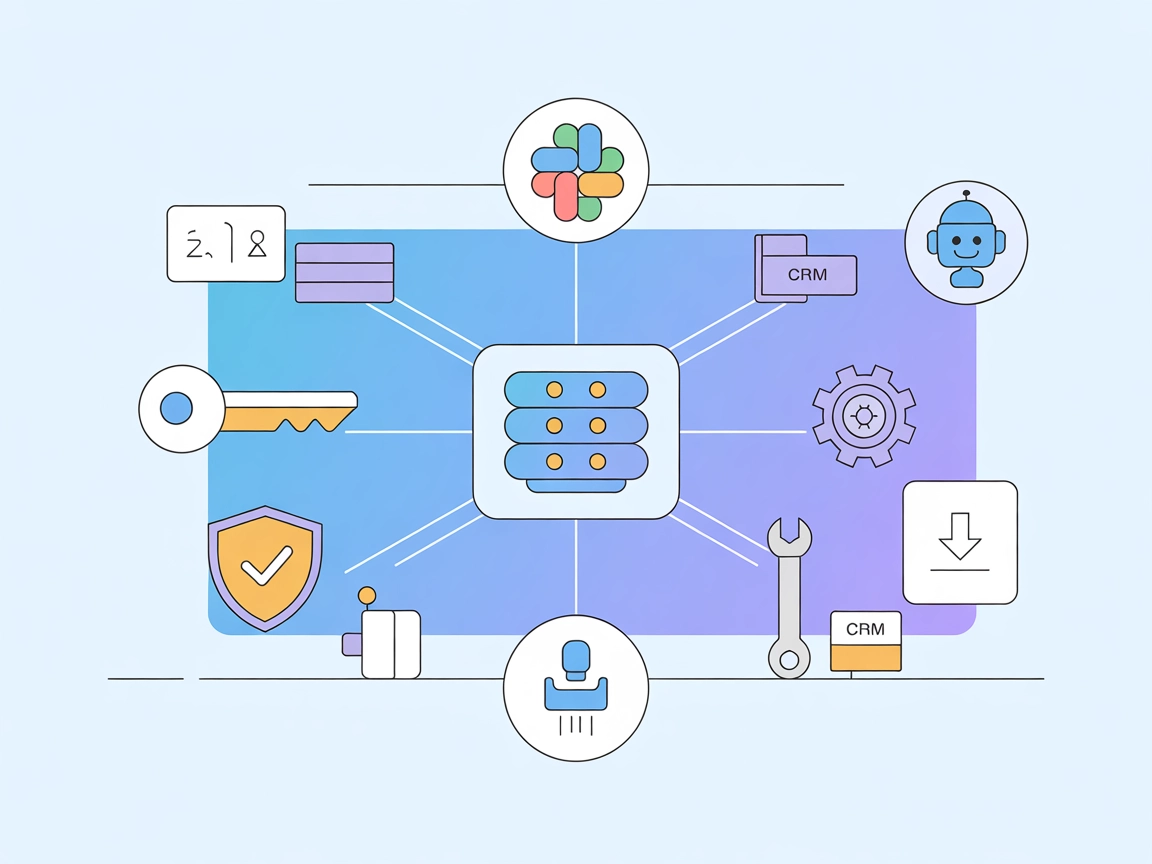
Fastn Server
Integrate FlowHunt with Fastn Server to unify API access, orchestrate AI workflows, and automate business operations across platforms like Slack, Notion, HubSpo...
4 min read
AI
Fastn Server
+5

Fastn MCP Server empowers FlowHunt AI agents to automate workflows, access external APIs, and orchestrate complex tasks with robust error handling and secure credential management.
The Fastn MCP Server is a scalable platform designed to bridge AI assistants with a wide range of external data sources, APIs, and third-party services. By acting as a unified server, Fastn enables AI-driven workflows to seamlessly connect with platforms like Slack, Notion, HubSpot, and more, facilitating tasks such as real-time API execution, dynamic tool registration, and robust error handling. Its architecture is tailored for high performance and flexibility, making it a valuable asset for developers seeking to enhance the capabilities of AI assistants in environments like Claude, Cursor, and others. Fastn empowers users to automate database queries, manage files, and orchestrate complex API-driven operations, streamlining productivity and enabling more intelligent, context-aware applications.
No information provided in the repository about prompt templates.

Start your free trial today and see results within days.
No information provided in the repository about MCP resources.
No explicit tool list or tool definitions are present in the repository or in fastn-server.py. The server appears to expose API-driven functionality, but specific tool names and descriptions are not listed.
Get latest tips, trends, and deals for free.
pip install fastn-mcp-server{
"mcpServers": {
"fastn": {
"command": "/path/to/fastn-mcp-server",
"args": [
"--api_key",
"YOUR_API_KEY",
"--space_id",
"YOUR_WORKSPACE_ID"
]
}
}
}
fastn-server (macOS/Linux: which fastn-server).~/Library/Application Support/Claude/claude_desktop_config.json{
"mcpServers": {
"fastn": {
"command": "/path/to/your/uv",
"args": [
"--directory",
"/path/to/your/fastn-server",
"run",
"fastn-server.py",
"--api_key",
"YOUR_API_KEY",
"--space_id",
"YOUR_WORKSPACE_ID"
]
}
}
}
{
    "mcpServers": {
        "fastn": {
            "command": "/path/to/fastn-mcp-server",
            "args": [
                "--api_key",
                "YOUR_API_KEY",
                "--space_id",
                "YOUR_WORKSPACE_ID"
            ]
        }
    }
}
No specific setup instructions provided for Cline.
Use environment variables for sensitive information.
Example:
{
    "mcpServers": {
        "fastn": {
            "env": {
                "FASTN_API_KEY": "your_api_key",
                "FASTN_SPACE_ID": "your_space_id"
            },
            "inputs": {
                "api_key": "${FASTN_API_KEY}",
                "space_id": "${FASTN_SPACE_ID}"
            }
        }
    }
}
Using MCP in FlowHunt
To integrate MCP servers into your FlowHunt workflow, start by adding the MCP component to your flow and connecting it to your AI agent:

Click on the MCP component to open the configuration panel. In the system MCP configuration section, insert your MCP server details using this JSON format:
{
  "fastn": {
    "transport": "streamable_http",
    "url": "https://yourmcpserver.example/pathtothemcp/url"
  }
}
Once configured, the AI agent is now able to use this MCP as a tool with access to all its functions and capabilities. Remember to change “fastn” to whatever the actual name of your MCP server is and replace the URL with your own MCP server URL.
| Section | Availability | Details/Notes |
|---|---|---|
| Overview | ✅ | Basic description and function in README |
| List of Prompts | ⛔ | No prompt template info found |
| List of Resources | ⛔ | No resource info found |
| List of Tools | ⛔ | No explicit tool list, only mentions API-driven features |
| Securing API Keys | ✅ | Instructions via environment variables example |
| Sampling Support (less important in evaluation) | ⛔ | No explicit mention |
Rating paragraph:
The Fastn MCP server provides solid documentation for setup and general API integration, but lacks detailed information about available prompts, resources, and tools, which may hinder quick adoption for some users. Its support for key platforms and secure credential management is a plus, but the absence of sampling and roots support (based on available documentation) keeps its overall composability limited.
| Has a LICENSE | ✅ (MIT) |
|---|---|
| Has at least one tool | ⛔ |
| Number of Forks | 5 |
| Number of Stars | 10 |
Supercharge your AI workflows by connecting FlowHunt to external APIs and services using Fastn MCP Server. Enhance automation, productivity, and context-aware operations today.
Integrate FlowHunt with Fastn Server to unify API access, orchestrate AI workflows, and automate business operations across platforms like Slack, Notion, HubSpo...
The Notion MCP Server connects FlowHunt’s AI agents directly to your Notion workspace, enabling advanced automation, database management, and content operations...
WayStation MCP Server is a universal remote Model Context Protocol (MCP) server that connects AI assistants like Claude and ChatGPT to productivity tools such a...
Cookie Consent
We use cookies to enhance your browsing experience and analyze our traffic. See our privacy policy.