



Calculator MCP Server
The Calculator MCP Server brings fast, programmatic mathematical computation to AI assistants and LLMs via the MCP protocol, enabling precise calculation capabi...
4 min read
MCP Server
AI Tools
+3
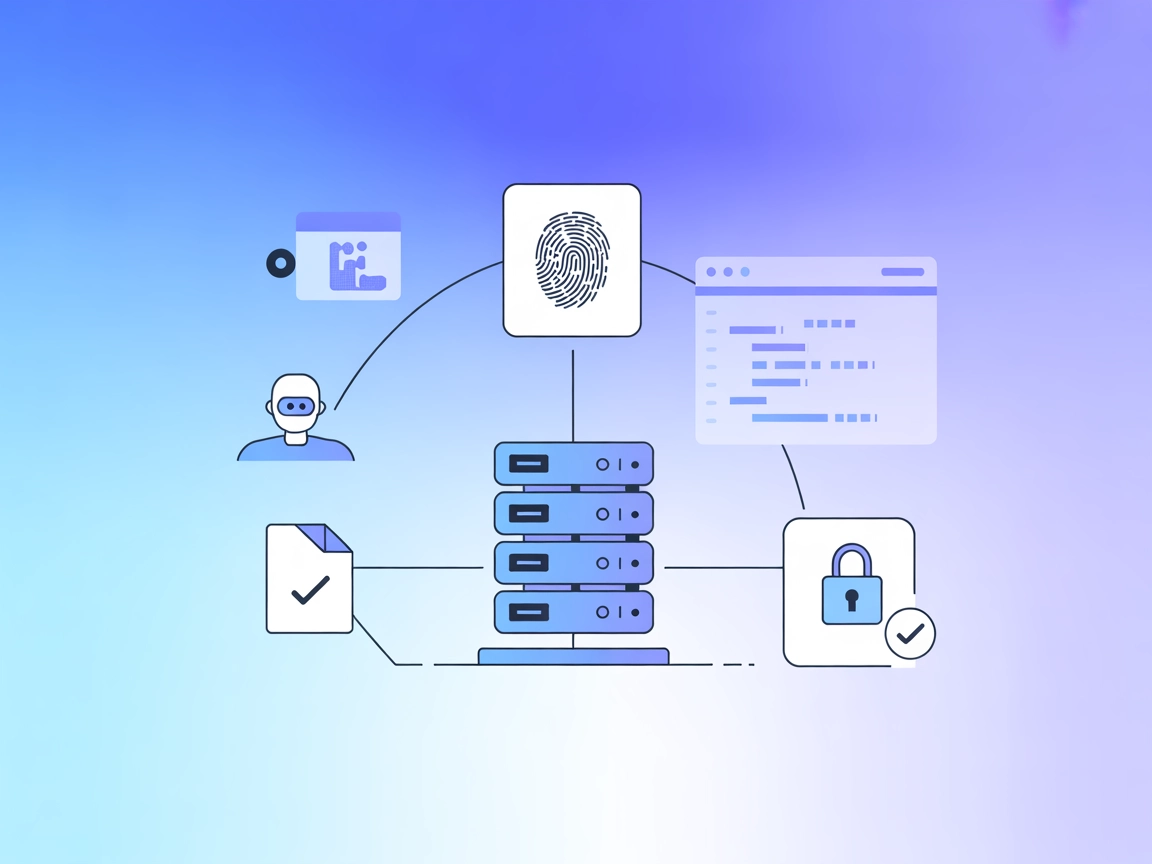
Expose MD5 and SHA-256 hashing as tools in your AI-powered workflow for quick, reliable data integrity checks and cryptographic operations.
The Hashing MCP Server is a Model Context Protocol (MCP) server designed for calculating cryptographic hashes, specifically MD5 and SHA-256. By exposing these hashing functionalities as tools, it enables AI assistants and LLM-based development environments (such as Claude Desktop and VSCode) to process cryptographic requests efficiently. The server streamlines tasks that require quick hash generation, which is essential for verifying data integrity, securing content, and supporting workflows that involve cryptographic operations. Its integration with MCP clients allows developers and AI agents to seamlessly request and receive hash computations, simplifying workflows that depend on cryptography.
No information found regarding prompt templates in the repository.

Start your free trial today and see results within days.
No explicit MCP resource definitions found in the repository.
Get latest tips, trends, and deals for free.
venv/uv is available.mcpServers section:{
"mcpServers": {
"hashing-mcp-server": {
"command": "docker",
"args": ["run", "-p", "7090:7090", "kunalpathak13/hashing-mcp-server:latest"]
}
}
}
{
  "mcpServers": {
    "hashing-mcp-server": {
      "command": "docker",
      "args": ["run", "-p", "7090:7090", "kunalpathak13/hashing-mcp-server:latest"]
    }
  }
}
{
  "mcpServers": {
    "hashing-mcp-server": {
      "command": "docker",
      "args": ["run", "-p", "7090:7090", "kunalpathak13/hashing-mcp-server:latest"]
    }
  }
}
{
  "mcpServers": {
    "hashing-mcp-server": {
      "command": "docker",
      "args": ["run", "-p", "7090:7090", "kunalpathak13/hashing-mcp-server:latest"]
    }
  }
}
Securing API Keys Example:
While this server does not require API keys, if you add one, use:
{
  "env": {
    "HASHING_MCP_API_KEY": "your_api_key_here"
  },
  "inputs": {}
}
Replace HASHING_MCP_API_KEY with your variable as required.
Using MCP in FlowHunt
To integrate MCP servers into your FlowHunt workflow, start by adding the MCP component to your flow and connecting it to your AI agent:

Click on the MCP component to open the configuration panel. In the system MCP configuration section, insert your MCP server details using this JSON format:
{
  "hashing-mcp-server": {
    "transport": "streamable_http",
    "url": "https://yourmcpserver.example/pathtothemcp/url"
  }
}
Once configured, the AI agent is now able to use this MCP as a tool with access to all its functions and capabilities. Remember to change “hashing-mcp-server” to your actual MCP server name and replace the URL.
| Section | Availability | Details/Notes |
|---|---|---|
| Overview | ✅ | Summarized from README and repo description. |
| List of Prompts | ⛔ | No prompt templates found. |
| List of Resources | ⛔ | No explicit MCP resources documented. |
| List of Tools | ✅ | calculate_md5, calculate_sha256 from README. |
| Securing API Keys | ✅ | Example provided, but not required for this server. |
| Sampling Support (less important in evaluation) | ⛔ | No mention of sampling support. |
This MCP server is very focused and simple, providing basic but valuable crypto-hashing tools. Its documentation is clear, but lacks advanced features like prompt templates or explicit MCP resources. The lack of stars and forks suggests it’s early-stage, but the presence of a license and Docker/PyPI support is good. Score: 5/10 for clarity and utility, but limited scope and adoption.
| Has a LICENSE | ✅ (MIT) |
|---|---|
| Has at least one tool | ✅ |
| Number of Forks | 0 |
| Number of Stars | 0 |
Easily add cryptographic hashing to your AI workflows and development environments with FlowHunt's streamlined MCP integration.
The Calculator MCP Server brings fast, programmatic mathematical computation to AI assistants and LLMs via the MCP protocol, enabling precise calculation capabi...
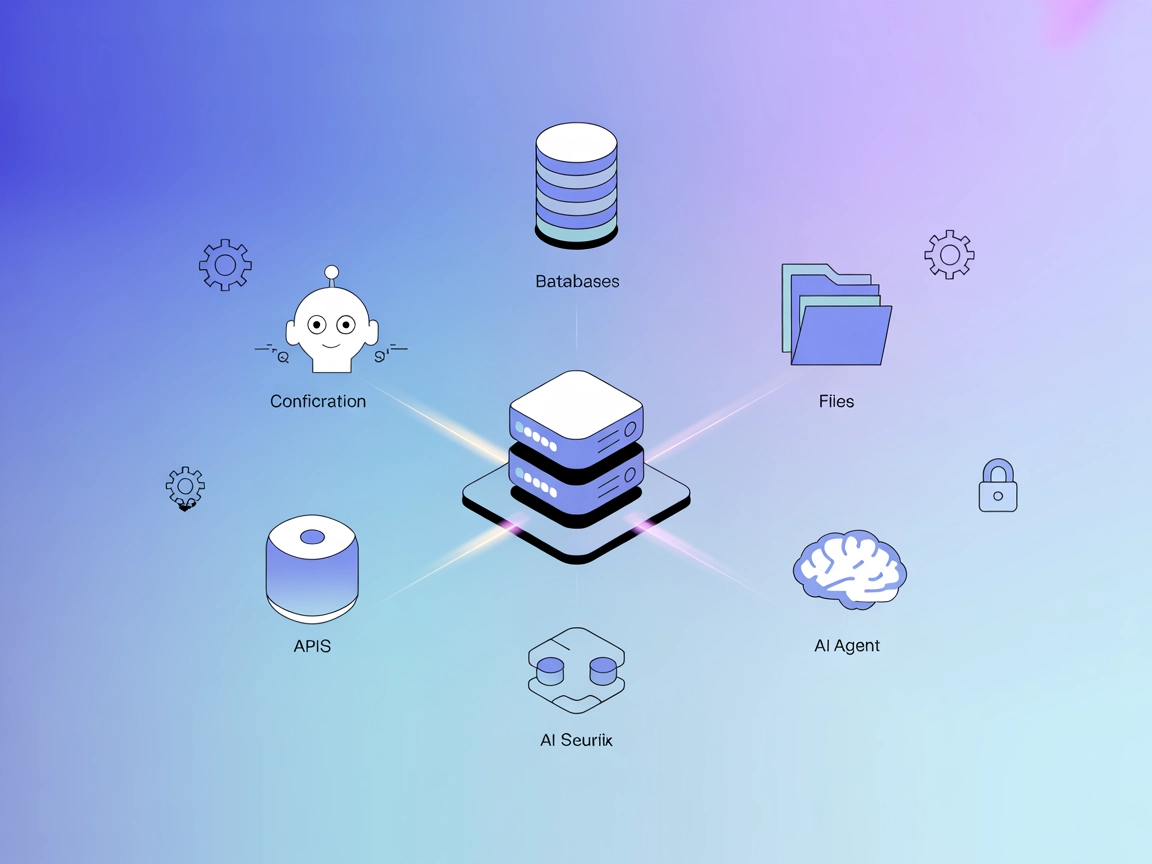
The ModelContextProtocol (MCP) Server acts as a bridge between AI agents and external data sources, APIs, and services, enabling FlowHunt users to build context...
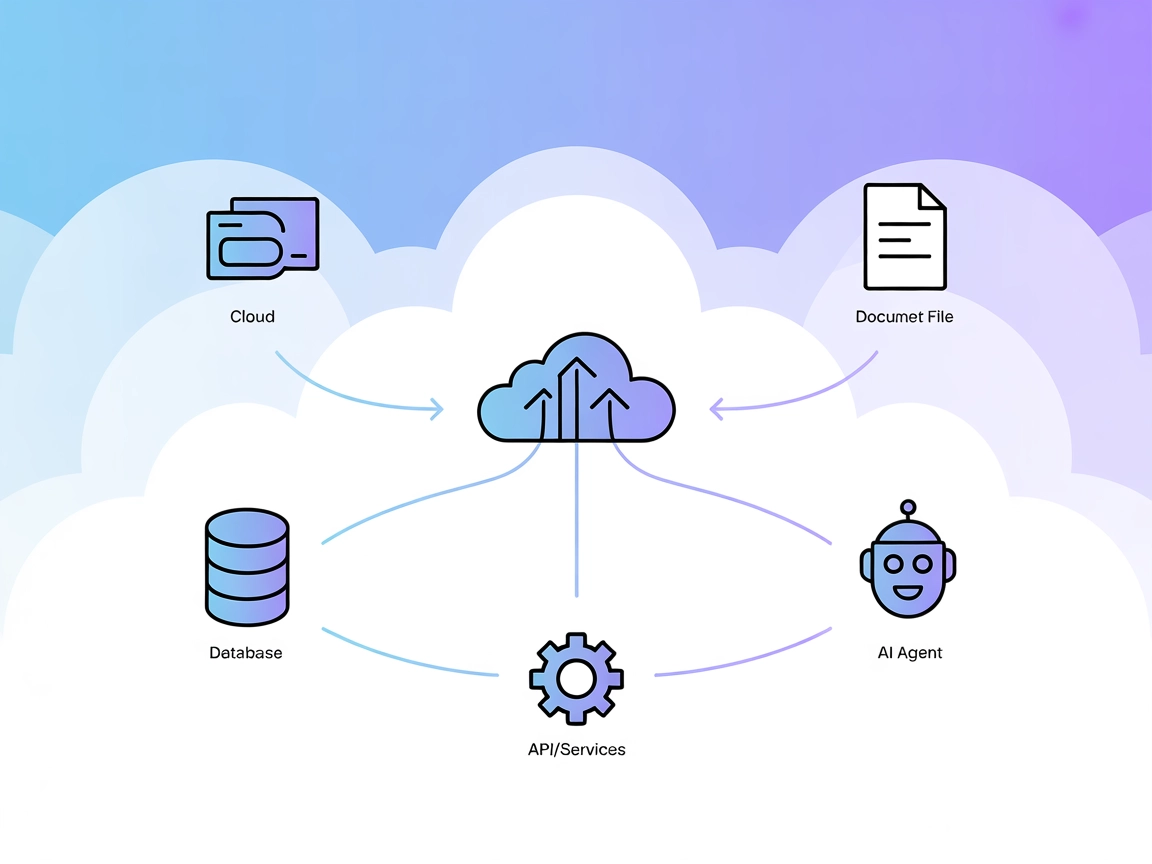
The Model Context Protocol (MCP) Server bridges AI assistants with external data sources, APIs, and services, enabling streamlined integration of complex workfl...
Cookie Consent
We use cookies to enhance your browsing experience and analyze our traffic. See our privacy policy.