


InfluxDB
Integrate FlowHunt with InfluxDB MCP Server to automate time-series data management, streamline resource organization, and leverage AI-driven workflows for quer...
4 min read
AI
InfluxDB
+3
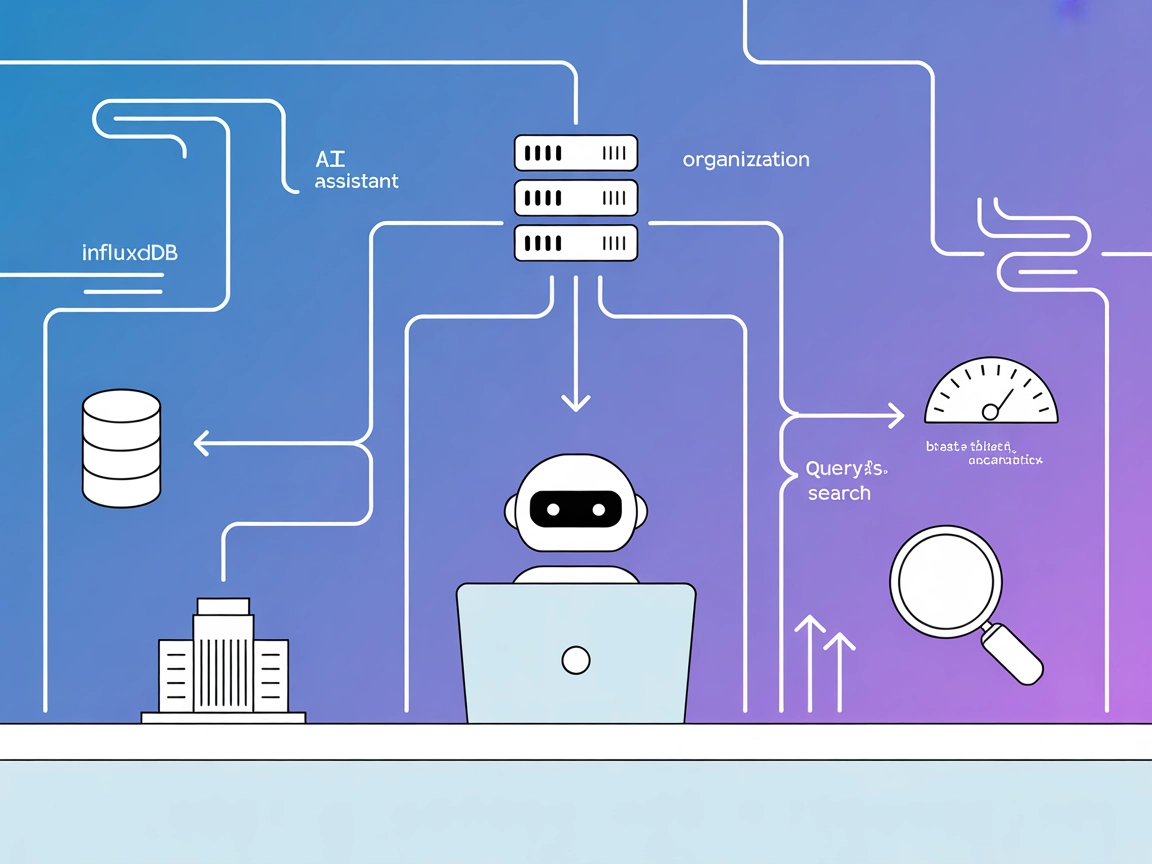
Connect your FlowHunt flows to InfluxDB for real-time time-series analytics, automated data ingestion, and database management—leveraging AI for smarter, automated insights.
The InfluxDB MCP Server is a Model Context Protocol (MCP) server designed to provide seamless access to an InfluxDB instance using the InfluxDB OSS API v2. It acts as an intermediary tool that connects AI assistants to time-series data stored in InfluxDB, enabling enhanced workflows for developers and AI systems. Through its standardized interface, the server exposes both resources (such as organizations, buckets, and measurements) and tools (such as querying and writing data), empowering AI clients to perform tasks like executing database queries, managing data buckets, or integrating time-series analytics into their applications. This robust integration ensures that developers can automate data handling, streamline their development processes, and enhance their application’s intelligence by leveraging real-time and historical data from InfluxDB.

Start your free trial today and see results within days.
influxdb://orgs): Displays all organizations present in the InfluxDB instance.influxdb://buckets): Shows all buckets with associated metadata.influxdb://bucket/{bucketName}/measurements): Lists all measurements within a specified bucket.influxdb://query/{orgName}/{fluxQuery}): Executes a Flux query and returns results as a resource.Get latest tips, trends, and deals for free.
Ensure Node.js is installed on your machine.
Open the Windsurf configuration file (e.g., windsurf.json or equivalent).
Add the InfluxDB MCP Server to the mcpServers object:
{
  "mcpServers": {
    "influxdb-mcp": {
      "command": "npx",
      "args": [
        "@idoru/influxdb-mcp-server@latest",
        "serve"
      ]
    }
  }
}
Save the file and restart Windsurf.
Verify by checking that the InfluxDB MCP Server appears in the MCP server list.
Securing API Keys
Set sensitive values as environment variables. Example:
{
  "mcpServers": {
    "influxdb-mcp": {
      "command": "npx",
      "args": [
        "@idoru/influxdb-mcp-server@latest",
        "serve"
      ],
      "env": {
        "INFLUXDB_TOKEN": "${INFLUXDB_TOKEN_ENV}"
      }
    }
  }
}
Install Node.js if not already present.
Locate Claude’s configuration file.
Add the InfluxDB MCP Server to mcpServers:
{
  "mcpServers": {
    "influxdb-mcp": {
      "command": "npx",
      "args": [
        "@idoru/influxdb-mcp-server@latest",
        "serve"
      ]
    }
  }
}
Save changes and restart Claude.
Confirm setup via Claude’s interface.
Securing API Keys
(See Windsurf example above.)
Ensure Node.js is present.
Open Cursor’s settings or configuration file.
Add the InfluxDB MCP Server using:
{
  "mcpServers": {
    "influxdb-mcp": {
      "command": "npx",
      "args": [
        "@idoru/influxdb-mcp-server@latest",
        "serve"
      ]
    }
  }
}
Save and restart Cursor.
Check the MCP server connectivity.
Securing API Keys
(See Windsurf example above.)
Make sure Node.js is installed.
Edit Cline’s configuration file.
Insert the following under mcpServers:
{
  "mcpServers": {
    "influxdb-mcp": {
      "command": "npx",
      "args": [
        "@idoru/influxdb-mcp-server@latest",
        "serve"
      ]
    }
  }
}
Save the file and restart Cline.
Validate that the server is active in Cline.
Securing API Keys
(See Windsurf example above.)
Using MCP in FlowHunt
To integrate MCP servers into your FlowHunt workflow, start by adding the MCP component to your flow and connecting it to your AI agent:

Click on the MCP component to open the configuration panel. In the system MCP configuration section, insert your MCP server details using this JSON format:
{
  "influxdb-mcp": {
    "transport": "streamable_http",
    "url": "https://yourmcpserver.example/pathtothemcp/url"
  }
}
Once configured, the AI agent is now able to use this MCP as a tool with access to all its functions and capabilities. Remember to change “influxdb-mcp” to whatever the actual name of your MCP server is and replace the URL with your own MCP server URL.
| Section | Availability | Details/Notes |
|---|---|---|
| Overview | ✅ | Provided in README.md |
| List of Prompts | ✅ | flux-query-examples, line-protocol-guide |
| List of Resources | ✅ | orgs, buckets, bucket measurements, Flux query |
| List of Tools | ✅ | write-data, query-data, create-bucket, create-org |
| Securing API Keys | ✅ | Environment variable example in configuration section |
| Sampling Support (less important in evaluation) | ⛔ | Not mentioned in documentation |
Based on the above, this MCP server is well-documented for its core InfluxDB integration features. It clearly exposes resources and tools, includes prompt templates, and provides good setup guidance. However, advanced MCP features like roots and sampling are not documented, which slightly limits its extensibility for some workflows.
This is a robust, practical MCP server for InfluxDB with clear utility for time-series data and automation tasks. It scores high for practical developer use, though it lacks documentation on advanced MCP features.
| Has a LICENSE | ✅ (MIT) |
|---|---|
| Has at least one tool | ✅ |
| Number of Forks | 6 |
| Number of Stars | 13 |
Automate time-series data workflows and empower your AI agents with direct InfluxDB access using the InfluxDB MCP Server in FlowHunt.
Integrate FlowHunt with InfluxDB MCP Server to automate time-series data management, streamline resource organization, and leverage AI-driven workflows for quer...

The Apache IoTDB MCP Server enables seamless integration of the IoTDB time-series database into AI workflows, allowing AI assistants and developer tools to exec...
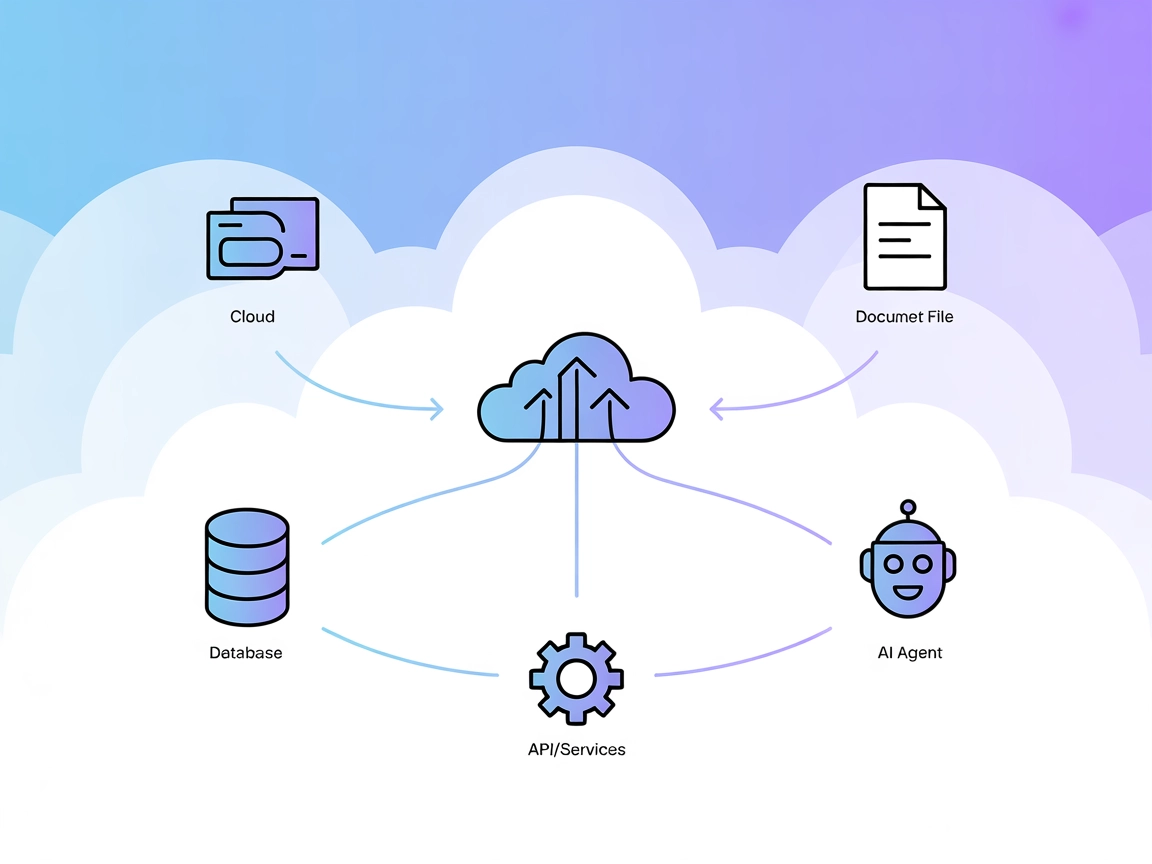
The Model Context Protocol (MCP) Server bridges AI assistants with external data sources, APIs, and services, enabling streamlined integration of complex workfl...
Cookie Consent
We use cookies to enhance your browsing experience and analyze our traffic. See our privacy policy.