


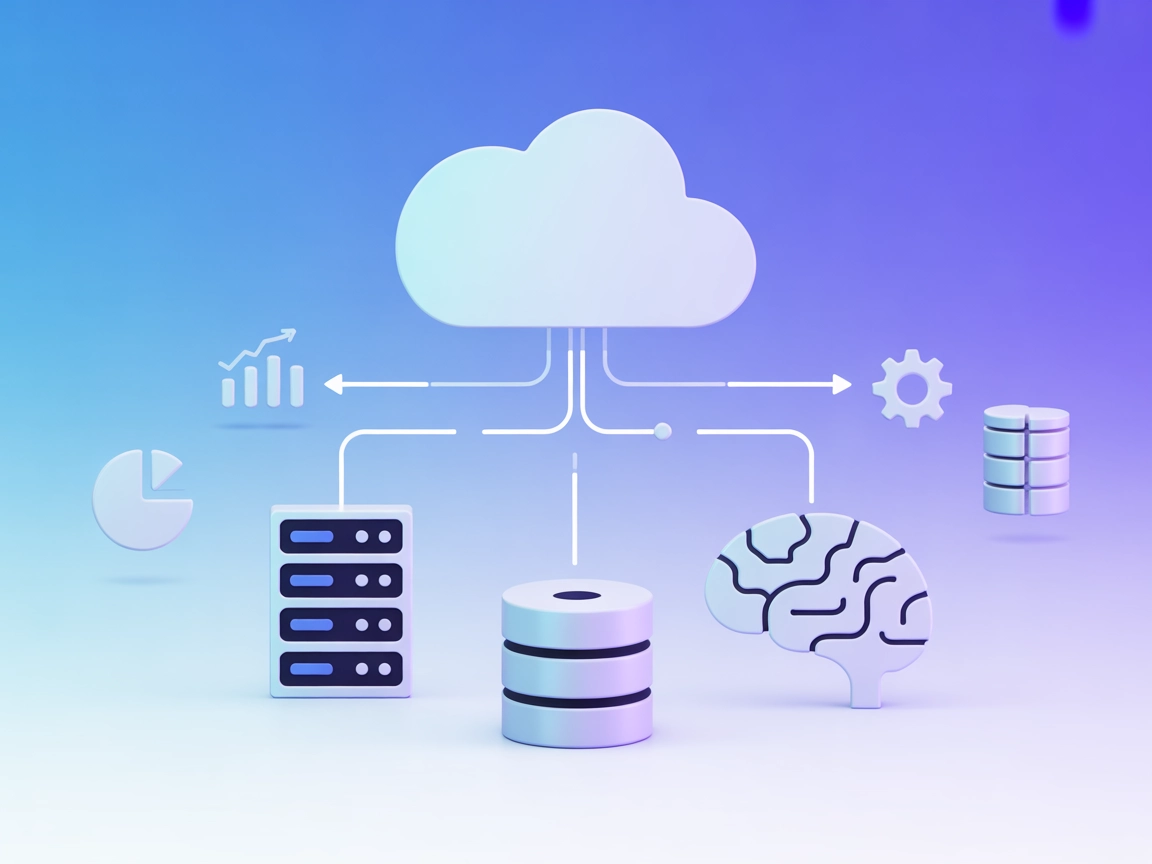
MSSQL MCP Server
The MSSQL MCP Server connects AI assistants with Microsoft SQL Server databases, enabling advanced data operations, business intelligence, and workflow automati...
5 min read
AI
Database
+4
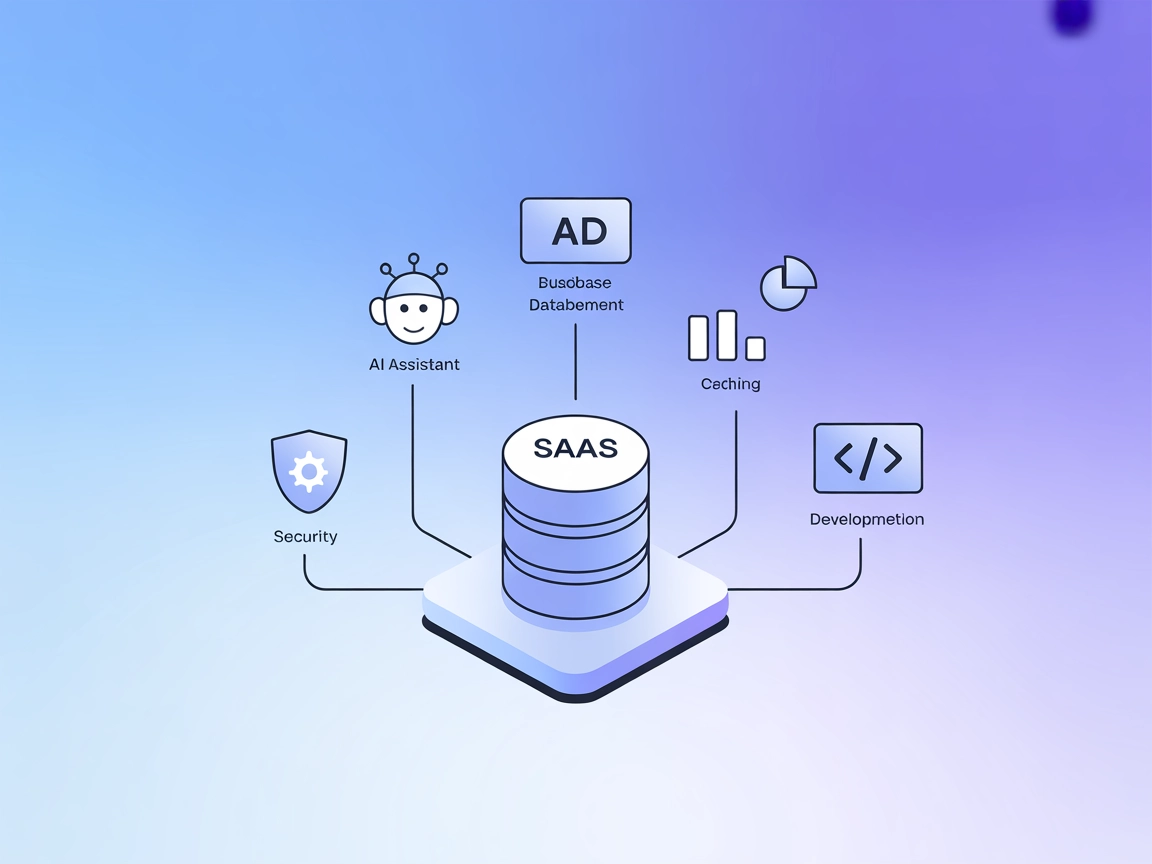
Connect FlowHunt’s AI agents to KWDB for powerful, secure, and standardized database access—enabling querying, data manipulation, and business intelligence through the Model Context Protocol.
The KWDB MCP Server is an implementation of the Model Context Protocol (MCP) that connects AI assistants with the KWDB database, providing business intelligence and data manipulation capabilities. Acting as a bridge, the KWDB MCP Server enables AI models to perform database queries, retrieve metadata, modify data, and access syntax guides through standardized tools and resources. It supports both reading and writing operations (e.g., SELECT, INSERT, UPDATE, DDL), automatically manages query limits for efficiency, and formats all API responses in a consistent JSON structure. This server enhances development workflows by simplifying database access, ensuring security with distinct tools for read/write, and exposing useful metadata and table schemas to clients for rich, context-aware LLM interactions.

Start your free trial today and see results within days.
kwdb://product_info): Contains information about the KWDB product version and supported features.kwdb://db_info/{database_name}): Provides details about a specific database, including engine type, comments, and contained tables.kwdb://table/{table_name}): Exposes the schema of a specific table, including columns and example queries.SELECT, SHOW, and EXPLAIN on the KWDB database.INSERT, UPDATE, DELETE, and DDL commands (CREATE, DROP, ALTER).Get latest tips, trends, and deals for free.
windsurf.config.json).mcpServers object with the appropriate command and arguments.Example JSON configuration:
{
  "mcpServers": {
    "kwdb": {
      "command": "npx",
      "args": ["@KWDB/mcp-server@latest"]
    }
  }
}
Securing API keys:
{
  "mcpServers": {
    "kwdb": {
      "command": "npx",
      "args": ["@KWDB/mcp-server@latest"],
      "env": {
        "KWDB_API_KEY": "${KWDB_API_KEY}"
      },
      "inputs": {
        "database_url": "your_kwdb_connection_string"
      }
    }
  }
}
mcpServers.Example JSON configuration:
{
  "mcpServers": {
    "kwdb": {
      "command": "npx",
      "args": ["@KWDB/mcp-server@latest"]
    }
  }
}
Securing API keys:
{
  "mcpServers": {
    "kwdb": {
      "command": "npx",
      "args": ["@KWDB/mcp-server@latest"],
      "env": {
        "KWDB_API_KEY": "${KWDB_API_KEY}"
      },
      "inputs": {
        "database_url": "your_kwdb_connection_string"
      }
    }
  }
}
.cursorrc).Example JSON configuration:
{
  "mcpServers": {
    "kwdb": {
      "command": "npx",
      "args": ["@KWDB/mcp-server@latest"]
    }
  }
}
Securing API keys:
{
  "mcpServers": {
    "kwdb": {
      "command": "npx",
      "args": ["@KWDB/mcp-server@latest"],
      "env": {
        "KWDB_API_KEY": "${KWDB_API_KEY}"
      },
      "inputs": {
        "database_url": "your_kwdb_connection_string"
      }
    }
  }
}
mcpServers.Example JSON configuration:
{
  "mcpServers": {
    "kwdb": {
      "command": "npx",
      "args": ["@KWDB/mcp-server@latest"]
    }
  }
}
Securing API keys:
{
  "mcpServers": {
    "kwdb": {
      "command": "npx",
      "args": ["@KWDB/mcp-server@latest"],
      "env": {
        "KWDB_API_KEY": "${KWDB_API_KEY}"
      },
      "inputs": {
        "database_url": "your_kwdb_connection_string"
      }
    }
  }
}
Using MCP in FlowHunt
To integrate MCP servers into your FlowHunt workflow, start by adding the MCP component to your flow and connecting it to your AI agent:

Click on the MCP component to open the configuration panel. In the system MCP configuration section, insert your MCP server details using this JSON format:
{
  "kwdb": {
    "transport": "streamable_http",
    "url": "https://yourmcpserver.example/pathtothemcp/url"
  }
}
Once configured, the AI agent is now able to use this MCP as a tool with access to all its functions and capabilities. Remember to change "kwdb" to whatever the actual name of your MCP server is and replace the URL with your own MCP server URL.
| Section | Availability | Details/Notes |
|---|---|---|
| Overview | ✅ | |
| List of Prompts | ✅ | Syntax guide only |
| List of Resources | ✅ | 3 documented resources |
| List of Tools | ✅ | read-query, write-query |
| Securing API Keys | ✅ | Uses env in configuration |
| Sampling Support (less important in evaluation) | ⛔ | Not mentioned |
The KWDB MCP Server offers clear documentation for its main features, tools, and resources, with solid support for basic MCP integrations. However, prompt templates are limited (only syntax guide is documented), and there’s no explicit information on Roots or Sampling support. Its utility for standard database operations is strong, but coverage of advanced MCP/LLM features is average.
MCP Score: 6/10
| Has a LICENSE | ✅ (MIT) |
|---|---|
| Has at least one tool | ✅ |
| Number of Forks | 1 |
| Number of Stars | 3 |
Supercharge your AI-powered workflows by integrating the KWDB MCP Server. Enable secure, flexible database access and business intelligence inside FlowHunt.
The MSSQL MCP Server connects AI assistants with Microsoft SQL Server databases, enabling advanced data operations, business intelligence, and workflow automati...

The JDBC MCP Server bridges AI assistants and SQL databases using the JDBC protocol, enabling real-time queries, analytics automation, and streamlined database ...

The MSSQL MCP Server enables secure, auditable, and structured interaction between FlowHunt and Microsoft SQL Server databases. It supports table listing, data ...
Cookie Consent
We use cookies to enhance your browsing experience and analyze our traffic. See our privacy policy.