



LinkedIn MCP Integration
Supercharge your LinkedIn content strategy by integrating FlowHunt with LiGo’s Model Context Protocol (MCP). Enable GPT-based assistants like Claude and ChatGPT...
4 min read
AI
LinkedIn
+6

Empower your AI assistant with real LinkedIn insights—generate, analyze, and rewrite posts in your true voice, directly from your FlowHunt workflows.
The LinkedIn MCP Runner is an official implementation of the Model Context Protocol (MCP) designed to connect AI assistants like GPT-based models with a user’s public LinkedIn data. It serves as a creative co-pilot, enabling AI tools such as Claude or ChatGPT to access your actual LinkedIn posts, analyze engagement, understand your writing tone, and help generate or rewrite posts in your unique voice. By leveraging your real content, it streamlines workflows for content creation, analytics, and engagement strategies—transforming AI assistants into LinkedIn-savvy strategists who can provide actionable insights and automate social media interaction, all while maintaining user consent and privacy.
No explicit prompt templates are listed in the repository or README.

Start your free trial today and see results within days.
No explicit MCP resources are described in the repository or README.
No explicit tools (such as database queries, file management, or API calls) are described in the repository or README.
Get latest tips, trends, and deals for free.
No setup instructions or configuration examples are provided for Windsurf.
No JSON configuration is shown in the documentation.
No setup instructions or configuration examples are provided for Cursor.
No setup instructions or configuration examples are provided for Cline.
No information on API key management or environment variable usage is provided.
Using MCP in FlowHunt
To integrate MCP servers into your FlowHunt workflow, start by adding the MCP component to your flow and connecting it to your AI agent:

Click on the MCP component to open the configuration panel. In the system MCP configuration section, insert your MCP server details using this JSON format:
{
  "MCP-name": {
    "transport": "streamable_http",
    "url": "https://yourmcpserver.example/pathtothemcp/url"
  }
}
Once configured, the AI agent is now able to use this MCP as a tool with access to all its functions and capabilities. Remember to change “MCP-name” to whatever the actual name of your MCP server is (e.g., “github-mcp”, “weather-api”, etc.) and replace the URL with your own MCP server URL.
| Section | Availability | Details/Notes |
|---|---|---|
| Overview | ✅ | |
| List of Prompts | ⛔ | Not specified in repo or README |
| List of Resources | ⛔ | Not specified in repo or README |
| List of Tools | ⛔ | Not specified in repo or README |
| Securing API Keys | ⛔ | Not specified in repo or README |
| Sampling Support (less important in evaluation) | ⛔ | Not specified in repo or README |
Overall, the LinkedIn MCP Runner offers a unique AI-powered LinkedIn content experience, but the public documentation is missing protocol-level details—such as resources, prompt templates, and explicit tool lists. As such, developers may find it easy to use but lacking in technical transparency.
| Has a LICENSE | ✅ (MIT) |
|---|---|
| Has at least one tool | ⛔ |
| Number of Forks | 2 |
| Number of Stars | 4 |
Rating:
Given the clear overview and use case explanations but lack of technical MCP details, I would rate the LinkedIn MCP Runner repository a 4 out of 10 for MCP clarity and developer readiness.
Let FlowHunt and the LinkedIn MCP Runner transform your AI assistant into a LinkedIn-savvy strategist—generate posts, analyze engagement, and maintain your authentic voice.
Supercharge your LinkedIn content strategy by integrating FlowHunt with LiGo’s Model Context Protocol (MCP). Enable GPT-based assistants like Claude and ChatGPT...
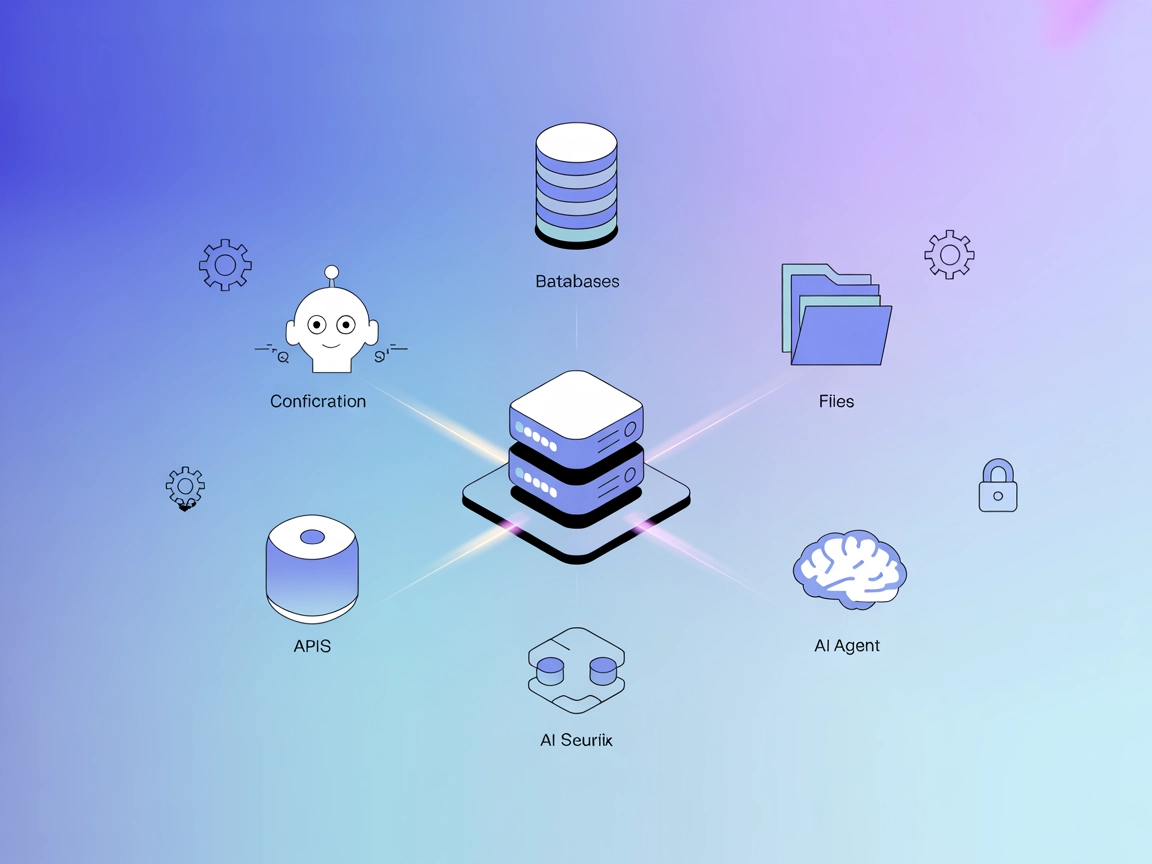
The ModelContextProtocol (MCP) Server acts as a bridge between AI agents and external data sources, APIs, and services, enabling FlowHunt users to build context...
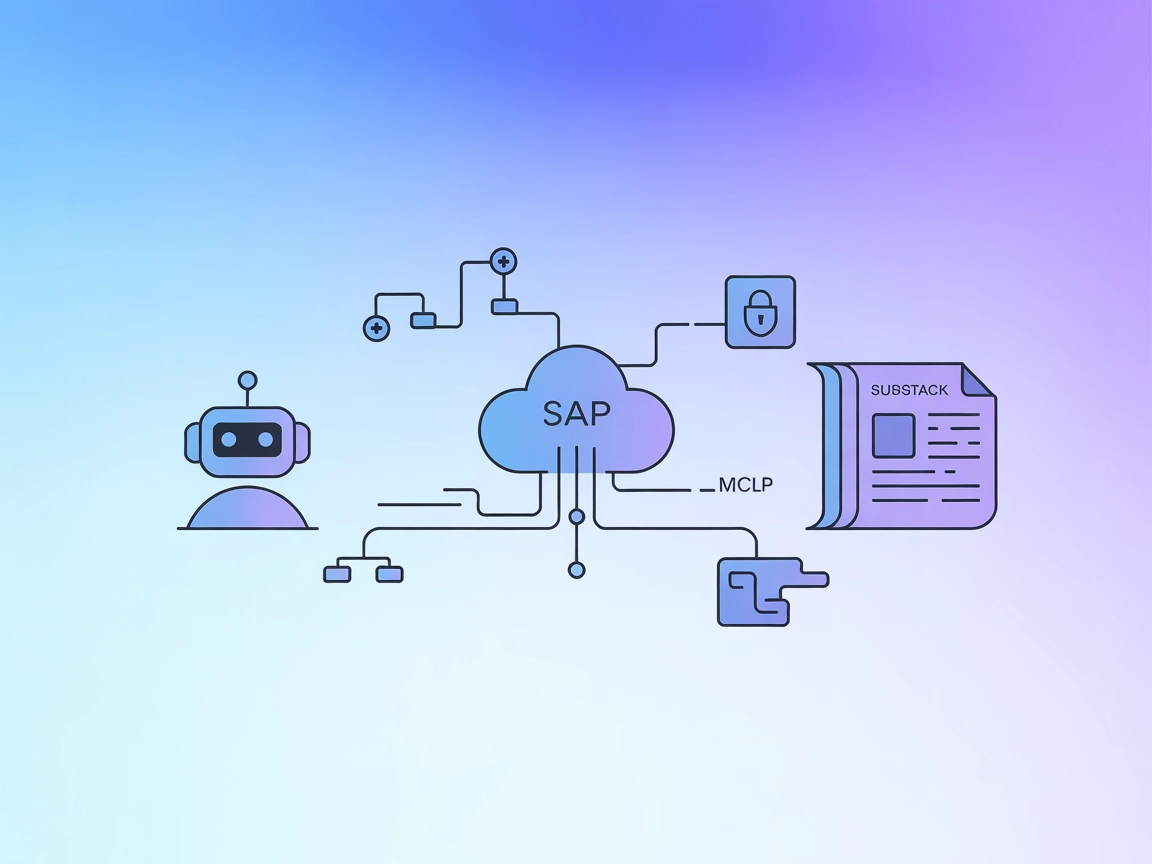
The mcp-writer-substack MCP Server enables AI assistants like Claude to access, retrieve, and summarize Substack newsletter content within workflows. It streaml...
Cookie Consent
We use cookies to enhance your browsing experience and analyze our traffic. See our privacy policy.