


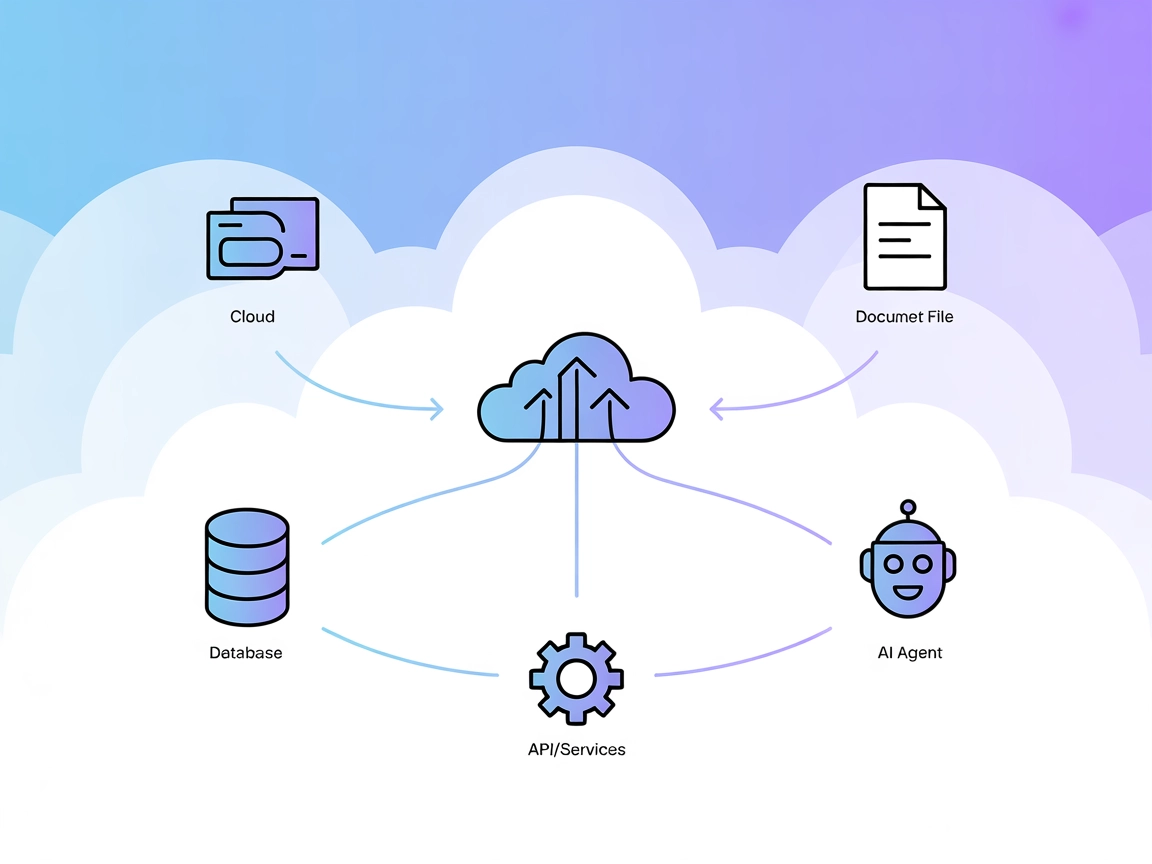
Model Context Protocol (MCP) Server
The Model Context Protocol (MCP) Server bridges AI assistants with external data sources, APIs, and services, enabling streamlined integration of complex workfl...
3 min read
AI
MCP
+4

Integrate the Magic Meal Kits MCP Server with FlowHunt for secure, AI-driven server health checks and backend version validation.
The Magic Meal Kits MCP (Model Context Protocol) Server acts as a secure middleware between AI assistants and the Magic Meal Kits API. It enables AI-driven tools and assistants to programmatically access and query the Magic Meal Kits server version and related information. This allows developers to maintain a clean separation between their backend API and any AI-powered integrations while enabling AI agents to check the status of the Magic Meal Kits server. The server is designed with secure authentication practices using API keys and supports structured, versioned responses, making it easy to integrate into automated development workflows or to use as a health check for backend services.
No prompt templates are mentioned in the repository.

Start your free trial today and see results within days.
No explicit resources are listed or described in the repository.
Get latest tips, trends, and deals for free.
Server Health Checks
Developers can use the MCP server to programmatically verify that the Magic Meal Kits backend is running the correct version, aiding in automated monitoring and deployment pipelines.
AI Assistant Integration
AI-powered clients (like Claude Desktop) can retrieve backend version information to ensure compatibility or trigger workflows based on specific Magic Meal Kits server versions.
Secure API Bridging
By using API keys and environment variables, the server helps ensure that sensitive credentials are not exposed to AI clients, maintaining a secure bridge between the backend and the AI layer.
Automated Debugging
Developers can run the MCP server in debug mode to test connections and outputs before deploying or integrating with production AI assistants.
No Windsurf-specific setup instructions are provided in the repository.
Prerequisites:
Installation:
npx -y @smithery/cli install @pureugong/mmk-mcp --client claude
npm install -g mmk-mcp
Configuration:
claude_desktop_config.json, add:{
"mcpServers": {
"magic-meal-kits": {
"command": "npx",
"args": ["-y", "mmk-mcp"],
"env": {
"MMK_API_KEY": "<your-api-key>",
"MMK_API_BASE_URL": "<your-api-base-url>"
}
}
}
}
Save/Restart:
Verification:
npm install -g @modelcontextprotocol/inspector
MMK_API_KEY and MMK_API_BASE_URL.No Cursor-specific setup instructions are provided in the repository.
No Cline-specific setup instructions are provided in the repository.
Using MCP in FlowHunt
To integrate MCP servers into your FlowHunt workflow, start by adding the MCP component to your flow and connecting it to your AI agent:

Click on the MCP component to open the configuration panel. In the system MCP configuration section, insert your MCP server details using this JSON format:
{
  "magic-meal-kits": {
    "transport": "streamable_http",
    "url": "https://yourmcpserver.example/pathtothemcp/url"
  }
}
Once configured, the AI agent is now able to use this MCP as a tool with access to all its functions and capabilities. Remember to change “magic-meal-kits” to whatever the actual name of your MCP server is and replace the URL with your own MCP server URL.
| Section | Availability | Details/Notes |
|---|---|---|
| Overview | ✅ | Basic description and benefits from readme.md |
| List of Prompts | ⛔ | No prompt templates found |
| List of Resources | ⛔ | No explicit resources listed |
| List of Tools | ✅ | magic_meal_kits_server_version described in readme.md |
| Securing API Keys | ✅ | Shown in README with environment variable config |
| Sampling Support (less important in evaluation) | ⛔ | No mention of sampling |
Based on the available documentation and repository details, the Magic Meal Kits MCP Server is very minimal, focusing on a single tool (server version checking) and secure configuration. There’s no evidence of prompt templates, resources, or sampling support. The documentation is clear for Claude, but missing for other platforms. This MCP server is useful for health checks and AI integration, but its scope is narrow.
| Has a LICENSE | ⛔ (No LICENSE file found) |
|---|---|
| Has at least one tool | ✅ |
| Number of Forks | 1 |
| Number of Stars | 0 |
Overall, this MCP server scores a 3/10 for breadth and reusability. It is easy to set up for Claude and has clear documentation for one tool, but lacks depth in resources, prompts, and platform coverage.
Enable your AI workflows to securely check backend server status and versioning with the Magic Meal Kits MCP Server integration.
The Model Context Protocol (MCP) Server bridges AI assistants with external data sources, APIs, and services, enabling streamlined integration of complex workfl...
The ModelContextProtocol (MCP) Server acts as a bridge between AI agents and external data sources, APIs, and services, enabling FlowHunt users to build context...

The Integration App MCP Server provides AI assistants with secure, token-based access to a unified ecosystem of APIs, tools, and data sources, enabling powerful...
Cookie Consent
We use cookies to enhance your browsing experience and analyze our traffic. See our privacy policy.