


Pandoc MCP Server
The Pandoc MCP Server enables seamless, automated document format conversion using the powerful pandoc tool. Integrate it with FlowHunt or other AI systems to t...
4 min read
MCP Server
Document Conversion
+5
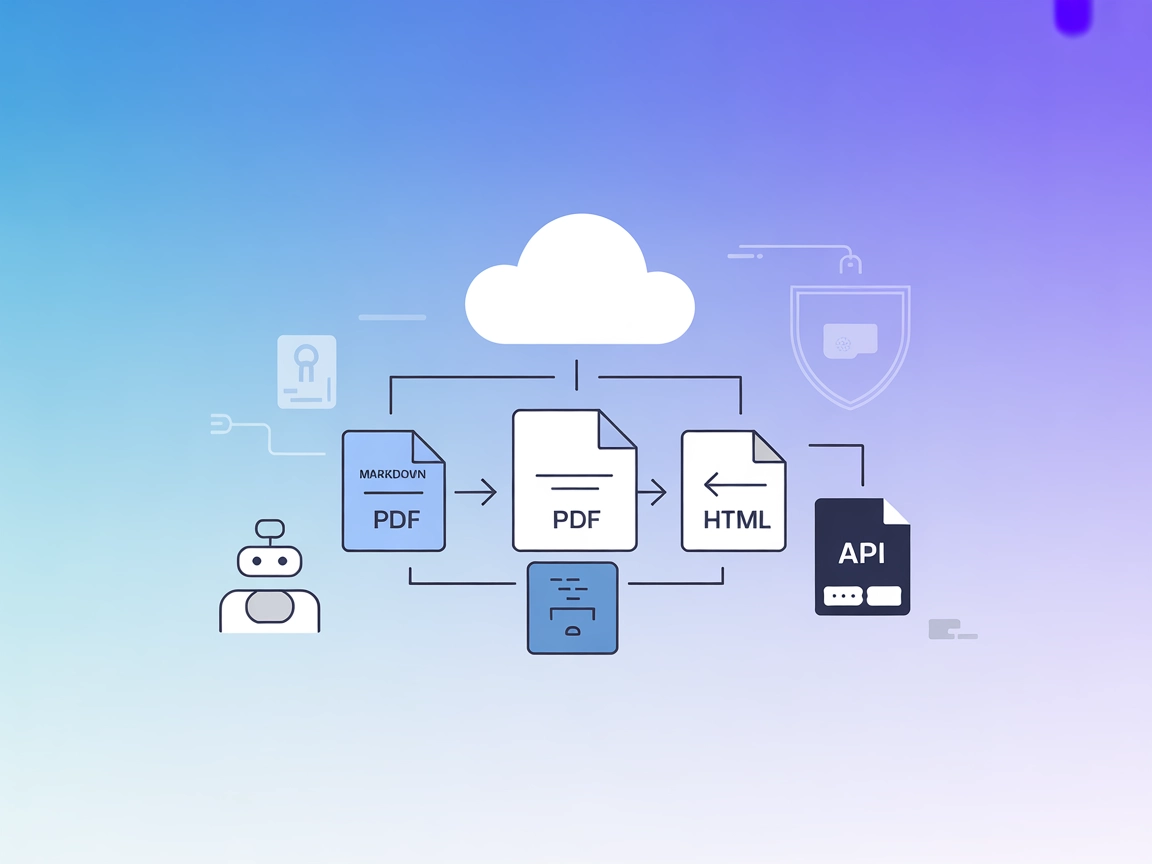
Easily automate document format conversions in your AI workflows with the Pandoc MCP Server—seamlessly integrated with FlowHunt for technical writing, content pipelines, and continuous integration.
FlowHunt provides an additional security layer between your internal systems and AI tools, giving you granular control over which tools are accessible from your MCP servers. MCP servers hosted in our infrastructure can be seamlessly integrated with FlowHunt's chatbot as well as popular AI platforms like ChatGPT, Claude, and various AI editors.
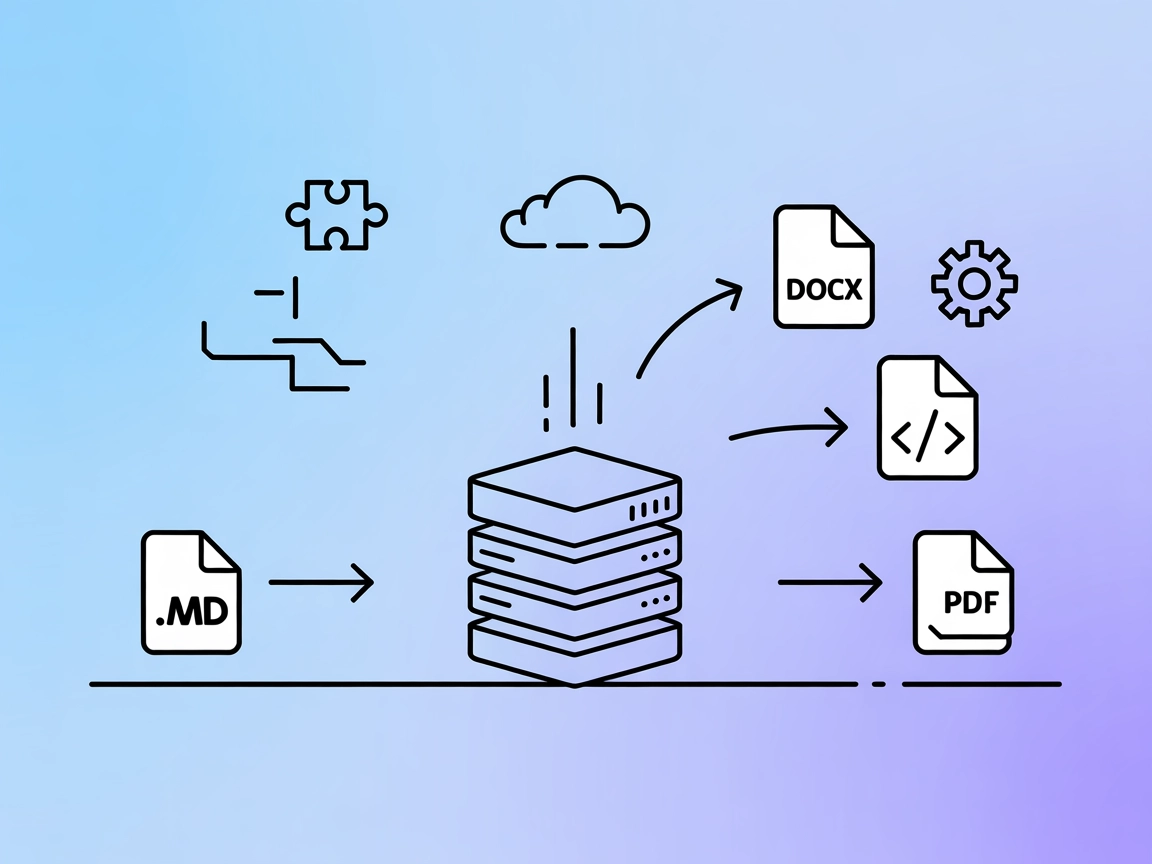
The Pandoc MCP Server is designed to bridge AI assistants and external document conversion capabilities by leveraging the power of Pandoc—a universal document converter. By exposing Pandoc’s functionality through the Model Context Protocol (MCP), this server enables AI-driven automation of format transformations, such as converting Markdown to PDF or HTML, within larger development workflows. It empowers language models and their clients to perform document conversions programmatically, simplifying content management tasks, automating document pipelines, and enhancing the productivity of teams that work with diverse file types and documentation standards.
No prompt templates are documented in the repository.

Start your free trial today and see results within days.
No explicit resources are documented in the repository.
No explicit tools are documented in the repository’s server.py file or documentation.
Get latest tips, trends, and deals for free.
mcpServers object using the configuration below."mcpServers": {
"pandoc-mcp": {
"command": "npx",
"args": ["@pandoc/mcp-server@latest"]
}
}
"mcpServers": {
  "pandoc-mcp": {
    "command": "npx",
    "args": ["@pandoc/mcp-server@latest"]
  }
}
"mcpServers": {
  "pandoc-mcp": {
    "command": "npx",
    "args": ["@pandoc/mcp-server@latest"]
  }
}
"mcpServers": {
  "pandoc-mcp": {
    "command": "npx",
    "args": ["@pandoc/mcp-server@latest"]
  }
}
To secure API keys, use environment variables in your configuration:
"pandoc-mcp": {
  "command": "npx",
  "args": ["@pandoc/mcp-server@latest"],
  "env": {
    "API_KEY": "${PANDOC_API_KEY}"
  },
  "inputs": {
    "api_key": "${PANDOC_API_KEY}"
  }
}
Using MCP in FlowHunt
To integrate MCP servers into your FlowHunt workflow, start by adding the MCP component to your flow and connecting it to your AI agent:

Click on the MCP component to open the configuration panel. In the system MCP configuration section, insert your MCP server details using this JSON format:
{
  "pandoc-mcp": {
    "transport": "streamable_http",
    "url": "https://yourmcpserver.example/pathtothemcp/url"
  }
}
Once configured, the AI agent is now able to use this MCP as a tool with access to all its functions and capabilities. Remember to change “pandoc-mcp” to whatever the actual name of your MCP server is and replace the URL with your own MCP server URL.
| Section | Availability | Details/Notes |
|---|---|---|
| Overview | ✅ | Brief overview present |
| List of Prompts | ⛔ | No prompt templates documented |
| List of Resources | ⛔ | No explicit resources found |
| List of Tools | ⛔ | No explicit tools found |
| Securing API Keys | ✅ | Example provided |
| Sampling Support (less important in evaluation) | ⛔ | No evidence in repository |
This MCP server provides a clear overview and setup instructions, but is missing detailed documentation on prompts, tools, and resources. Its utility is apparent for document conversion, but the lack of specifics limits its immediate out-of-the-box usefulness.
| Has a LICENSE | ⛔ |
|---|---|
| Has at least one tool | ⛔ |
| Number of Forks | |
| Number of Stars |
Rating: 3/10 — The server gives a good sense of purpose and integration steps, but the lack of code, LICENSE, and detailed MCP primitives holds it back from broader usability.
Automate and standardize your documentation and technical content by adding the Pandoc MCP Server to your FlowHunt flows. Let your AI assistants handle format conversions on the fly!
The Pandoc MCP Server enables seamless, automated document format conversion using the powerful pandoc tool. Integrate it with FlowHunt or other AI systems to t...
The Markitdown MCP Server bridges AI assistants with markdown content, enabling automated documentation, content analysis, and markdown file management for enha...

The Office-Word MCP Server bridges AI assistants and Microsoft Word documents, enabling automated document creation, editing, formatting, and content extraction...
Cookie Consent
We use cookies to enhance your browsing experience and analyze our traffic. See our privacy policy.