


mcp-vision
Supercharge your AI workflows with FlowHunt's mcp-vision integration. Leverage HuggingFace-powered zero-shot object detection, advanced image zoom, and cropping...
4 min read
AI
Computer Vision
+5
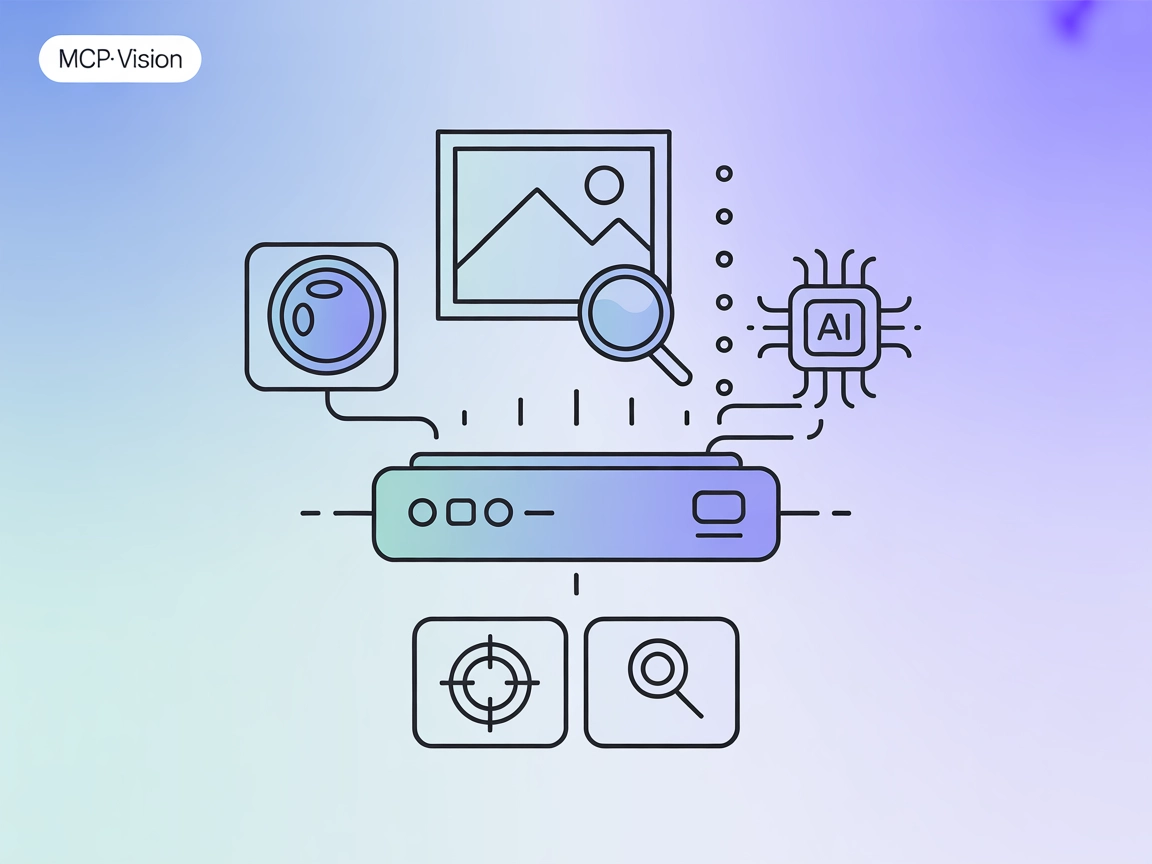
Add computer vision to your AI workflows with mcp-vision: HuggingFace-powered object detection and image analysis as an MCP server for FlowHunt and multimodal assistants.
The “mcp-vision” MCP Server is a Model Context Protocol (MCP) server that exposes HuggingFace computer vision models—such as zero-shot object detection—as tools to enhance the vision capabilities of large language or vision-language models. By connecting AI assistants with powerful computer vision models, mcp-vision enables tasks like object detection and image analysis directly within development workflows. This allows LLMs and other AI clients to query, process, and analyze images programmatically, making it easier to automate, standardize, and extend vision-based interactions in applications. The server is suited for both GPU and CPU environments and is designed for easy integration with popular AI platforms.
No specific prompt templates are mentioned in the documentation or repository files.

Start your free trial today and see results within days.
No explicit MCP resources are documented or listed in the repository.
locate_objects
Detect and locate objects in an image using one of the zero-shot object detection pipelines available through HuggingFace. Inputs include the image path, a list of candidate labels, and an optional model name. Returns a list of detected objects in standard format.
zoom_to_object
Zoom into a specific object in an image by cropping the image to the bounding box of the object with the best detection score. Inputs include the image path, a label to find, and an optional model name. Returns a cropped image or None.
Get latest tips, trends, and deals for free.
No setup instructions for Windsurf are provided in the repository.
git clone git@github.com:groundlight/mcp-vision.git
cd mcp-vision
make build-docker
claude_desktop_config.json and add the following under mcpServers:"mcpServers": {
"mcp-vision": {
"command": "docker",
"args": ["run", "-i", "--rm", "--runtime=nvidia", "--gpus", "all", "mcp-vision"],
"env": {}
}
}
"mcpServers": {
  "mcp-vision": {
    "command": "docker",
    "args": ["run", "-i", "--rm", "mcp-vision"],
    "env": {}
  }
}
"mcpServers": {
  "mcp-vision": {
    "command": "docker",
    "args": ["run", "-i", "--rm", "--runtime=nvidia", "--gpus", "all", "groundlight/mcp-vision:latest"],
    "env": {}
  }
}
No setup instructions for Cursor are provided in the repository.
No setup instructions for Cline are provided in the repository.
Using MCP in FlowHunt
To integrate MCP servers into your FlowHunt workflow, start by adding the MCP component to your flow and connecting it to your AI agent:

Click on the MCP component to open the configuration panel. In the system MCP configuration section, insert your MCP server details using this JSON format:
{
  "mcp-vision": {
    "transport": "streamable_http",
    "url": "https://yourmcpserver.example/pathtothemcp/url"
  }
}
Once configured, the AI agent is now able to use this MCP as a tool with access to all its functions and capabilities. Remember to change “mcp-vision” to whatever the actual name of your MCP server is and replace the URL with your own MCP server URL.
| Section | Availability | Details/Notes |
|---|---|---|
| Overview | ✅ | HuggingFace computer vision models as tools for LLMs via MCP |
| List of Prompts | ⛔ | No prompt templates documented |
| List of Resources | ⛔ | No explicit resources listed |
| List of Tools | ✅ | locate_objects, zoom_to_object |
| Securing API Keys | ⛔ | No API key instructions |
| Sampling Support (less important in evaluation) | ⛔ | Not mentioned |
Overall, mcp-vision provides useful, direct integration with HuggingFace vision models but lacks documentation on resources, prompt templates, or advanced MCP features like roots or sampling. Its setup is well-documented for Claude Desktop but not for other platforms.
mcp-vision is a focused and practical MCP server for adding visual intelligence to AI workflows, especially in environments that support Docker. Its primary strengths are its clear tool offerings and straightforward setup for Claude Desktop, but it would benefit from richer documentation, especially around resources, prompt templates, and support for additional platforms and advanced MCP features.
| Has a LICENSE | ✅ MIT |
|---|---|
| Has at least one tool | ✅ |
| Number of Forks | 0 |
| Number of Stars | 23 |
Supercharge your AI agents with object detection and image analysis using mcp-vision. Plug it into your FlowHunt flows for seamless multimodal reasoning.
Supercharge your AI workflows with FlowHunt's mcp-vision integration. Leverage HuggingFace-powered zero-shot object detection, advanced image zoom, and cropping...

Integrate FlowHunt with OpenCV MCP Server to bring advanced computer vision, real-time image and video analysis, object detection, and facial recognition into y...
The OpenCV MCP Server bridges OpenCV’s powerful image and video processing tools with AI assistants and developer platforms via the Model Context Protocol (MCP)...
Cookie Consent
We use cookies to enhance your browsing experience and analyze our traffic. See our privacy policy.