



Alibaba Cloud Ops MCP Server
Alibaba Cloud Ops MCP Server enables seamless integration with Alibaba Cloud APIs, empowering AI agents to automate resource management, monitoring, and DevOps ...
4 min read
MCP Server
Alibaba Cloud
+3
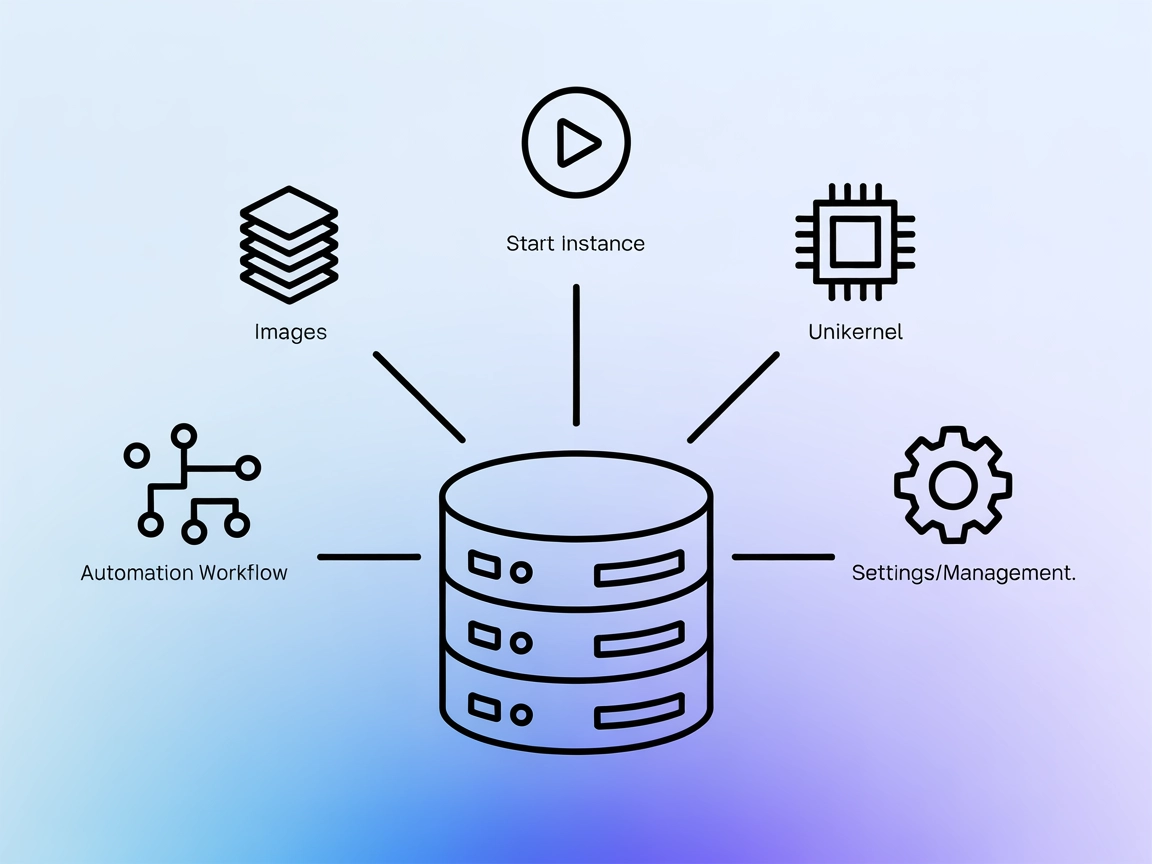
ops-mcp enables automated AI-driven management of unikernel images and instances using the nanos/ops toolchain, perfect for cloud-native and infrastructure automation workflows.
The ops-mcp MCP Server is designed to interface with the unikernel ecosystem using the nanos/ops toolchain. It acts as a bridge between AI assistants and the powerful features of the OPS platform, allowing AI-driven workflows to interact with and manage unikernel instances and images. By exposing operations such as listing available unikernel images, managing running instances, and creating new unikernel deployments, ops-mcp enables developers and AI clients to automate cloud-native infrastructure tasks efficiently. This server is particularly useful for tasks involving infrastructure automation, cloud deployments, and the management of lightweight, secure unikernels, streamlining the development and operational workflow for teams leveraging nanos/ops.
No prompt templates are mentioned in the available documentation or repository files.

Start your free trial today and see results within days.
No explicit resources are documented in the repository or README.
Get latest tips, trends, and deals for free.
No setup instructions for Windsurf are available in the documentation or repository.
~/Library/Application Support/Claude/claude_desktop_config.json.mcpServers section to include ops-mcp:{
"mcpServers": {
"ops-mcp": {
"command": "/Users/eyberg/go/src/github.com/nanovms/ops-mcp/ops-mcp",
"args": [],
"env": {
"HOME":"/Users/eyberg",
"LOGNAME":"eyberg",
"PATH":"/bin:/Users/eyberg/.ops/bin",
"SHELL":"/bin/zsh",
"USER":"eyberg"
}
}
}
}
ops-mcp binary.Securing API Keys:
You may specify sensitive environment variables in the env section of the configuration.
Example:
"env": {
  "API_KEY": "${YOUR_OPS_API_KEY}"
}
No setup instructions for Cursor are available in the documentation or repository.
No setup instructions for Cline are available in the documentation or repository.
Using MCP in FlowHunt
To integrate MCP servers into your FlowHunt workflow, start by adding the MCP component to your flow and connecting it to your AI agent:

Click on the MCP component to open the configuration panel. In the system MCP configuration section, insert your MCP server details using this JSON format:
{
  "ops-mcp": {
    "transport": "streamable_http",
    "url": "https://yourmcpserver.example/pathtothemcp/url"
  }
}
Once configured, the AI agent is now able to use this MCP as a tool with access to all its functions and capabilities. Remember to change “ops-mcp” to whatever the actual name of your MCP server is and replace the URL with your own MCP server URL.
| Section | Availability | Details/Notes |
|---|---|---|
| Overview | ✅ | Describes server function and scope. |
| List of Prompts | ⛔ | No prompt templates documented. |
| List of Resources | ⛔ | No explicit MCP resources documented. |
| List of Tools | ✅ | Four tools listed: list instances/images, create instance, create redis-server. |
| Securing API Keys | ✅ | Example provided in Claude setup. |
| Sampling Support (less important in evaluation) | ⛔ | Not mentioned. |
ops-mcp provides basic but useful functionality for managing unikernel workloads via MCP, exposing several core tools. However, it lacks documentation on prompt templates and resources, and only includes detailed setup for Claude. The project would benefit from more thorough documentation and wider integration support.
| Has a LICENSE | ✅ (Apache-2.0) |
|---|---|
| Has at least one tool | ✅ |
| Number of Forks | 0 |
| Number of Stars | 1 |
MCP Table Score: 4/10
Reason: While ops-mcp is functional and open source with a basic toolset, it lacks documentation and support for advanced MCP features like prompts, resources, roots, and sampling, limiting its utility for broader AI-driven automation workflows.
Automate unikernel deployments and manage cloud-native infrastructure with ops-mcp. Integrate it into your FlowHunt workflows today.
Alibaba Cloud Ops MCP Server enables seamless integration with Alibaba Cloud APIs, empowering AI agents to automate resource management, monitoring, and DevOps ...
The Kubernetes MCP Server bridges AI assistants and Kubernetes/OpenShift clusters, enabling programmatic resource management, pod operations, and DevOps automat...
The Kubernetes MCP Server bridges AI assistants and Kubernetes clusters, enabling AI-driven automation, resource management, and DevOps workflows through standa...
Cookie Consent
We use cookies to enhance your browsing experience and analyze our traffic. See our privacy policy.