


Needle MCP
Integrate FlowHunt with Needle MCP Server to organize, manage, and search documents using AI-powered workflows. Seamlessly access, retrieve, and categorize your...
4 min read
AI
Needle MCP
+4
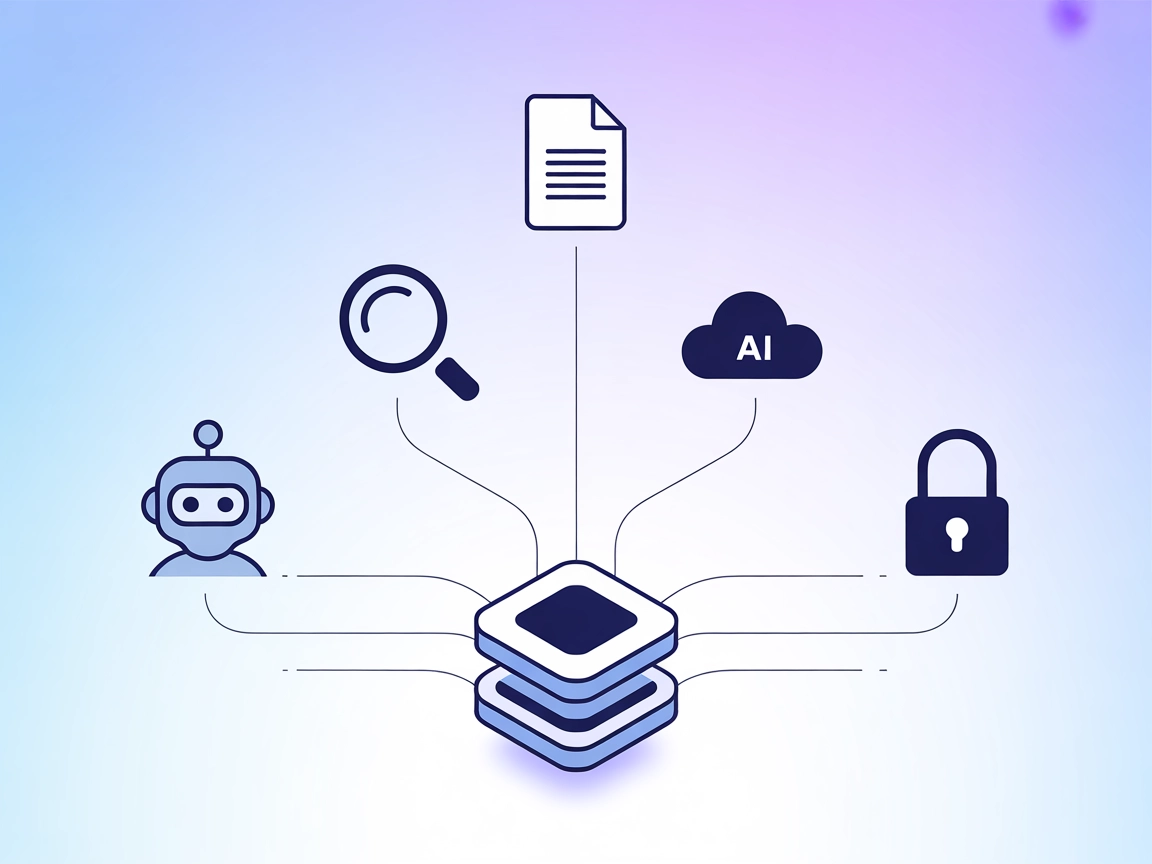
Integrate document management, semantic search, and real-time knowledge retrieval into your AI workflows using the Needle MCP Server for FlowHunt.
The Needle MCP (Model Context Protocol) Server integrates Needle’s document management and search capabilities into the MCP ecosystem. It acts as a bridge between AI assistants and external data sources, enabling seamless connections to document repositories and enhancing development workflows. With the Needle MCP Server, AI clients can perform tasks such as document ingestion, semantic search, and retrieval, allowing large language models to interact directly with knowledge bases or file systems. By exposing these functions through the MCP standard, developers can automate information retrieval, standardize prompt workflows, and augment AI-driven tasks with real-time access to up-to-date documentation and content.
No explicit prompt templates are mentioned in the available documentation or README. This section is empty due to lack of information.

Start your free trial today and see results within days.
No explicit MCP resources are listed or described in the available documentation or repository files. This section is empty due to lack of information.
No explicit list of tools (such as those defined in a server.py or equivalent) are provided in the available files on the repository. This section is empty due to lack of information.
Get latest tips, trends, and deals for free.
mcpServers configuration. Example:{
"mcpServers": {
"needle-mcp": {
"command": "npx",
"args": ["@needle/mcp-server@latest"]
}
}
}
Securing API Keys:
{
"mcpServers": {
"needle-mcp": {
"command": "npx",
"args": ["@needle/mcp-server@latest"],
"env": {
"NEEDLE_API_KEY": "${{ secrets.NEEDLE_API_KEY }}"
},
"inputs": {
"apiKey": "${{ secrets.NEEDLE_API_KEY }}"
}
}
}
}
mcpServers section:{
"mcpServers": {
"needle-mcp": {
"command": "npx",
"args": ["@needle/mcp-server@latest"]
}
}
}
{
  "mcpServers": {
    "needle-mcp": {
      "command": "npx",
      "args": ["@needle/mcp-server@latest"]
    }
  }
}
{
  "mcpServers": {
    "needle-mcp": {
      "command": "npx",
      "args": ["@needle/mcp-server@latest"]
    }
  }
}
Note: Always secure API keys using environment variables as shown above to keep credentials safe.
Using MCP in FlowHunt
To integrate MCP servers into your FlowHunt workflow, start by adding the MCP component to your flow and connecting it to your AI agent:

Click on the MCP component to open the configuration panel. In the system MCP configuration section, insert your MCP server details using this JSON format:
{
  "needle-mcp": {
    "transport": "streamable_http",
    "url": "https://yourmcpserver.example/pathtothemcp/url"
  }
}
Once configured, the AI agent is now able to use this MCP as a tool with access to all its functions and capabilities. Remember to change “needle-mcp” to whatever the actual name of your MCP server is and replace the URL with your own MCP server URL.
| Section | Availability | Details/Notes |
|---|---|---|
| Overview | ✅ | Based on README and repo description |
| List of Prompts | ⛔ | No prompt templates found |
| List of Resources | ⛔ | No explicit MCP resources listed |
| List of Tools | ⛔ | No tool list found in available files |
| Securing API Keys | ✅ | Example provided in setup instructions |
| Sampling Support (less important in evaluation) | ⛔ | Not mentioned |
The Needle MCP repository provides a clear overview and setup guidance, but lacks detail on prompts, resources, and tool definitions in its public files. This limits its immediate usability for advanced or highly customized MCP deployments. Still, the integration instructions and clear use case articulation make it a reasonable choice for basic document management and search needs.
| Has a LICENSE | ✅ (MIT) |
|---|---|
| Has at least one tool | ⛔ |
| Number of Forks | 17 |
| Number of Stars | 53 |
Rating: 4/10
While the Needle MCP Server is licensed and has a moderate community presence, the lack of explicit tool, prompt, and resource definitions in the repository limits its immediate depth and usability for MCP scenarios compared to more fully documented servers.
Supercharge your AI agents with real-time access to documents and semantic search using the Needle MCP Server.
Integrate FlowHunt with Needle MCP Server to organize, manage, and search documents using AI-powered workflows. Seamlessly access, retrieve, and categorize your...

Integrate FlowHunt with Pinecone vector databases using the Pinecone MCP Server. Enable semantic search, Retrieval-Augmented Generation (RAG), and efficient doc...
Integrate your AI agents with Outline documentation using the Outline MCP Server. Enable document search, content management, collection handling, and comment w...
Cookie Consent
We use cookies to enhance your browsing experience and analyze our traffic. See our privacy policy.