


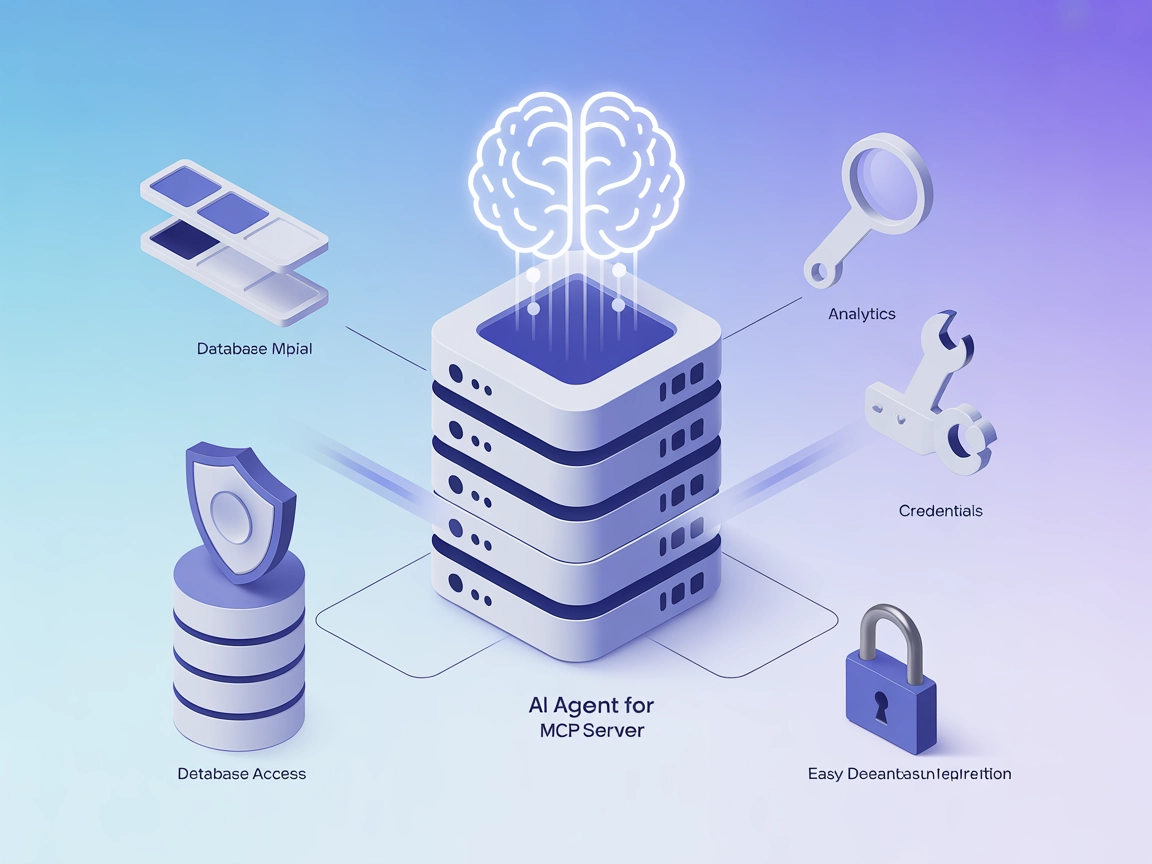
OceanBase
Integrate FlowHunt with OceanBase using the OceanBase MCP Server to enable secure, AI-driven database automation, analytics, and exploration. Safely allow AI as...
4 min read
AI
OceanBase
+4
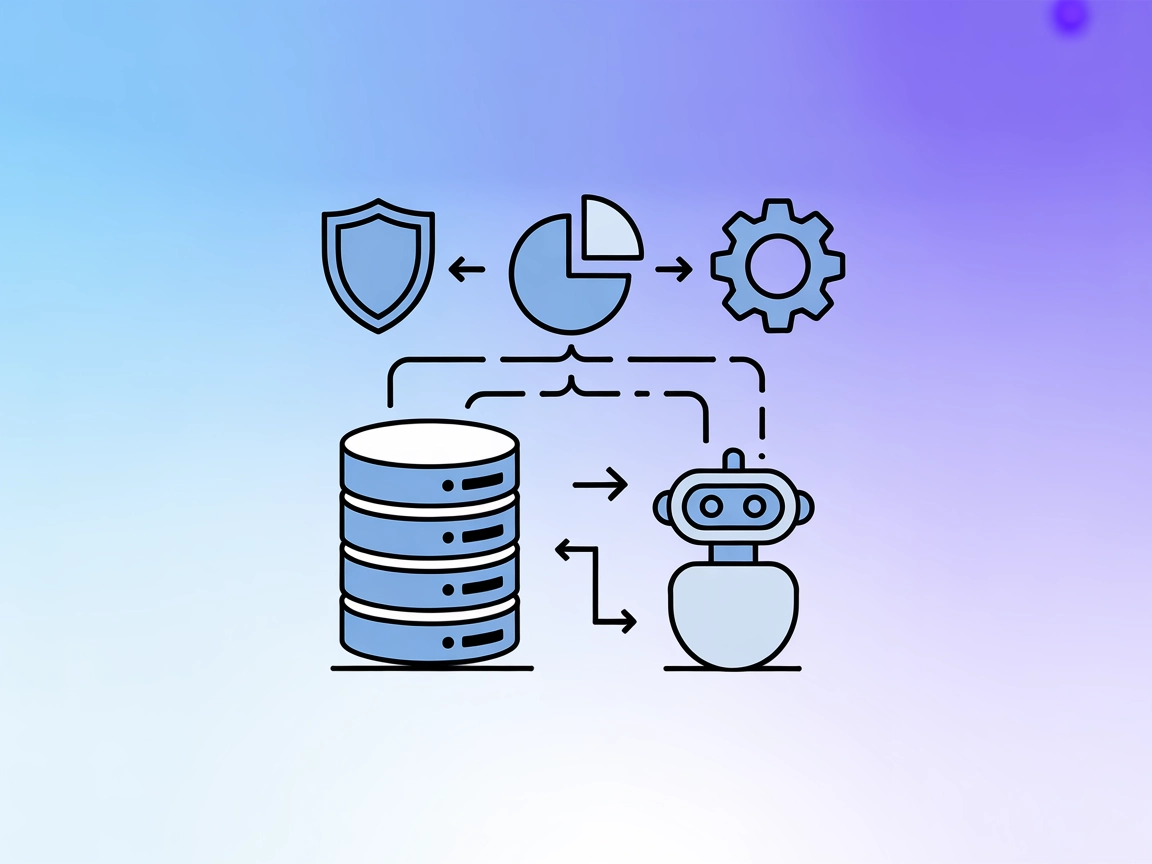
Integrate secure, real-time OceanBase database operations into your AI flows with OceanBase MCP Server—structured, logged, and efficient.
The OceanBase MCP Server is a Model Context Protocol (MCP) server designed to facilitate secure, structured interactions with OceanBase databases. By acting as a bridge between AI assistants and the OceanBase database, it enables tasks such as listing tables, reading data, and executing SQL queries within a controlled environment. This server enhances the safety and efficiency of database exploration and analysis by providing granular access control and comprehensive logging. Developers can leverage this MCP server to integrate real-time database operations into their AI workflows, allowing for dynamic data retrieval and manipulation without compromising security or data integrity.
No prompt templates are explicitly mentioned in the repository.

Start your free trial today and see results within days.
Get latest tips, trends, and deals for free.
No Windsurf-specific setup instructions are provided in the repository.
pip install oceanbase-mcp-server
claude_desktop_config.json"mcpServers":{
"oceanbase": {
"command": "uv",
"args": [
"--directory",
"path/to/oceanbase_mcp_server",
"run",
"oceanbase_mcp_server"
],
"env": {
  "OB_HOST": "localhost",
  "OB_PORT": "2881",
  "OB_USER": "your_username",
  "OB_PASSWORD": "your_password",
  "OB_DATABASE": "your_database"
}
}
}
No Cursor-specific setup instructions are provided in the repository.
No Cline-specific setup instructions are provided in the repository.
It is recommended to use environment variables for all sensitive credentials. Example:
"env": {
"OB_HOST": "localhost",
"OB_PORT": "2881",
"OB_USER": "your_username",
"OB_PASSWORD": "your_password",
"OB_DATABASE": "your_database"
}
Using MCP in FlowHunt
To integrate MCP servers into your FlowHunt workflow, start by adding the MCP component to your flow and connecting it to your AI agent:

Click on the MCP component to open the configuration panel. In the system MCP configuration section, insert your MCP server details using this JSON format:
{ “oceanbase”: { “transport”: “streamable_http”, “url”: “https://yourmcpserver.example/pathtothemcp/url" } }
Once configured, the AI agent is now able to use this MCP as a tool with access to all its functions and capabilities. Remember to change “oceanbase” to whatever the actual name of your MCP server instance is and replace the URL with your own MCP server URL.
| Section | Availability | Details/Notes |
|---|---|---|
| Overview | ✅ | |
| List of Prompts | ⛔ | No prompt templates found in the repo. |
| List of Resources | ✅ | Tables, table contents, and SQL query results are exposed as resources. |
| List of Tools | ✅ | List Tables, Read Table, Execute SQL Query. |
| Securing API Keys | ✅ | Environment variable usage is documented. |
| Sampling Support (less important in evaluation) | ⛔ | No mention of sampling support. |
Based on the available information, the OceanBase MCP Server provides clear database tools and resources, secure configuration guidance, and basic platform integration for Claude. However, it lacks explicit support for prompt templates, sampling, and multiple platform-specific setup instructions. Its open-source license and logging features are positives, but the scope is somewhat focused and not exhaustive.
This MCP server is robust for secure OceanBase database access in AI workflows, but is limited by lack of prompt/workflow templates and broader platform integration documentation. It scores well on clarity and security, but would benefit from expanded documentation and feature set.
| Has a LICENSE | ✅ |
|---|---|
| Has at least one tool | ✅ |
| Number of Forks | 3 |
| Number of Stars | 3 |
Empower your AI agents with secure, real-time database access. Integrate OceanBase MCP Server in your flows for safer data analysis, reporting, and compliance.
Integrate FlowHunt with OceanBase using the OceanBase MCP Server to enable secure, AI-driven database automation, analytics, and exploration. Safely allow AI as...

The MariaDB MCP Server provides secure, read-only access to MariaDB databases for AI assistants, enabling workflow automation, data analytics, and business inte...
The MySQL MCP Server provides a secure bridge between AI assistants and MySQL databases. It enables structured database exploration, querying, and data analysis...
Cookie Consent
We use cookies to enhance your browsing experience and analyze our traffic. See our privacy policy.