


Ramp MCP
Integrate FlowHunt with Ramp MCP to automate ETL pipelines, real-time data analysis, and bulk data operations for finance and operations teams using AI-driven w...
5 min read
AI
Ramp MCP
+5

Connect your AI agents to the Ramp financial platform for automated data analysis, reporting, and workflow integration—all via a robust, secure MCP server.
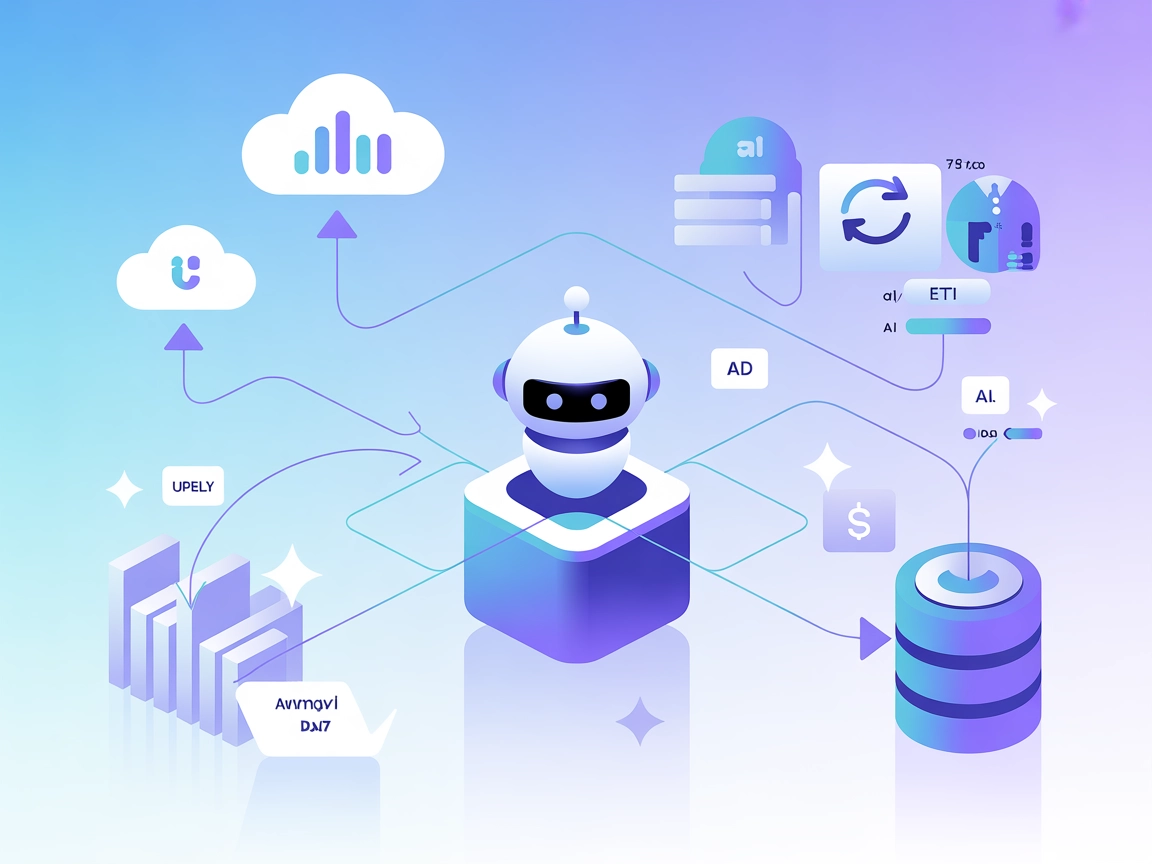
The Ramp MCP (Model Context Protocol) Server acts as a bridge between AI assistants and the Ramp financial data platform, enhancing workflows for developers and AI agents. It enables external access to Ramp’s Developer API, allowing the retrieval, analysis, and manipulation of financial data such as transactions, reimbursements, bills, and more. The server implements an ETL pipeline and uses an in-memory SQLite database for efficient data processing and analysis by large language models (LLMs). By exposing database operations, direct data fetching, and data loading tools, Ramp MCP empowers AI clients to perform custom queries, manage datasets, and automate financial-related tasks, all while abstracting API complexity and respecting token/input size limitations.
No explicit prompt templates are mentioned in the repository or documentation.

Start your free trial today and see results within days.
No explicit MCP “resources” are listed in the documentation or code. However, the server provides access to Ramp data objects such as:
Get latest tips, trends, and deals for free.
No platform-specific instructions found for Windsurf.
uv as the package manager.claude_desktop_config.json in the appropriate directory (typically /Library/Application Support/Claude/).{
"mcpServers": {
"ramp-mcp": {
"command": "uv",
"args": [
"--directory",
"/<ABSOLUTE-PATH-TO>/ramp-mcp",
"run",
"ramp-mcp",
"-s",
"transactions:read,reimbursements:read"
],
"env": {
"RAMP_CLIENT_ID": "<CLIENT_ID>",
"RAMP_CLIENT_SECRET": "<CLIENT_SECRET>",
"RAMP_ENV": "<demo|qa|prd>"
}
}
}
}
Securing API Keys:
Use environment variables as shown in the env section above to avoid hard-coding sensitive keys.
No platform-specific instructions found for Cursor.
No platform-specific instructions found for Cline.
Using MCP in FlowHunt
To integrate MCP servers into your FlowHunt workflow, start by adding the MCP component to your flow and connecting it to your AI agent:

Click on the MCP component to open the configuration panel. In the system MCP configuration section, insert your MCP server details using this JSON format:
{
  "ramp-mcp": {
    "transport": "streamable_http",
    "url": "https://yourmcpserver.example/pathtothemcp/url"
  }
}
Once configured, the AI agent is now able to use this MCP as a tool with access to all its functions and capabilities. Remember to change “ramp-mcp” to the actual MCP server name and replace the URL with your own MCP server URL.
| Section | Availability | Details/Notes |
|---|---|---|
| Overview | ✅ | |
| List of Prompts | ⛔ | No prompt templates found |
| List of Resources | ⛔ | Data objects described as resources (see above) |
| List of Tools | ✅ | Database, fetch, and load tools described |
| Securing API Keys | ✅ | Uses environment variables in config |
| Sampling Support (less important in evaluation) | ⛔ | Not mentioned |
Ramp MCP is a focused, well-scoped MCP server for financial data pipelines and automation. It offers a robust toolset for data loading, querying, and management, but lacks explicit prompt and resource definitions, as well as roots/sampling documentation. Setup and security practices are solid, but broader platform integration and advanced MCP features are not detailed.
Overall, this is a practical, reliable MCP server for Ramp API use cases, but not a reference implementation for the full MCP spec.
| Has a LICENSE | ✅ (MIT) |
|---|---|
| Has at least one tool | ✅ |
| Number of Forks | 7 |
| Number of Stars | 23 |
Supercharge your AI automations and analytics by integrating the Ramp MCP Server with FlowHunt. Securely access, analyze, and automate your financial data—no manual API wrangling required.
Integrate FlowHunt with Ramp MCP to automate ETL pipelines, real-time data analysis, and bulk data operations for finance and operations teams using AI-driven w...
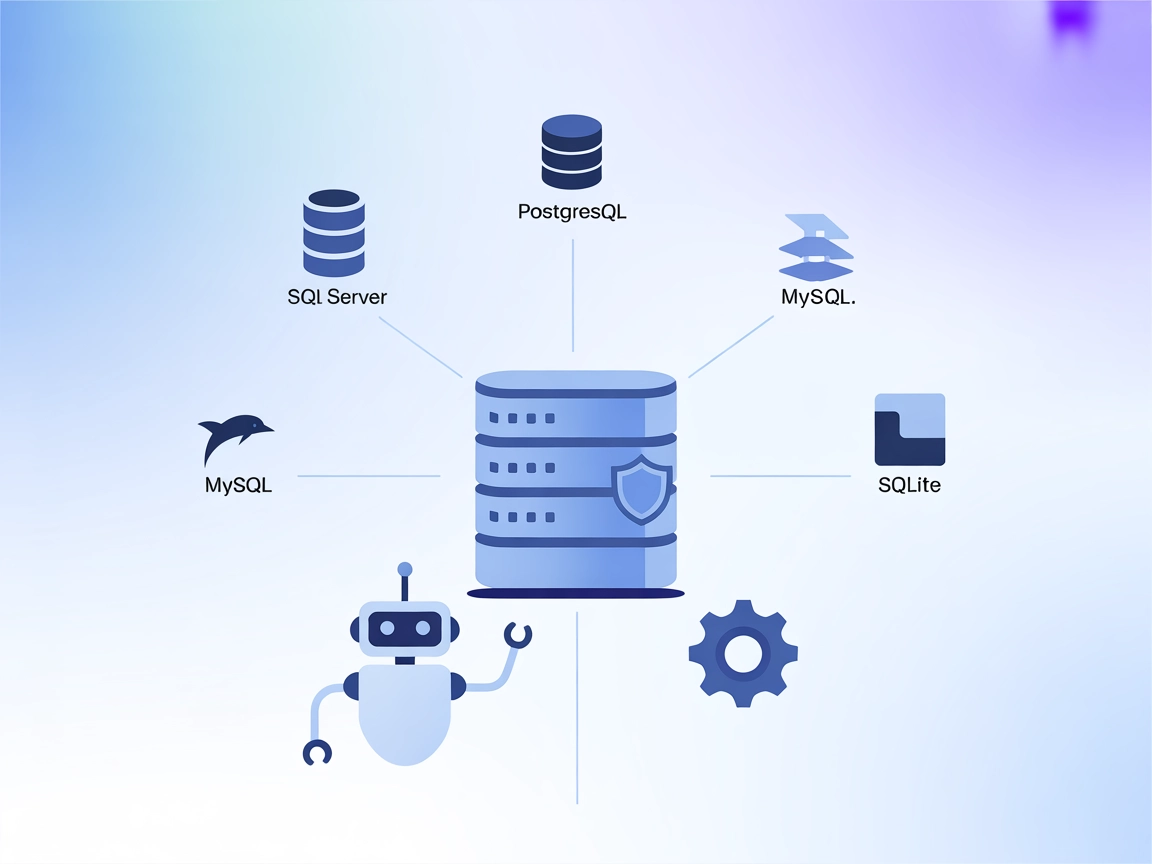
The MCP Database Server enables secure, programmatic access to popular databases like SQLite, SQL Server, PostgreSQL, and MySQL for AI assistants and automation...
MCP GraphQL is a Model Context Protocol (MCP) server that standardizes access to GraphQL APIs, dynamically exposing each query as a tool for AI assistants and d...
Cookie Consent
We use cookies to enhance your browsing experience and analyze our traffic. See our privacy policy.