


Cloudflare MCP
Integrate FlowHunt with Cloudflare’s Model Context Protocol (MCP) servers to automate, secure, and manage your cloud infrastructure using AI-driven natural lang...
4 min read
AI
Cloudflare
+5

Bridge WildFly servers with FlowHunt-powered AI—manage, monitor, and automate server operations using natural language or agent workflows.
The WildFly MCP (Model Context Protocol) Server is designed to bridge WildFly servers with generative AI tools, enabling users to monitor and manage WildFly servers using natural language interactions. By acting as a connector between AI assistants and WildFly’s management API, the WildFly MCP Server allows developers and operators to automate operational tasks, retrieve server metrics, control deployments, and perform administrative actions through conversational AI or agent workflows. This integration enhances productivity by simplifying complex server management tasks and making advanced WildFly features accessible via AI-driven prompts, workflow automation, and chatbots.
No prompt templates are mentioned in the provided repository files.

Start your free trial today and see results within days.
No explicit list of resources (as MCP resources) is mentioned in the provided documentation.
No explicit tools are listed in the available documentation or visible code structure. The repository references MCP servers and gateways but does not enumerate specific tool endpoints or functions.
Get latest tips, trends, and deals for free.
{
  "mcpServers": {
    "wildfly-mcp": {
      "command": "npx",
      "args": ["@wildfly/mcp-server@latest"]
    }
  }
}
{
  "mcpServers": {
    "wildfly-mcp": {
      "command": "npx",
      "args": ["@wildfly/mcp-server@latest"]
    }
  }
}
{
  "mcpServers": {
    "wildfly-mcp": {
      "command": "npx",
      "args": ["@wildfly/mcp-server@latest"]
    }
  }
}
{
  "mcpServers": {
    "wildfly-mcp": {
      "command": "npx",
      "args": ["@wildfly/mcp-server@latest"]
    }
  }
}
Securing API Keys
To keep your API keys secure, use environment variables and map them as follows:
{
  "mcpServers": {
    "wildfly-mcp": {
      "command": "npx",
      "args": ["@wildfly/mcp-server@latest"],
      "env": {
        "WILDFLY_API_KEY": "${WILDFLY_API_KEY}"
      },
      "inputs": {
        "apiKey": "${WILDFLY_API_KEY}"
      }
    }
  }
}
Using MCP in FlowHunt
To integrate MCP servers into your FlowHunt workflow, start by adding the MCP component to your flow and connecting it to your AI agent:

Click on the MCP component to open the configuration panel. In the system MCP configuration section, insert your MCP server details using this JSON format:
{
  "wildfly-mcp": {
    "transport": "streamable_http",
    "url": "https://yourmcpserver.example/pathtothemcp/url"
  }
}
Once configured, the AI agent is now able to use this MCP as a tool with access to all its functions and capabilities. Remember to change “wildfly-mcp” to whatever the actual name of your MCP server is and replace the URL with your own MCP server URL.
| Section | Availability | Details/Notes |
|---|---|---|
| Overview | ✅ | Overview from README and project description |
| List of Prompts | ⛔ | No prompt templates found |
| List of Resources | ⛔ | No explicit MCP resources listed |
| List of Tools | ⛔ | No explicit tool list found |
| Securing API Keys | ✅ | Security section and config example provided |
| Sampling Support (less important in evaluation) | ⛔ | Not mentioned |
Based on the available documentation, WildFly MCP provides basic project information, clear setup instructions, and several integration points, but lacks detailed technical documentation on prompts, resources, and tools. It appears early-stage or focused on infrastructure rather than rich out-of-the-box AI workflows.
This project scores a 5/10. It provides a clear overview, licensing, and setup details, but lacks in-depth documentation of MCP resources, prompts, and tools, which would be essential for more advanced or immediate use.
| Has a LICENSE | ✅ (Apache-2.0) |
|---|---|
| Has at least one tool | ⛔ |
| Number of Forks | 9 |
| Number of Stars | 5 |
Unlock AI-driven management for your WildFly servers. Integrate the WildFly MCP Server with FlowHunt for effortless automation, monitoring, and operational control.
Integrate FlowHunt with Cloudflare’s Model Context Protocol (MCP) servers to automate, secure, and manage your cloud infrastructure using AI-driven natural lang...
The Prefect MCP Server bridges AI assistants and the Prefect workflow orchestration platform, enabling natural-language management of flows, deployments, runs, ...
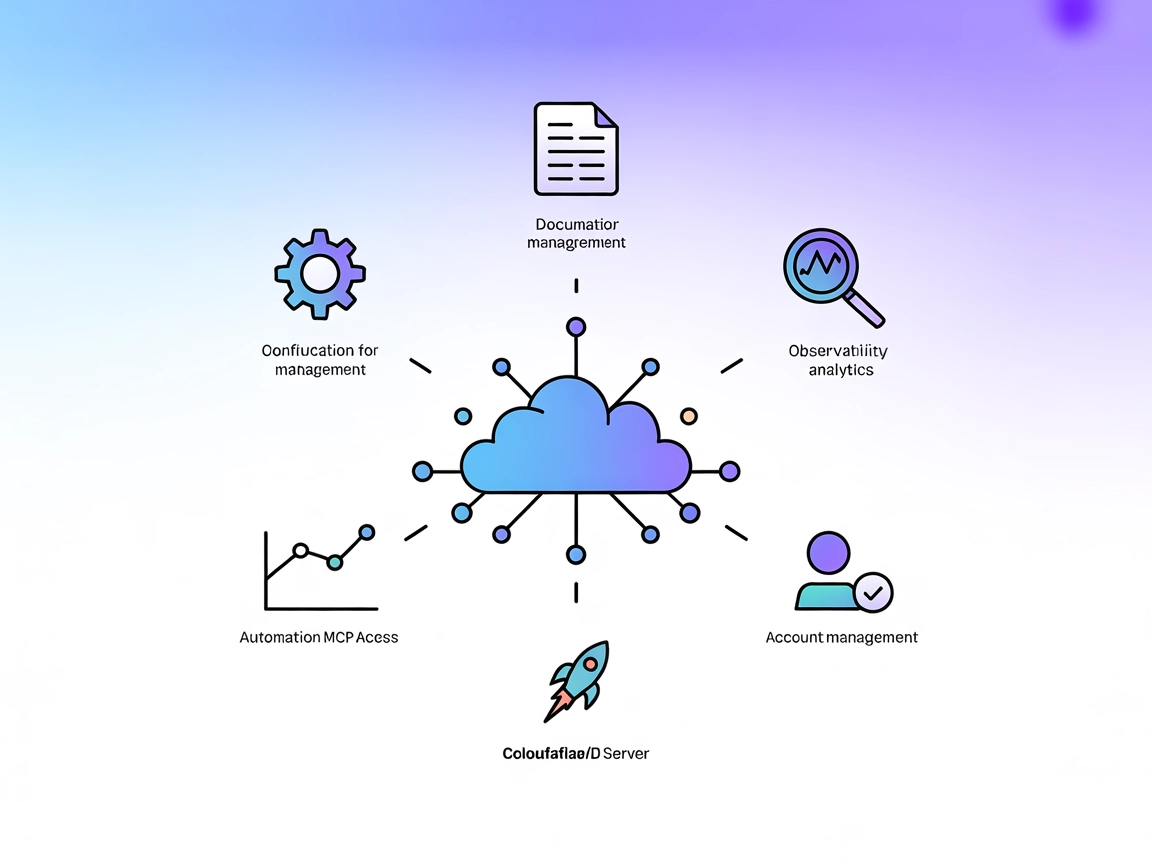
The Cloudflare MCP Server bridges AI assistants and Cloudflare’s cloud services, enabling natural language automation for configurations, logs, builds, and docu...
Cookie Consent
We use cookies to enhance your browsing experience and analyze our traffic. See our privacy policy.