




Xero MCP Server
The Xero MCP Server enables seamless integration between AI assistants and the Xero Accounting Software. It provides secure, programmatic access to Xero’s APIs ...
4 min read
AI
Accounting
+4
FlowHunt provides an additional security layer between your internal systems and AI tools, giving you granular control over which tools are accessible from your MCP servers. MCP servers hosted in our infrastructure can be seamlessly integrated with FlowHunt's chatbot as well as popular AI platforms like ChatGPT, Claude, and various AI editors.
The Xero MCP Server is a Model Context Protocol (MCP) server implementation designed to bridge the MCP protocol with Xero’s comprehensive business and accounting APIs. By acting as an intermediary, it enables AI assistants and development tools to securely interact with Xero’s platform, facilitating tasks like contact management, chart of accounts access, and invoice operations. This integration empowers developers to automate and enhance their workflows with live access to business data, standardized through the MCP protocol, while maintaining secure OAuth2 authentication. The server is ideal for use cases that require real-time data interchange between AI agents and Xero’s accounting tools, supporting both development and business automation scenarios.
No prompt templates were found in the available documentation or repository files.

Start your free trial today and see results within days.
No explicit resources were documented in the available repository files or README.
No explicit list of tools could be found in the available documentation or repository files.
Get latest tips, trends, and deals for free.
Contact Management
Automate the retrieval, creation, and management of contacts within Xero, streamlining client or vendor data workflows for developers and AI agents.
Chart of Accounts Access
Enable AI assistants to interact with or analyze a business’s chart of accounts, supporting bookkeeping, reporting, and financial insight automation.
Invoice Creation and Management
Allow AI-powered systems to generate, track, and update invoices in Xero, reducing manual entry and ensuring accuracy.
Xero API Integration for AI Agents
Connect AI models or developer tools to Xero’s API for tasks like querying business data, reporting, and executing business logic in response to natural language queries.
No setup instructions for Windsurf were found in the repository.
claude_desktop_config.json file.{
"mcpServers": {
"xero": {
"command": "npx",
"args": ["-y", "@xeroapi/xero-mcp-server@latest"],
"env": {
"XERO_CLIENT_ID": "your_client_id_here",
"XERO_CLIENT_SECRET": "your_client_secret_here"
}
}
}
}
Use environment variables in the env block as shown above.
No setup instructions for Cursor were found in the repository.
No setup instructions for Cline were found in the repository.
Using MCP in FlowHunt
To integrate MCP servers into your FlowHunt workflow, start by adding the MCP component to your flow and connecting it to your AI agent:

Click on the MCP component to open the configuration panel. In the system MCP configuration section, insert your MCP server details using this JSON format:
{
  "xero": {
    "transport": "streamable_http",
    "url": "https://yourmcpserver.example/pathtothemcp/url"
  }
}
Once configured, the AI agent is now able to use this MCP as a tool with access to all its functions and capabilities. Remember to change “xero” to whatever the actual name of your MCP server is and replace the URL with your own MCP server URL.
| Section | Availability | Details/Notes |
|---|---|---|
| Overview | ✅ | Overview present in README.md |
| List of Prompts | ⛔ | No prompt templates found |
| List of Resources | ⛔ | No explicit MCP resources found |
| List of Tools | ⛔ | No tool list found |
| Securing API Keys | ✅ | Shown in Claude config example |
| Sampling Support (less important in evaluation) | ⛔ | Not mentioned |
The Xero MCP Server provides a solid bridge between Xero’s API and the MCP protocol, with practical use cases clearly outlined and secure credential management demonstrated. However, the lack of directly documented tools, prompt templates, and explicit MCP resources limits its current plug-and-play value for broader AI agent ecosystems.
Score: 5/10 — Good protocol integration and documentation, but missing key MCP primitives and code samples for tools or prompts.
| Has a LICENSE | ✅ (MIT) |
|---|---|
| Has at least one tool | ⛔ |
| Number of Forks | 40 |
| Number of Stars | 78 |
Streamline your business operations—bring real-time accounting automation to your AI flows with the Xero MCP Server.
The Xero MCP Server enables seamless integration between AI assistants and the Xero Accounting Software. It provides secure, programmatic access to Xero’s APIs ...
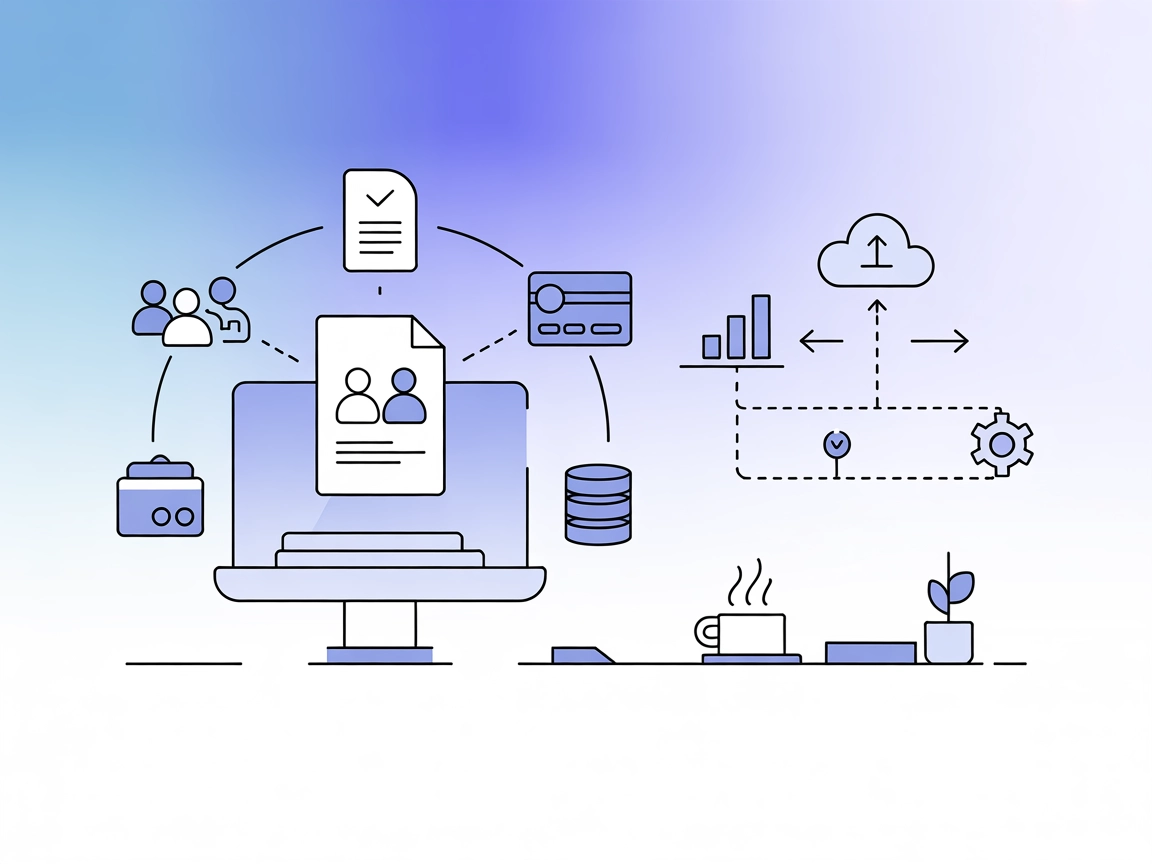
Integrate FlowHunt with Xero via the Model Context Protocol (MCP) to automate accounting tasks, streamline business workflows, and unlock instant access to Xero...
The Inbox Zero MCP Server acts as an integration layer between AI assistants and external data sources, APIs, and services, streamlining development workflows b...
Cookie Consent
We use cookies to enhance your browsing experience and analyze our traffic. See our privacy policy.