


Google Agenda
Integre o FlowHunt com o Google Agenda para automatizar agendamentos, gerenciar eventos e potencializar fluxos de trabalho de calendário com IA.
2 min de leitura
AI
Google Calendar
+3
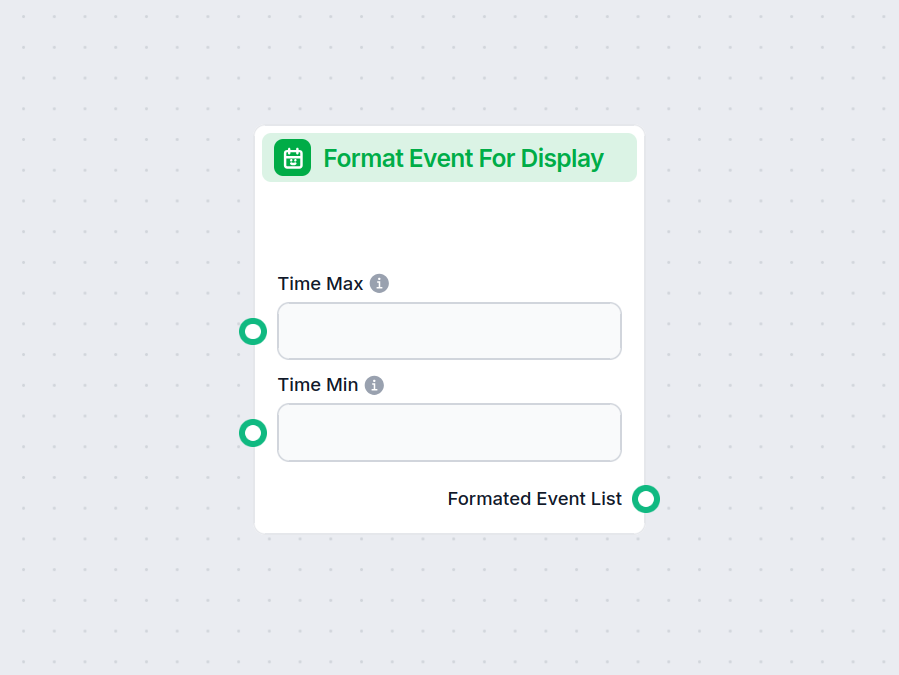
Formatar Exibição de Evento organiza detalhes de eventos do seu calendário para fácil visualização, oferecendo várias opções de exibição e filtros para resumos personalizados.
Descrição do componente
The Format Event For Display component is designed to present calendar event details in a user-friendly, structured format. This makes it easier for users to quickly review and understand upcoming events, filter them according to various criteria, and display the results in a preferred format such as a table or bullet points.
This component is useful in AI workflows where you need to fetch, filter, and clearly present calendar events. By allowing you to specify filters like time range, search terms, and attendee limits, you can ensure the output is relevant and concise. The formatted output can be embedded directly in user interfaces, reports, or notifications.
The component offers a variety of inputs to tailor the event search and display:
| Input Name | Type | Required | Description | Advanced | Default Value |
|---|---|---|---|---|---|
| calendar_id | Dynamic single select | Yes | The ID of the calendar to query. | Yes | {calendar_id} |
| max_attendees | Integer | No | Maximum number of attendees to consider for each event. | No | 5 |
| max_results | Integer | No | Maximum number of events to return. | No | 5 |
| output_format | Dropdown (“Table” or “Bullet Points”) | No | The format for displaying event details. | No | Table |
| search_term | String | No | Search query to filter events. Only a single query string at a time. | No | (empty) |
| time_min | String (Date/Time) | No | The start of the time range for listing events. | No | (empty) |
| time_max | String (Date/Time) | No | The end of the time range for listing events. | No | (empty) |
The main output of this component is:
Message type):By using Format Event For Display, you can effortlessly turn calendar data into structured, readable content that fits your needs, saving time and improving clarity in your AI-powered processes.
Para ajudá-lo a começar rapidamente, preparamos vários modelos de fluxo de exemplo que demonstram como usar o componente Formatar Exibição de Evento de forma eficaz. Esses modelos apresentam diferentes casos de uso e melhores práticas, tornando mais fácil para você entender e implementar o componente em seus próprios projetos.
Integre o FlowHunt com o Google Agenda para automatizar agendamentos, gerenciar eventos e potencializar fluxos de trabalho de calendário com IA.
Aprimore seus fluxos de trabalho com resumos de eventos claros e personalizados. Comece a usar o Formatar Exibição de Evento e faça seus dados de eventos trabalharem por você.
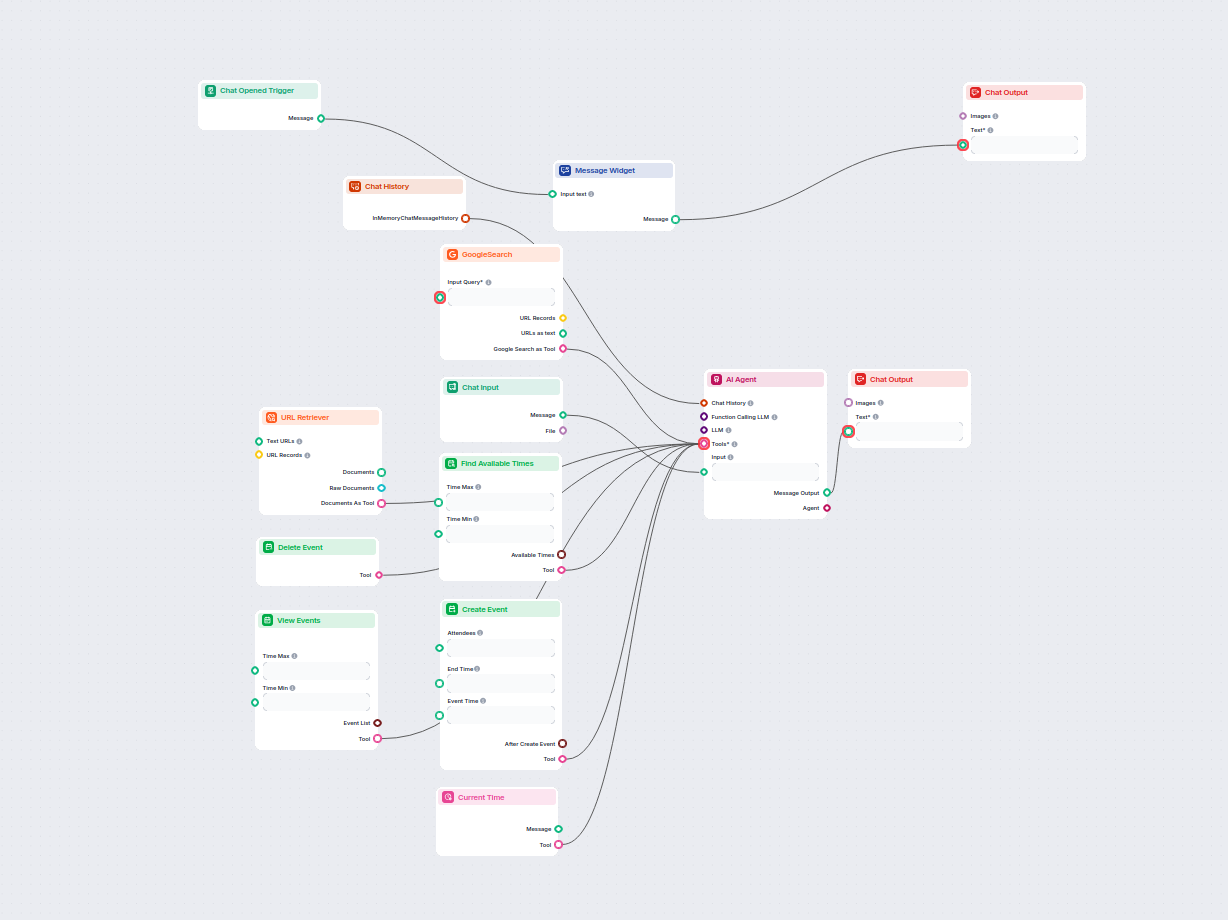
Este fluxo automatizado por IA agiliza o agendamento de reuniões via Google Calendar. Usuários interagem com um chatbot capaz de encontrar horários disponíveis,...
Integre FlowHunt com Calendário Microsoft para automatizar criação de eventos, agendamento e gerenciamento de calendário usando agentes AI conectados à sua cont...
Consentimento de Cookies
Usamos cookies para melhorar sua experiência de navegação e analisar nosso tráfego. See our privacy policy.