


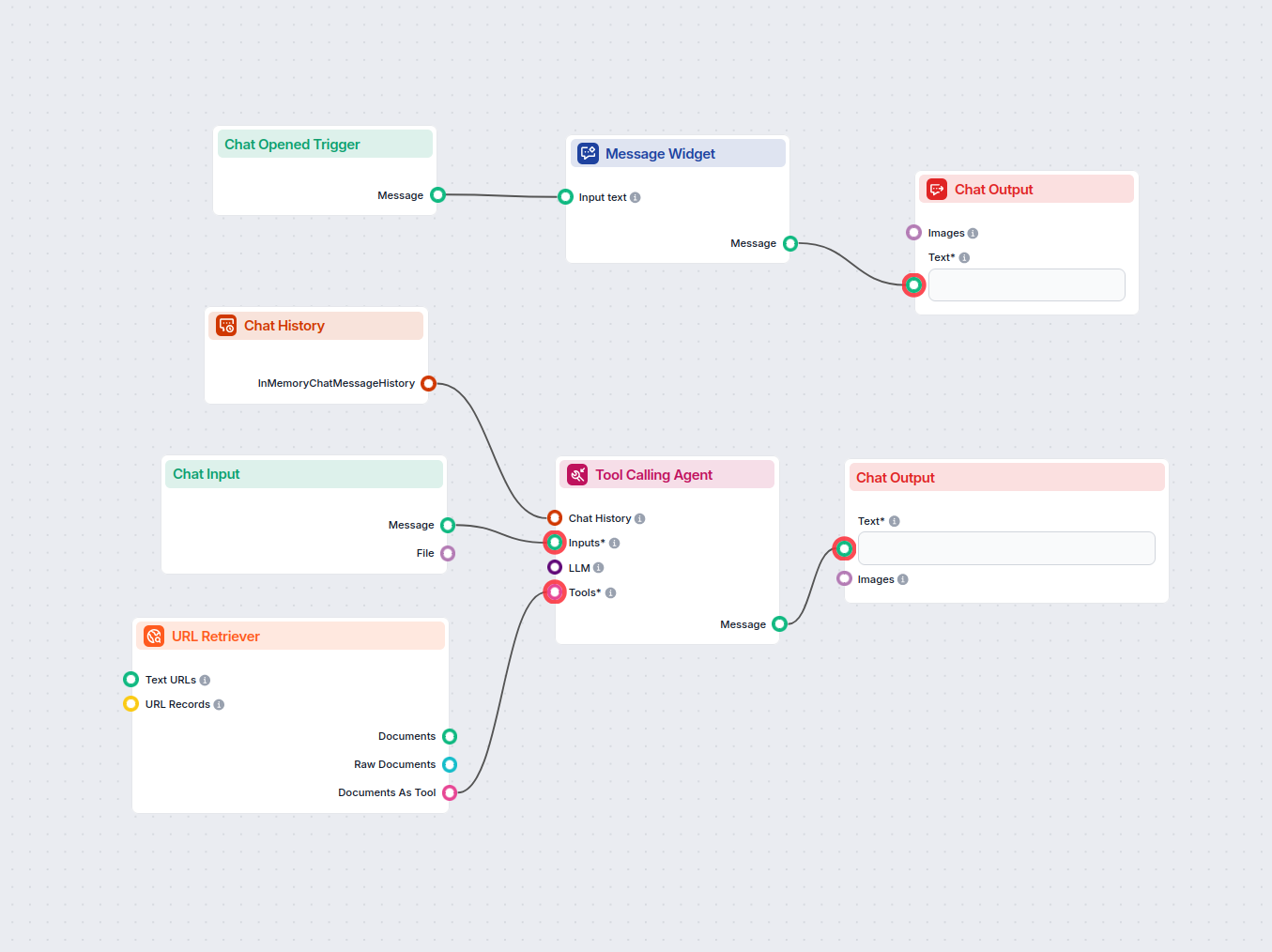
YouTube Video Chatbot
Interact with any YouTube video by chatting with its transcript. Instantly extract and query video content to get concise, AI-powered answers to your questions ...
3 min read
A progressive guide to extracting transcripts from YouTube videos (or any audio/video file) and turning them into clean structured notes using ChatGPT or your preferred chatbot.
Pressed for time but need the essence of a video fast? This progressive guide shows how to convert any YouTube video into structured notes — starting with built-in transcripts, and going deeper with browser-based speech recognition for videos without captions.
Try tools like the AI Transcript Generator to streamline your note-taking workflow even more, right now for free.
YouTube is filled with educational content, but watching everything end-to-end takes hours. Here’s how to extract the key points from any captioned video using its built-in transcript and AI.
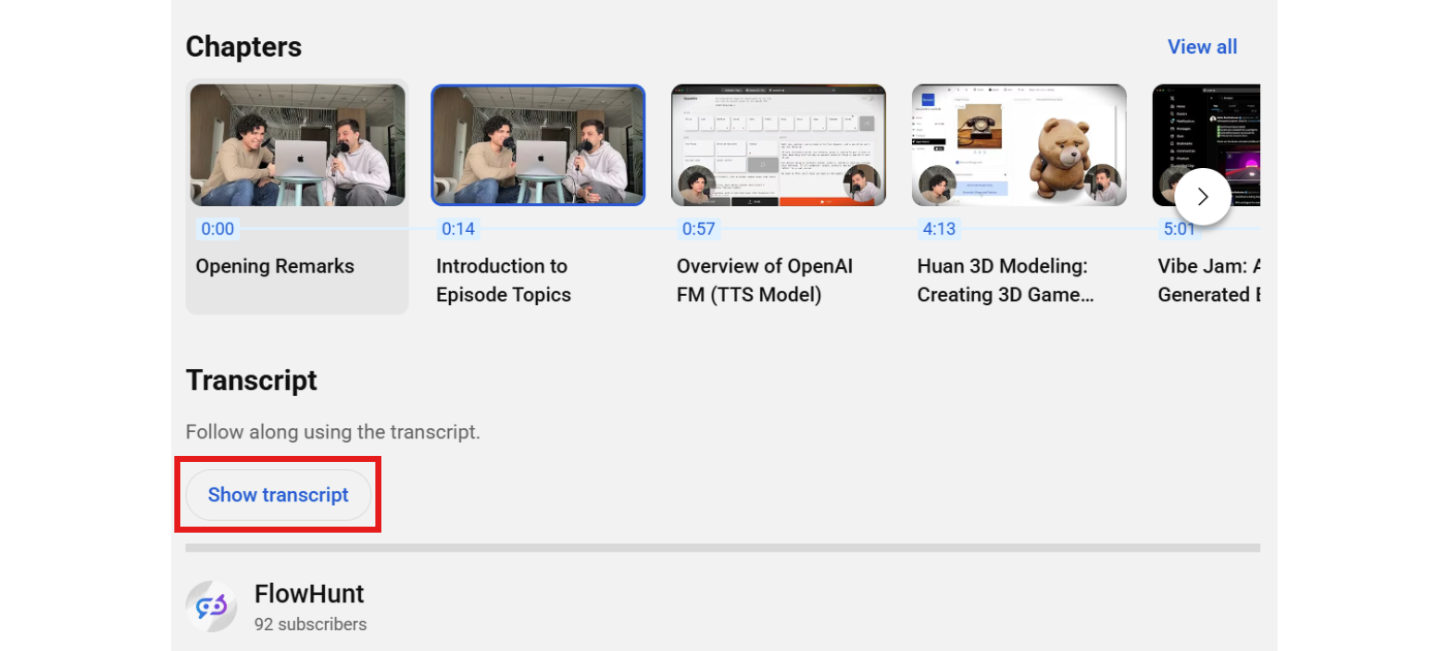
YouTube makes it easy to access a video’s transcript if captions are enabled. Here’s how:

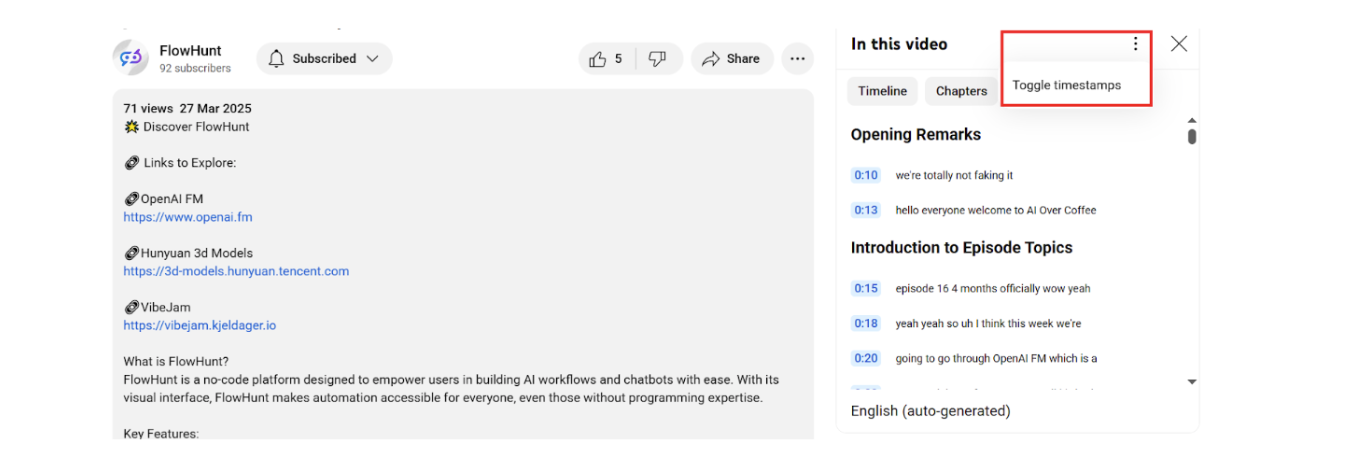
Alternatively, use these tools if the transcript is unavailable or incomplete:
Paste the cleaned-up transcript into your notes app or document.
You want ChatGPT to act like a smart summarizer. Here is an ideal prompt — copy and paste it into a chatbot:
You are a note-taking assistant. Your goal is to extract clean, well-organized notes from a video transcript.
Focus on the key points, main arguments, and any actionable insights. Use clear formatting (bullet points or headers).
Do not include filler or conversational fluff. Prioritize clarity and completeness.
Here is the transcript:
(Input your transcript here)
Open ChatGPT (or use FlowHunt’s AI Note Generator). Paste the prompt and transcript. Within seconds, you’ll get clear, structured notes.
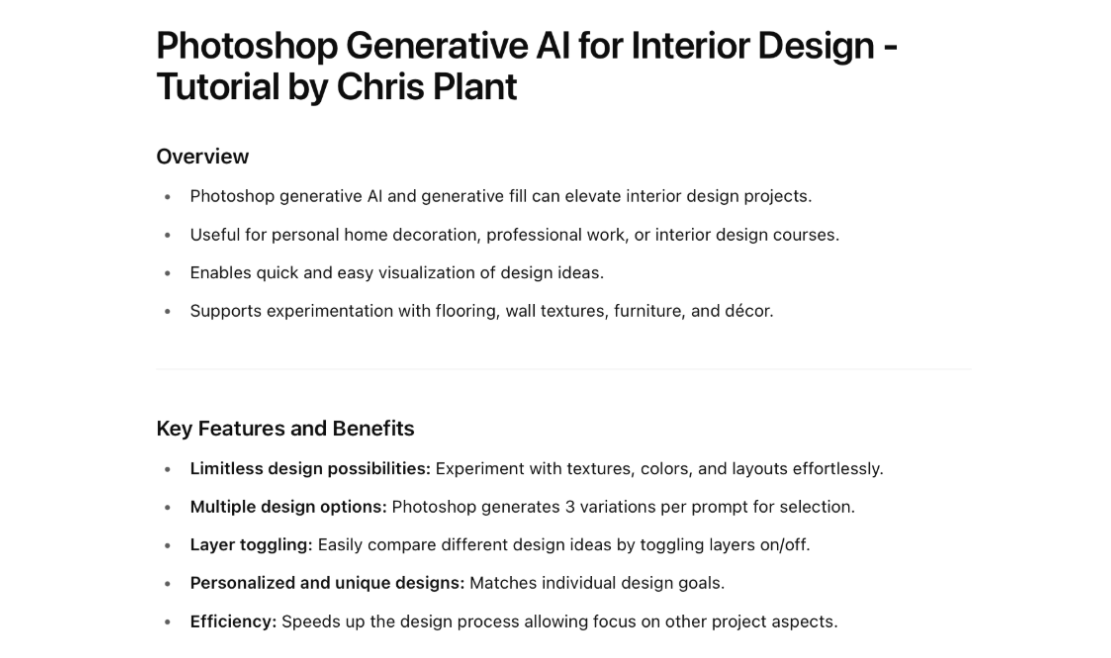
This works great for:
You can now save, edit, or repurpose the notes for your own documents or learning.
YouTube only offers transcripts for videos with captions. For webinars, interviews, Zoom recordings, or any uncaptioned video, use a browser-based AI speech recognition tool.
Unlike YouTube, Linguify uses browser-based ML speech recognition to create transcripts from any video or audio file, including webinars, interviews, Zoom recordings, or even screen recordings.
Steps:
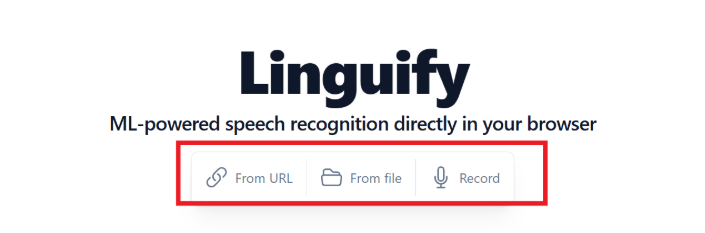
No account or installation needed. Everything runs directly in your browser.
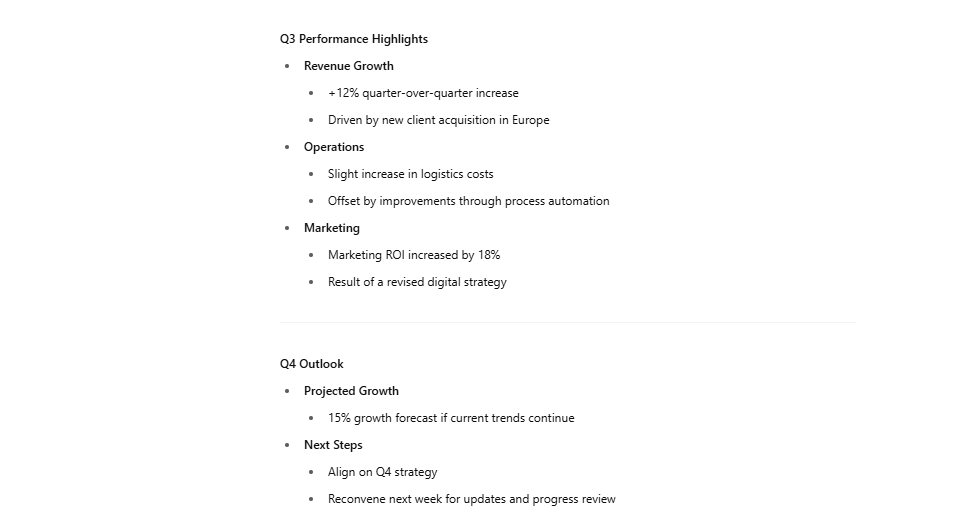
Use the same note-taking prompt from the Quick start. Paste the transcript and prompt into your favourite chatbot. Within seconds you’ll receive structured notes, bullet points, summaries, and action items.

Start your free trial today and see results within days.
| PROS | CONS |
|---|---|
| Turns long videos into digestible text very fast | Captioned method fails on videos without captions |
| Linguify covers any audio or video | May need light cleaning of messy transcripts |
| Useful for studying, blogging, or content curation | Can lose visual/non-verbal context |
| Easy to replicate with different videos | ChatGPT input limits — split very long transcripts |
Creating structured notes from any video is easier than ever. Just follow these steps:
You’ll have clean, structured notes in under five minutes. Perfect for fast learning or content repurposing.
Want a professional flow you can reuse? Check out our Template for pulling Transcripts from URL and summarising them .
Interact with any YouTube video by chatting with its transcript. Instantly extract and query video content to get concise, AI-powered answers to your questions ...
Generate YouTube transcripts quickly with AI. Summarize YouTube videos from a URL or query into output suitable for websites. Free, limited to 2 messages per ho...
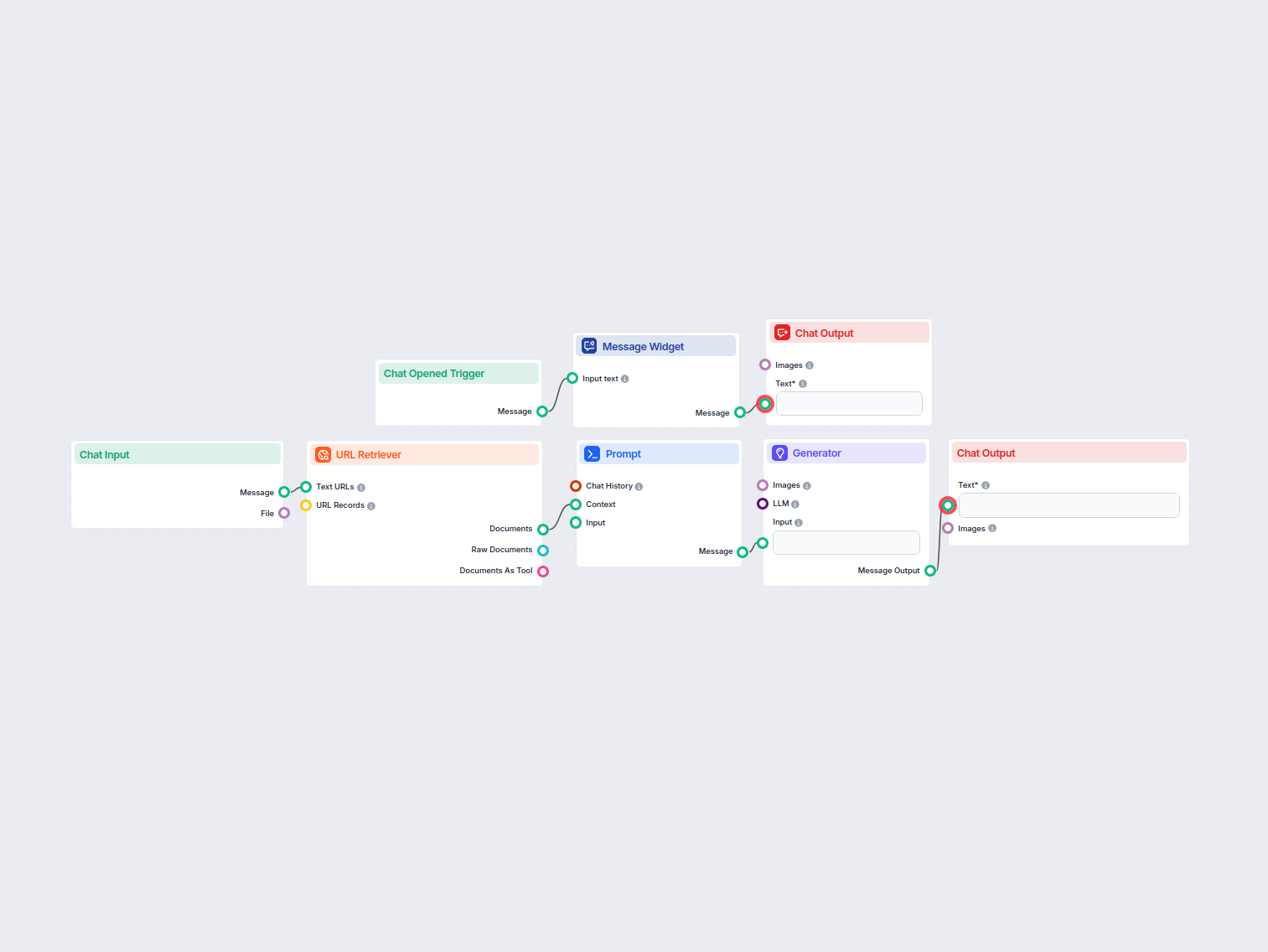
Automatically turn any YouTube video transcript into SEO-friendly web page content. Enter a YouTube URL and get a fully structured web page draft, complete with...
Cookie Consent
We use cookies to enhance your browsing experience and analyze our traffic. See our privacy policy.