


Prompt
Prompt template that instructs the model to write a caption for an image.
Effortlessly generate creative captions for images using AI. Upload an image and receive a catchy caption instantly, perfect for social media or creative projects.
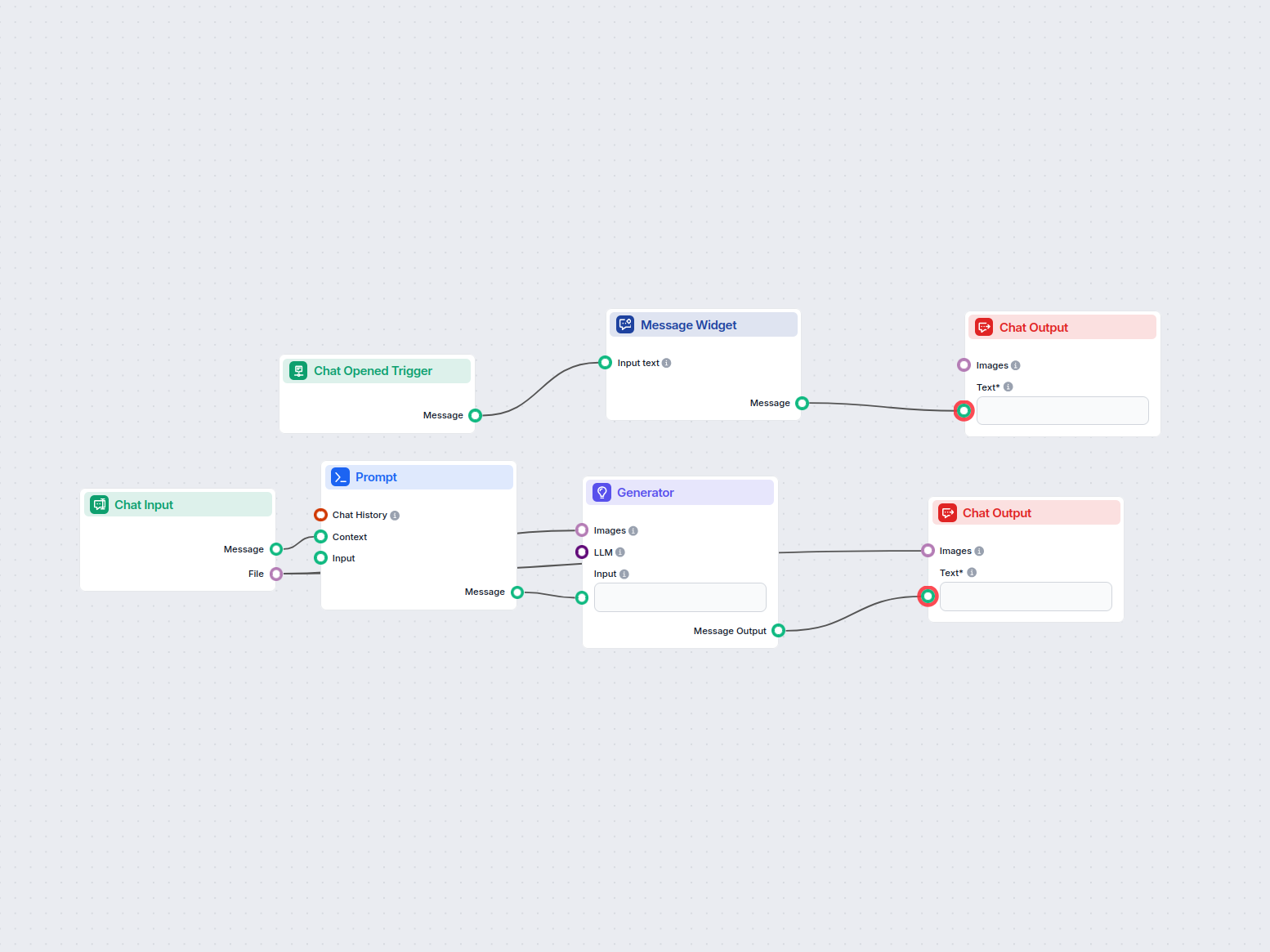

Flows
Prompt template that instructs the model to write a caption for an image.
System message prompt for LLM instructing it to act as a service bot that generates image captions, with result formatting.
Below is a complete list of all components used in this flow to achieve its functionality. Components are the building blocks of every AI Flow. They allow you to create complex interactions and automate tasks by connecting various functionalities. Each component serves a specific purpose, such as handling user input, processing data, or integrating with external services.

The Chat Input component in FlowHunt initiates user interactions by capturing messages from the Playground. It serves as the starting point for flows, enabling the workflow to process both text and file-based inputs.

The Chat Opened Trigger component detects when a chat session starts, enabling workflows to respond instantly as soon as a user opens the chat. It initiates flows with the initial chat message, making it essential for building responsive, interactive chatbots.

The Message Widget component displays custom messages within your workflow. Ideal for welcoming users, providing instructions, or showing any important information, it supports Markdown formatting and can be set to appear only once per session.

Learn how FlowHunt's Prompt component lets you define your AI bot’s role and behavior, ensuring relevant, personalized responses. Customize prompts and templates for effective, context-aware chatbot flows.

Explore the Generator component in FlowHunt—powerful AI-driven text generation using your chosen LLM model. Effortlessly create dynamic chatbot responses by combining prompts, optional system instructions, and even images as input, making it a core tool for building intelligent, conversational workflows.

Discover the Chat Output component in FlowHunt—finalize chatbot responses with flexible, multi-part outputs. Essential for seamless flow completion and creating advanced, interactive AI chatbots.
Flow description
This workflow is designed to automate the process of generating concise and engaging captions for images. It streamlines the task of taking images uploaded by users, analyzing them, and providing a short, catchy caption using artificial intelligence. This can be especially useful for scaling social media content, automating content creation for e-commerce product listings, or any scenario where image captioning is needed at scale.
User Engagement and Welcome Message
User Input Handling
Prompt Construction
AI Caption Generation
Caption: [generated title].Output Delivery
Below is a summary table of the main nodes and their roles:
| Node Type | Role |
|---|---|
| ChatOpenedTrigger | Detects chat start, triggers welcome message |
| MessageWidget | Displays welcome/instructional message |
| ChatInput | Captures user image upload and text input |
| PromptTemplate | Provides standardized prompt for the AI model |
| Generator | Generates caption using AI, enforces length/format |
| ChatOutput | Shows the generated caption and image to the user |
In summary, this workflow offers a robust and scalable solution for generating high-quality image captions, reducing manual effort, and supporting automation in content-heavy environments.

Discover FlowHunt's AI-powered Image Caption Generator. Instantly create engaging, relevant captions for your images with customizable themes and tones—perfect ...
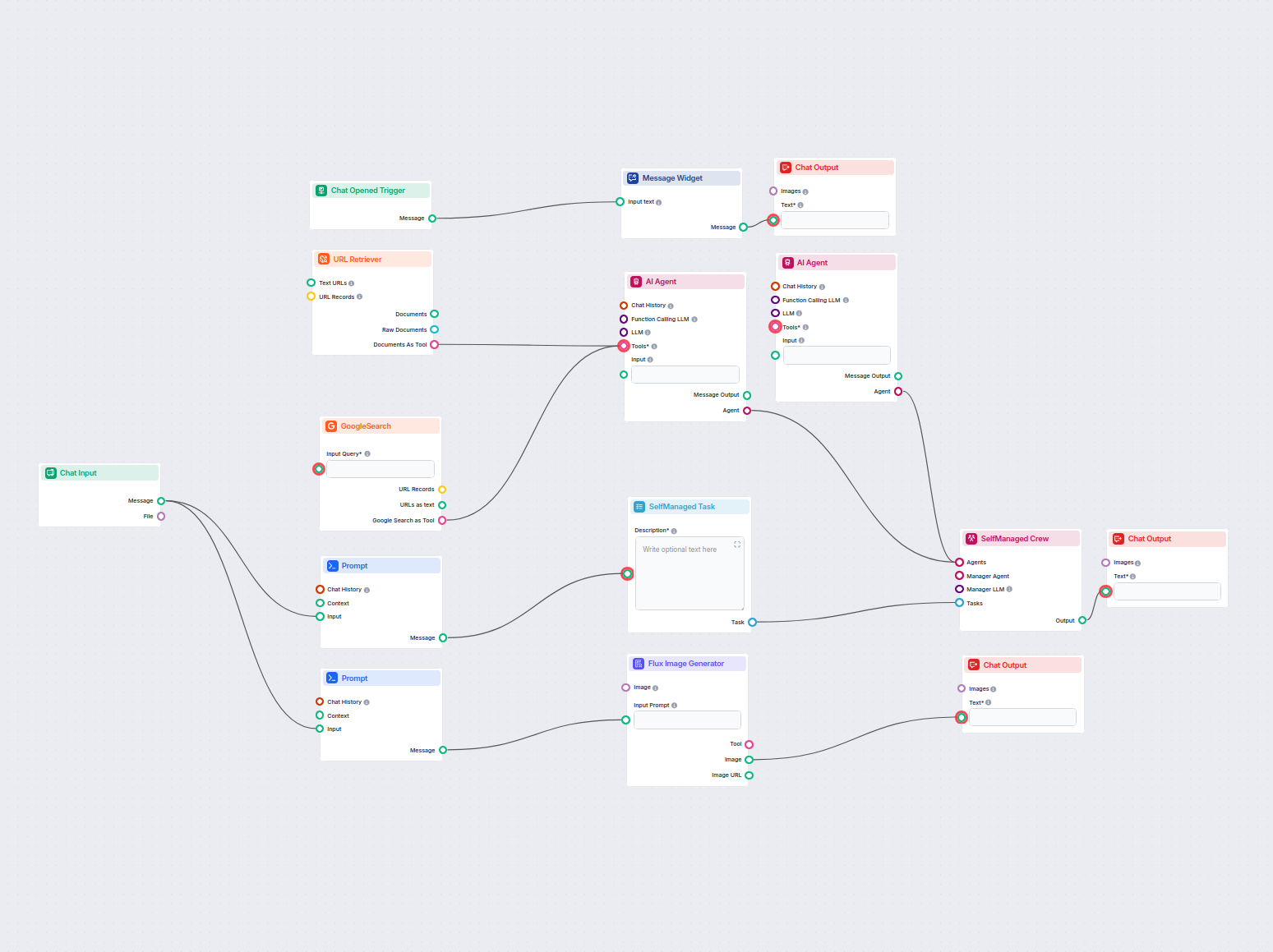
Generate engaging Instagram posts automatically, including catchy titles, creative captions, and visually appealing images using AI-powered content research and...
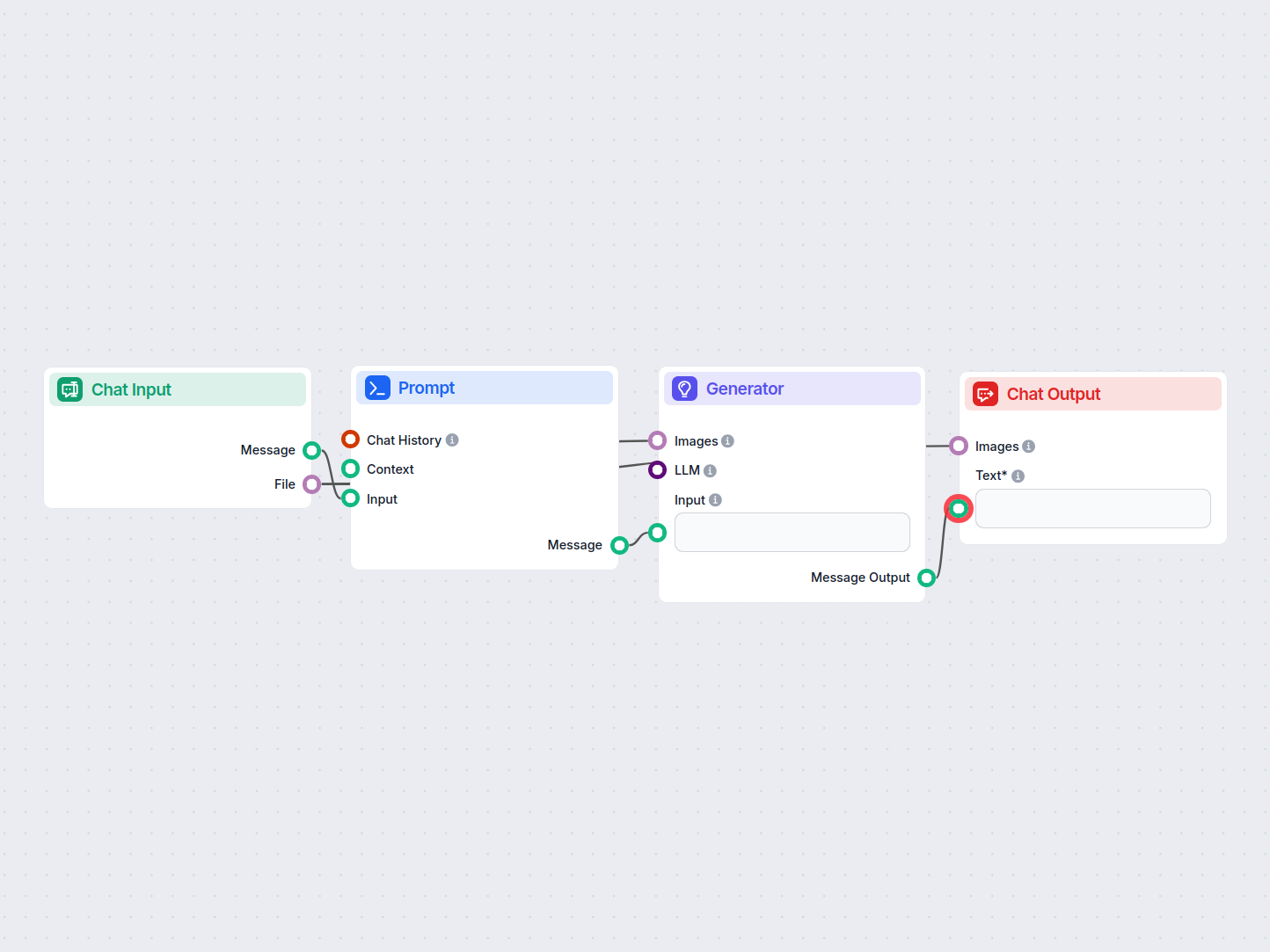
This AI-powered workflow automatically solves CAPTCHA images uploaded by users. It guides users with instructions, processes the uploaded image using a prompt a...
Cookie Consent
We use cookies to enhance your browsing experience and analyze our traffic. See our privacy policy.