



Schema.org Structured Data Generator
Automatically generates Schema.org structured data in JSON format for any website URL, making it easier for search engines to understand and index your website ...
3 min read

Effortlessly create AI-powered Schema.org generators to enhance SEO with FlowHunt’s step-by-step guide. Use AI tools to streamline structured data creation and optimize your online presence.
This simple tool will allow you to immediately generate an accurate schema for your website. Here’s a step-by-step guide to get you started.
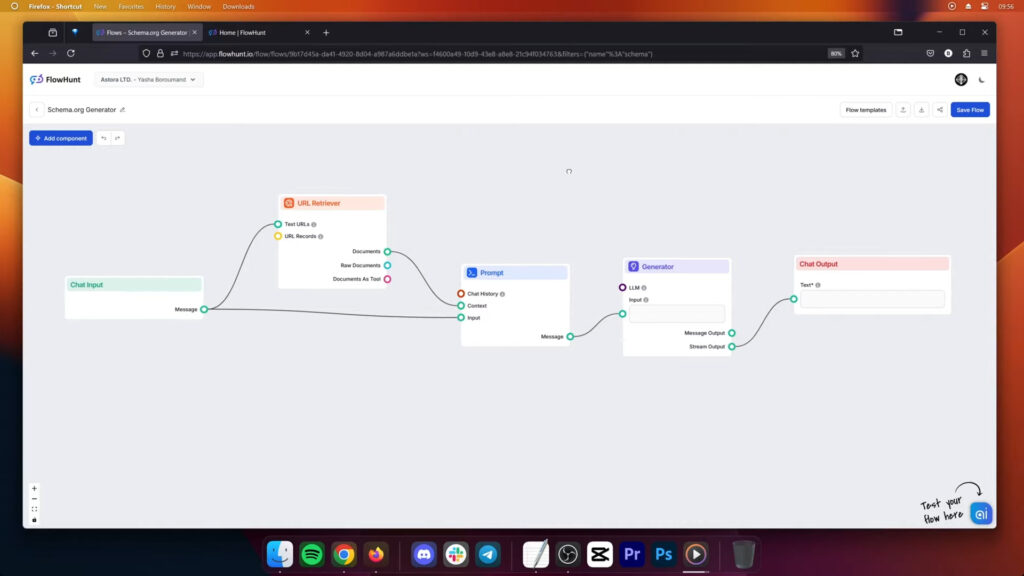
Begin by creating a new flow in the “My Flows” tab. Name your flow and add a description to keep your projects organized. You’ll be greeted by a blank canvas, ready to build.
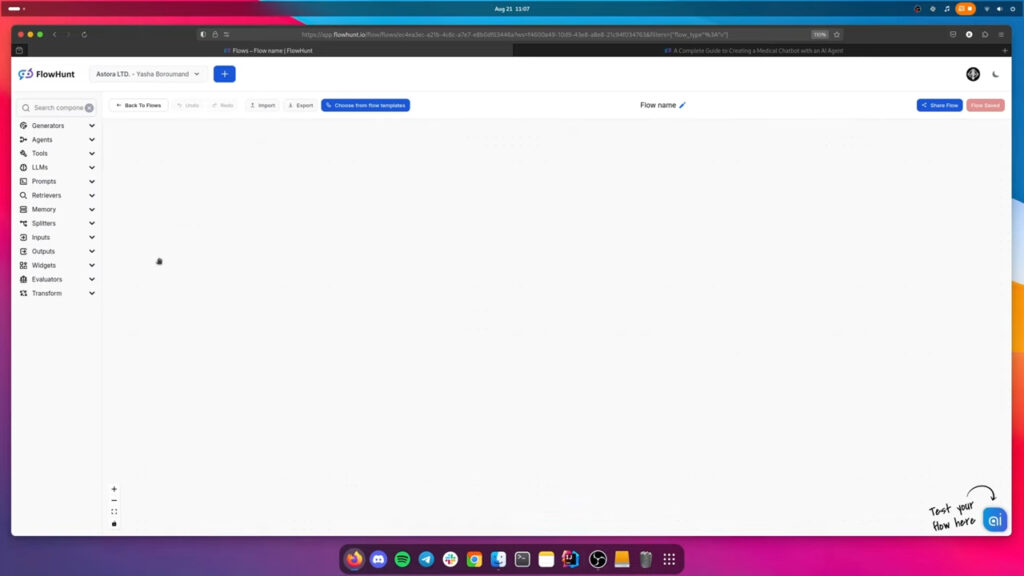
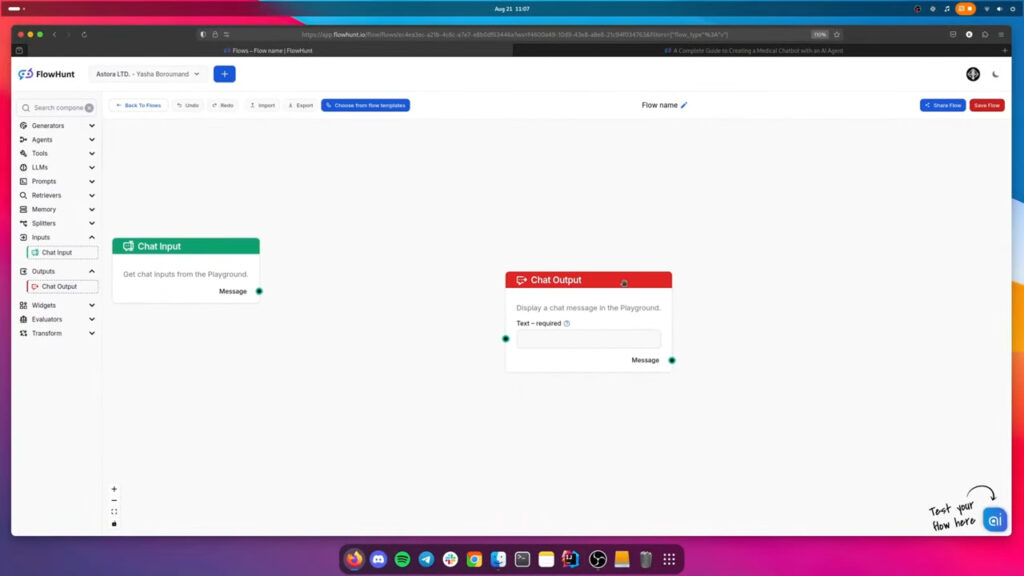
Let’s start by building the foundation of any flow:
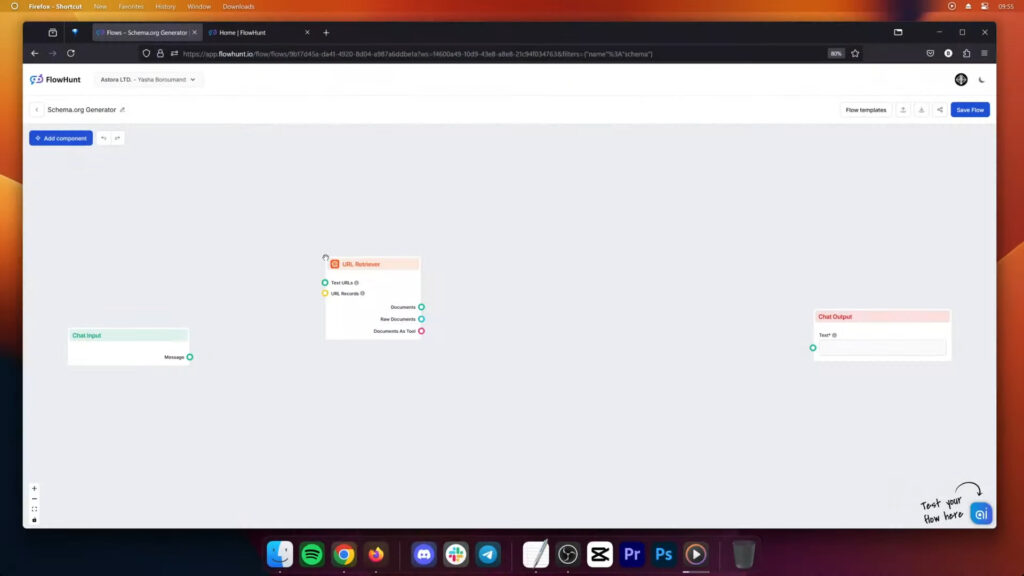
Add a URL retriever to allow the Flow to grab information from URLs.
Add a prompt component to your flow. This is where you’ll define the instructions for your generator. Your prompt should be designed to create Schema.org markup based on the user’s input, generating types such as “about,” “sameAs,” “mentions,” “listItem,” and “itemList.” You can customize the prompt to fit your specific needs.
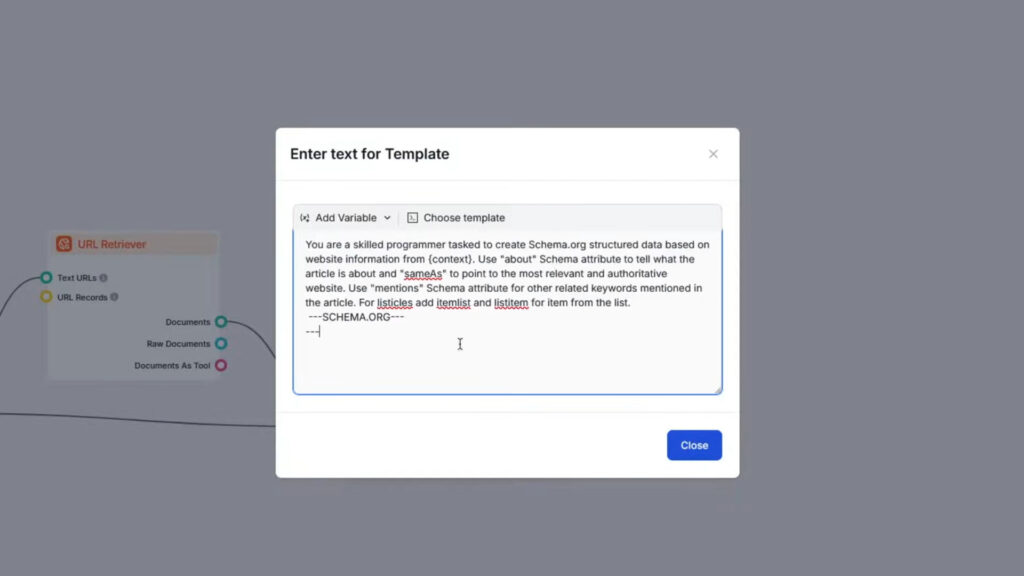
Once you position the component, click the Edit Template setting to input the prompt. You can use this simple prompt:
Here’s a sample prompt to get you started, but feel free to adjust it according to your needs:
You are a skilled programmer tasked to create Schema.org structured data based on website information from {context}. Use “about” Schema attribute to tell what the article is about and “sameAs” to point to the most relevant and authoritative website. Use “mentions” Schema attribute for other related keywords mentioned in the article. For listicles add itemlist and listitem for item from the list. –SCHEMA.ORG–
Complete your Schema.org generator by linking the text generator to the output component. This is the link to the AI. The generator is powered by GPT-4o by default, but feel free to swap it for any other LLM by connecting one of the LLM components.
Maria is a copywriter at FlowHunt. A language nerd active in literary communities, she's fully aware that AI is transforming the way we write. Rather than resisting, she seeks to help define the perfect balance between AI workflows and the irreplaceable value of human creativity.

Streamline structured data creation and boost your site's SEO with FlowHunt's AI-powered Schema.org Generator. Get started for free and enhance your online visibility.
Automatically generates Schema.org structured data in JSON format for any website URL, making it easier for search engines to understand and index your website ...

Discover how a Schema.org Generator can enhance your website's search engine visibility. Learn to generate customizable JSON format markup quickly and effective...

Kick the writer's block and get tailored content ideas. Learn how to build your own custom AI Content Idea Generator with FlowHunt, generating unique, trending ...
Cookie Consent
We use cookies to enhance your browsing experience and analyze our traffic. See our privacy policy.