


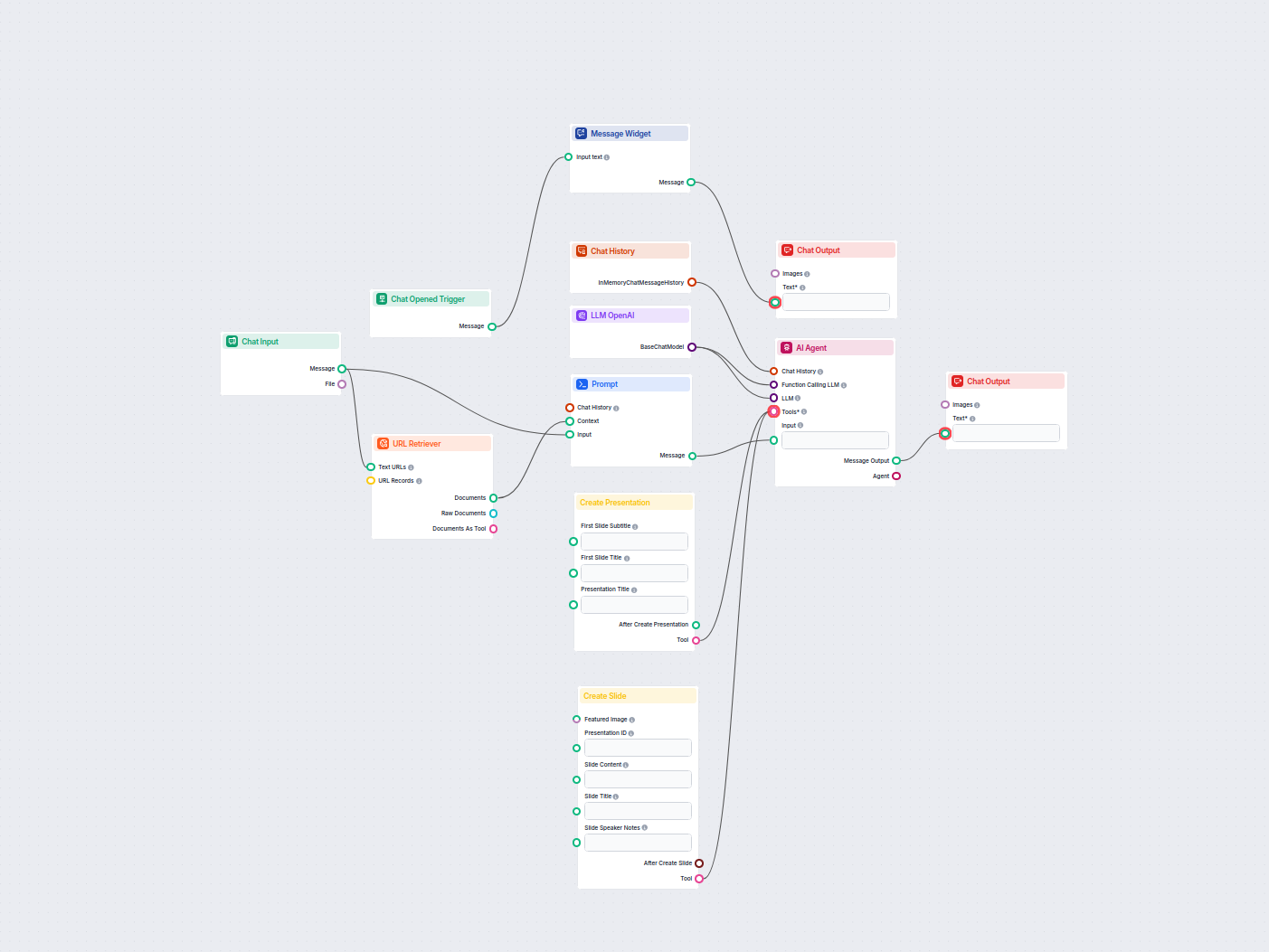
YouTube Video to Google Slides Presentation Generator
Turn any YouTube video into a professional Google Slides presentation in minutes. This AI-powered workflow extracts content from a provided YouTube URL, analyze...
5 min read
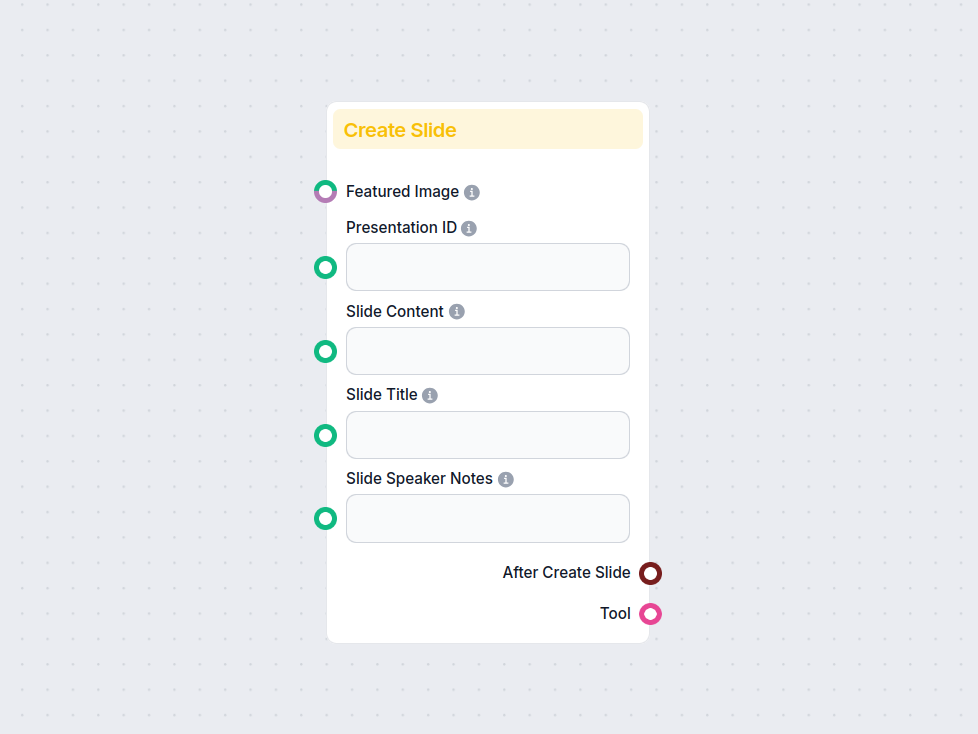
The Create Google Slide component automates adding new slides to Google Slides presentations, letting you specify titles, content, images, and speaker notes for seamless document generation.
Component description
The Create Slide component allows you to programmatically add new slides to an existing Google Slides presentation. This is particularly useful when you want to automate the creation of presentations, generate content dynamically, or integrate slide creation into a larger AI-driven workflow.
The component connects to a Google Slides presentation (via its Presentation ID) and creates a new slide with custom content, title, and optional speaker notes. You can also attach a featured image to the slide. This makes it ideal for workflows where presentations need to be generated or updated based on incoming data, user input, or AI-generated content.
The component accepts the following inputs:
| Input Name | Type(s) | Description | Required |
|---|---|---|---|
| Presentation ID | Message (string) | The ID of the Google Slides presentation to update. | No |
| Slide Title | Message (string) | Title to be given to the new slide. | No |
| Slide Content | Message (string) | Main content/body of the slide. | No |
| Speaker Notes | Message (string) | Any presenter notes for the slide. | No |
| Featured Image | Message, FlowSessionAttachmentResponse | An image to visually highlight the slide. | No |
| Tool Name | String | Reference name for the tool in agent workflows. | No |
| Tool Description | String (multiline, advanced) | Description for agents about how to use the tool. | No |
| Verbose | Boolean | Whether to show detailed output logs. | No |
Note: None of the fields are strictly required, but providing the Presentation ID is necessary for the component to know where to create the slide.
Upon execution, the component produces the following outputs:
After Create Slide (Data):
Returns data about the slide creation process, which can be used in subsequent workflow steps (e.g., to confirm success or trigger follow-ups).
Tool (Tool):
Exposes tool capabilities for agent-based workflows, enabling other processes or agents to interact with this slide-creation function.
| Feature | Description |
|---|---|
| Adds slides to Google Slides | Yes |
| Supports images | Yes (Featured Image) |
| Custom slide titles/content | Yes |
| Speaker notes | Yes |
| Agent/tool integration | Yes |
| Output data for chaining | Yes |
The Create Slide component is a versatile tool for anyone looking to streamline or automate the process of building Google Slides presentations within an AI workflow. By combining this with other components, you can build powerful automated reporting, content creation, or presentation-building systems.
To help you get started quickly, we have prepared several example flow templates that demonstrate how to use the Create Google Slide component effectively. These templates showcase different use cases and best practices, making it easier for you to understand and implement the component in your own projects.
Turn any YouTube video into a professional Google Slides presentation in minutes. This AI-powered workflow extracts content from a provided YouTube URL, analyze...
Streamline your workflow and create slides automatically in Google Slides with FlowHunt's Create Google Slide component.

Integrate FlowHunt with Google Slides to automate presentation creation and slide generation with AI—no coding required.

Automatically generate professional pitch decks in Google Slides using AI and live web research. This workflow gathers user input, searches Google for relevant ...
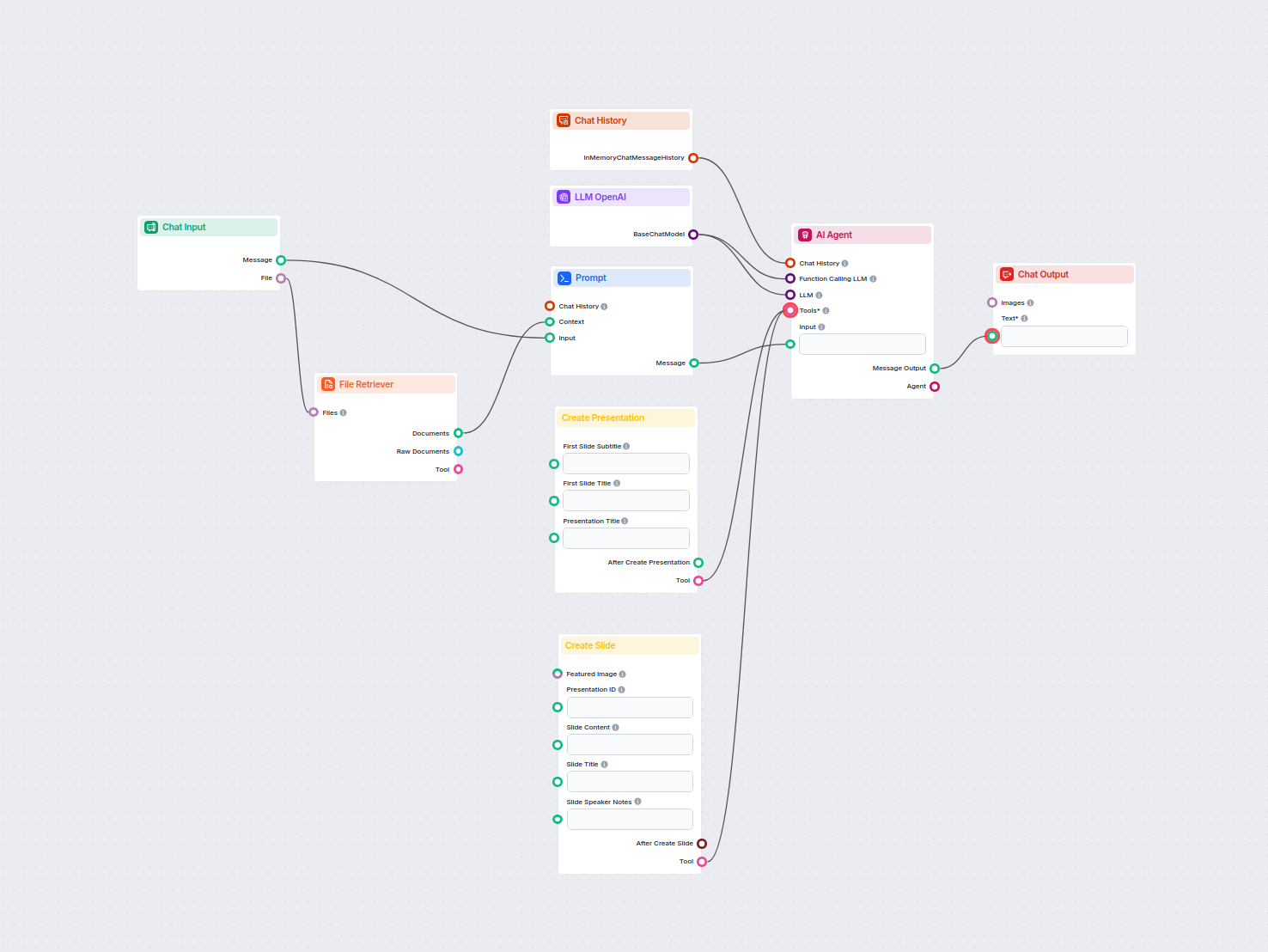
Automate the creation of professional Google Slide presentations from any uploaded document using AI. This workflow extracts document content, generates structu...
Cookie Consent
We use cookies to enhance your browsing experience and analyze our traffic. See our privacy policy.