


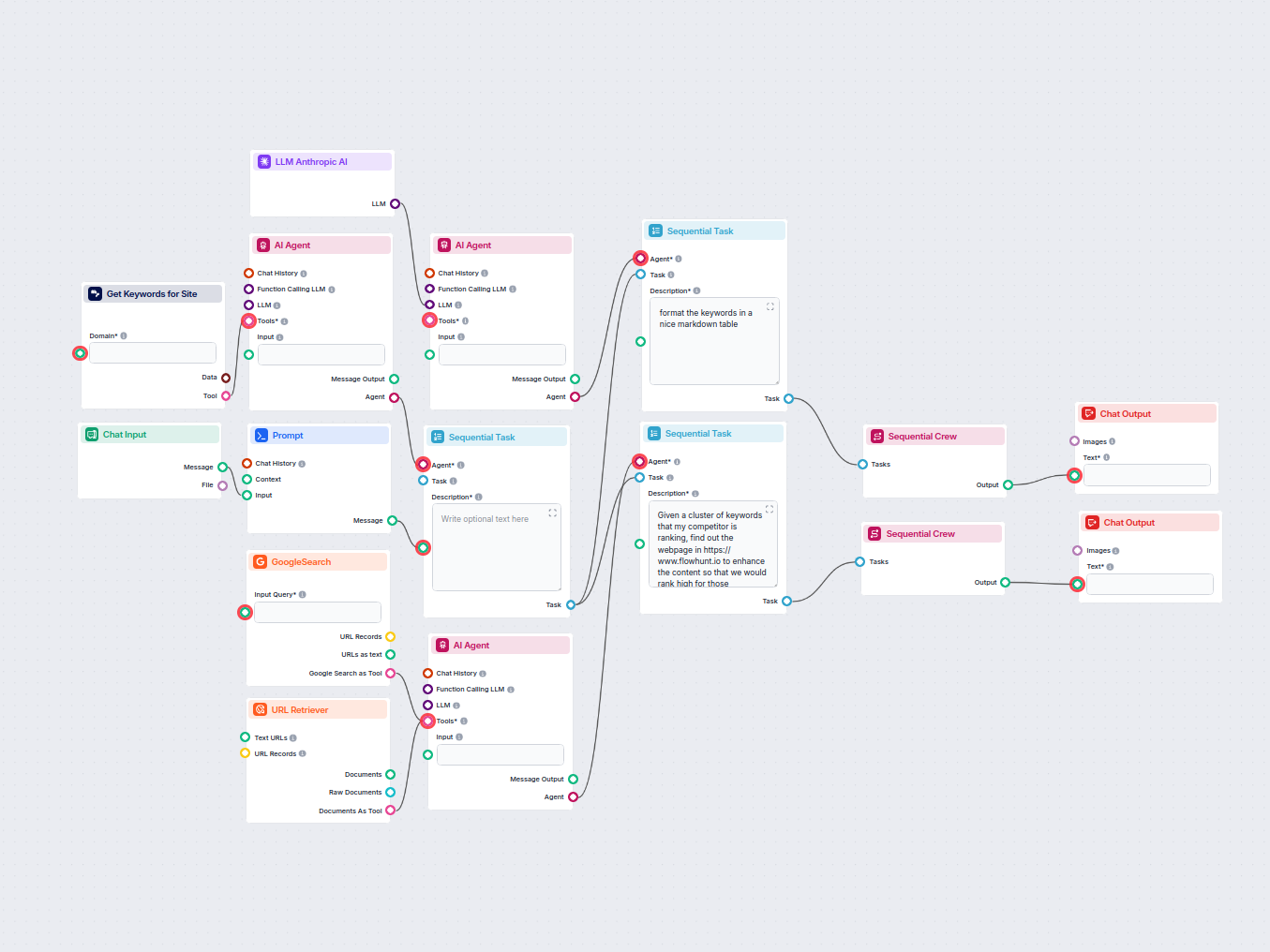
AI SEO Competitor Keyword Analyzer
Automatically analyze your competitor’s homepage URL to discover their top ranking keywords, gather keyword data from Google, and receive actionable recommendat...
4 min read
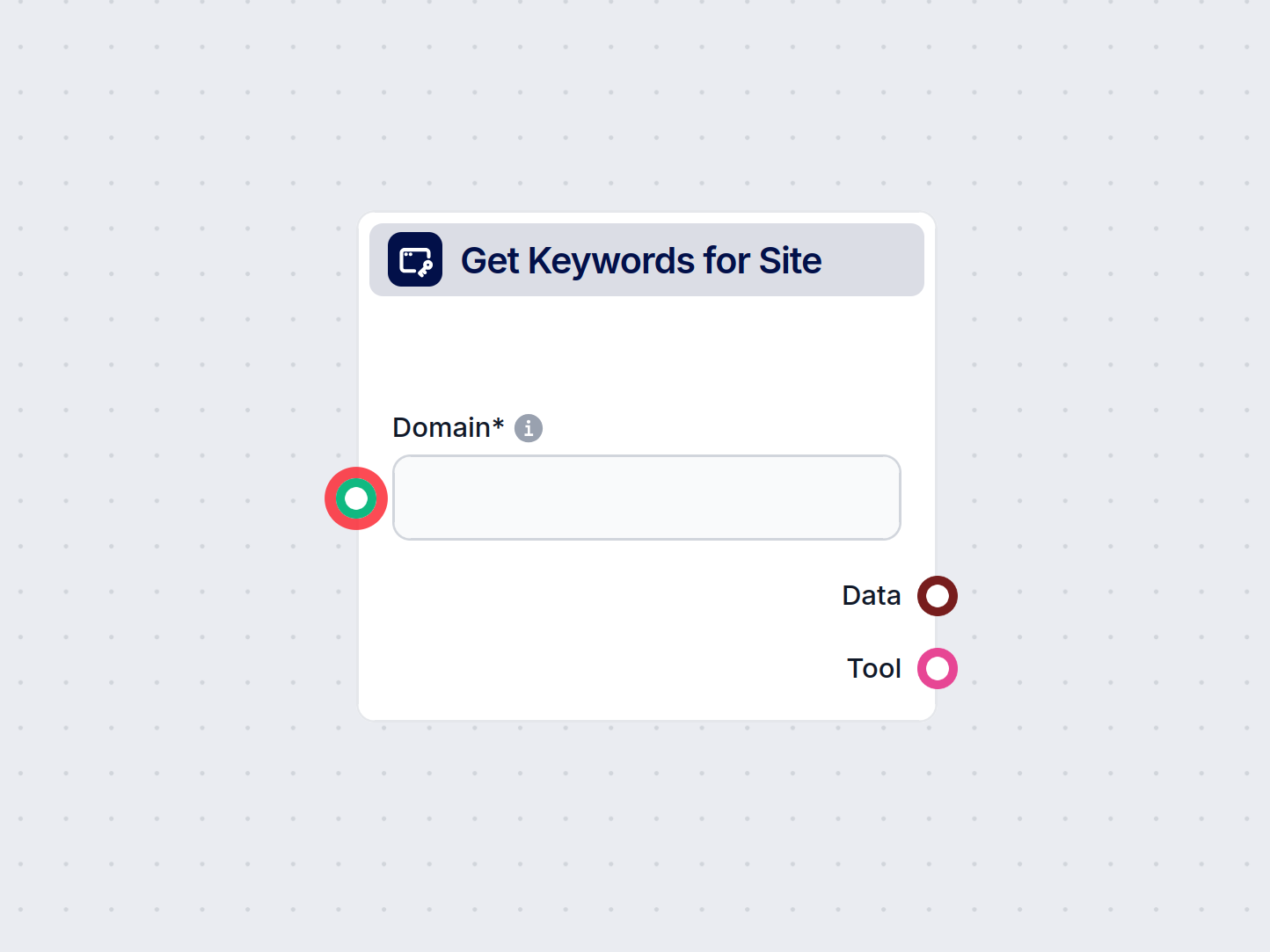
Automatically extract vital keyword data for any domain or page, including search volume, competition, CPC, and trends, to power your SEO and marketing flows.
Component description
The “Get Keywords for Site” component is designed to retrieve a list of relevant Google search keywords for a specific website or web page. It enriches each keyword with valuable metadata such as search volume, competition metrics, cost-per-click (CPC), and trend data. This component is particularly useful for SEO analysis, content strategy, and digital marketing workflows where understanding keyword performance and relevance is essential.
| Name | Type | Required | Description | Example/Default |
|---|---|---|---|---|
| Target Type | str | Yes | Choose whether to analyze the whole site or a specific page. Options: site, page. | page |
| Location Name | str | No | The geolocation for keyword data (e.g., United States). | United States |
| Date From / Date To | str | No | Specify the time range for keyword data in yyyy-mm-dd format. | |
| Include Adult Keywords | bool | No | Include keywords associated with adult content. | false |
| Search Partners | bool | No | Include Google’s search partners in the analysis. | false |
| Limit | int | No | Number of keywords to return (between 1 and 100). | 20 |
| Sort By | str | No | Sort keywords by relevance, search_volume, competition_index, low_top_of_page_bid, high_top_of_page_bid. | relevance |
| Extracting Data | multi | No | Select which data fields to extract, e.g., keyword, competition, search_volume, cpc, etc. | Multiple (default set) |
| Tool Name & Description | str | No | For agent integrations: helps identify and describe the tool in automated workflows. | |
| Verbose | bool | No | Enable detailed output for debugging or logging. | false |
| Name | Type | Required | Description | Example/Default |
|---|---|---|---|---|
| Domain | str | Yes | The website domain or specific page URL to analyze. | example.com |
The component produces two main outputs:
Data Output (“Data”)
Contains the list of relevant keywords with associated metadata. Each entry typically includes:
Extracting Data inputTool Output (“Tool”)
Provides a tool object for integration with AI agents or automated workflows. This is useful for chaining with other components or for agent-based automation.
This component is a versatile building block for any AI workflow involving website analysis, keyword research, or digital marketing automation. Its flexibility and depth of data make it valuable for both technical users and marketing professionals.
To help you get started quickly, we have prepared several example flow templates that demonstrate how to use the Google Keywords for Site component effectively. These templates showcase different use cases and best practices, making it easier for you to understand and implement the component in your own projects.
Automatically analyze your competitor’s homepage URL to discover their top ranking keywords, gather keyword data from Google, and receive actionable recommendat...
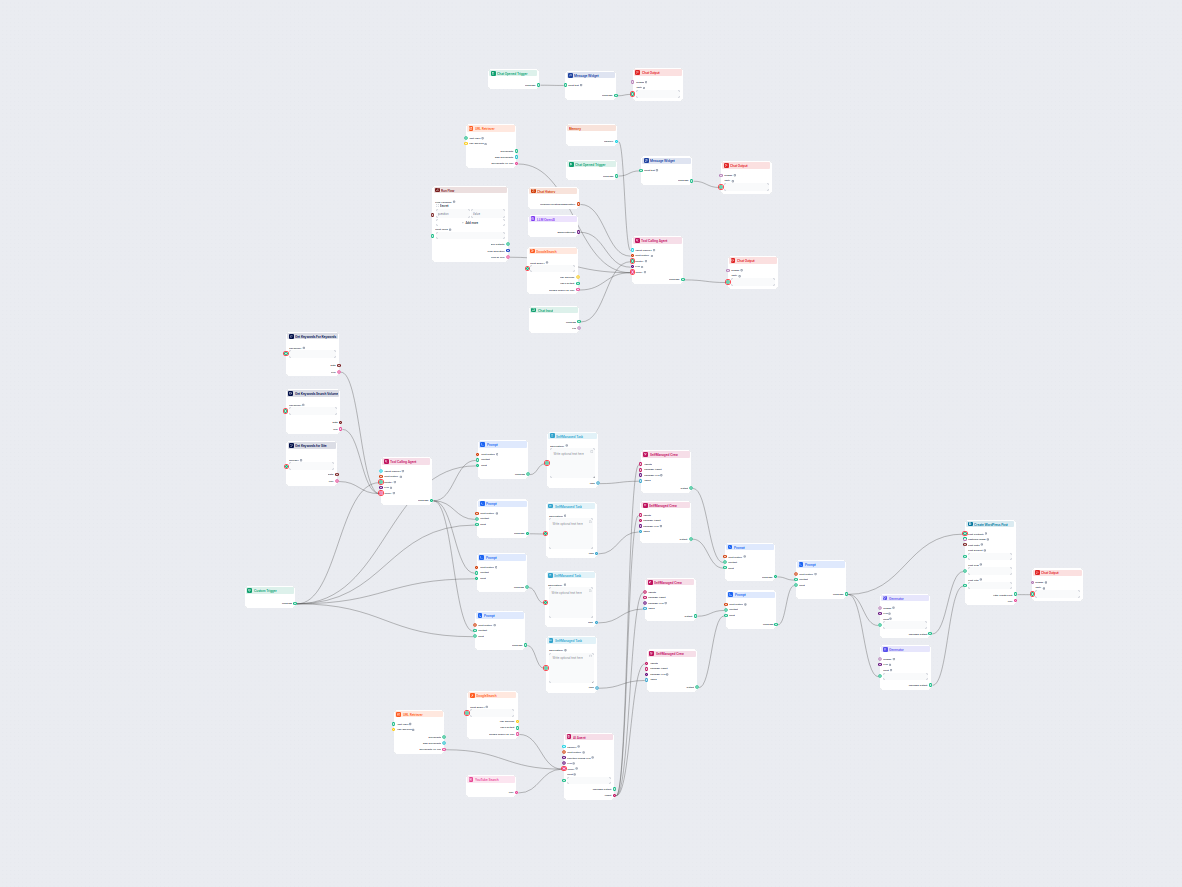
This AI-powered workflow automates the generation of unique legal or professional blog questions based on user input, competitor research, or trending topics, a...
Start building smarter SEO and marketing workflows by integrating automated keyword extraction for any website or landing page.
Automatically analyze your competitor’s homepage URL to discover their top ranking keywords, gather keyword data from Google, and receive actionable recommendat...
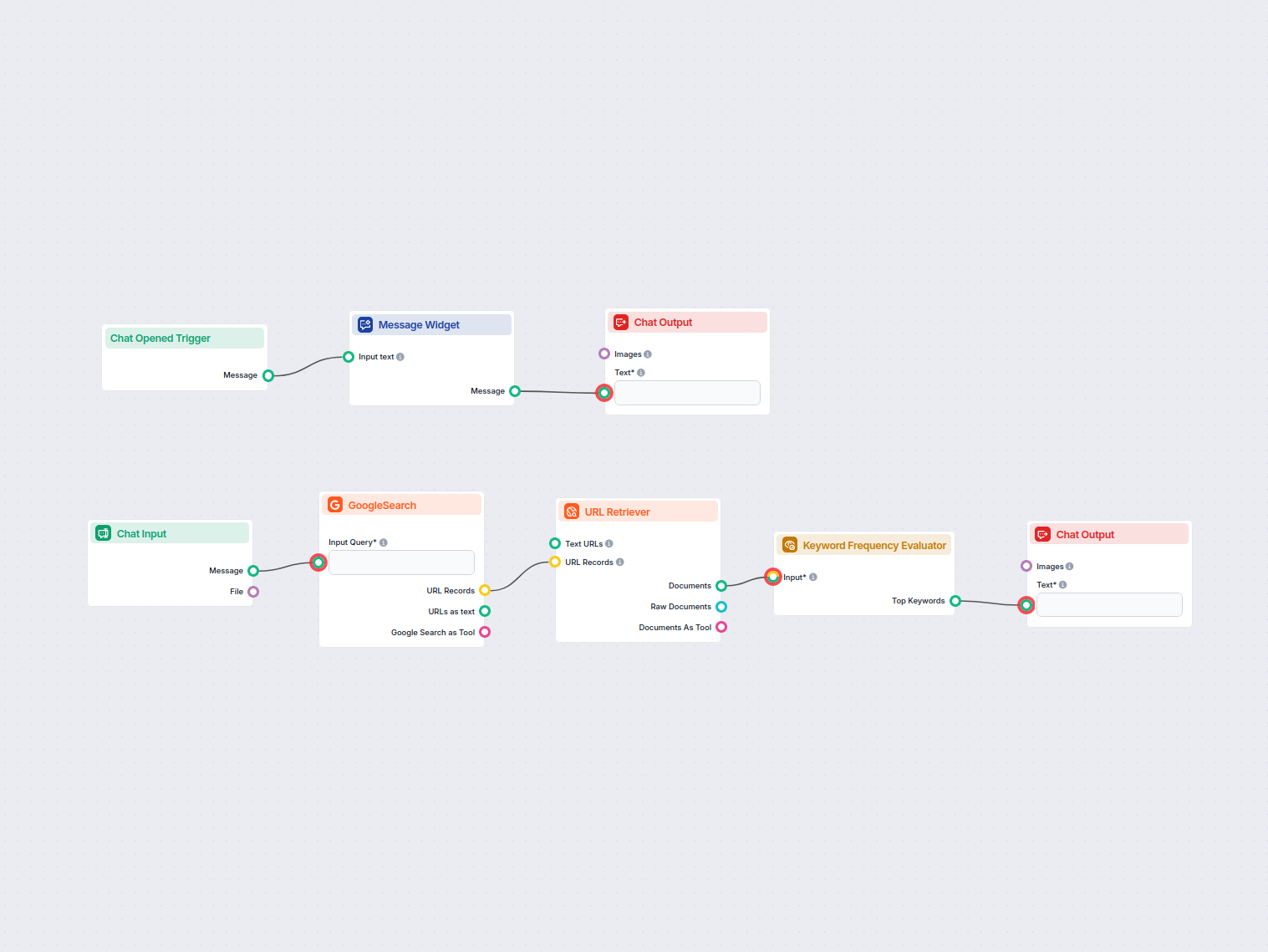
This flow analyzes the most frequently used keywords on top-ranking web pages for a target keyword. Ideal for SEO professionals and content marketers aiming to ...
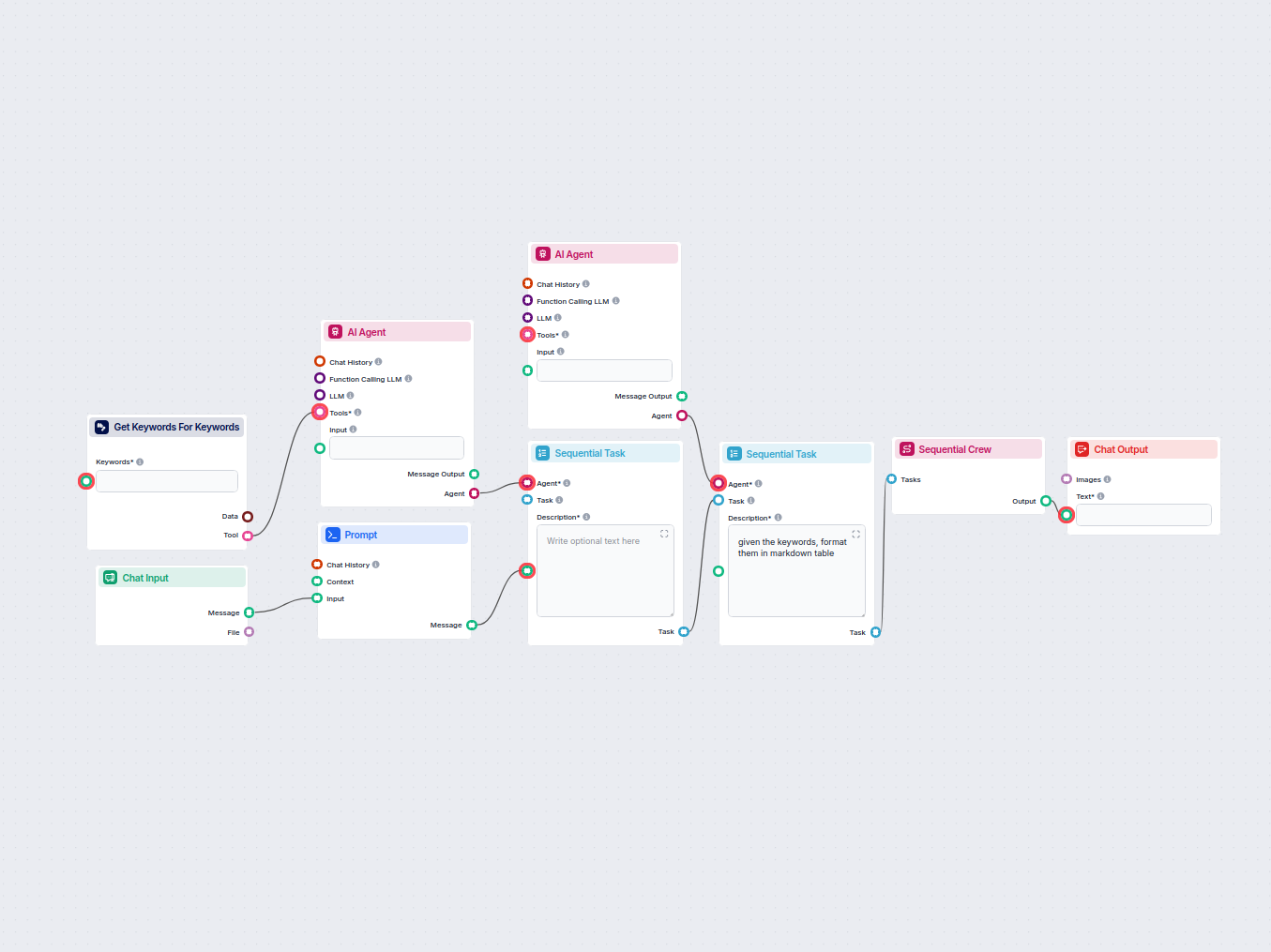
This workflow automates keyword research by generating a detailed table of related keywords for your target phrase, including critical SEO metrics like search v...
Cookie Consent
We use cookies to enhance your browsing experience and analyze our traffic. See our privacy policy.