
Lead Generation Chatbot for Hubspot
Learn how to create a lead generation chatbot using FlowHunt and integrate it with HubSpot to automate lead capture, qualification, and CRM management.
2 min read
AI Chatbot
Lead Generation
+4
Seamlessly integrate FlowHunt with HubSpot for smart AI support, automated contact management, and dozens of powerful workflows—all in just a few clicks.
Component description
Integrating HubSpot to FlowHunt is a very straightforward process that takes just a few clicks while giving you access to dozens of possible workflows, ranging from automatically importing contacts from various sources to integrating our AI chatbot into your support channels.
Thanks to this integration, you’ll gain access to use 7 HubSpot components suitable for dozens of unique use cases. Let’s quickly review all the HubSpot components and their popular use cases.
FlowHunt lets you automate your CRM to create, update, search, and filter contacts. On top of managing the contacts, you can connect them to various workflows to automate other related tasks, such as customer service or generating and sending personalized offers.
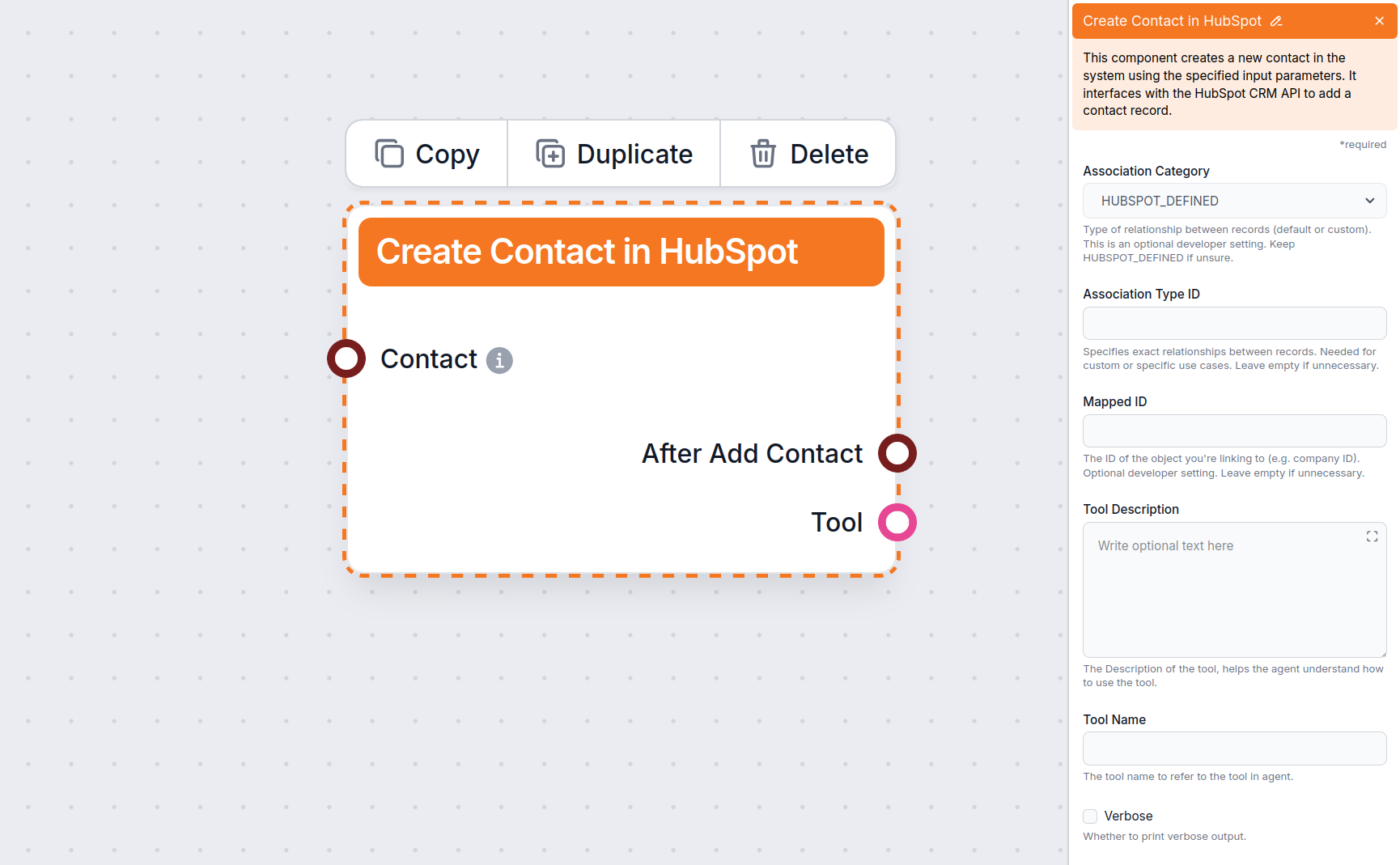
This component allows you to automatically create contacts from various sources, such as:
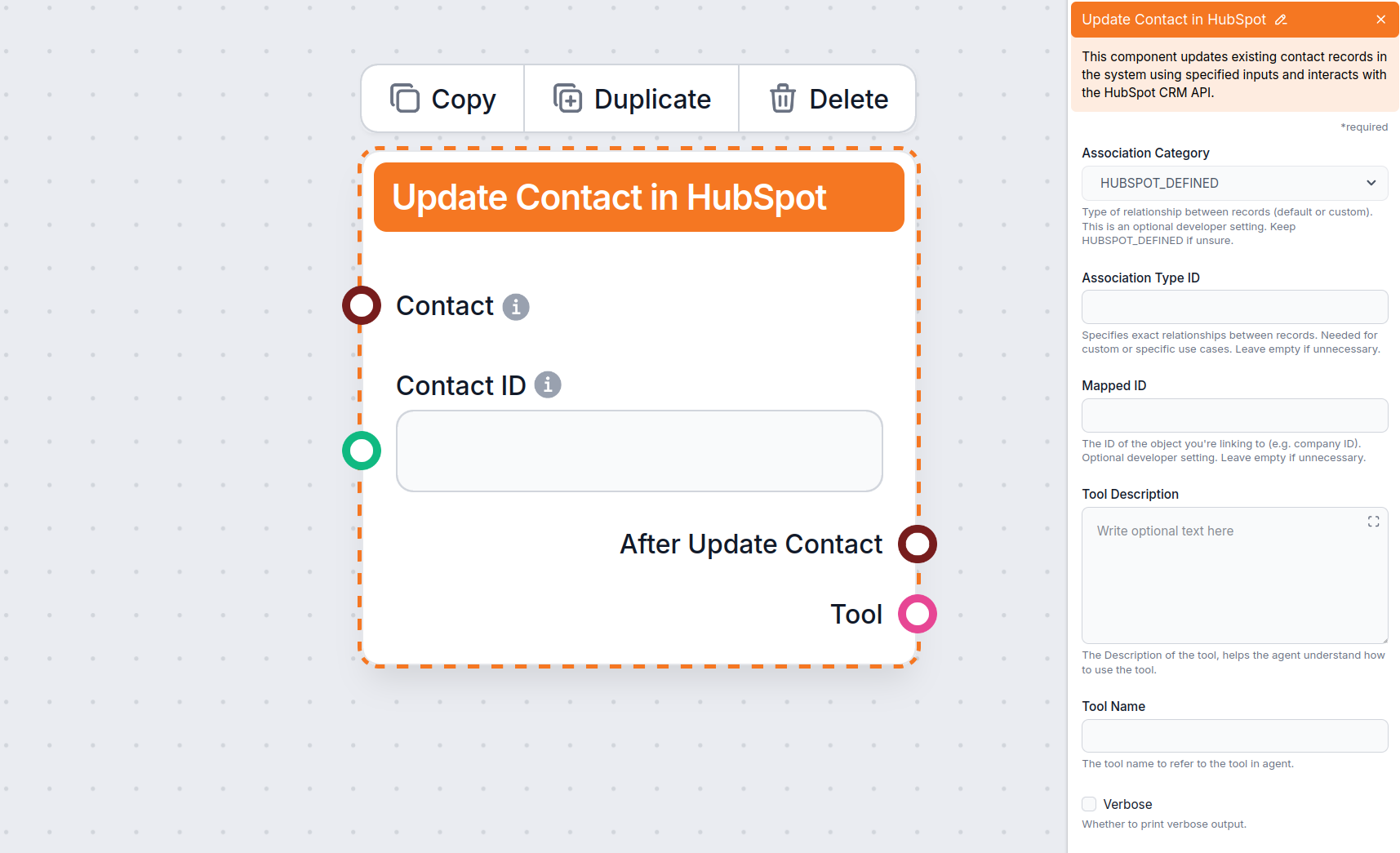
When new information is provided, FlowHunt will automatically update the contact in HubSpot. You can run an automatic update from any data source, but an update can also be triggered by simply providing the new information via chat.
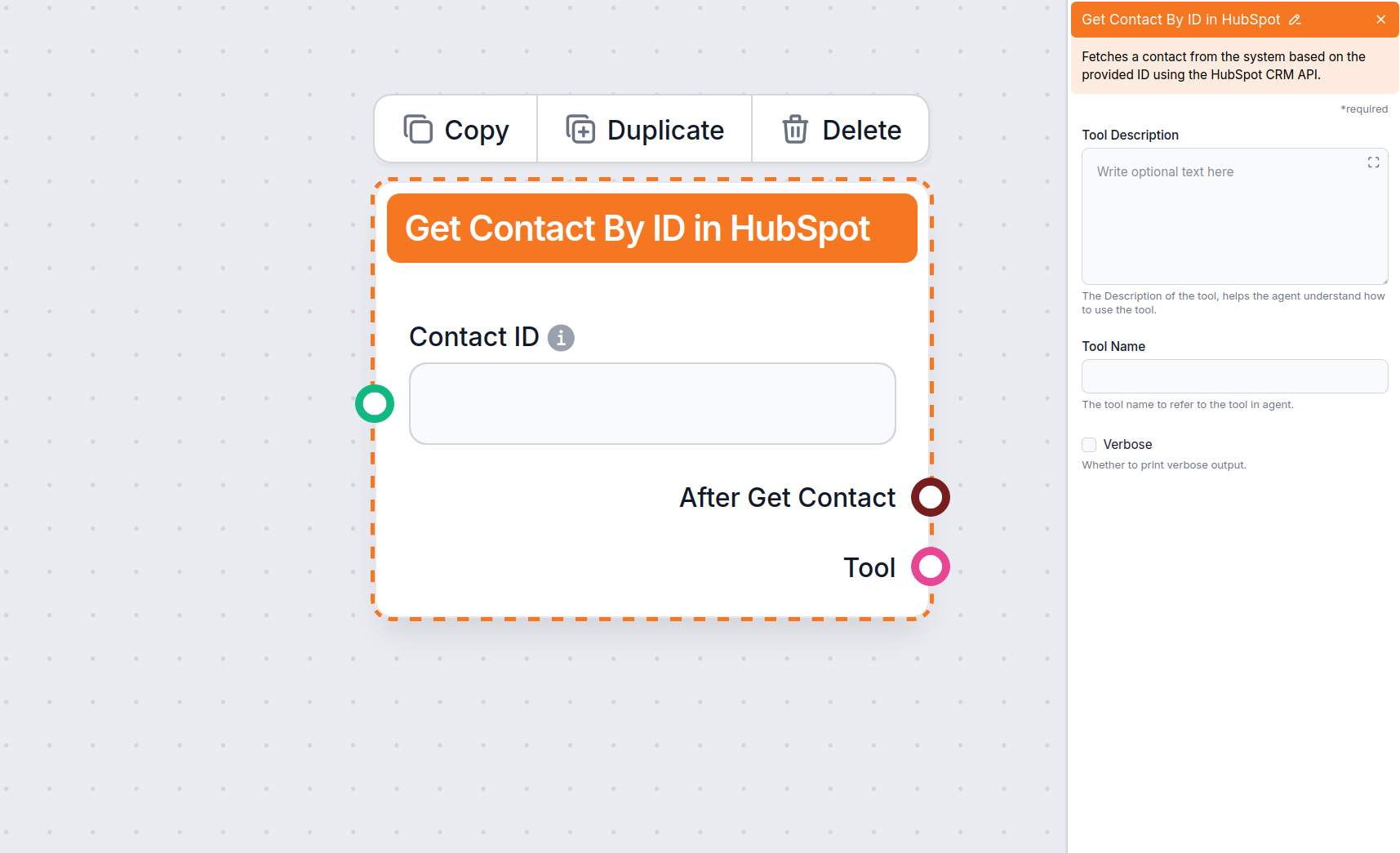
This component specifies a single contact by its ID. This is a foolproof solution for when you need to target one exact customer. You can input the ID manually or have it filled in by the Flow. For example, previous components can filter out contacts based on criteria, coming up with a single best match and providing the ID.
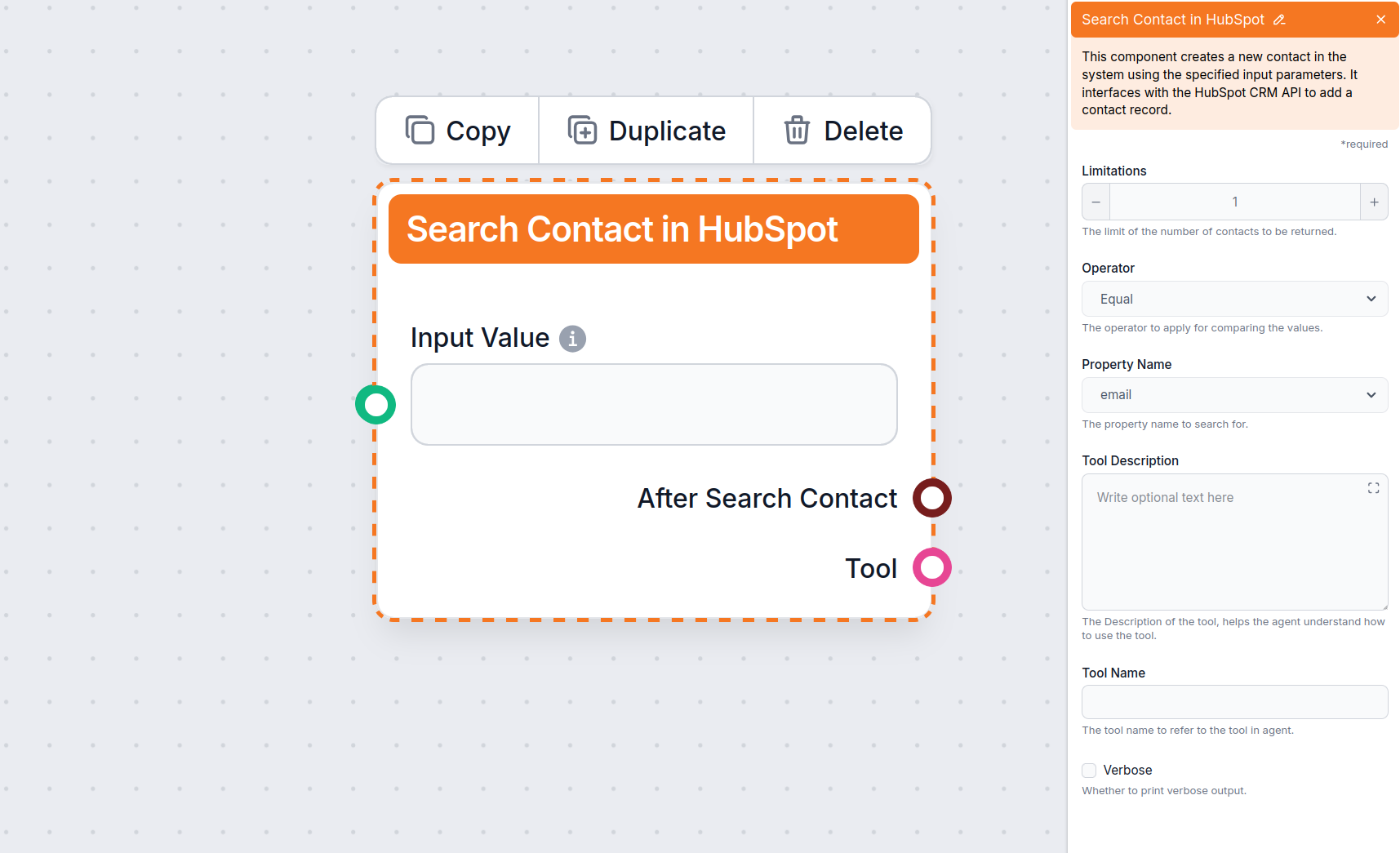
Search and filter out contacts based on various properties, such as emails, company, or job title. This is handy for analyzing and segmenting your audience, generating personalized offers, and more.
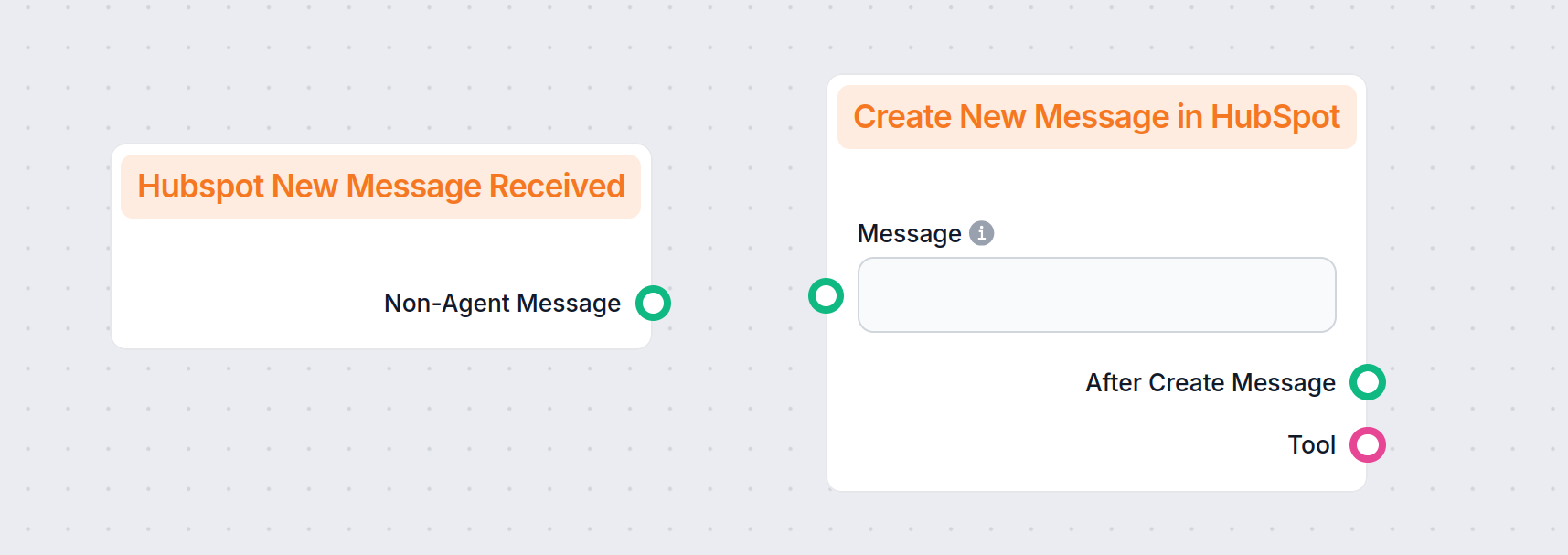
Our AI chatbot offers more control and flexibility than the native HubSpot chatbot. With the integration, you can make FlowHunt the engine your HubSpot chat runs on. Don’t worry, this change isn’t automatic. Only the chatbots you specify in the “Create New Message in HubSpot” component will be powered by FlowHunt.
Currently, you can connect our AI chatbot to:
Integrating with HubSpot takes just a couple of clicks. All you have to do is connect to the correct account and give FlowHunt permissions.
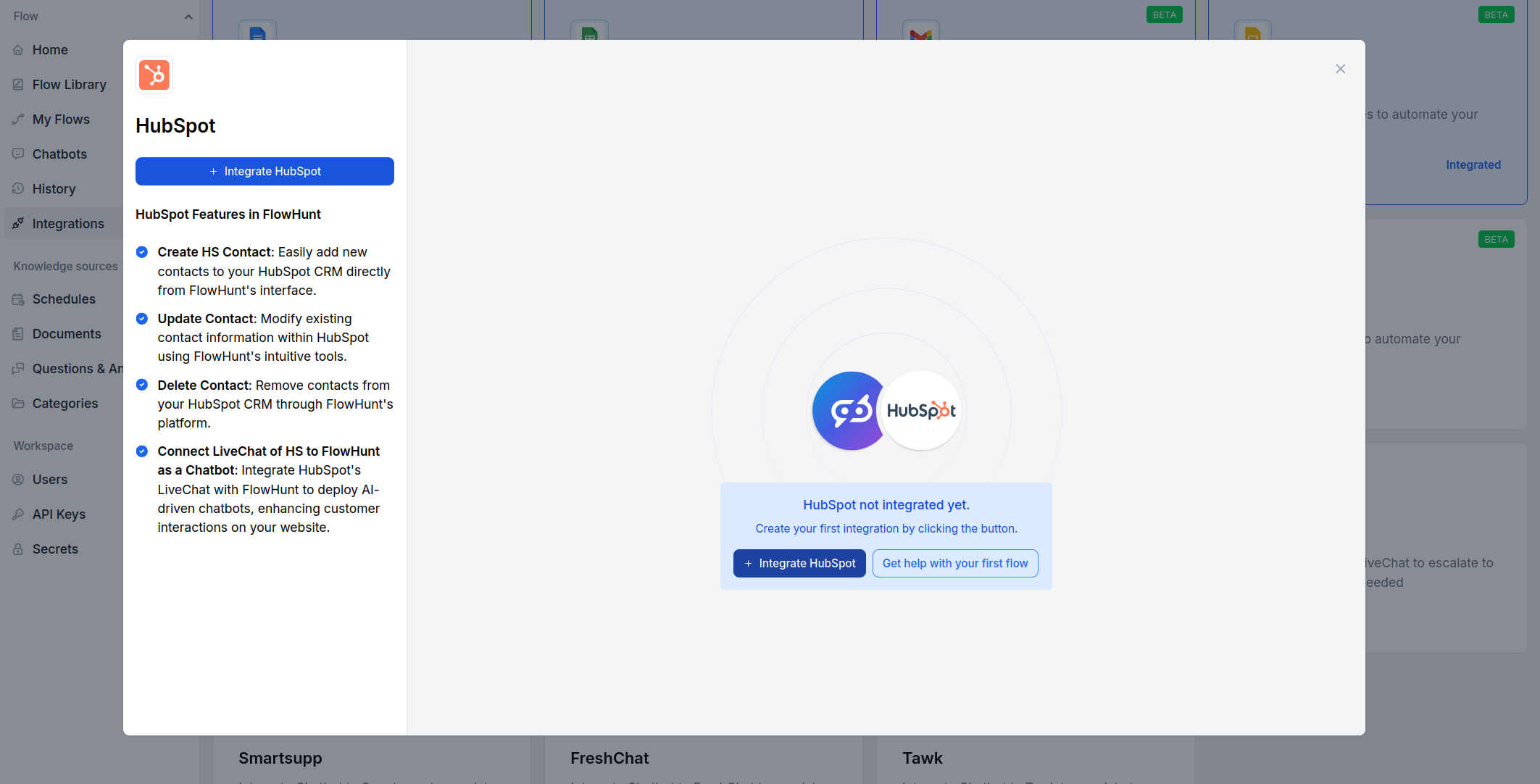
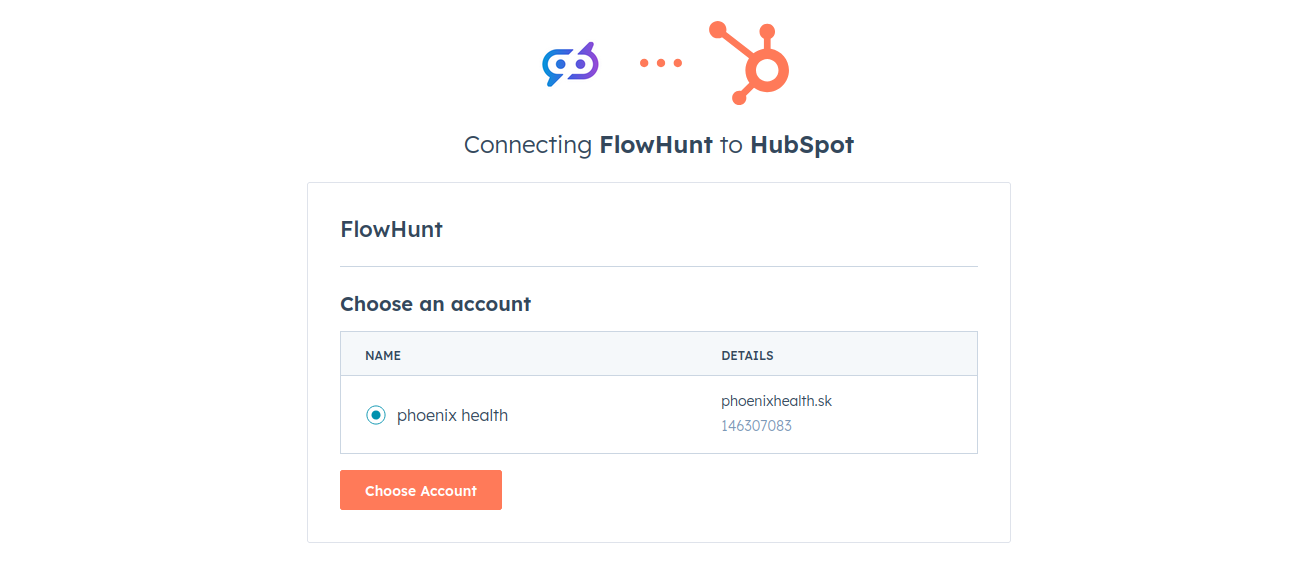
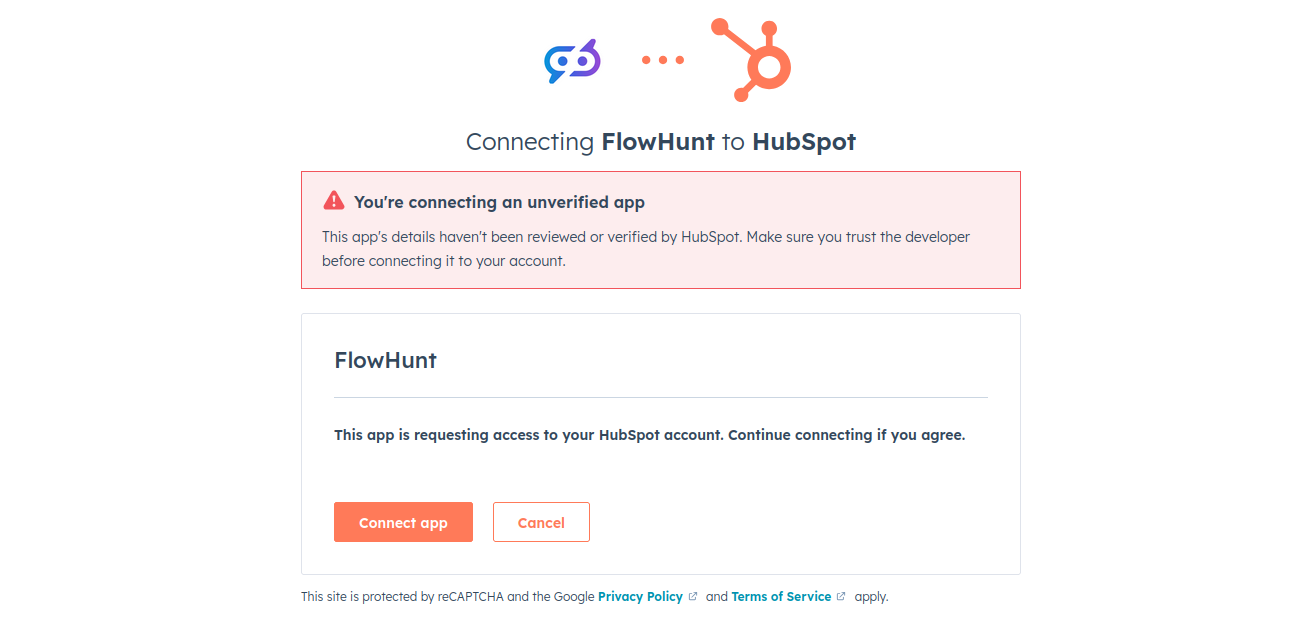
That’s it! You’ll see a message informing you about successful integration:
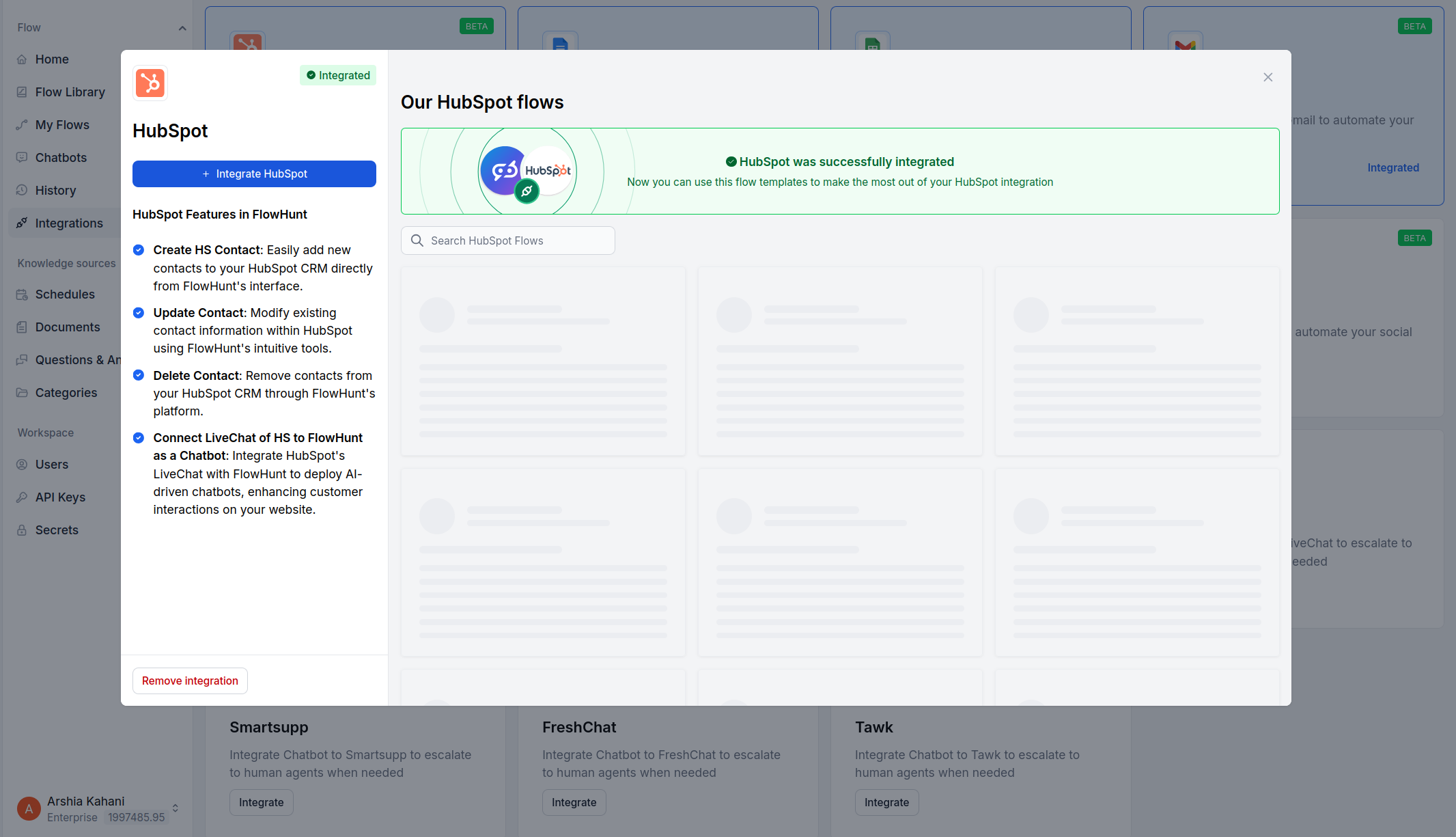
Now you can try one of our pre-made HubSpot Flows to get a head start, or start building your own HubSpot automations from scratch.
Start building your own AI-powered workflows and automate your CRM with FlowHunt’s HubSpot integration. Experience seamless support and smart automation.
Learn how to create a lead generation chatbot using FlowHunt and integrate it with HubSpot to automate lead capture, qualification, and CRM management.
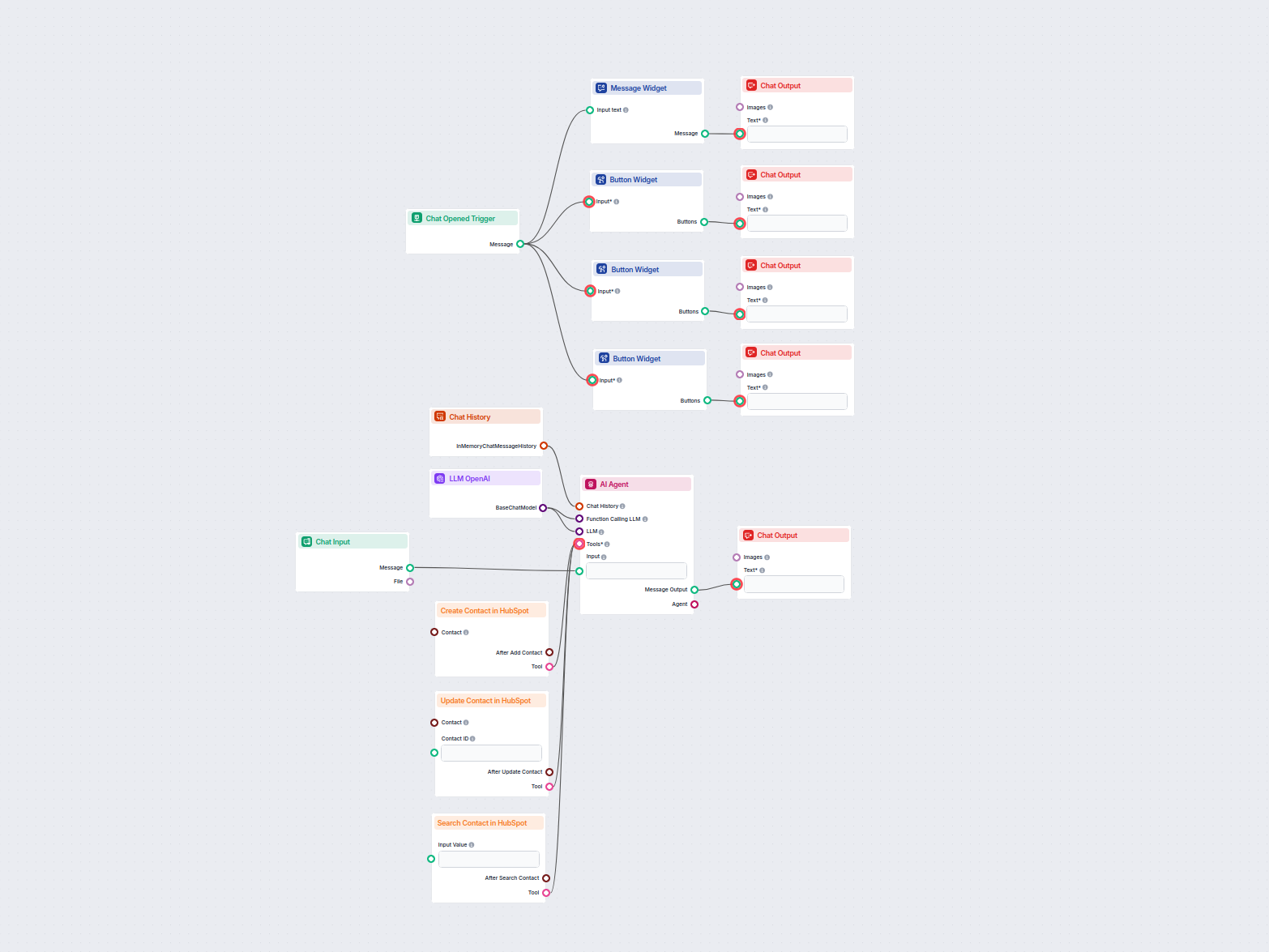
This AI-powered workflow automates contact management in HubSpot CRM. Users can easily search, create, or update contacts through a chat interface powered by an...
Cookie Consent
We use cookies to enhance your browsing experience and analyze our traffic. See our privacy policy.