



Google Sheets
Intégrez FlowHunt à Google Sheets pour automatiser la création de feuilles de calcul, la récupération de données et les mises à jour dynamiques dans vos flux de...
2 min de lecture
AI
Google Sheets
+3
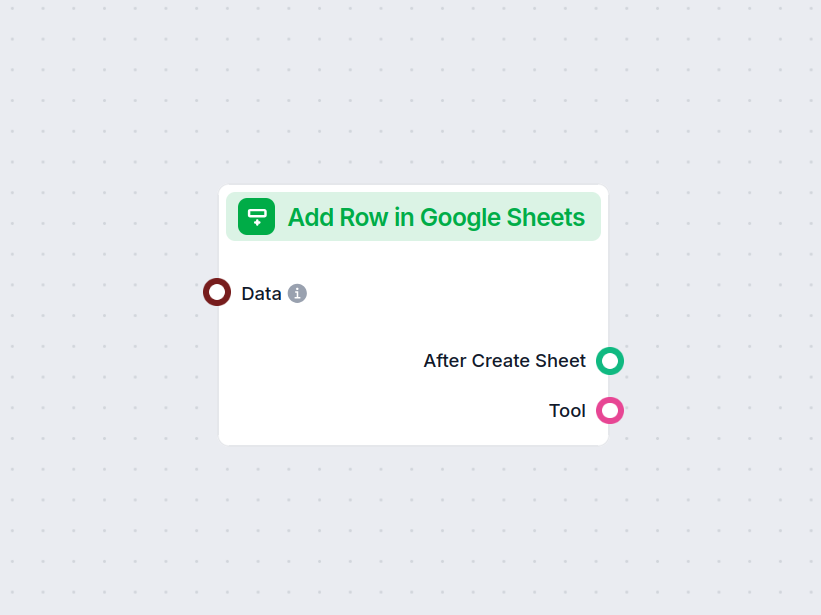
Automatisez l’ajout de nouvelles lignes à Google Sheets depuis vos flux, simplifiant la saisie et l’intégration des données à vos feuilles de calcul.
Description du composant
The Add Row in Google Sheets component allows you to programmatically insert new rows into an existing Google Sheets document as part of your AI workflow. This can be especially useful for automating data collection, logging results, or updating spreadsheets based on workflow outputs without manual intervention.
This component receives data (either a single entry or a list of entries) and appends it as new row(s) to a specified Google Sheet. Each key in your data corresponds to a column in the Google Sheet, ensuring the data is mapped correctly.
| Input Name | Type | Required | Description |
|---|---|---|---|
| Data | Data / List of Data | No | The data to add as new row(s). Each key maps to a column in the Sheet. |
| Document | Google Sheets Document Picker | Yes | Select or specify the target Google Sheets document where the row(s) should be added. |
| Tool Description | String (multiline, advanced) | No | Optional description to help agents understand the tool’s purpose. |
| Tool Name | String (advanced) | No | Optional name to refer to the tool, especially for agent-based workflows. |
| Verbose | Boolean (advanced) | No | Specify whether to print verbose output for debugging or transparency. |
| Output Name | Type | Description |
|---|---|---|
| After Create Sheet | Message | A message confirming the addition of the row(s). |
| Tool | Tool | Reference to the tool instance itself for further use. |
In summary:
The “Add Row in Google Sheets” component is a versatile tool for anyone needing automated, reliable, and configurable interaction between AI workflows and Google Sheets. Its flexible input options and useful outputs make it a valuable building block in data-driven automation scenarios.
Commencez à automatiser vos tâches sur feuille de calcul—ajoutez et gérez des lignes dans Google Sheets directement depuis vos flux alimentés par l’IA.
Intégrez FlowHunt à Google Sheets pour automatiser la création de feuilles de calcul, la récupération de données et les mises à jour dynamiques dans vos flux de...
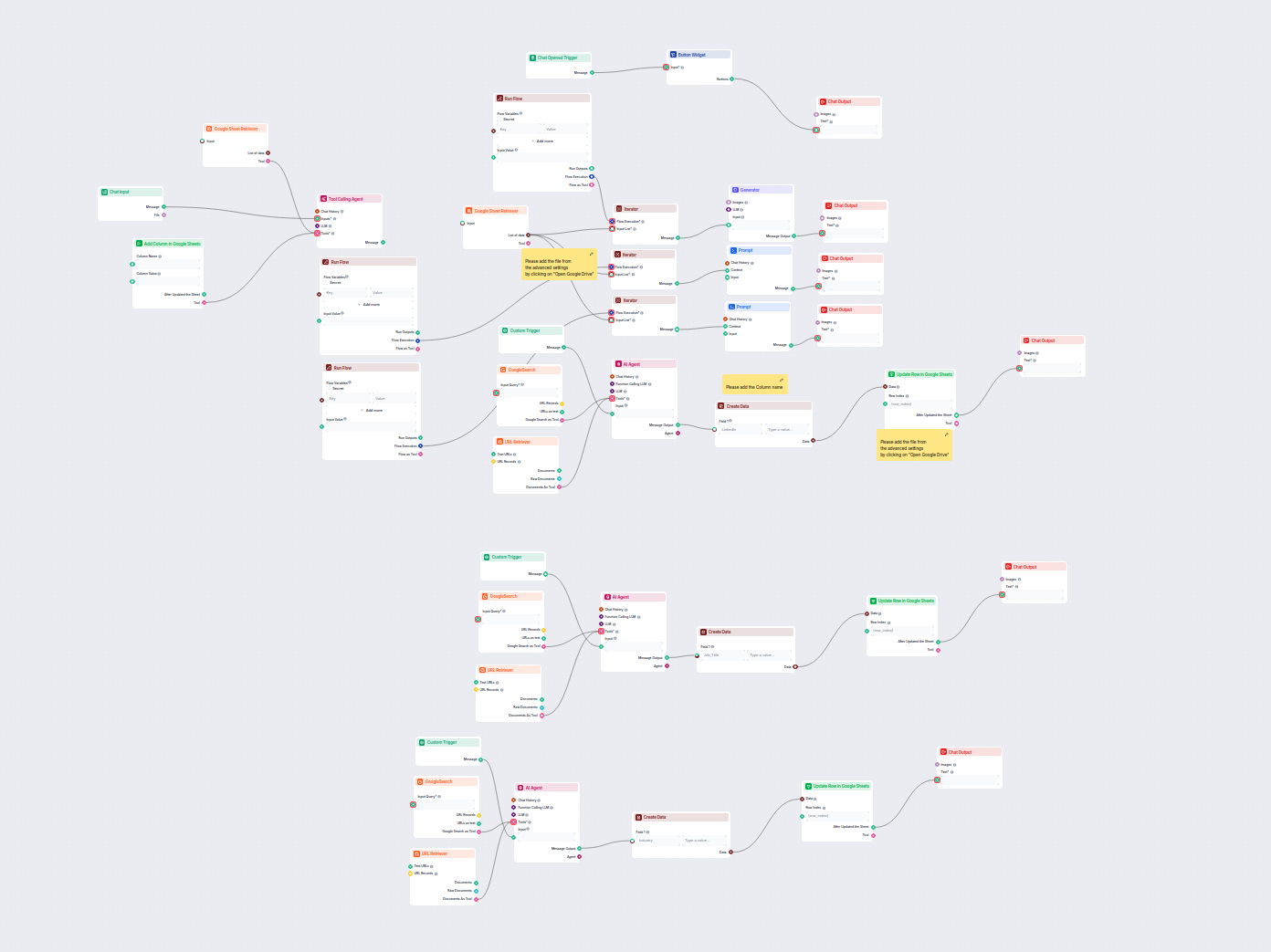
Ce workflow piloté par l'IA enrichit les données de leads dans Google Sheets en récupérant automatiquement les profils LinkedIn manquants, les intitulés de post...
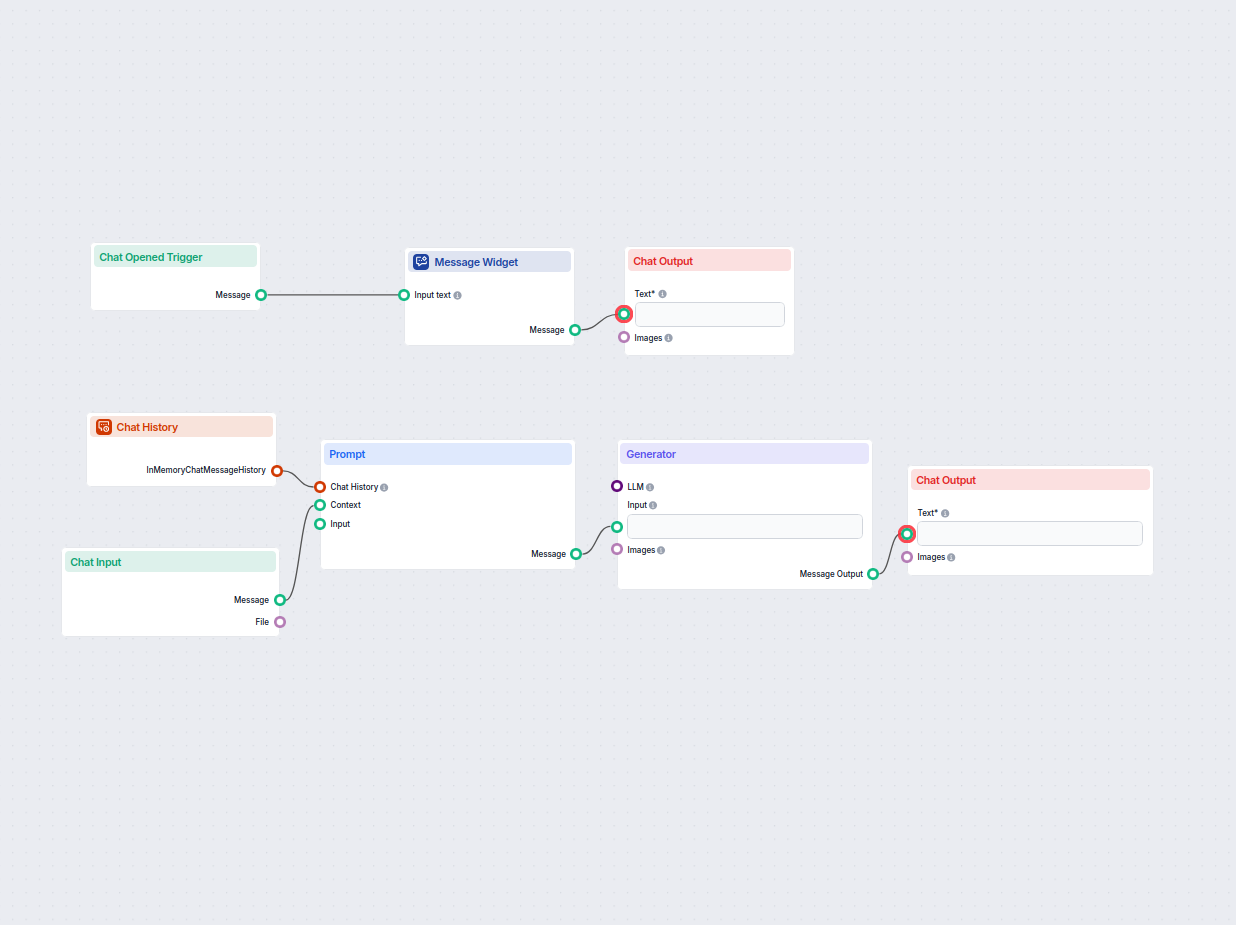
Générez instantanément des formules Google Sheets à partir de demandes en langage naturel. Ce flux de travail alimenté par l’IA aide les utilisateurs à créer de...
Consentement aux Cookies
Nous utilisons des cookies pour améliorer votre expérience de navigation et analyser notre trafic. See our privacy policy.