



LazyGraphRAG
LazyGraphRAG is an innovative approach to Retrieval-Augmented Generation (RAG), optimizing efficiency and reducing costs in AI-driven data retrieval by combinin...
5 min read
RAG
AI
+4
LarQL (LQL) is a SQL-like query language for inspecting, editing, and auditing knowledge stored in LLM weights. Query model internals, trace inference paths, discover semantic neighborhoods for SEO, audit brand perception, and apply targeted knowledge patches without retraining.
LarQL — also referred to as LQL — is a query language designed to interact directly with the knowledge encoded in large language model (LLM) weights. It uses familiar SQL-like syntax (SELECT, INSERT, UPDATE, DELETE, DESCRIBE) applied not to rows in a relational database, but to the structured knowledge graph that LLMs build internally during training.
Where traditional tools treat model weights as an opaque binary blob, LarQL treats them as a queryable knowledge store. A practitioner can inspect what a model knows about a specific entity, trace exactly how the model arrives at a given inference, and apply targeted knowledge patches — all without retraining the model or modifying the base weight files.
A Vindex (vector index) is the extracted, queryable representation of a model’s internal knowledge. It is generated from model weights using the larql extract-index command and saved as a standalone file. Once extracted, a Vindex can be browsed and queried without loading the full model — and without GPU hardware.
The Vindex encodes the model’s learned associations between entities, relations, and layers, making it possible to ask questions like: “What does this model believe is the headquarters of Apple?” or “Which concepts does this model associate with GDPR near layer 20?”
LarQL’s write operations — INSERT, UPDATE, DELETE — do not modify the base model weight files. Instead, they create a .patch file overlay that is applied at inference time. This makes knowledge edits:

Start your free trial today and see results within days.
To start working with a model’s knowledge, extract a Vindex and open the interactive REPL:
larql extract-index path/to/your-model -o company-model.vindex --f16
larql repl
The --f16 flag extracts the index at 16-bit float precision. The resulting Vindex for a model like Gemma 3 4B is approximately 3 GB.
These commands work against the extracted Vindex and do not require a GPU:
Inspect a specific entity:
DESCRIBE "Apple Inc"
Returns all knowledge the model holds about the entity, organized by layer and feature: industry, products, headquarters, founded_by, stock_ticker, and any other relations learned during training.
Query a specific relation across all entities:
SELECT * FROM edges WHERE relation='headquarters' LIMIT 10
Find concept associations by distance:
SELECT * FROM edges WHERE entity='GDPR' NEAREST_TO Layer 20 LIMIT 5
Finds the five concepts most closely associated with GDPR near layer 20 of the model’s knowledge representation.
List all relation types the model learned:
SHOW relations
Returns the complete list of relation types present in the model. A typical medium-sized model encodes over 1,000 relation types.
Get latest tips, trends, and deals for free.
Run inference with probability scores:
INFER 'The headquarters of Apple is located in' TOP 5
Returns the top 5 completions with confidence scores (for example: Cupertino 0.71, California 0.14, etc.).
Trace inference layer by layer:
TRACE 'The CEO of Tesla is' TOP 3
Produces a layer-by-layer decomposition showing how the model builds toward its output — from initial syntax detection through domain identification, knowledge retrieval, and output commitment. Used for hallucination forensics when a model produces an unexpected or wrong answer.
Walk a concept across layers:
WALK "climate change" LAYERS 10 TO 28
Shows how the model’s associations for a concept evolve across layers — from concrete textual co-occurrences in early layers to abstract semantic associations in deeper layers.
LarQL’s write operations create a .patch overlay without touching base model files:
Insert a new fact:
INSERT INTO edges (entity, relation, target, confidence)
VALUES ('Acme Corp', 'CEO', 'Jane Smith', 0.95)
Update an existing fact:
UPDATE edges
SET target = 'Jane Smith'
WHERE entity = 'Acme Corp' AND relation = 'CEO'
Suppress a fact:
DELETE FROM edges
WHERE entity = 'Acme Corp' AND relation = 'former_CEO'
Inspect active patches:
SHOW patches
Lists all active patch files, their sizes, and fact counts. A 234-fact patch against a 16 GB base model totals approximately 2.1 MB.
A complete pre-deployment verification workflow using LarQL:
-- 1. Inspect what the model knows about your product
DESCRIBE "Acme Corp"

-- 2. Find any incorrect associations
SELECT * FROM edges WHERE entity='Acme Corp' AND relation='CEO'

-- 3. Verify no competitor brand confusion
SELECT * FROM edges WHERE entity='Acme Corp' NEAREST_TO Layer 20 LIMIT 10

-- 4. Patch any wrong facts before deployment
UPDATE edges SET target='Jane Smith' WHERE entity='Acme Corp' AND relation='CEO'
This workflow is the foundation of a pre-deployment model audit: systematically verifying that the model’s internal knowledge is accurate for your domain before exposing it to users.
A language model trained on trillions of web documents has internalized the semantic structure of every topic space it encountered. Rather than scraping SERPs or buying keyword data, you can read that structure directly by probing the model’s internal representations — no generation required.
When you submit a query like "affiliate software" to an LLM, specific neurons in the feed-forward layers fire in a characteristic pattern. Those activations encode what the model considers semantically adjacent: competitors, related technologies, use cases, review sites. LarQL makes those associations queryable.
Map the semantic neighborhood of any keyword:
-- What concepts cluster around your core term in the knowledge zone (layers 12–34)?
WALK "affiliate software" LAYERS 12 TO 34

-- Find the top associated entities at peak knowledge depth
SELECT * FROM edges WHERE entity='affiliate software' NEAREST_TO Layer 22 LIMIT 20

-- What relation types does the model use for this domain?
SHOW relations
What you get: a ranked list of semantically adjacent terms reflecting what the model (and by extension, the web corpus it was trained on) considers the natural neighborhood of your topic — topic cluster candidates, integration keywords, and long-tail angles that conventional keyword tools miss because they measure popularity, not semantic structure.
The confidence scores from NEAREST_TO indicate semantic distance in the model’s internal representation. Terms with high confidence scores are deeply entangled with your query in the model’s knowledge — they are natural co-occurrence targets for content strategy.
A model trained on web-scale data has learned which brands appear in the same discussions. This is more signal-rich than backlink overlap or SERP co-occurrence: it reflects the model’s consolidated belief about which companies operate in the same space, built from millions of articles, reviews, comparison pages, and forum threads.
-- Which brands does the model consider co-located with yours?
SELECT * FROM edges WHERE entity='YourBrand' NEAREST_TO Layer 19 LIMIT 15

-- Verify this is brand co-location, not category confusion
DESCRIBE "YourBrand"

-- Check the same for a specific competitor
SELECT * FROM edges WHERE entity='CompetitorX' NEAREST_TO Layer 19 LIMIT 15
Cross-reference with inference to validate:
-- Does the model produce competitors in direct completions?
INFER 'The main alternatives to YourBrand are' TOP 8

-- Monte Carlo check: what brands surface most often?
INFER 'Companies similar to YourBrand include' TOP 5
The brands that appear in both the internal FFN trace (NEAREST_TO) and in generative completions (INFER) carry the highest confidence. They represent the model’s consolidated competitive landscape — directly actionable for “vs” comparison pages, migration guides, and alternative landing pages.
Before deploying an LLM in a customer-facing role — or before launching a campaign — it is worth understanding how the model characterizes your brand internally. This is different from what the model says when asked: it reflects the latent associations built from training data, some of which may contradict your intended positioning.
-- Full characterization of your brand in the model's knowledge
DESCRIBE "YourBrand"

-- What category does the model place you in?
SELECT * FROM edges WHERE entity='YourBrand' AND relation='category'

-- What technologies are you associated with?
SELECT * FROM edges WHERE entity='YourBrand' AND relation='integrates_with'

-- Are there any undesired associations?
SELECT * FROM edges WHERE entity='YourBrand' NEAREST_TO Layer 20 LIMIT 30
Layer-by-layer walk to see how associations evolve:
-- Early layers: surface co-occurrences
-- Middle layers (12–34): factual associations
-- Later layers: output formatting and style
WALK "YourBrand" LAYERS 10 TO 35
If the model places your brand in the wrong category, associates it with a competitor it shouldn’t, or reflects outdated positioning, these gaps can be patched directly using the knowledge overlay mechanism — correcting the model’s internal representation without retraining.
When evaluating an open-source model for a domain-specific deployment, the critical question is not benchmark performance — it is: does this model know enough about our domain to be useful, and does it know anything wrong?
LarQL enables a structured pre-deployment knowledge scan across your entire topic area:
-- Step 1: Audit product knowledge
DESCRIBE "YourProduct"
DESCRIBE "YourProduct v2"

-- Step 2: Check category and positioning knowledge
SELECT * FROM edges WHERE entity='YourProduct' AND relation='category'
SELECT * FROM edges WHERE entity='YourProduct' AND relation='primary_use_case'

-- Step 3: Find gaps — topics with no associations
SELECT * FROM edges WHERE entity='your_key_topic' NEAREST_TO Layer 20 LIMIT 5
-- Few or no results = a knowledge gap

-- Step 4: Find wrong facts
SELECT * FROM edges WHERE entity='YourCompany' AND relation='CEO'
SELECT * FROM edges WHERE entity='YourProduct' AND relation='pricing_model'

-- Step 5: Patch confirmed errors before go-live
UPDATE edges SET target='Current CEO Name' WHERE entity='YourCompany' AND relation='CEO'
This workflow replaces the “deploy and wait for complaints” approach. A 4-hour audit using LarQL against a Vindex can surface knowledge gaps and factual errors that would otherwise reach real users — and patch them the same day, with no GPU required.
When a deployed LLM produces a wrong or harmful answer, the standard response is to update the system prompt or add guardrails. But prompt patches treat symptoms. LarQL enables diagnosis at the weight level: why did the model believe that?
-- Reproduce the inference path that led to the wrong answer
TRACE 'The CEO of Acme Corp is' TOP 3

-- Find the layer where the wrong fact was retrieved
-- (Layer numbers in TRACE output show where the committed answer crystallizes)

-- Check what the model actually stores for that entity/relation
SELECT * FROM edges WHERE entity='Acme Corp' AND relation='CEO'

-- Verify no polysemantic confusion (same neuron encoding two things)
SELECT * FROM edges WHERE entity='Acme Corp' NEAREST_TO Layer 23 LIMIT 10

-- Apply the targeted fix
UPDATE edges SET target='Jane Smith' WHERE entity='Acme Corp' AND relation='CEO'
The TRACE output shows the probability distribution across layers — from initial syntax detection, through knowledge retrieval in the middle layers, to output commitment. This is the primary tool for forensic analysis when a model-caused incident requires regulatory or legal documentation: it demonstrates where the wrong fact entered the inference path and why the model was confident in it.
| Operation | Time |
|---|---|
| Gate KNN lookup per layer | 0.008 ms |
| Full WALK across 34 layers | 0.3 ms |
| Full inference (with attention) | 517 ms |
| Patch application | Instant (file overlay) |
| Vindex size — Gemma 3 4B, f16 | ~3 GB |
Vindex browsing and SELECT queries run entirely on CPU. INFER and TRACE require the model to be loaded.
LarQL is the underlying technology behind each service in the LLM knowledge lifecycle:
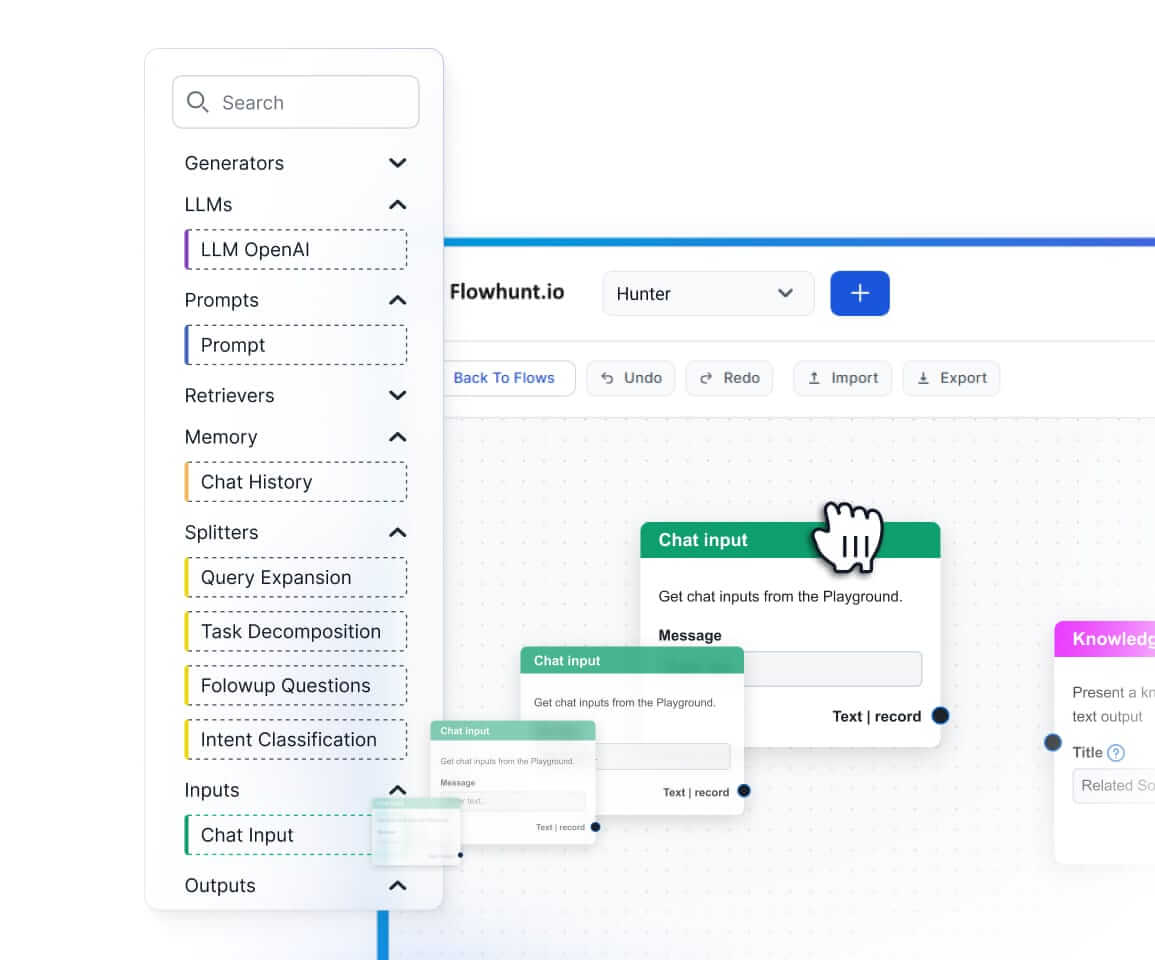
DESCRIBE, SELECT, and NEAREST_TO scan the model’s knowledge across your domain before go-liveINSERT, UPDATE, DELETE) applies corrections directly to deployed weights without retrainingSHOW patches provides an auditable record of every fact changed in a modelWALK and NEAREST_TO expose the model’s internal semantic map of any topic spaceNEAREST_TO with INFER cross-validation surfaces the model’s co-location beliefs at the weight levelTRACE decomposes the inference path layer by layer, identifying exactly where a wrong answer was retrieved and committedSmart Chatbots and AI tools under one roof. Connect intuitive blocks to turn your ideas into automated Flows.
LazyGraphRAG is an innovative approach to Retrieval-Augmented Generation (RAG), optimizing efficiency and reducing costs in AI-driven data retrieval by combinin...
Retrieval Augmented Generation (RAG) is an advanced AI framework that combines traditional information retrieval systems with generative large language models (...

Discover how Retrieval-Augmented Generation (RAG) is transforming enterprise AI, from core principles to advanced Agentic architectures like FlowHunt. Learn how...
Cookie Consent
We use cookies to enhance your browsing experience and analyze our traffic. See our privacy policy.