


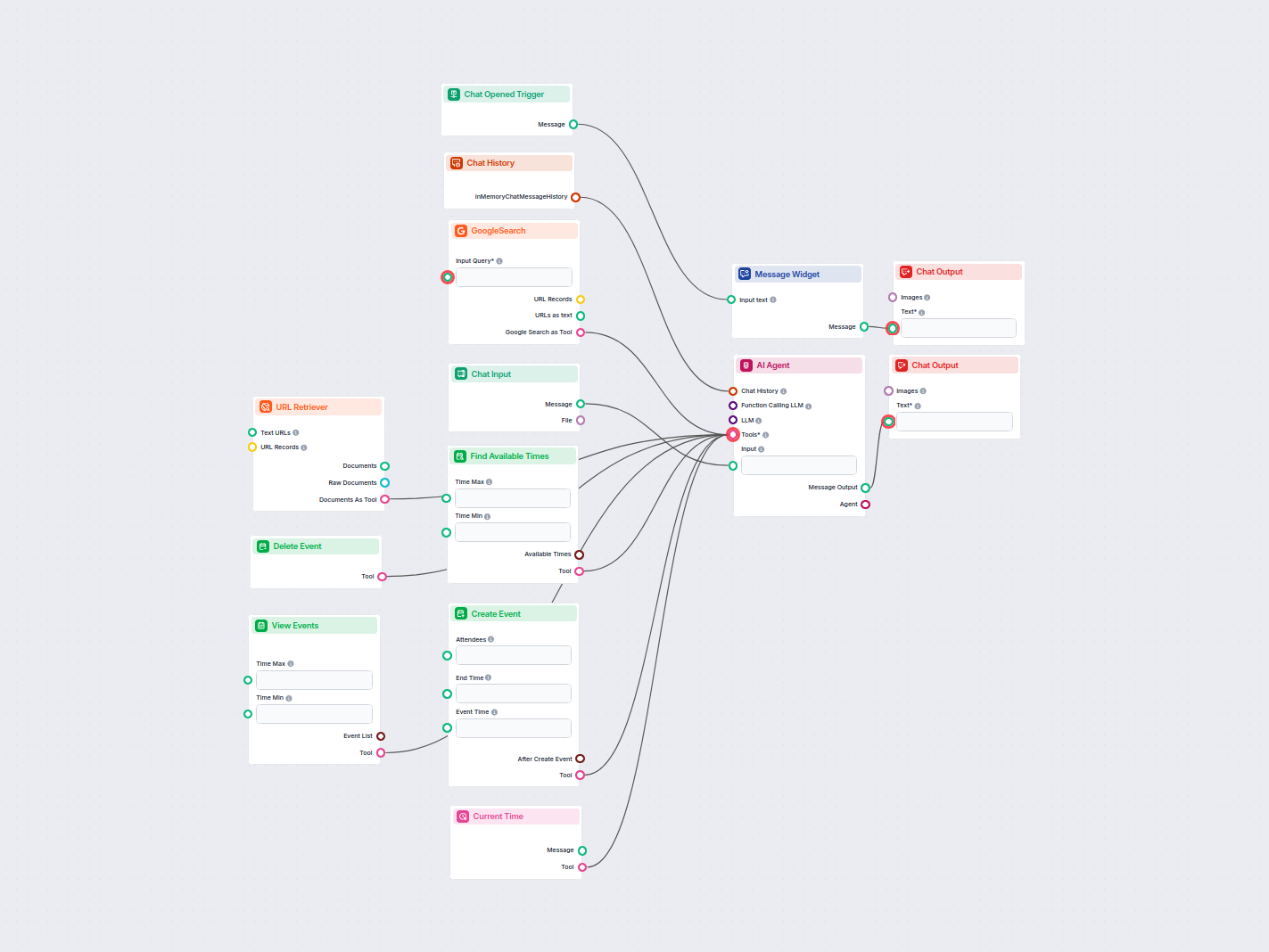
AI Assistant with Google Calendar Awareness
An intelligent AI assistant that integrates with Google Calendar to help users manage their schedules. Users can interact via chat to check their events, find a...
4 min read
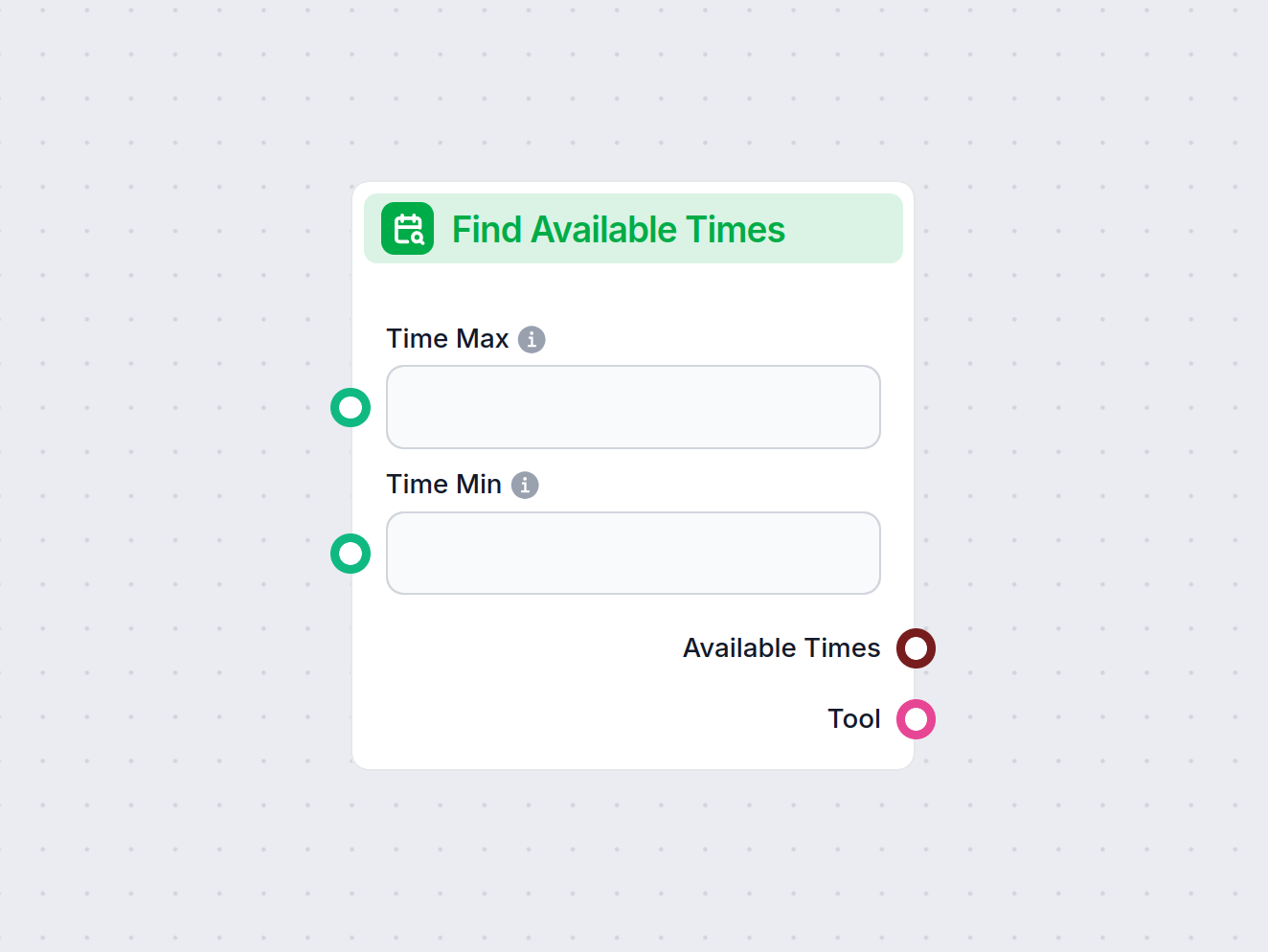
Automate the process of finding the best available times for meetings or events by checking calendar availability for all participants.
Component description
The Find Available Times component is designed to help you identify optimal time slots for scheduling an event in a calendar. It analyzes the free and busy blocks within a specified calendar and can take into account the availability of other attendees. The component returns the best available times, sorted in chronological order, making it especially useful for coordinating meetings, appointments, or collaborative events.
| Input Name | Type | Required | Description | Advanced |
|---|---|---|---|---|
| Calendar ID | Dynamic single select | Yes | The ID of the calendar to query for availability. | Yes |
| Time Min | String | No | The start of the time range you want to check for free slots. | No |
| Time Max | String | No | The end of the time range you want to check for free slots. | No |
| Tool Description | Multiline text | No | A description of the tool; helps agents understand its use. | Yes |
| Tool Name | String | No | The name by which the tool is referred to in agent workflows. | Yes |
| Verbose | Boolean | No | Whether to print verbose output for debugging or detailed logs. | Yes |
| Output Name | Type | Description |
|---|---|---|
| Available Times | Data | The list of best available time slots, in chronological order. |
| Tool | Tool | The configured tool object for use in agent workflows. |
| Feature | Benefit |
|---|---|
| Calendar querying | Real-time availability checks |
| Time range filtering | Precise scheduling windows |
| Agent tool integration | Flexible use in automated workflows |
| Chronological output | Easy to present and select from available slots |
This component is a key building block for any AI-driven scheduling or calendar management system, providing both data and tool outputs for versatile integration.
To help you get started quickly, we have prepared several example flow templates that demonstrate how to use the Find Available Times component effectively. These templates showcase different use cases and best practices, making it easier for you to understand and implement the component in your own projects.
An intelligent AI assistant that integrates with Google Calendar to help users manage their schedules. Users can interact via chat to check their events, find a...
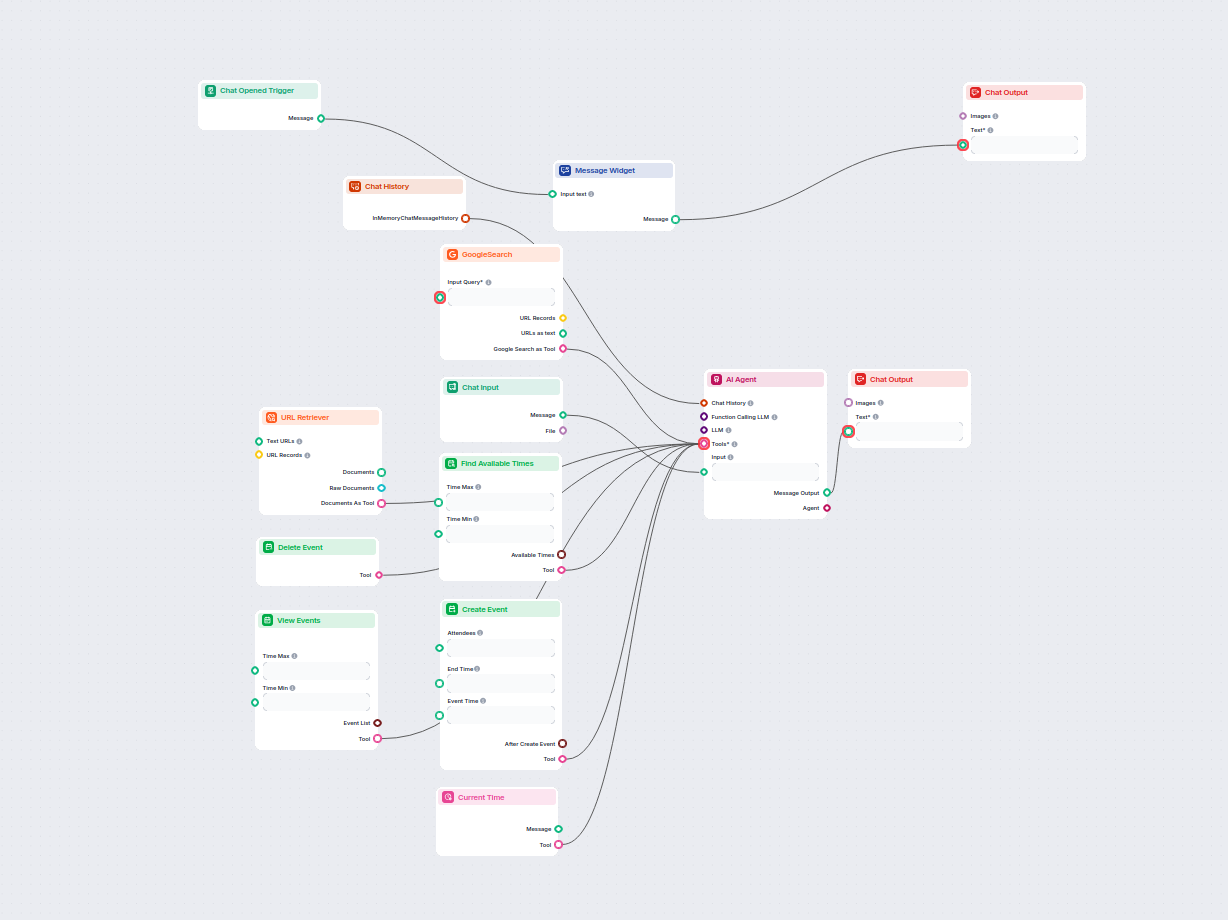
This AI-powered workflow automates meeting scheduling through Google Calendar. Users interact with a chatbot that finds available times, creates, views, or dele...
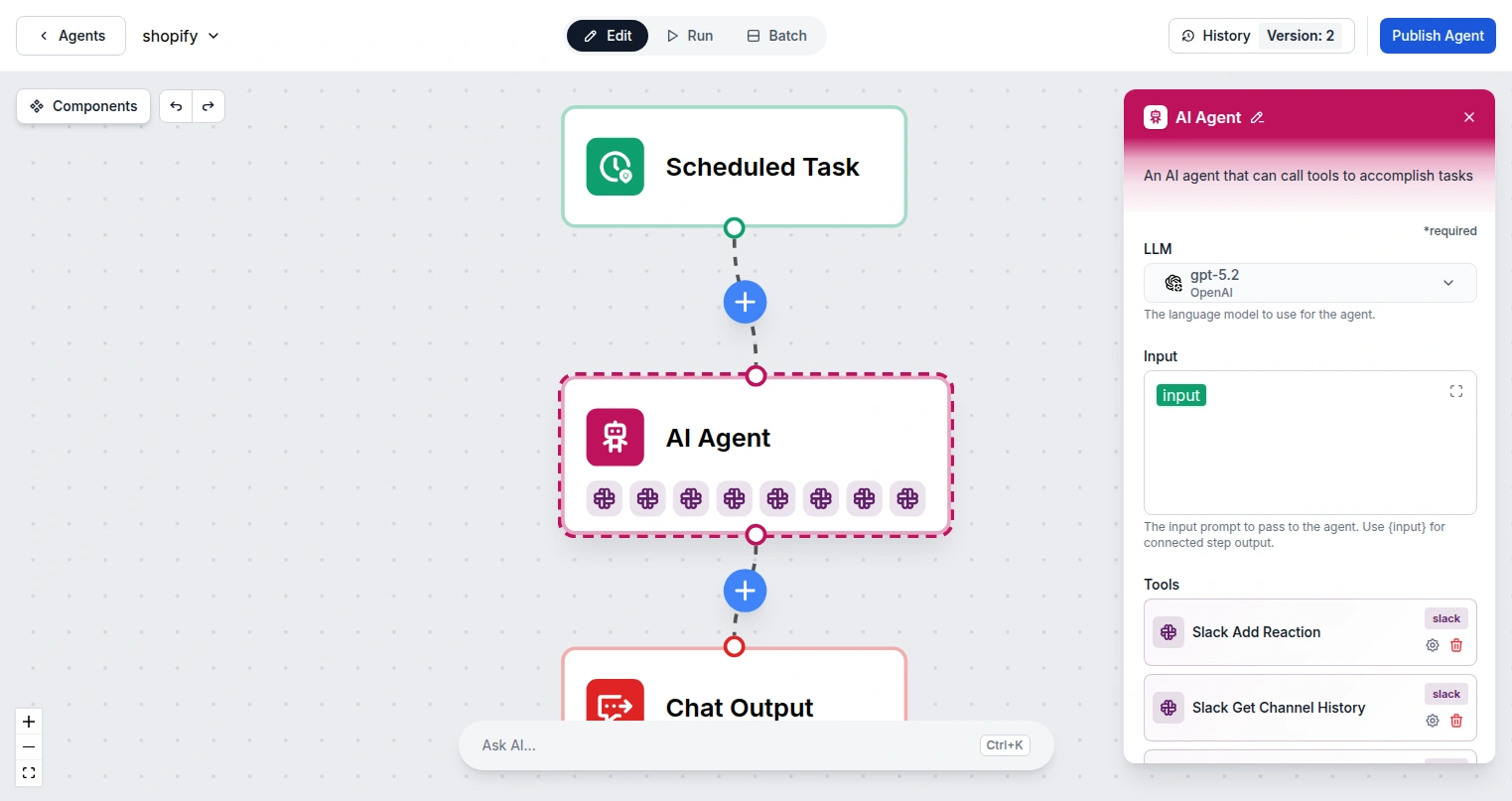
Integrate FlowHunt with Google Calendar to automate scheduling, create and manage events with AI, find available times, and build intelligent calendar workflows...
Streamline your scheduling process with the Find Available Times component—integrate it into your flows for seamless calendar management.
Integrate FlowHunt with Google Calendar to automate scheduling, create and manage events with AI, find available times, and build intelligent calendar workflows...
This AI-powered workflow automates meeting scheduling through Google Calendar. Users interact with a chatbot that finds available times, creates, views, or dele...
Cookie Consent
We use cookies to enhance your browsing experience and analyze our traffic. See our privacy policy.