


AI Agent for Google Docs
Deploy AI agents that connect directly to Google Docs—automate document creation and content retrieval. FlowHunt handles the repetitive document work so your team can focus on what matters.





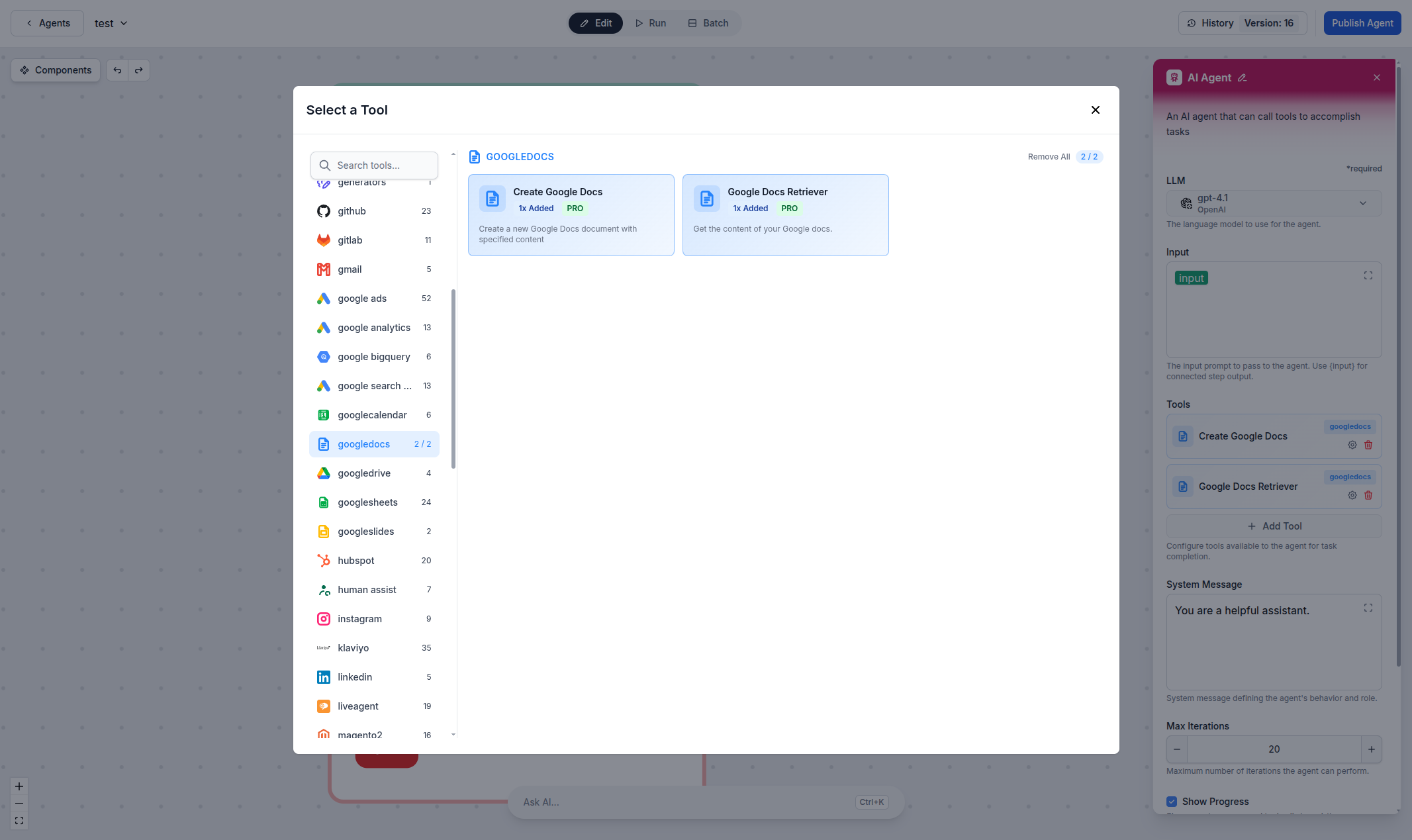
Automated Document Creation & Retrieval
Create new Google Docs and retrieve existing document content directly from AI workflows. Whether you're generating reports, drafting proposals, or pulling information from existing documents, FlowHunt's Google Docs integration lets you automate document operations with natural language commands.
- Document Creation:
- Create new Google Docs with specified content automatically from AI workflows.
- Document Retrieval:
- Retrieve and read the content of your existing Google Docs for AI processing.
- No Code Required:
- Connect via OAuth in seconds—no API keys or coding needed.
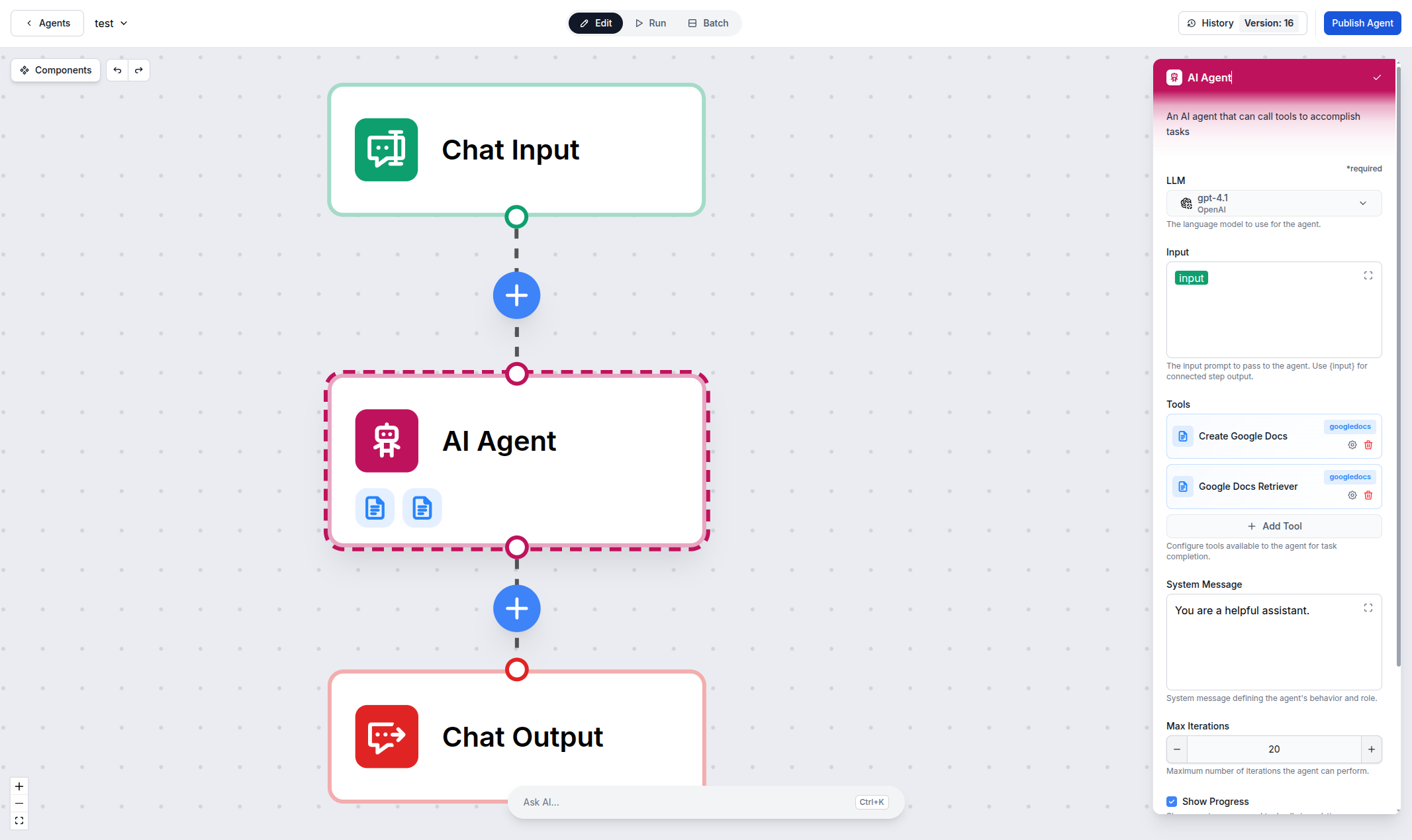
Use Google Docs as an AI Knowledge Base
Turn your Google Docs library into a powerful knowledge source for AI agents. The Google Docs Retriever component lets your agents read and understand document content, enabling intelligent Q&A, summarization, and content generation based on your existing documentation.
- Intelligent Q&A:
- AI agents answer questions based on your Google Docs content.
- Content Summarization:
- Automatically summarize long documents into concise briefs.
- Workflow Integration:
- Combine with other tools for end-to-end document automation.
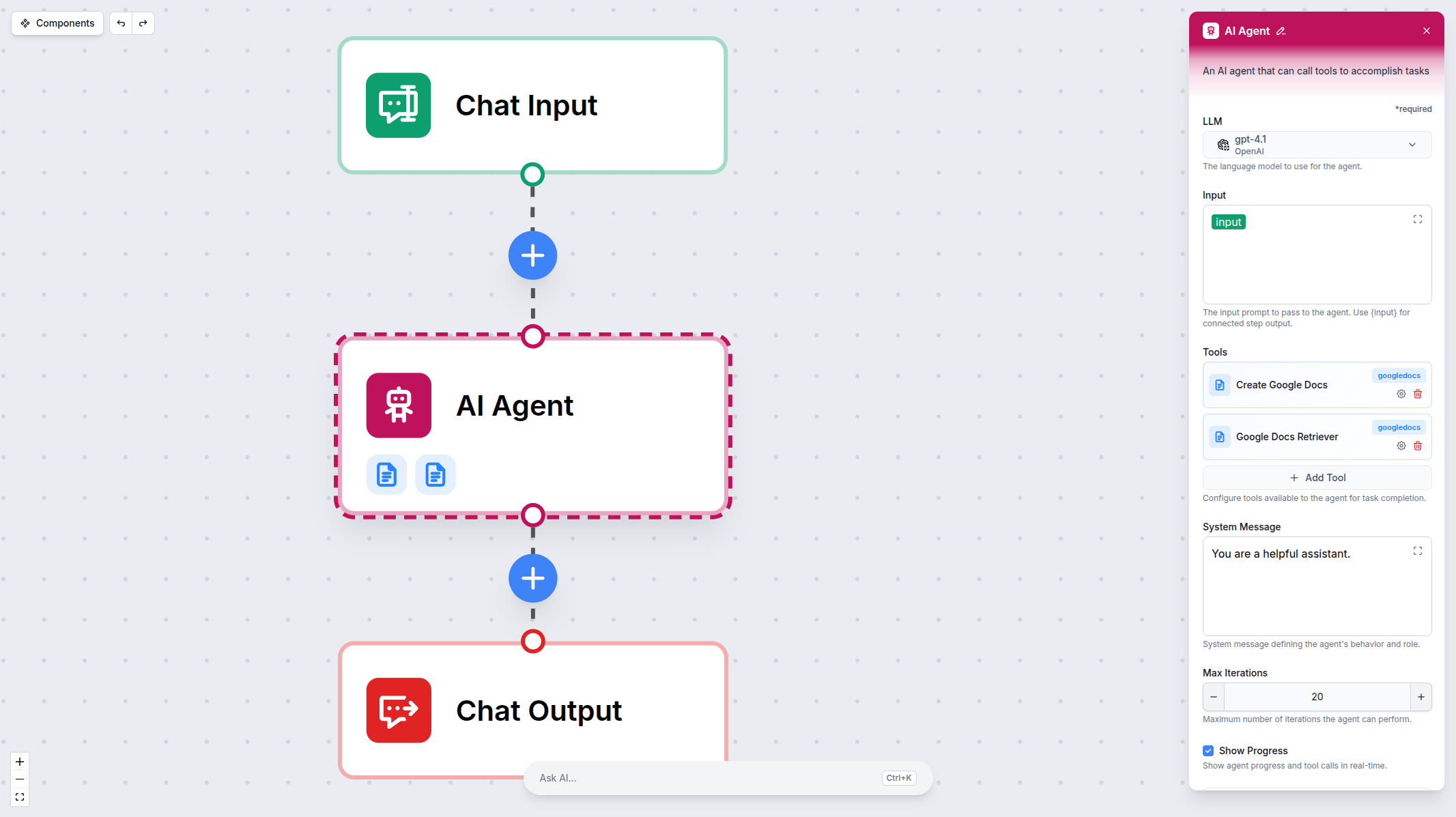
Connect in Seconds — OAuth Setup
Setting up the Google Docs integration takes just a few clicks. Authenticate with your Google account via OAuth, and your AI agents are ready to create and retrieve documents.
- One-Click OAuth:
- Connect your Google account with a single click—no API keys needed.
- Secure by Design:
- OAuth 2.0 authentication with granular permission scoping.
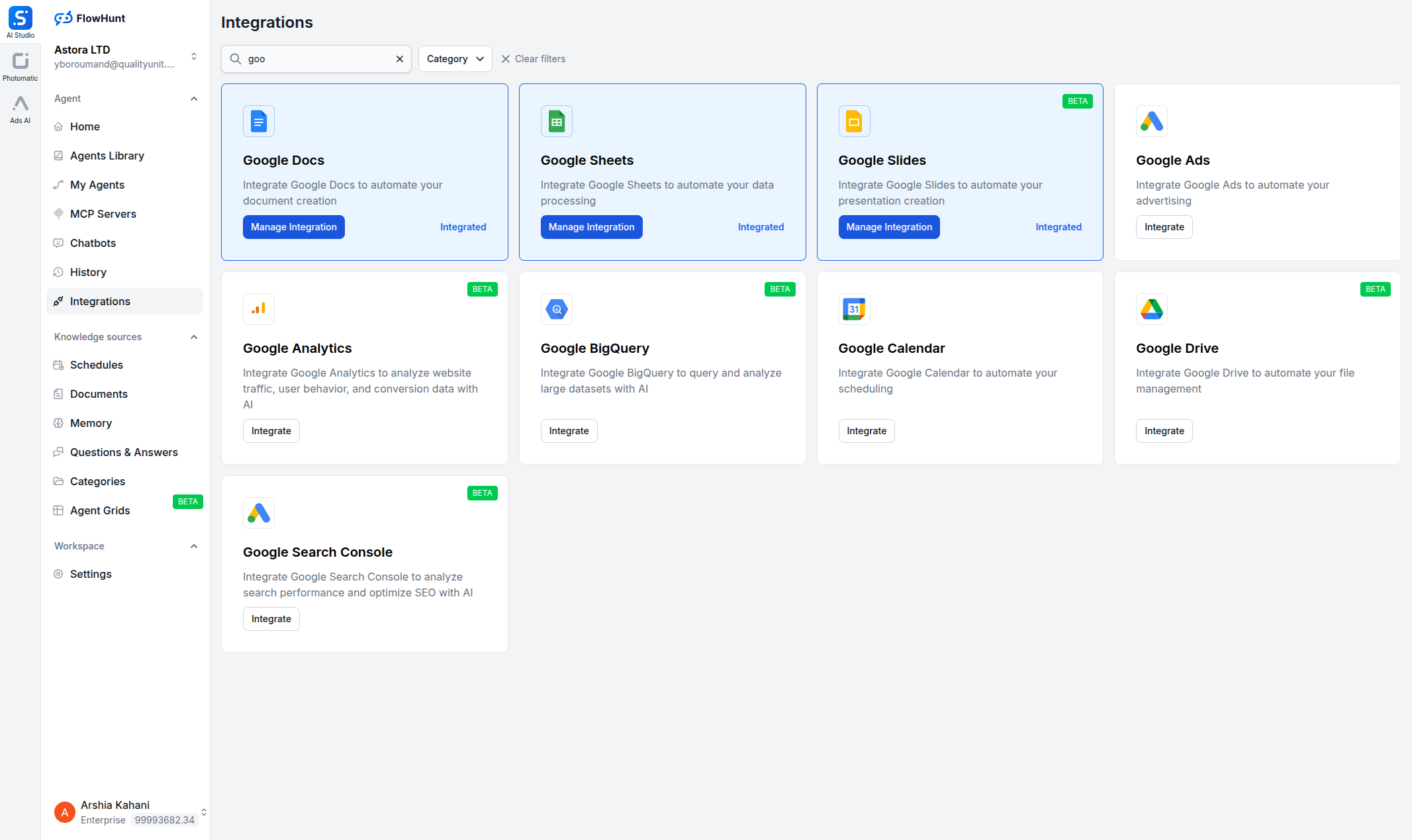
Step 1
Open Integrations
Navigate to the Integrations page in FlowHunt and find Google Docs.
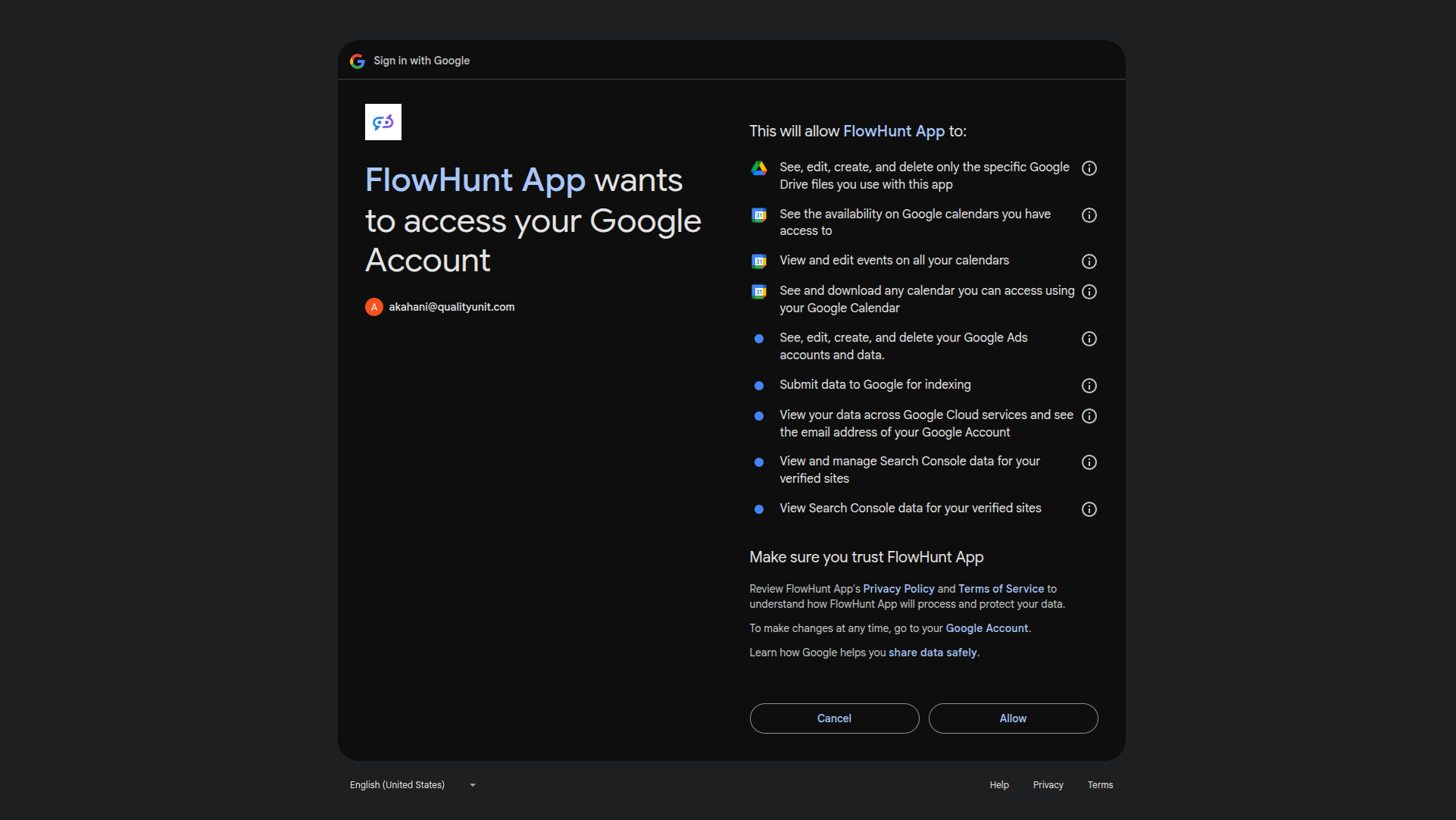
Step 2
Authenticate with Google
Click Manage Integration on the Google Docs card and authenticate with your Google account via OAuth.
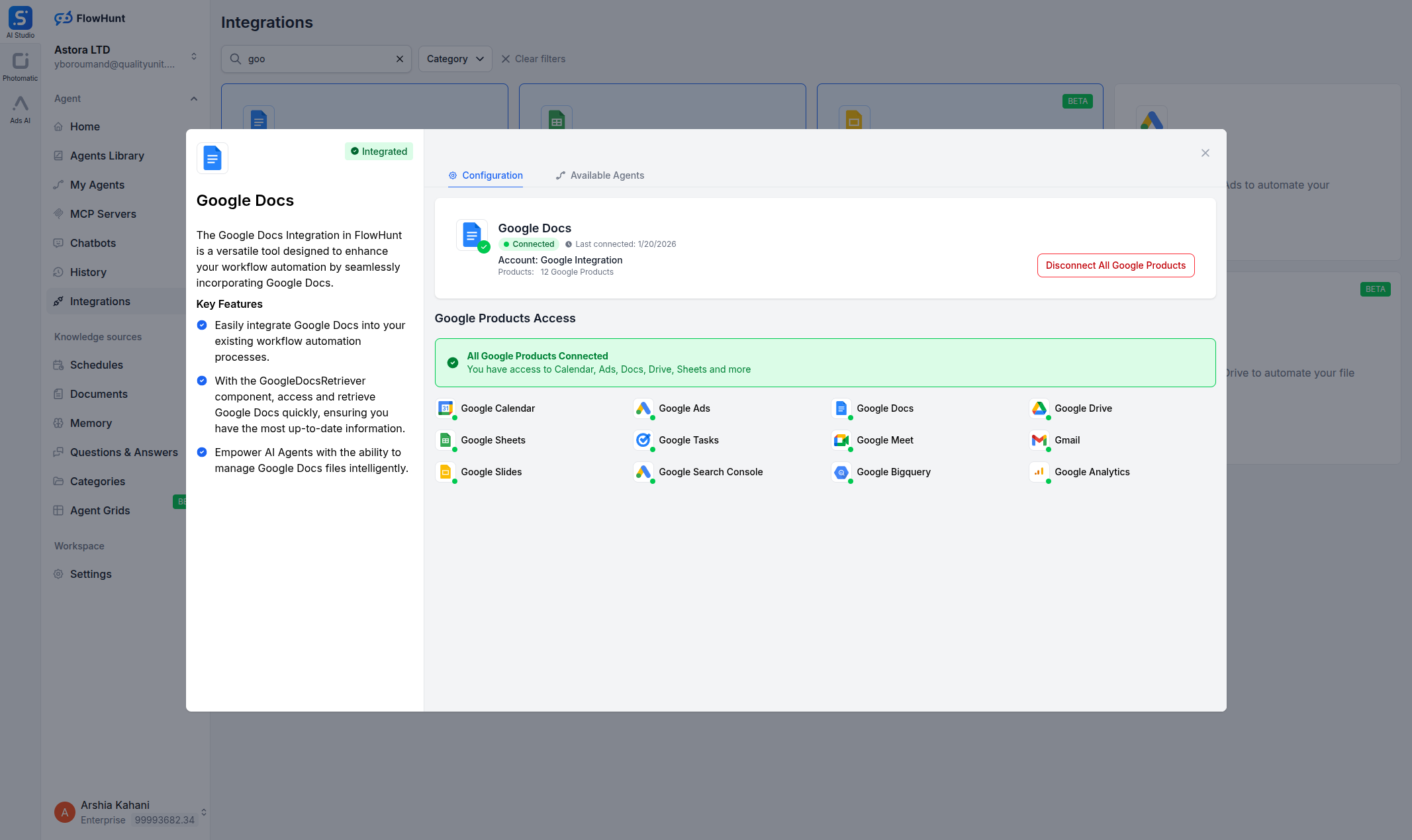
Step 3
Confirm Connection
Once authenticated, your Google Docs integration is connected and ready to use.
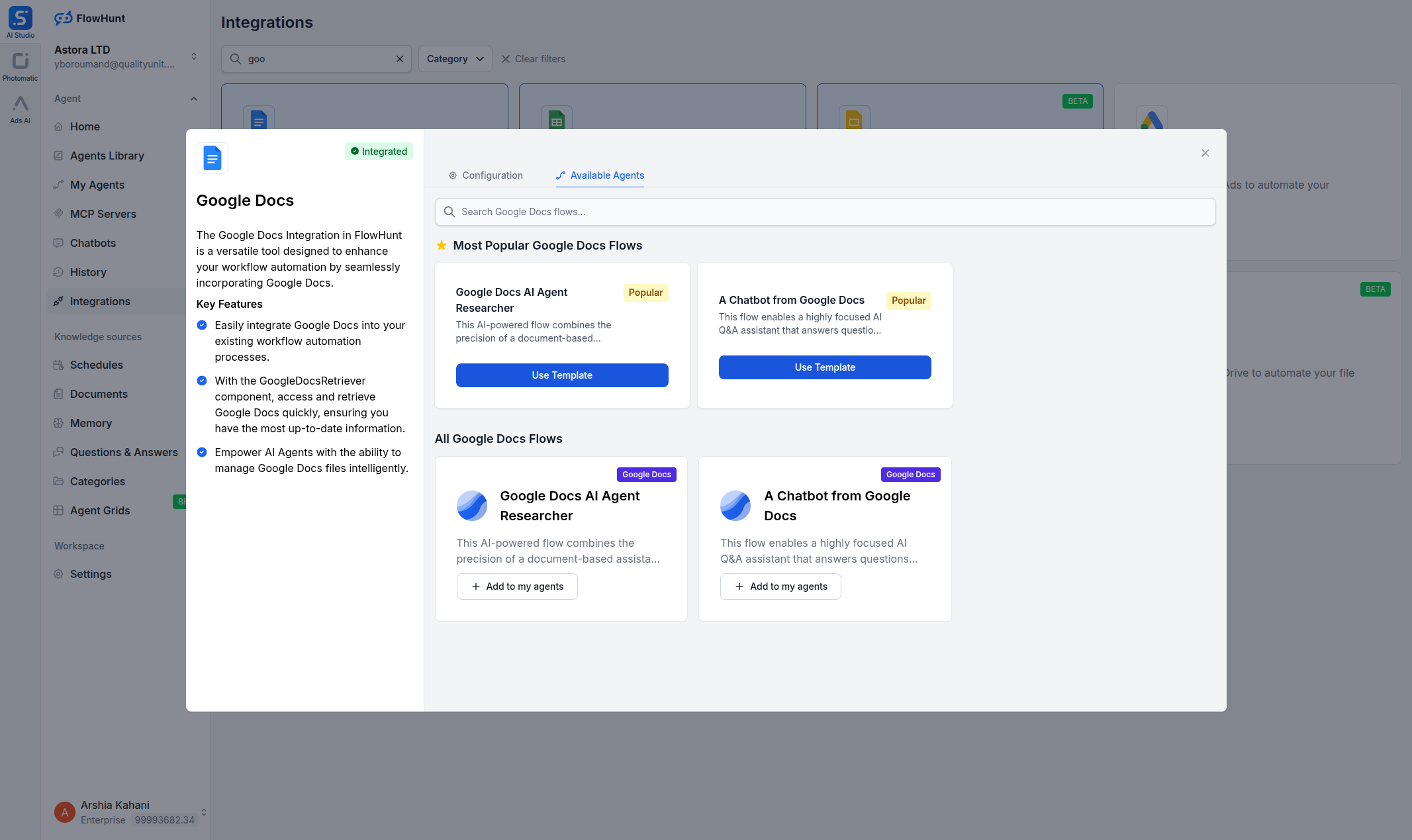
Step 4
Add to Your Agent
Open any AI Agent, click Add Tool, and select the Google Docs tools you need.
Use Cases
What You Can Do with Google Docs + FlowHunt
FlowHunt provides 2 ready-to-use Google Docs components for document creation and retrieval. Each component can be used as a tool inside an AI agent for autonomous decision-making, or as a standalone building block in any custom flow.
- Automated Report Generation
- AI agents create polished Google Docs reports from data, research, or conversation context.
- Document-Based Q&A
- Use your Google Docs as a knowledge base—AI agents retrieve and answer questions from your documents.
- Content Drafting
- Automatically draft proposals, briefs, or documentation based on templates and input data.
- Document Summarization
- Pull content from long Google Docs and generate concise summaries automatically.
- Knowledge Base Automation
- Combine Google Docs retrieval with other integrations for intelligent, document-driven workflows.
All 2 Google Docs Components
Every Google Docs tool available in FlowHunt — use them as AI agent tools or standalone flow components.
| Component | Description |
|---|---|
| Create Google Docs | Create a new Google Docs document with specified content. |
| Google Docs Retriever | Get the content of your Google Docs. |