


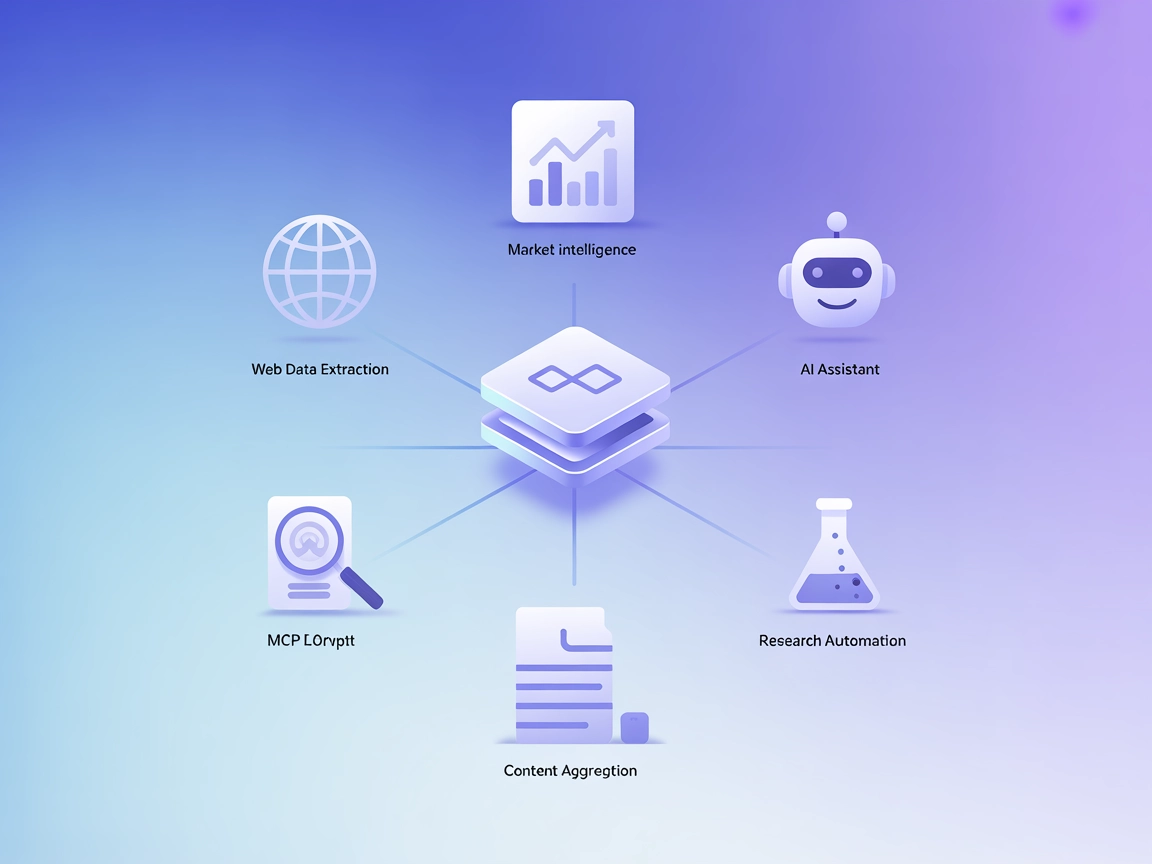
Oxylabs MCP Server
The Oxylabs MCP (Model Context Protocol) Server is a bridge between AI assistants and the real-world web, offering a unified API to extract, structure, and deli...
4 min read
MCP
Web Scraping
+3
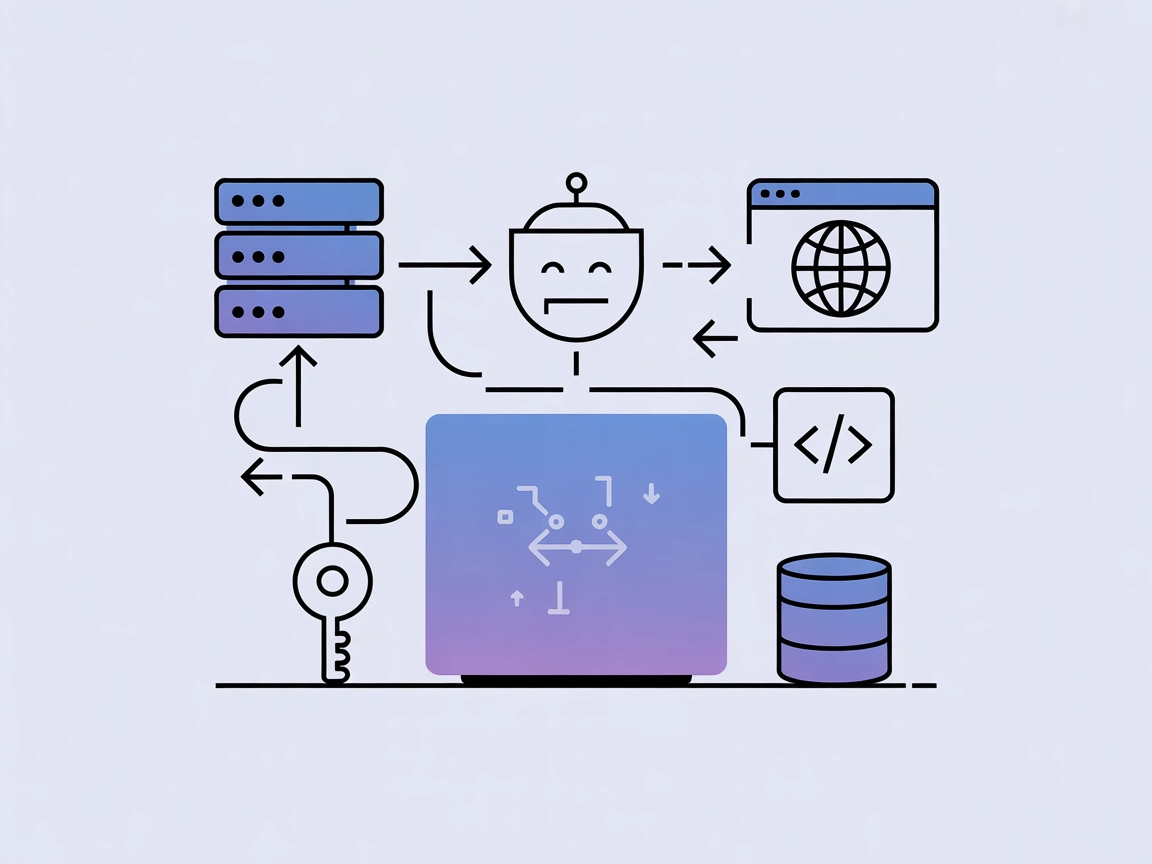
AgentQL MCP Server brings powerful, prompt-driven web data extraction to your AI-driven development and automation workflows.
The AgentQL MCP Server is a Model Context Protocol (MCP) server designed to integrate AgentQL’s advanced data extraction capabilities into AI-powered development workflows. By acting as a bridge between AI assistants and web data, it enables seamless extraction of structured information from web pages using customizable prompts. This empowers developers and AI clients to automate tasks such as web data extraction, context gathering, and structured information retrieval for use in downstream applications or workflows. The AgentQL MCP Server is particularly useful for scenarios where real-time or on-demand access to external, web-based datasets is required, enhancing the power and flexibility of AI assistants in coding, research, and automation environments.
No explicit prompt templates are mentioned in the repository.

Start your free trial today and see results within days.
No explicit resources are mentioned in the repository.
Get latest tips, trends, and deals for free.
Web Data Extraction for Research
Quickly extract tables, lists, or structured information from web pages to accelerate research, reporting, or data aggregation tasks.
Automated Content Gathering
Integrate into workflows to automatically retrieve and structure content from specific URLs as part of a content pipeline or knowledge management system.
AI-Powered Workflow Automation
Enable AI assistants (in tools like Claude or VS Code) to fetch real-time data from the web and use it as context for coding, analysis, or decision-making.
Form and Field Extraction
Automate the extraction of key fields or form data from web-based sources for further processing or integration into databases.
No setup instructions provided for Windsurf in the repository.
⌘ + , (not Account Settings).claude_desktop_config.json file.mcpServers dictionary in the config file:{
"mcpServers": {
"agentql": {
"command": "npx",
"args": ["-y", "agentql-mcp"],
"env": {
"AGENTQL_API_KEY": "YOUR_API_KEY"
}
}
}
}
Note: Secure your API key using environment variables as shown above.
No setup instructions provided for Cursor in the repository.
No setup instructions provided for Cline in the repository.
Using MCP in FlowHunt
To integrate MCP servers into your FlowHunt workflow, start by adding the MCP component to your flow and connecting it to your AI agent:

Click on the MCP component to open the configuration panel. In the system MCP configuration section, insert your MCP server details using this JSON format:
{
  "agentql": {
    "transport": "streamable_http",
    "url": "https://yourmcpserver.example/pathtothemcp/url"
  }
}
Once configured, the AI agent is now able to use this MCP as a tool with access to all its functions and capabilities. Remember to change “agentql” to whatever the actual name of your MCP server is and replace the URL with your own MCP server URL.
| Section | Availability | Details/Notes |
|---|---|---|
| Overview | ✅ | Overview and features described |
| List of Prompts | ⛔ | No prompt templates found |
| List of Resources | ⛔ | No resources section found |
| List of Tools | ✅ | extract-web-data tool documented |
| Securing API Keys | ✅ | Required for API access via env variable |
| Sampling Support (less important in evaluation) | ⛔ | Not mentioned |
AgentQL MCP Server is a focused tool for web data extraction via MCP, with simple setup for Claude and VS Code. Documentation is concise but lacks details on prompts, resources, or advanced MCP features such as roots and sampling. Still, the presence of a working tool and clear API key handling are strengths. It scores well for basic utility but could be improved with more comprehensive MCP integration and documentation.
| Has a LICENSE | ✅ (MIT) |
|---|---|
| Has at least one tool | ✅ |
| Number of Forks | 17 |
| Number of Stars | 76 |
Supercharge your AI workflows with real-time, on-demand access to structured web data using AgentQL MCP Server.
The Oxylabs MCP (Model Context Protocol) Server is a bridge between AI assistants and the real-world web, offering a unified API to extract, structure, and deli...
Integrate FlowHunt with AgentQL MCP Server to automate web data extraction, streamline research, and power your tools with AI-driven structured data workflows.
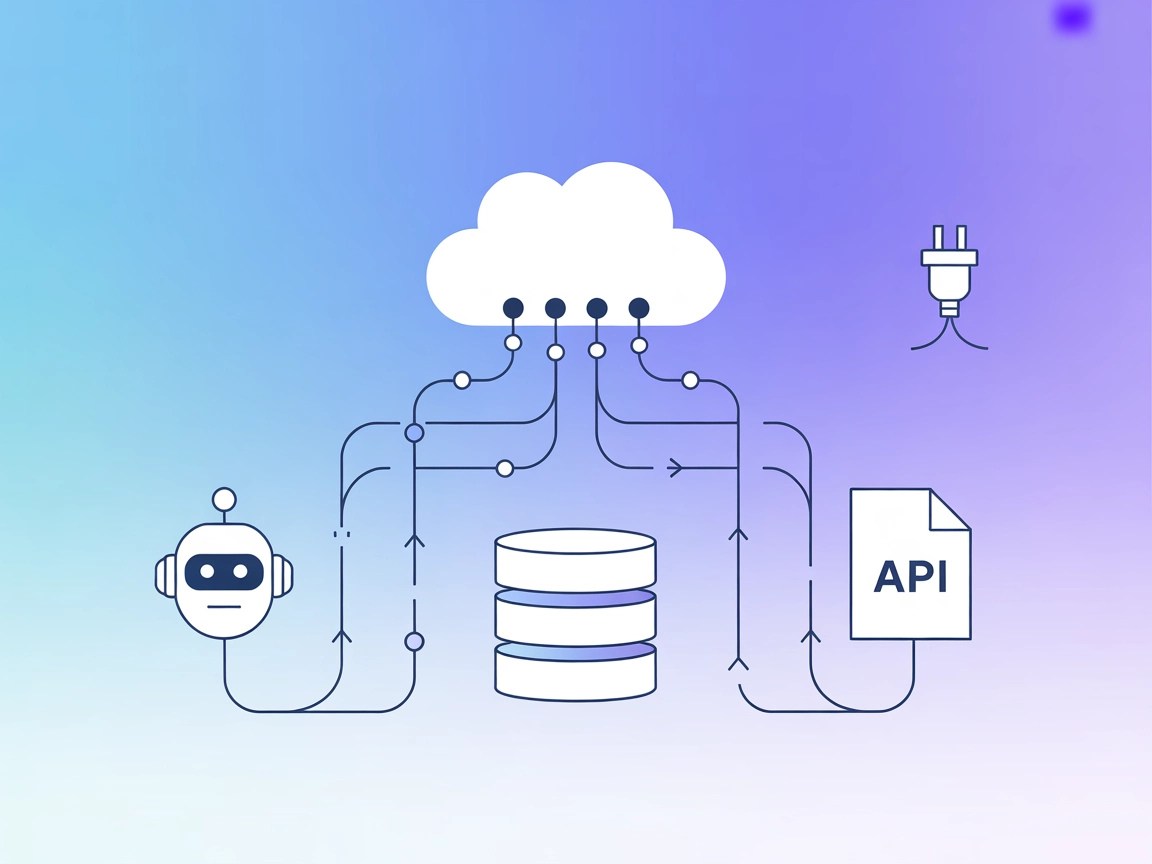
The Mesh Agent MCP Server connects AI assistants with external data sources, APIs, and services, bridging large language models (LLMs) with real-world informati...
Cookie Consent
We use cookies to enhance your browsing experience and analyze our traffic. See our privacy policy.