


Dify MCP Server
The Dify MCP Server bridges AI assistants with Dify workflows, enabling programmatic workflow orchestration, API integration, and external service connections t...
4 min read
AI
Automation
+5
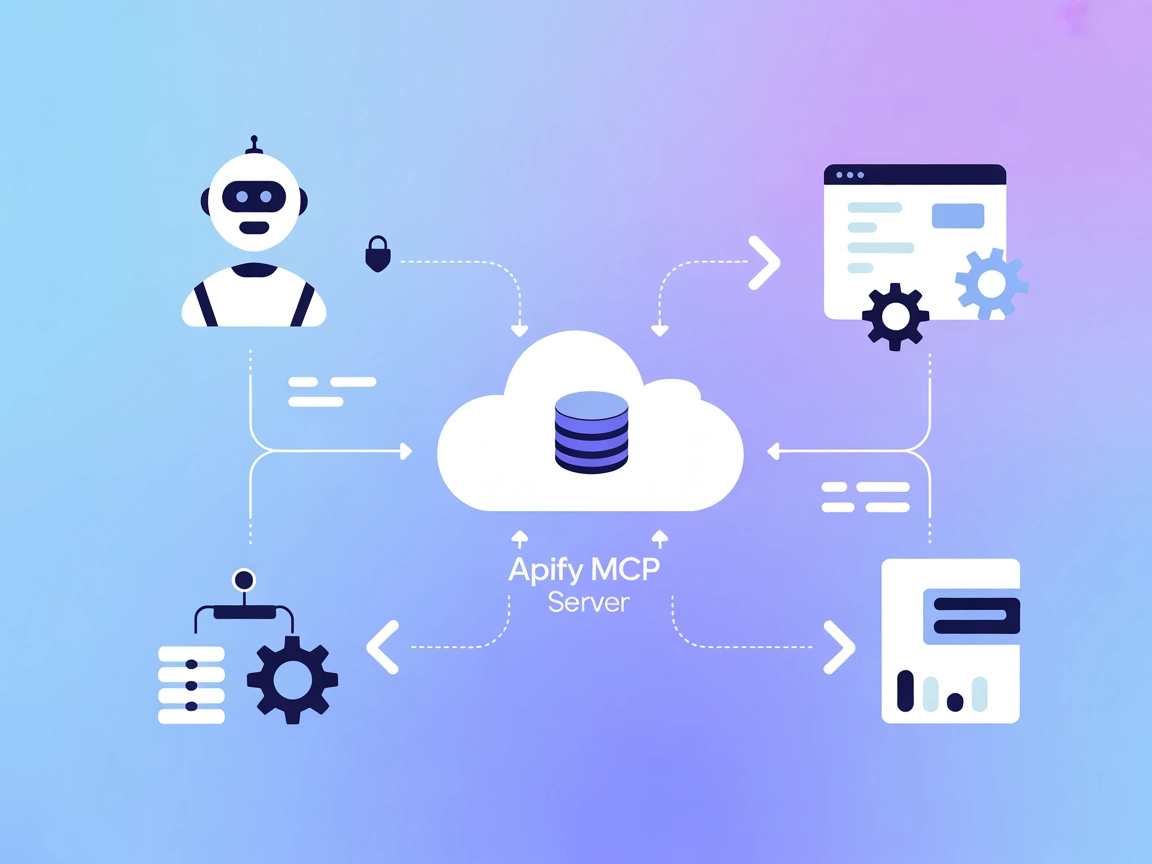
Integrate Apify’s robust web automation and data extraction capabilities into your AI workflows with the Apify MCP Server, available for FlowHunt and other MCP-compatible platforms.
The Apify MCP (Model Context Protocol) Server acts as a bridge between AI assistants and the Apify platform, allowing AI systems to interact seamlessly with Apify Actors—cloud-based scripts for web automation, data extraction, and workflow automation. By exposing Actors through the MCP protocol, this server lets AI clients trigger, manage, and retrieve results from Actors. This enhances development workflows by enabling tasks such as running web scrapers, automating browser actions, or orchestrating complex data pipelines, all accessible via standardized MCP tools and resources. The server supports both HTTP (SSE) and local stdio modes, making it flexible for integration in various environments.
No explicit prompt templates are mentioned in the provided repository content.

Start your free trial today and see results within days.
No explicit MCP resources are detailed in the available documentation or file listings.
No detailed list of tools (such as query_database, read_write_file, call_api, or Actor-triggering tools) are described in the files or documentation available via the repository overview. The server enables interaction with Apify Actors, but specific tool names or descriptions are not present.
Get latest tips, trends, and deals for free.
windsurf.config.json).{
"mcpServers": {
"apify-mcp": {
"command": "npx",
"args": ["@apify/actors-mcp-server@latest"]
}
}
}
Example:
{
"mcpServers": {
"apify-mcp": {
"command": "npx",
"args": ["@apify/actors-mcp-server@latest"],
"env": {
"APIFY_TOKEN": "${APIFY_TOKEN}"
},
"inputs": {
"actorId": "your-actor-id"
}
}
}
}
{
  "mcpServers": {
    "apify-mcp": {
      "command": "npx",
      "args": ["@apify/actors-mcp-server@latest"]
    }
  }
}
{
  "mcpServers": {
    "apify-mcp": {
      "command": "npx",
      "args": ["@apify/actors-mcp-server@latest"],
      "env": {
        "APIFY_TOKEN": "${APIFY_TOKEN}"
      },
      "inputs": {
        "actorId": "your-actor-id"
      }
    }
  }
}
{
  "mcpServers": {
    "apify-mcp": {
      "command": "npx",
      "args": ["@apify/actors-mcp-server@latest"]
    }
  }
}
{
  "mcpServers": {
    "apify-mcp": {
      "command": "npx",
      "args": ["@apify/actors-mcp-server@latest"],
      "env": {
        "APIFY_TOKEN": "${APIFY_TOKEN}"
      },
      "inputs": {
        "actorId": "your-actor-id"
      }
    }
  }
}
{
  "mcpServers": {
    "apify-mcp": {
      "command": "npx",
      "args": ["@apify/actors-mcp-server@latest"]
    }
  }
}
{
  "mcpServers": {
    "apify-mcp": {
      "command": "npx",
      "args": ["@apify/actors-mcp-server@latest"],
      "env": {
        "APIFY_TOKEN": "${APIFY_TOKEN}"
      },
      "inputs": {
        "actorId": "your-actor-id"
      }
    }
  }
}
Using MCP in FlowHunt
To integrate MCP servers into your FlowHunt workflow, start by adding the MCP component to your flow and connecting it to your AI agent:

Click on the MCP component to open the configuration panel. In the system MCP configuration section, insert your MCP server details using this JSON format:
{
  "apify-mcp": {
    "transport": "streamable_http",
    "url": "https://yourmcpserver.example/pathtothemcp/url"
  }
}
Once configured, the AI agent is now able to use this MCP as a tool with access to all its functions and capabilities. Remember to change "apify-mcp" to whatever the actual name of your MCP server is and replace the URL with your own MCP server URL.
| Section | Availability | Details/Notes |
|---|---|---|
| Overview | ✅ | Provided in README |
| List of Prompts | ⛔ | No prompt templates mentioned |
| List of Resources | ⛔ | No explicit resources described |
| List of Tools | ⛔ | No detailed tool listing |
| Securing API Keys | ✅ | Environment variable examples in setup instructions |
| Sampling Support (less important in evaluation) | ⛔ | No mention of sampling support |
Based on the available documentation, the Apify MCP Server provides a robust bridge to Apify Actors but lacks detailed documentation of MCP-specific prompts, resources, or tool schemas in the public README and file list. The setup process is well-documented and security best practices are included. As a result, the server is highly practical for Apify users, but less informative for generic MCP integrations.
| Has a LICENSE | ✅ (Apache-2.0) |
|---|---|
| Has at least one tool | ⛔ |
| Number of Forks | 27 |
| Number of Stars | 236 |
Our opinion:
Given the lack of explicit MCP prompt, resource, and tool definitions, but the presence of good setup docs and open source licensing, we would rate this MCP server at 5/10 for general MCP use. If your primary need is integrating Apify Actors into AI workflows, it’s very useful; for broader MCP scenarios, more detailed documentation would be helpful.
Connect FlowHunt to Apify for powerful automation, browser control, and data collection—no manual scripting required. Start building smarter AI flows today.
The Dify MCP Server bridges AI assistants with Dify workflows, enabling programmatic workflow orchestration, API integration, and external service connections t...
Integrate FlowHunt with Apify Actors MCP Server to automate and orchestrate large-scale web scraping, data extraction, and actor management using AI-powered wor...

The Azure MCP Server enables seamless integration between AI agents and Azure's cloud ecosystem, allowing AI-powered automation, resource management, and workfl...
Cookie Consent
We use cookies to enhance your browsing experience and analyze our traffic. See our privacy policy.