8 Best Apify Alternatives in 2026 (Web Scraping & Data Extraction)
Apify is powerful but complex and expensive for most use cases. We compared 8 Apify alternatives for web scraping and data extraction — from no-code tools to developer APIs.
Apify is one of the most powerful web scraping and automation platforms available — but it’s built for developers, requires learning its Actor system, and costs add up quickly for high-volume scraping. If you’re looking for something simpler, cheaper, or better suited for AI workflows, there are strong alternatives.
What is Apify?
Apify is a cloud-based web scraping and browser automation platform. Its core unit is the “Actor” — a reusable, shareable scraping or automation script that runs in Apify’s cloud infrastructure. Users can build custom Actors in Node.js using the Apify SDK, or use pre-built Actors from the Apify Store for common scraping tasks (Amazon product data, Google Maps listings, LinkedIn profiles, social media content).
Apify handles the infrastructure challenges of web scraping: JavaScript rendering with headless browsers, proxy rotation to avoid IP bans, CAPTCHA handling, scheduling, and result storage. This makes it considerably more powerful than running scrapers locally.
The trade-off: Apify requires developer skills to build custom Actors, its pricing scales with compute time (which can get expensive for continuous scraping), and the Actor paradigm has a learning curve.
Quick Comparison: Apify vs Alternatives
Tool
Best For
Free Tier
Starting Price
No-Code
AI-Native
FlowHunt
AI-integrated extraction
✅
Usage-based
✅
✅
Apify
Custom developer scrapers
✅
$49/month
❌
Partial
Browse AI
No-code site scraping
✅
$48/month
✅
Partial
Firecrawl
LLM/AI data preparation
✅
$16/month
Partial
✅
Octoparse
Visual point-and-click scraping
✅
$75/month
✅
❌
ScraperAPI
API-based JS rendering
✅
$49/month
❌
❌
Bright Data
Enterprise-scale extraction
❌
Custom
❌
Partial
PhantomBuster
LinkedIn/social extraction
✅
$56/month
✅
❌
Bardeen
Browser task automation
✅
$10/month
✅
✅
Ready to grow your business?
Start your free trial today and see results within days.
1. FlowHunt — Best for AI-Integrated Web Data Extraction
FlowHunt approaches web data extraction differently than Apify: rather than building standalone scrapers, you build AI agents that browse the web as part of larger automated workflows. The agent can navigate to a URL, read the page content, extract specific information, and immediately use that data in the next step — feeding it into a CRM, generating a summary, or triggering an outreach sequence.
This is a fundamentally different use case than batch scraping millions of pages — FlowHunt excels at intelligent, targeted extraction as part of a business process.
Key advantages over Apify:
No scraping scripts — AI agents navigate and extract based on natural language instructions
Integrated workflow — extracted data immediately feeds into downstream automation steps
Handles unstructured pages — AI understands content semantically, not just by CSS selector
Built-in integrations — send extracted data to CRM, Slack, sheets, or any of 1,400+ tools
No infrastructure management — fully hosted and scaled
Best use cases:
Monitoring competitor pricing or product changes
Extracting lead data from company websites
Research automation (reading articles, extracting key facts)
Integrating web data into AI summarization or analysis pipelines
Not ideal for: High-volume batch scraping of thousands of pages at once (use ScraperAPI or Bright Data for that).
Pricing: Free tier available. Usage-based pricing scales with actual workflow runs.
2. Browse AI — Best No-Code Web Scraping Alternative
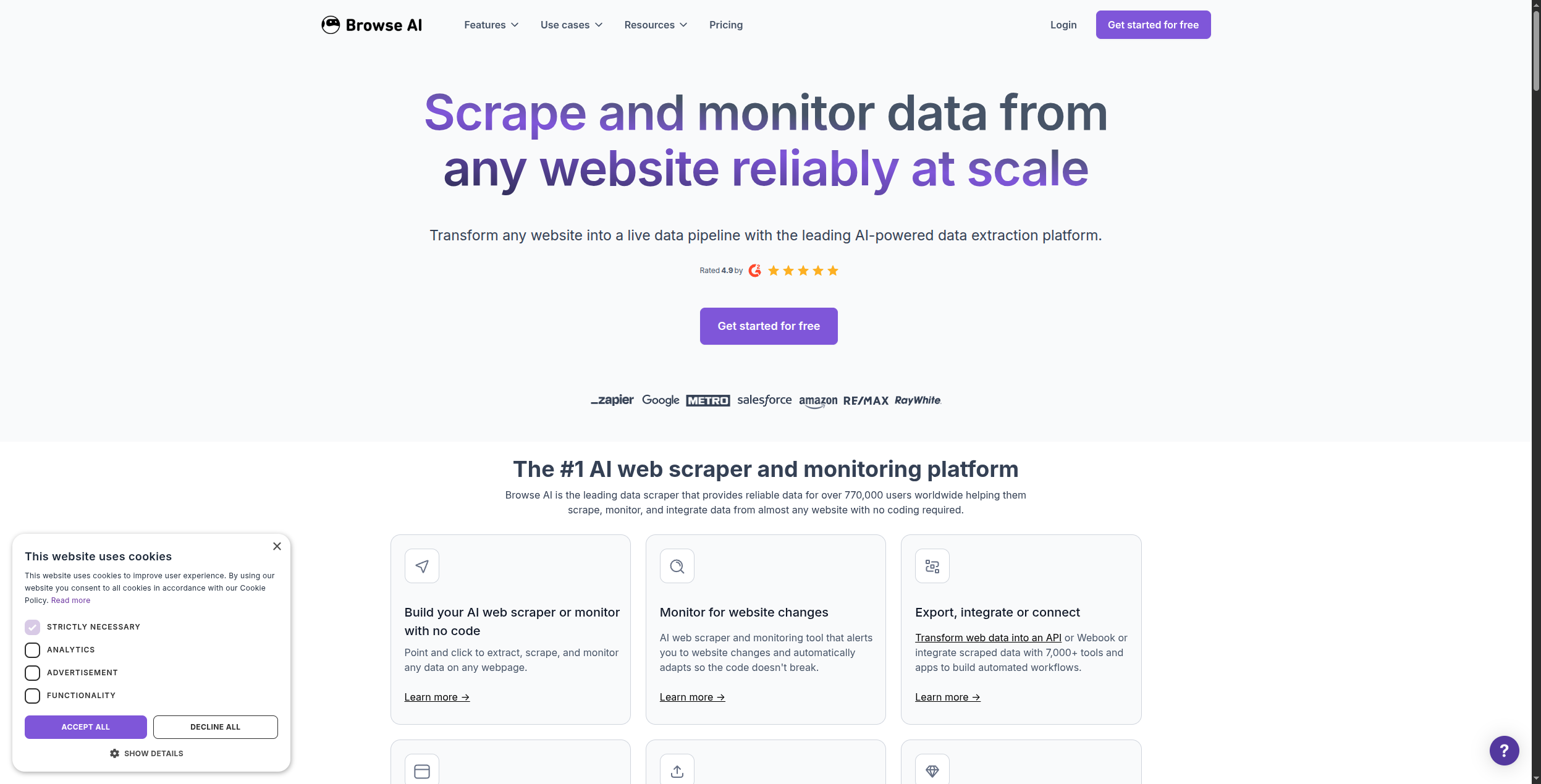
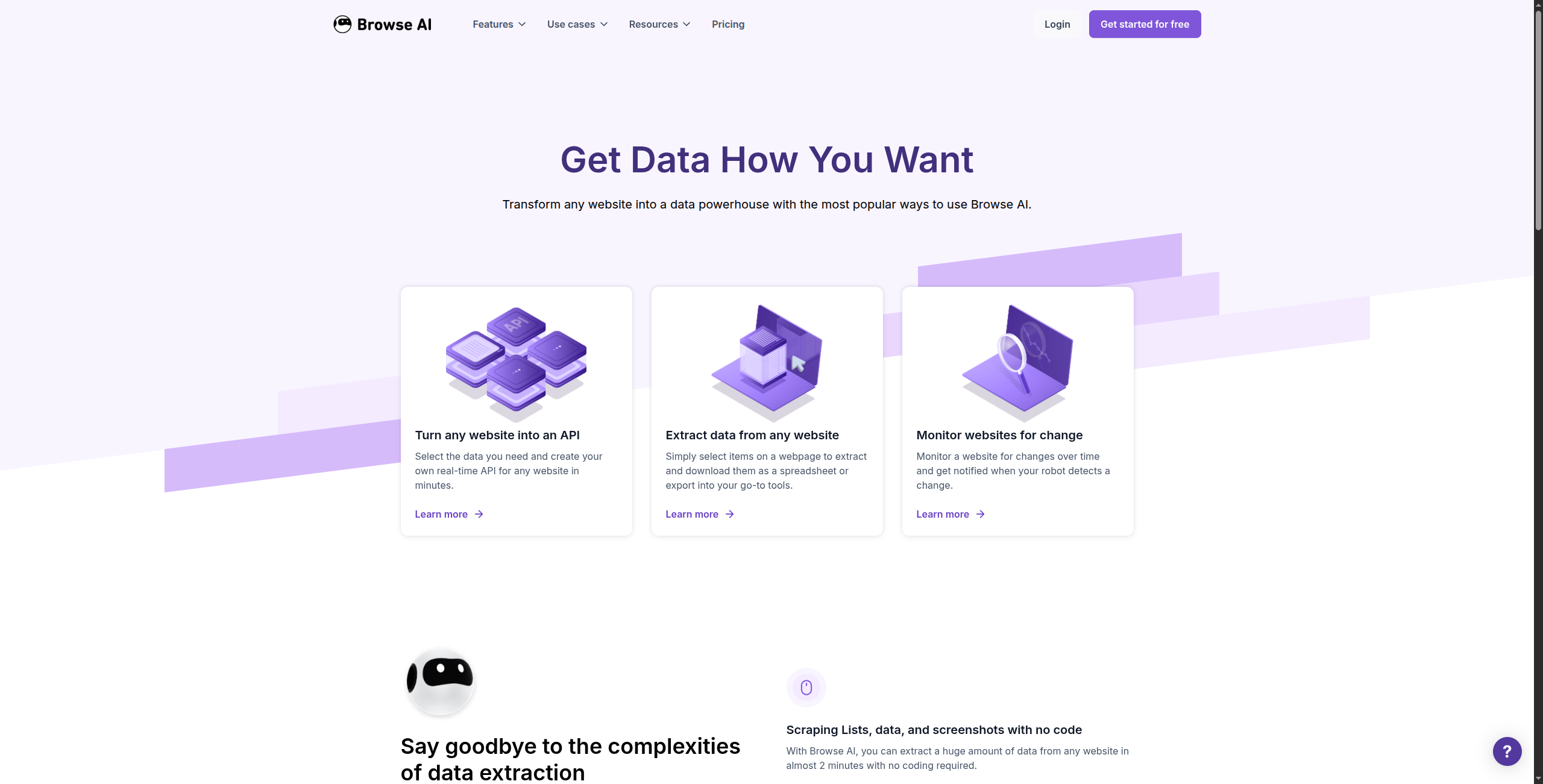
Browse AI is the easiest Apify alternative for non-developers. You navigate to the website you want to scrape, show Browse AI what data to extract by clicking on it, and it builds a “robot” that repeats the extraction on a schedule.
It handles dynamic JavaScript-rendered sites, pagination, and login-protected pages — without any code.
Professional — $149/month. 10,000 credits, priority runs, webhooks, bulk runs
Team — $399/month. 40,000 credits, multiple team members, API access
Enterprise — Contact sales for custom volume and SLA
Key features:
Point-and-click robot training — no code required
Handles JavaScript-rendered and login-gated pages
Scheduled extraction and automated change monitoring
Pre-built robots for Amazon, LinkedIn, Google Maps, and more
Webhook and Google Sheets integration
Bulk data export to CSV, JSON, and spreadsheets
Pros: Truly no-code — set up in minutes with point-and-click interface; handles JavaScript-heavy sites well; scheduled monitoring and change detection built in; pre-built robots for common sites Cons: Limited flexibility for complex custom extraction logic; scales less well than Apify for very high-volume scraping; pricing per run can be unpredictable for frequently-changed sites Best for: Non-technical users who need recurring extraction from specific websites without writing code or managing infrastructure.
Join our newsletter
Get latest tips, trends, and deals for free.
3. Firecrawl — Best for LLM and AI Application Data
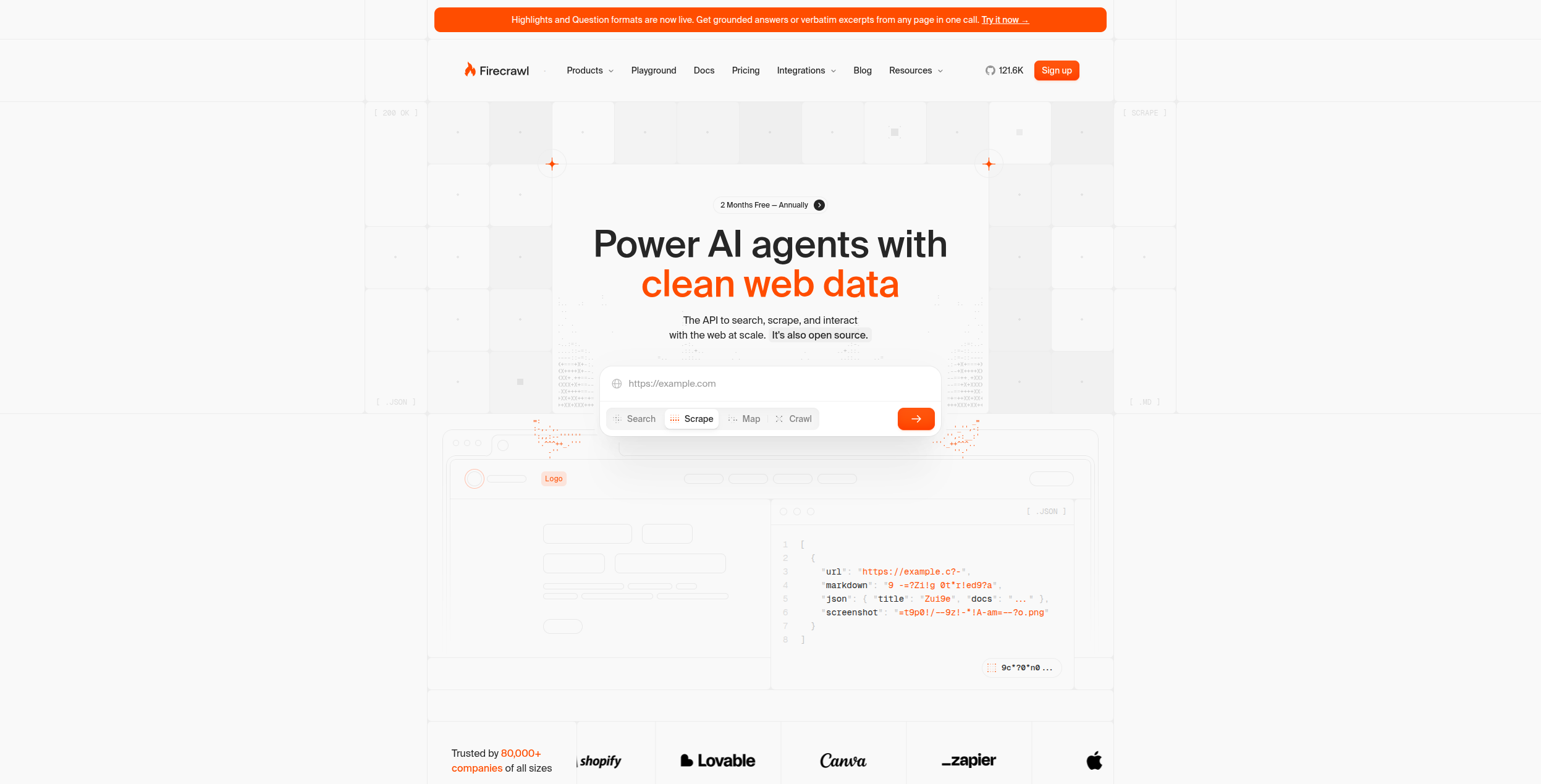
Firecrawl is purpose-built for a specific use case: turning entire websites into clean markdown that LLMs can read. It crawls websites, renders JavaScript, handles pagination, and outputs structured, clean text — ideal for building RAG (Retrieval-Augmented Generation) knowledge bases or feeding web content to AI agents.
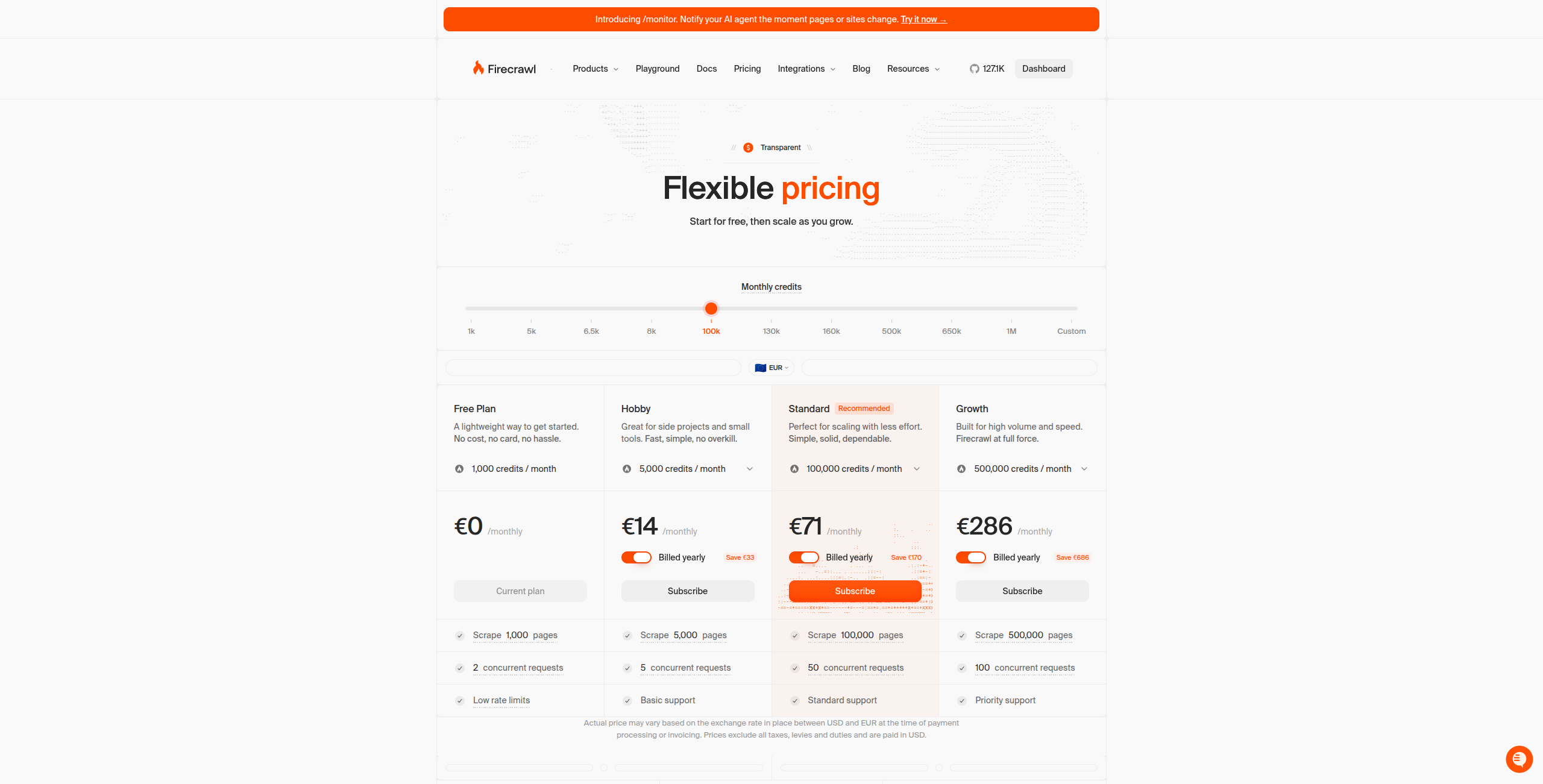
Pricing:
Free — 500 credits/month, up to 500 scraped pages
Hobby — $16/month. 3,000 credits/month, full API access, basic support
Standard — $83/month. 100,000 credits/month, higher rate limits, priority support
Growth — $333/month. 500,000 credits/month, dedicated support, advanced features
Enterprise — Contact sales for custom volume, SLAs, and on-premise options
Key features:
Converts full websites to clean, LLM-optimised markdown output
JavaScript rendering for dynamic single-page applications
Extract endpoint for structured data extraction with schema
Search endpoint for AI-powered web search
Simple REST API with SDKs for Python, Node.js, Go, and Rust
Pros: Clean LLM-ready markdown output — no HTML cleanup needed; full website crawling with sitemap support; maps and crawls dynamic JavaScript sites; simple API — integrate in minutes Cons: Not suitable for extracting structured data (prices, product specs) — outputs text, not structured records; no visual builder — developer API only; not designed for scheduled monitoring use cases Best for: Developers building AI agents, RAG pipelines, or LLM applications that need clean, structured web content as input.
4. Octoparse — Best Visual Scraper with Cloud Execution
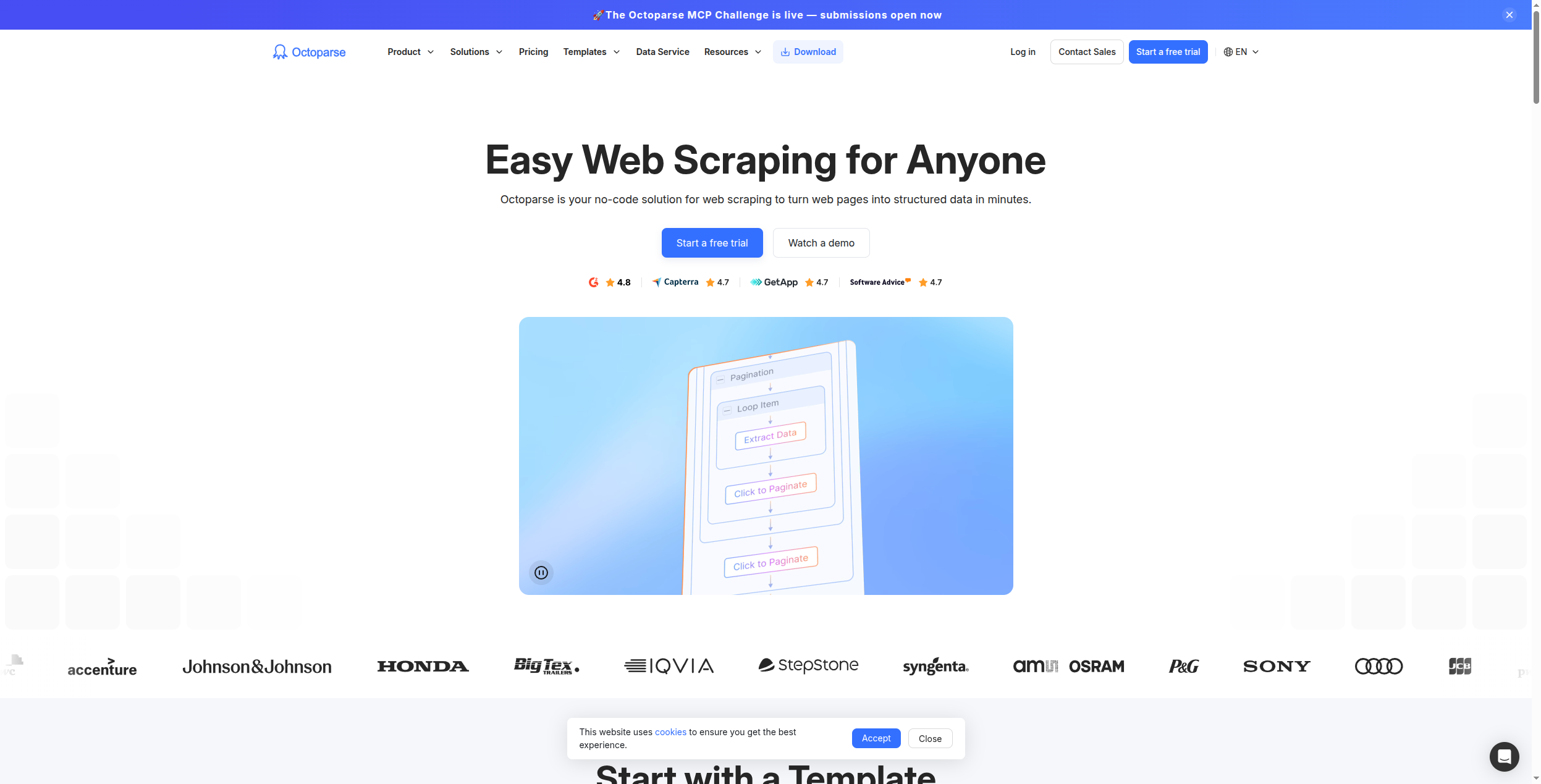
Octoparse provides a desktop application with a point-and-click interface for building scrapers visually, then runs them in the cloud on a schedule. It handles most common scraping scenarios — pagination, infinite scroll, dropdown navigation — without code.
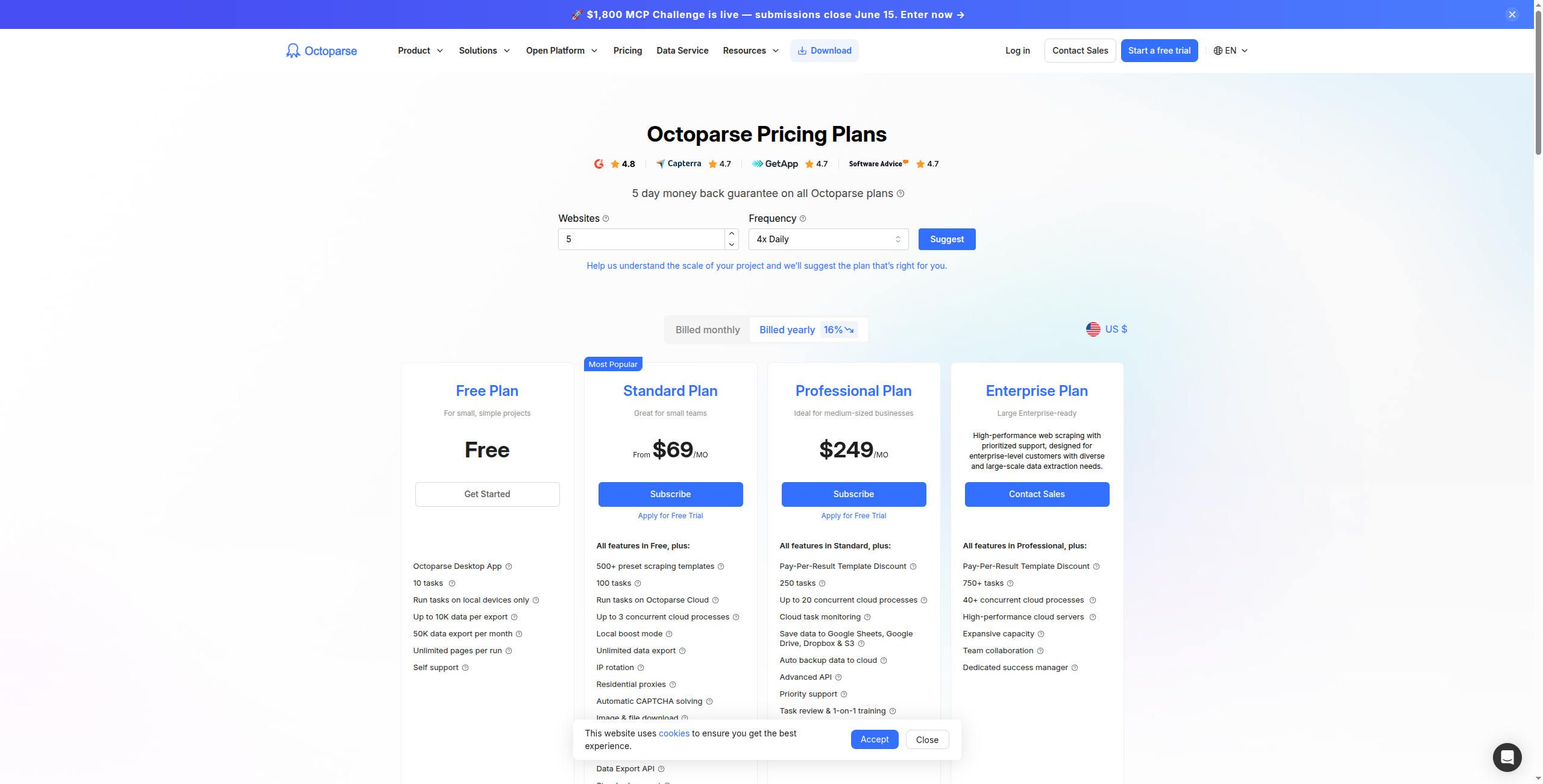
Pricing:
Free — Limited to 10,000 records per export, local (non-cloud) scraping only
Standard — $75/month. Cloud scraping, 10 cloud tasks, scheduling, API access
Professional — $149/month. 30 cloud tasks, IP rotation, faster cloud execution, priority support
Cloud execution with scheduling and automatic IP rotation
Handles complex pagination, infinite scroll, and multi-page flows
Built-in CAPTCHA handling and anti-block mechanisms
Export to Excel, CSV, Google Sheets, and databases (MySQL, SQL Server)
1,000+ pre-built templates for common websites
Pros: Visual workflow builder — no code needed; cloud execution with scheduling and IP rotation; handles complex pagination and multi-page flows; export to Excel, CSV, Google Sheets, databases Cons: More expensive than alternatives for equivalent capabilities; desktop client (Windows/Mac) adds friction vs browser-based tools; less suited for real-time extraction vs scheduled batch runs Best for: Non-technical analysts and operations teams that need reliable scheduled data extraction from complex or paginated websites.
5. ScraperAPI — Best for Developer-Grade Proxy and Rendering
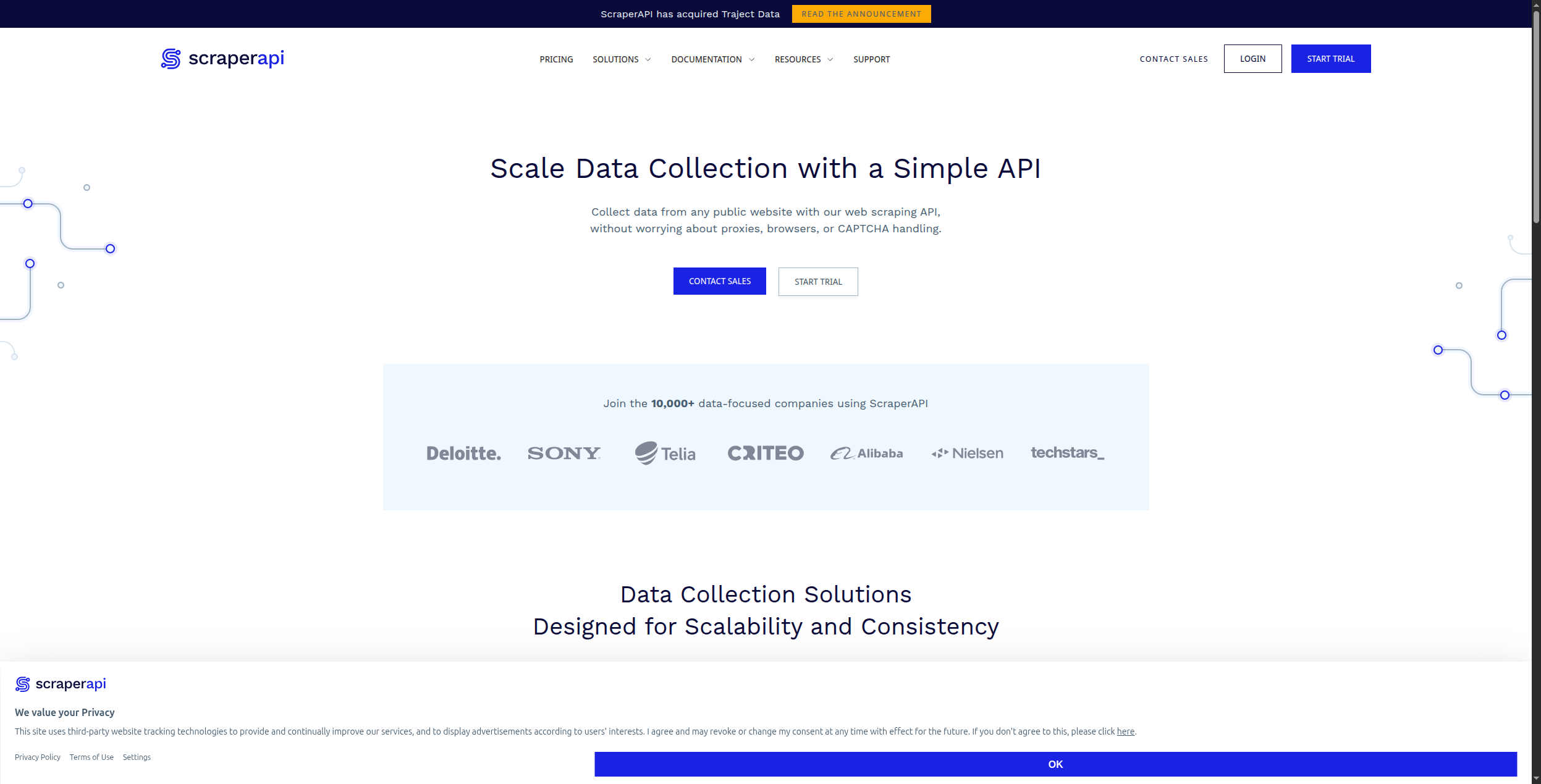
ScraperAPI is an API service that handles the hardest parts of web scraping at scale: JavaScript rendering, CAPTCHA solving, and automatic proxy rotation. Developers send a URL to ScraperAPI and get back clean HTML — it handles everything in between.
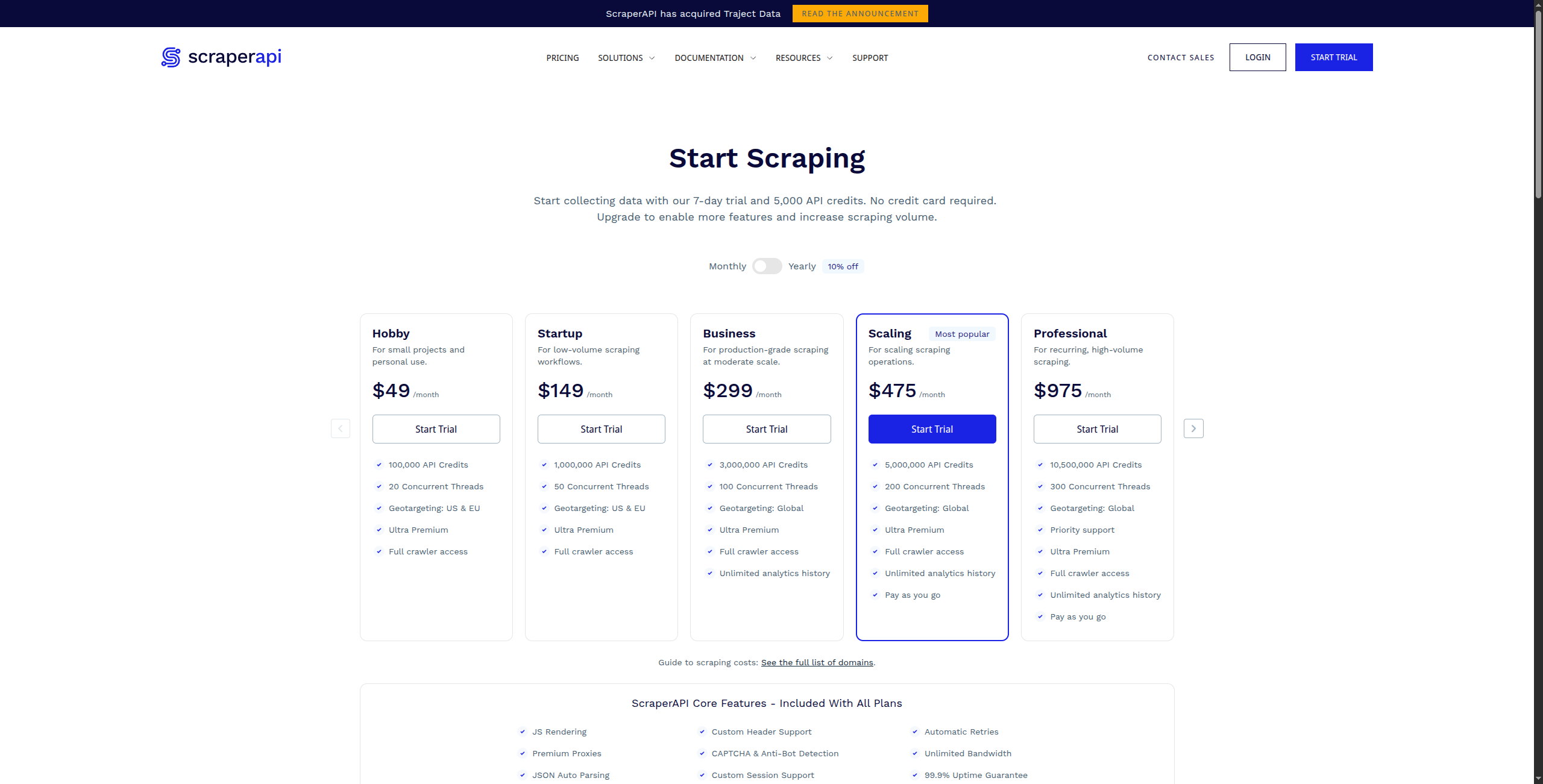
Pricing:
Free — 1,000 API calls/month, up to 5 concurrent requests
Hobby — $49/month. 100,000 API calls, 10 concurrent requests, JS rendering included
Business — $299/month. 3,000,000 API calls, 50 concurrent requests, dedicated proxies
Enterprise — Contact sales for custom volume and dedicated infrastructure
Key features:
Single API call returns rendered HTML from any URL
Automatic proxy rotation with 40M+ residential and datacenter IPs
JavaScript rendering via headless Chrome for SPAs and dynamic sites
CAPTCHA solving and anti-bot measure bypass
Geo-targeting with country-specific proxy selection
Structured data endpoints for Amazon, Google, Walmart, and more
Pros: Simple API integration — one function call replaces complex scraping infrastructure; handles CAPTCHA, geo-targeting, and device emulation; structured data endpoints for common sites (Amazon, Google, eBay); lower cost than Apify for high-volume simple scraping Cons: Returns HTML — you still need to parse and extract data yourself; no visual builder or no-code interface; no scheduling or monitoring — just a rendering/proxy layer Best for: Developers building scrapers who need reliable, scalable proxy and rendering infrastructure without managing their own proxy pool.
6. Bright Data — Best Enterprise Web Data Platform
Bright Data operates one of the world’s largest proxy networks (72M+ IPs) and provides a full suite of web data products: proxy networks, scraping APIs, browser automation, and pre-built datasets for hundreds of popular websites. For enterprise-scale web data needs, it’s unmatched.
Pricing:
Pay-as-you-go — Available across all products; datacenter proxies from $0.6/GB, residential proxies from $8.4/GB, ISP proxies from $15/GB
Monthly plans — Starting from ~$500/month for datacenter proxy plans; discounts for higher committed volumes
Scraping Browser — From $0.1/GB bandwidth consumed
Web Scraper API — From $1.50/1,000 requests for structured data endpoints
Datasets — Pre-built datasets for Amazon, LinkedIn, Instagram from $0.001/record; custom dataset delivery contact sales
Enterprise — Contact sales for dedicated infrastructure, compliance guarantees, and SLA
Key features:
72M+ IP proxy network — residential, datacenter, ISP, and mobile proxies
Scraping Browser API for full browser automation at scale
Web Scraper IDE for building and managing custom scrapers
Pre-built structured datasets for 100+ popular websites
Compliance-grade data collection with legal review processes
Enterprise SLA with 99.9% uptime guarantee
Pros: Largest proxy network in the world — best for bypassing advanced anti-bot protection; pre-built datasets for common use cases (Amazon, LinkedIn, social media); Web Scraper IDE for building custom scrapers; enterprise compliance and data quality guarantees Cons: Complex pricing — multiple products with different cost models; overkill for small or mid-scale scraping needs; requires technical resources to implement well Best for: Enterprise teams with high-volume scraping needs, strict compliance requirements, or advanced anti-bot evasion requirements.
7. PhantomBuster — Best for Social Media Data Extraction
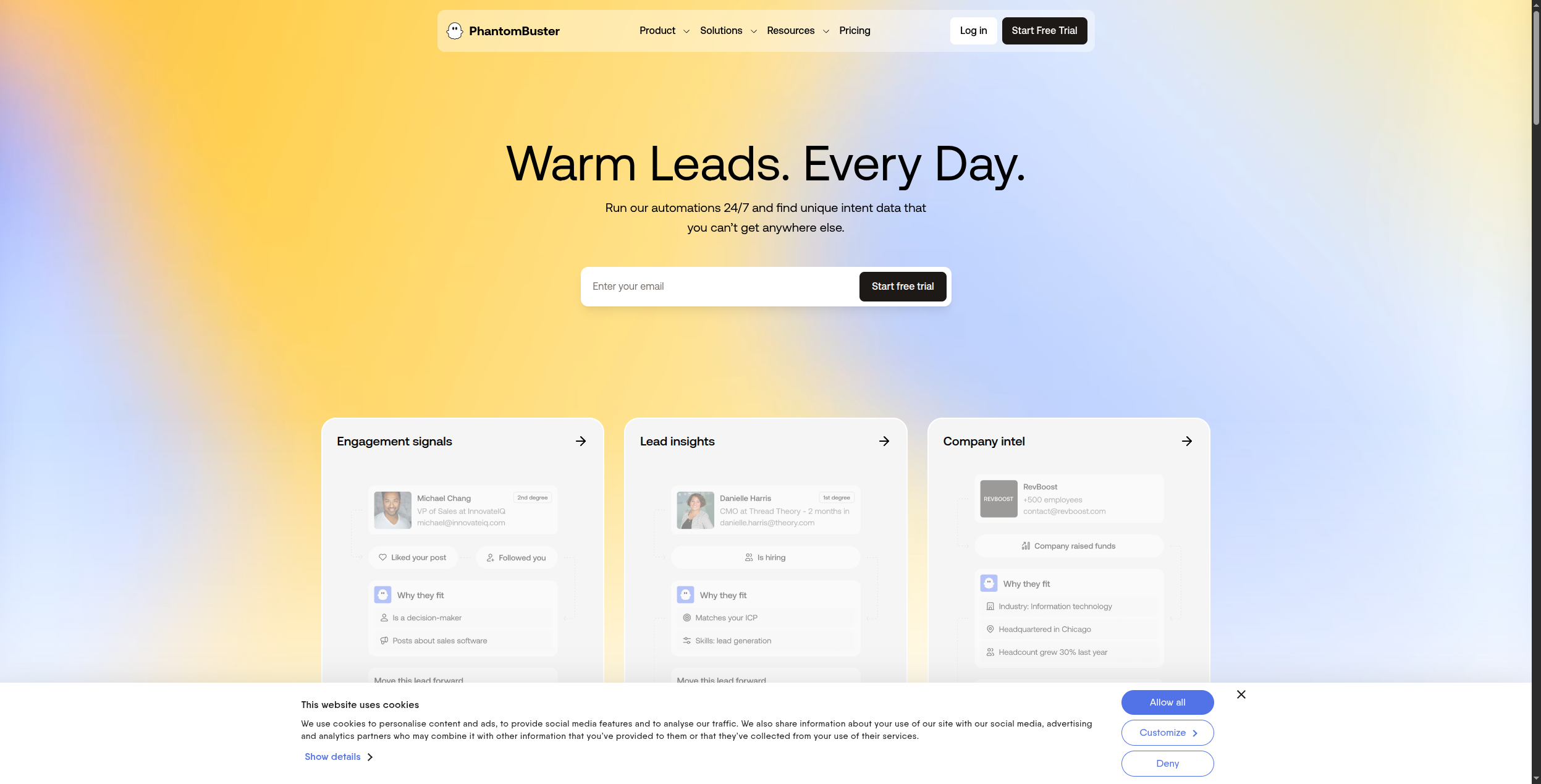
PhantomBuster specializes in extracting data and automating actions on social platforms — LinkedIn, Twitter/X, Instagram, Facebook, Google Maps, and more. It’s not a general web scraper but excels in its niche.
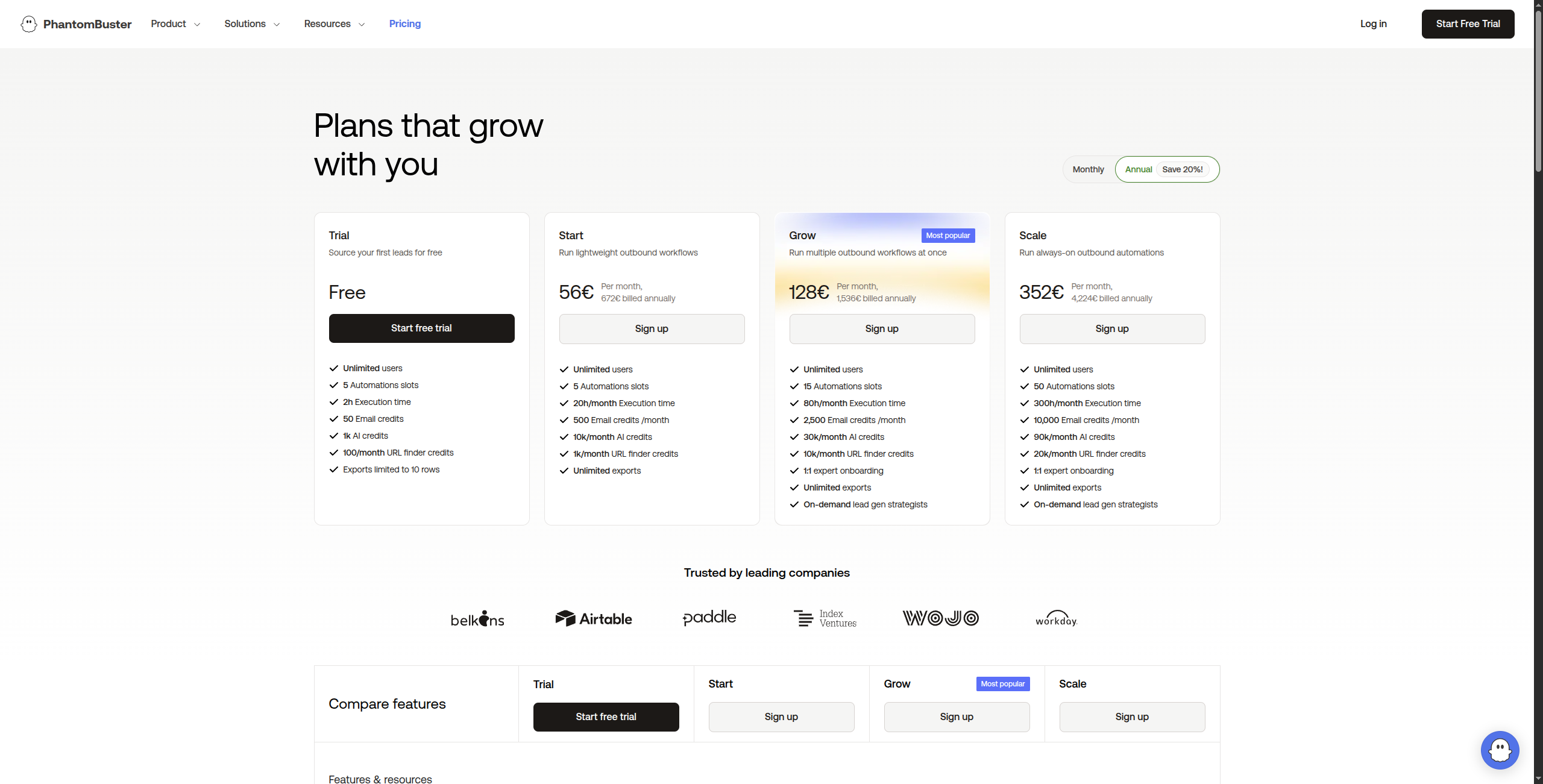
Pricing:
Free trial — 14 days, full access to all Phantoms
Starter — $56/month. 20 hours of execution time/month, 5 Phantoms running simultaneously, email support
Pro — $128/month. 80 hours of execution time/month, 15 Phantoms simultaneously, priority support
Team — $352/month. 300 hours of execution time/month, unlimited simultaneous Phantoms, dedicated support
Enterprise — Contact sales for custom execution time and volume
Key features:
100+ pre-built “Phantoms” for LinkedIn, Twitter, Instagram, Facebook, and Google Maps
LinkedIn scraping: profile data, company pages, Sales Navigator search results, post engagement
Automated outreach sequences with connection requests and messages
Export to CSV, Google Sheets, CRM webhooks
Scheduled runs with configurable throttling to reduce account risk
Multi-account management for agency use
Pros: Pre-built phantoms for common social scraping scenarios; LinkedIn lead extraction without scraping scripts; automation (profile visits, connection requests) alongside data extraction; no-code interface for most use cases Cons: Platform-specific — not useful for arbitrary website scraping; LinkedIn TOS compliance risk with automation; lower execution time limits on lower plans Best for: Sales teams and growth marketers who need to extract and act on LinkedIn and social media data for lead generation and outreach.
8. Bardeen — Best for Browser Task Automation
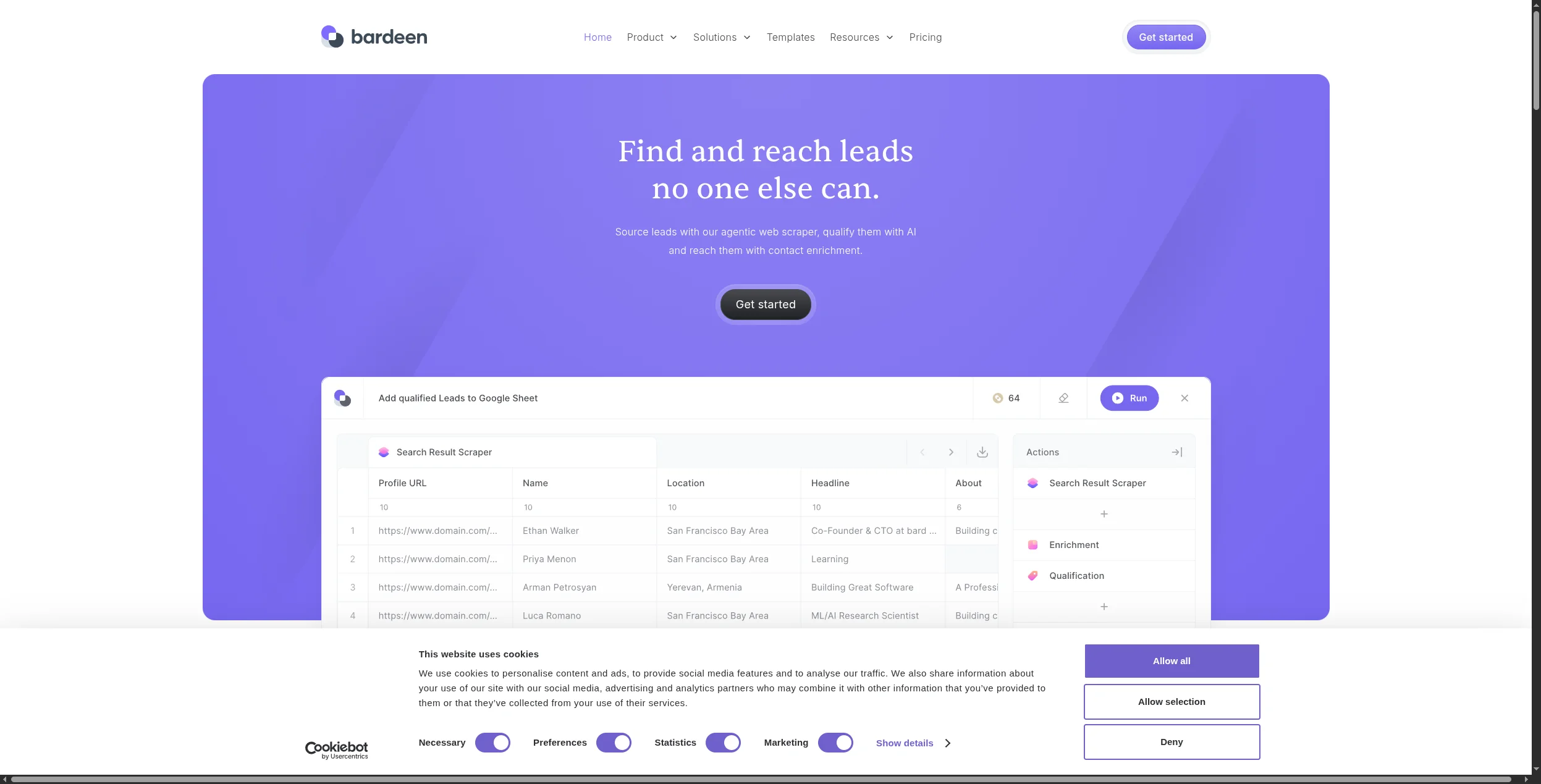
Bardeen is a Chrome extension that records and replays browser actions, extracts data from pages you’re viewing, and integrates extracted data with 100+ apps. It’s best for semi-automated, on-demand extraction rather than fully unattended scraping.
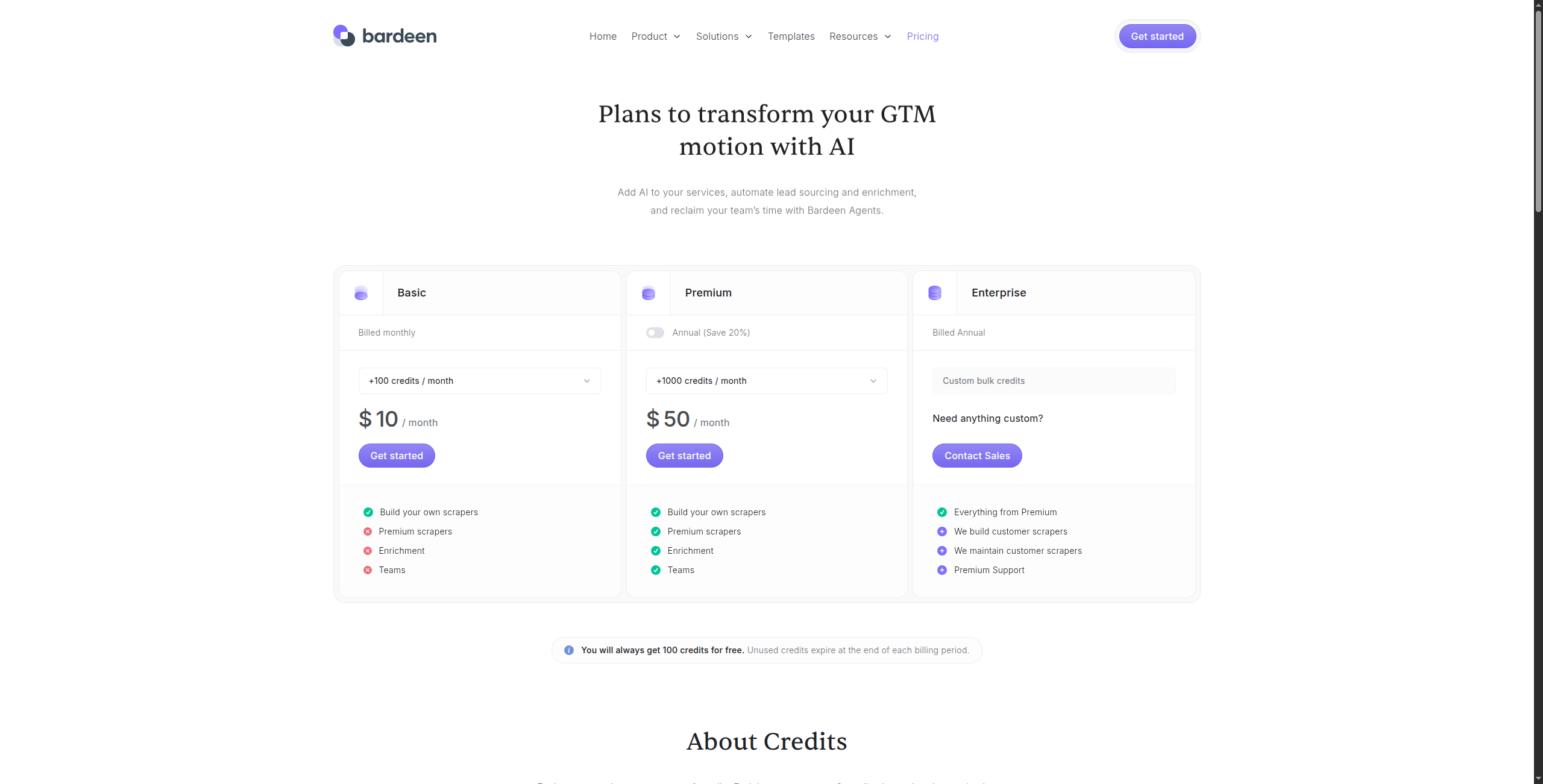
Pricing:
Free — Unlimited manual runs, basic integrations, community support
Professional — $10/month. Unlimited automated runs, cloud storage, premium integrations (HubSpot, Salesforce, Pipedrive), priority support
Business — $15/user/month. Team sharing of automations, shared folders, admin controls
Enterprise — Contact sales for SSO, advanced security, and custom integrations
Key features:
AI Magic Actions — describe in plain English what to extract, no CSS selectors needed
Records and replays browser actions as repeatable automations
Integrates with 100+ apps: Notion, Airtable, HubSpot, Salesforce, Google Sheets
Scrapes tables, lists, and structured data from any visible page
Runs in Chrome browser — works on any site the user can access
Supports trigger-based automation (time-based, webhook, or manual)
Pros: No-code Chrome extension — zero setup; AI magic actions for extracting data by description, not CSS selectors; strong integrations with Notion, Airtable, HubSpot, Salesforce; good for personal productivity and research workflows Cons: Requires Chrome open — not fully unattended automation; not suitable for server-side high-volume scraping; limited to what the logged-in user can access in a browser Best for: Individual contributors and small teams who need to automate repetitive browser research and data collection tasks without writing code.
Which Apify Alternative Should You Choose?
AI-integrated extraction for business workflows → FlowHunt
No-code site monitoring and extraction → Browse AI
Turning websites into AI knowledge bases → Firecrawl
Visual scraping of complex sites → Octoparse
Developer API for proxy and JavaScript rendering → ScraperAPI
Enterprise-scale scraping with anti-bot evasion → Bright Data
LinkedIn and social media data extraction → PhantomBuster
On-demand browser extraction tasks → Bardeen
For most business use cases — monitoring competitors, extracting lead data, researching prospects — FlowHunt’s AI-native approach beats Apify’s developer-centric model in both speed of setup and workflow integration. For high-volume technical scraping projects, ScraperAPI and Bright Data are the right tools.
Frequently asked questions
Apify is a web scraping and automation platform that lets developers build, deploy, and run web scrapers — called 'Actors' — in the cloud. It handles JavaScript rendering, proxy rotation, and scheduling. Users can build custom scrapers or use pre-built Actors from the Apify Store for common sites like Amazon, LinkedIn, Google Maps, and social media.
Yes — Browse AI has a free plan (50 runs/month), Bardeen is free for basic automations, Firecrawl has a free API tier, and FlowHunt's free tier includes web browsing capabilities. For developers, open-source libraries like Playwright, Puppeteer, and Scrapy are free but require self-management.
Browse AI is the easiest — you literally show it what to scrape by clicking through a website, and it builds the scraper automatically. Octoparse is similarly point-and-click. Bardeen is the best for one-off data extraction tasks where you want to automate repetitive browser actions without any technical setup.
Firecrawl is purpose-built for AI applications — it converts entire websites into clean, structured markdown that LLMs can consume directly. FlowHunt integrates web extraction into AI agent workflows, making it the best choice when the extracted data needs to feed into reasoning, summarization, or decision-making steps.
For enterprise-scale web data needs (millions of pages, complex anti-bot evasion), Bright Data is the strongest alternative — it operates one of the world's largest proxy networks and has enterprise-grade scraping infrastructure. ScraperAPI is a more affordable option for mid-scale scraping with JavaScript rendering and CAPTCHA handling.
Arshia is an AI Workflow Engineer at FlowHunt. With a background in computer science and a passion for AI, he specializes in creating efficient workflows that integrate AI tools into everyday tasks, enhancing productivity and creativity.
Arshia Kahani
AI Workflow Engineer
Scrape Any Website with AI — Try FlowHunt Free
FlowHunt's AI agents browse the web, extract structured data, and feed it into your workflows automatically — no scraping scripts required.
Best Browse AI Alternatives in 2026: 8 Web Scraping Tools Compared
Looking for Browse AI alternatives? We compared 8 web scraping and data extraction tools — from AI-powered scrapers to full automation platforms — to find the b...
10 Best AI Web Scrapers in 2026: Ranked and Reviewed
The 10 best AI web scrapers in 2026, ranked by extraction accuracy, ease of use, anti-bot handling, and pricing. Find the right AI scraping tool for your use ca...
Integrate FlowHunt with Apify Actors MCP Server to automate and orchestrate large-scale web scraping, data extraction, and actor management using AI-powered wor...
3 min read
AI
Apify
+5
Cookie Consent We use cookies to enhance your browsing experience and analyze our traffic. See our privacy policy.