


Astra DB
Integrate FlowHunt with Astra DB to enable secure, AI-powered automation of cloud database operations. The Astra DB MCP Server connects your Model Context Proto...
5 min read
AI
Astra DB
+3
Integrate Astra DB with AI assistants using the Astra DB MCP Server for secure, automated data access and workflow orchestration.
The Astra DB MCP Server is a Model Context Protocol (MCP) server designed for seamless integration between Large Language Models (LLMs) and Astra DB, a cloud-native database service. By acting as a bridge, it empowers AI assistants and agentic workflows to securely query, manage, and interact with Astra DB resources. Developers gain the ability to automate complex database operations, retrieve or manipulate data, and handle workloads directly from their AI-driven tools or chat-based interfaces. This enhances productivity by offloading repetitive or intricate database management tasks to AI, while ensuring secure, controlled access to Astra DB’s robust features.
No information available on prompt templates in the repository or documentation.

Start your free trial today and see results within days.
No explicit list of resources found in the documentation or codebase.
No explicit tool definitions found in server.py or other code files. The repository includes a tools directory and a tools.ts file, but no details are provided in the available documentation.
Get latest tips, trends, and deals for free.
No setup instructions for Windsurf found in the repository.
claude_desktop_config.json:{
"mcpServers": {
"astra-db-mcp": {
"command": "npx",
"args": ["-y", "@datastax/astra-db-mcp"],
"env": {
"ASTRA_DB_APPLICATION_TOKEN": "your_astra_db_token",
"ASTRA_DB_API_ENDPOINT": "your_astra_db_endpoint"
}
}
}
}
{
  "command": "cmd",
  "args": ["/k", "npx", "-y", "@datastax/astra-db-mcp"]
}
Securing API Keys:
Store sensitive values like ASTRA_DB_APPLICATION_TOKEN and ASTRA_DB_API_ENDPOINT in the env section of your MCP server config.
No setup details found for Cursor in the provided files.
No setup details found for Cline in the provided files.
Using MCP in FlowHunt
To integrate MCP servers into your FlowHunt workflow, start by adding the MCP component to your flow and connecting it to your AI agent:

Click on the MCP component to open the configuration panel. In the system MCP configuration section, insert your MCP server details using this JSON format:
{
  "astra-db-mcp": {
    "transport": "streamable_http",
    "url": "https://yourmcpserver.example/pathtothemcp/url"
  }
}
Once configured, the AI agent is now able to use this MCP as a tool with access to all its functions and capabilities. Remember to change “astra-db-mcp” to whatever the actual name of your MCP server is and replace the URL with your own MCP server URL.
| Section | Availability | Details/Notes |
|---|---|---|
| Overview | ✅ | Description available |
| List of Prompts | ⛔ | No prompt templates found |
| List of Resources | ⛔ | No explicit resources listed |
| List of Tools | ⛔ | No explicit tool definitions in docs or code |
| Securing API Keys | ✅ | Example provided in README |
| Sampling Support (less important in evaluation) | ⛔ | Not mentioned |
Based on the tables above, the Astra DB MCP Server offers a clear overview and secure API key management with some practical use case suggestions. However, it lacks documentation or code references for prompt templates, defined resources, and explicit tool listings. Sampling and Roots support are not described. This makes it suitable for users already familiar with Astra DB, but less accessible for those seeking out-of-the-box LLM prompt and tool interoperability.
Rating: 4/10
| Has a LICENSE | ✅ (Apache-2.0) |
|---|---|
| Has at least one tool | ⛔ |
| Number of Forks | 15 |
| Number of Stars | 26 |
Automate database management and querying by integrating Astra DB with your AI agents via the Astra DB MCP Server. Streamline workflows and unlock powerful data-driven capabilities.
Integrate FlowHunt with Astra DB to enable secure, AI-powered automation of cloud database operations. The Astra DB MCP Server connects your Model Context Proto...
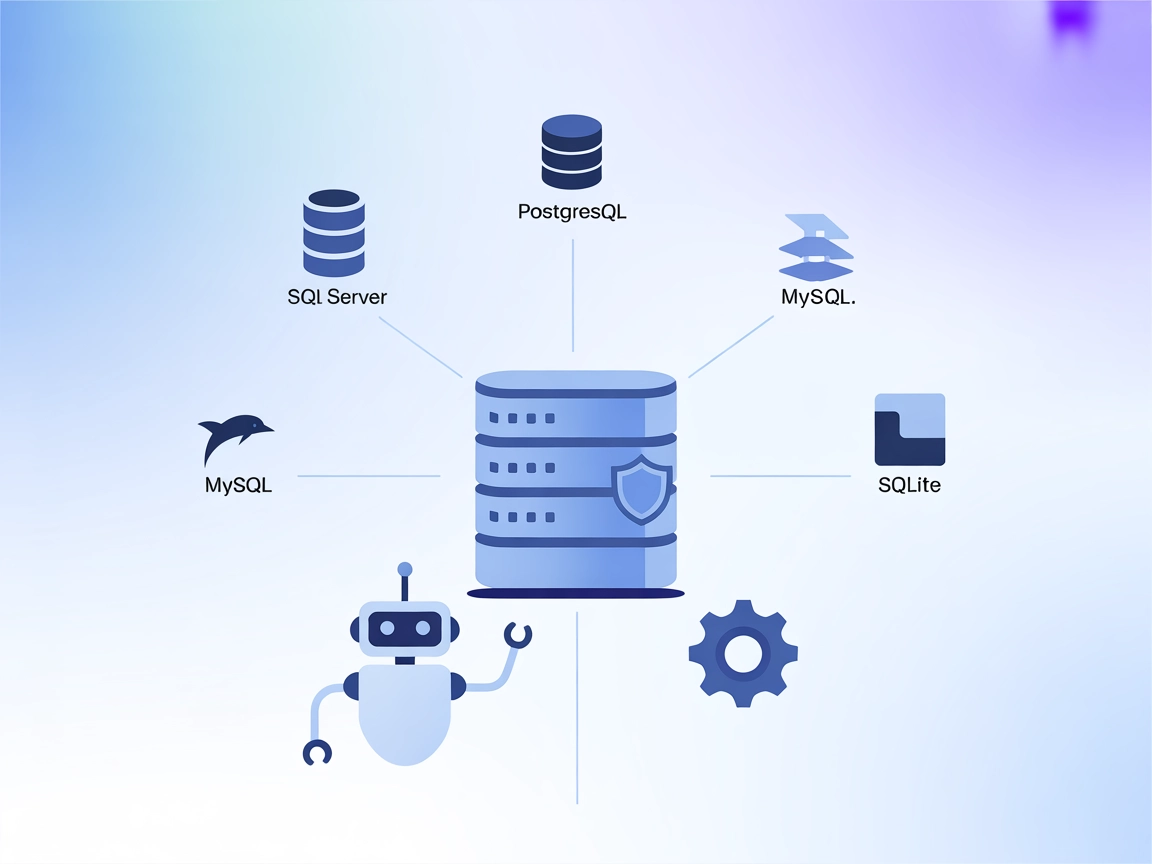
The MCP Database Server enables secure, programmatic access to popular databases like SQLite, SQL Server, PostgreSQL, and MySQL for AI assistants and automation...
The Couchbase MCP Server connects AI agents and LLMs directly to Couchbase clusters, enabling seamless natural language database operations, automated managemen...
Cookie Consent
We use cookies to enhance your browsing experience and analyze our traffic. See our privacy policy.