


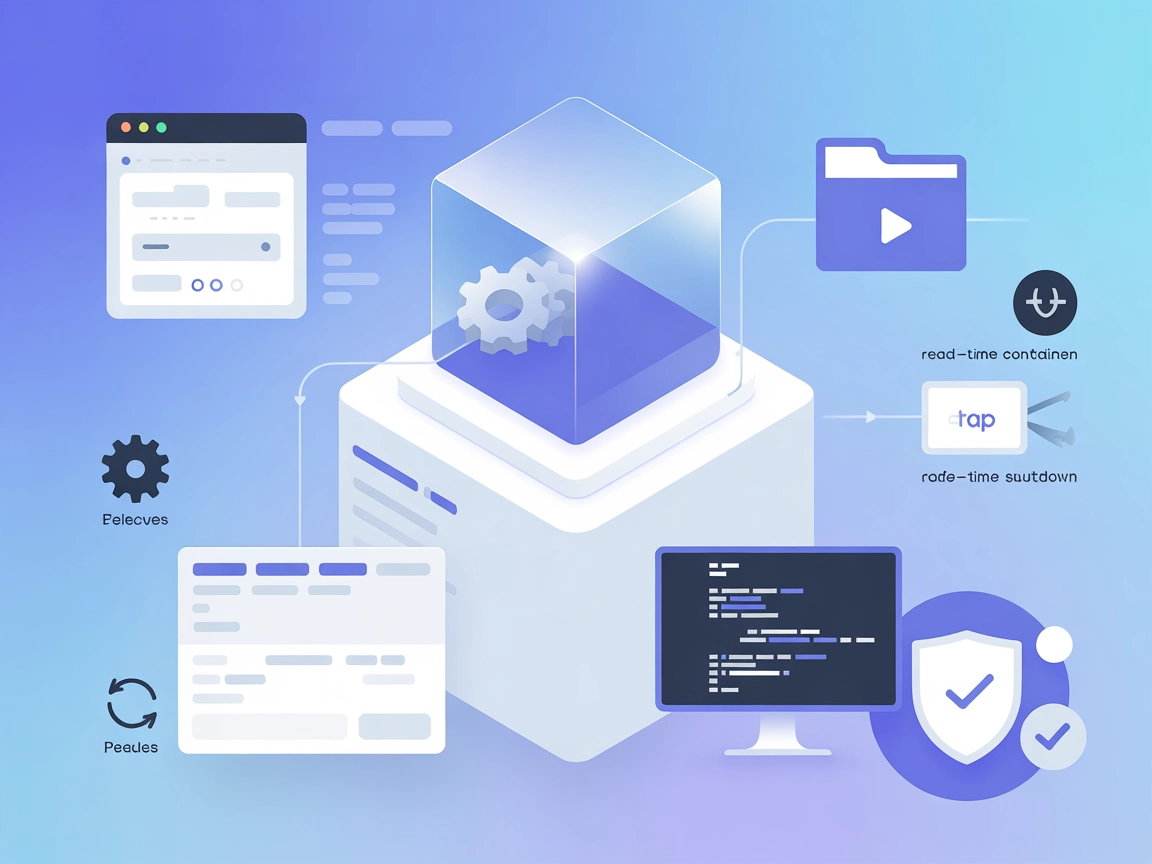
Code Sandbox MCP
Integrate FlowHunt with Code Sandbox MCP to securely execute code in isolated Docker containers, manage development environments, and power AI-driven automation...
4 min read
AI
Code Sandbox
+4
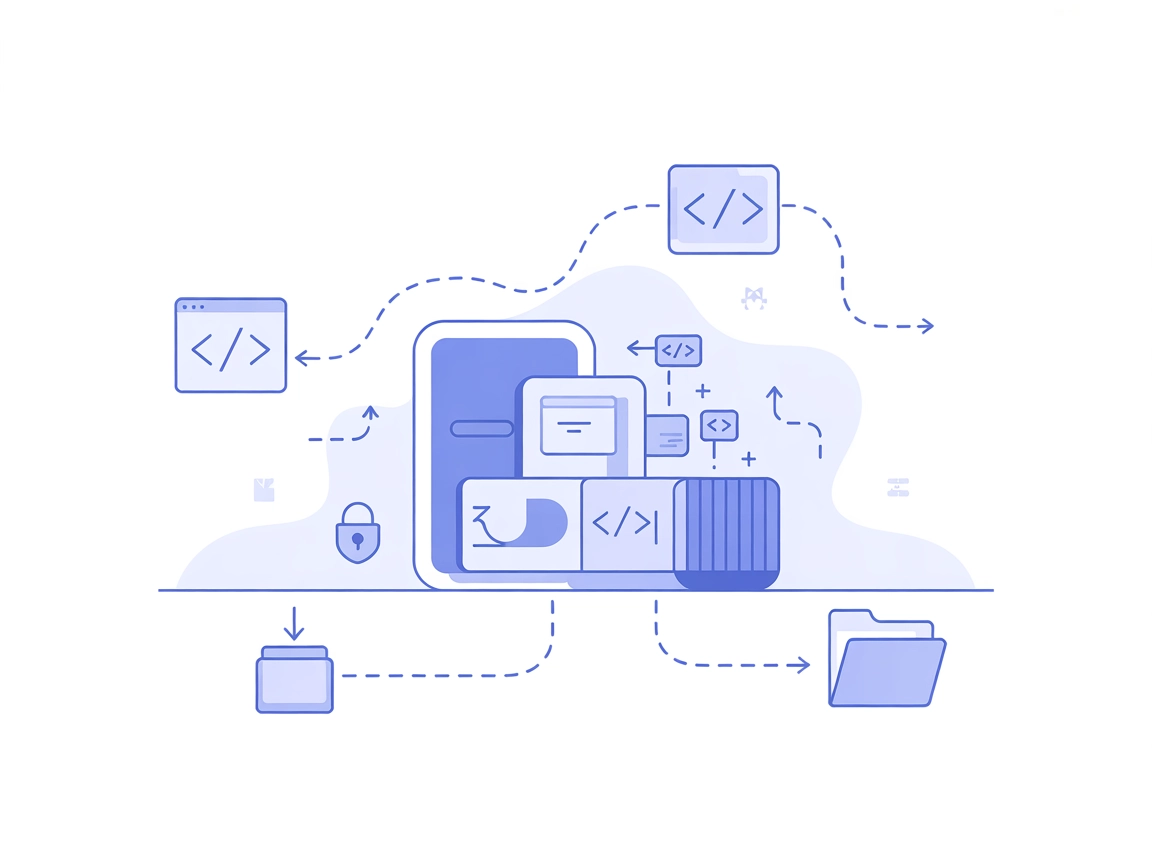
Run, test, and manage code safely in a Docker-powered sandbox with Code Sandbox MCP Server for FlowHunt. Ideal for AI, automation, and secure developer workflows.
The Code Sandbox MCP (Model Context Protocol) Server is a specialized tool designed to provide AI assistants and applications with a secure, isolated environment for executing code. Using Docker containerization, it enables safe code execution by managing flexible, disposable containers that run user or AI-generated code. This sandboxed approach ensures high security, preventing code from affecting the host system or leaking sensitive data. The server facilitates various development workflows, including running shell commands, transferring files, and streaming logs, all inside custom or user-chosen Docker images. By exposing these capabilities through the MCP protocol, Code Sandbox MCP helps AI developers automate, test, and manage code securely and efficiently, unlocking advanced capabilities for AI-powered agents and developer tools.
No prompt templates are explicitly mentioned in the repository or documentation.

Start your free trial today and see results within days.
No explicit MCP resources are described in the repository or documentation.
Get latest tips, trends, and deals for free.
~/.windsurf/config.json).mcpServers section:{
"mcpServers": {
"code-sandbox": {
"command": "npx",
"args": ["@Automata-Labs-team/code-sandbox-mcp@latest"]
}
}
}
Use environment variables to store sensitive keys:
{
"mcpServers": {
"code-sandbox": {
"command": "npx",
"args": ["@Automata-Labs-team/code-sandbox-mcp@latest"],
"env": {
"API_KEY": "${API_KEY}"
},
"inputs": {
"apiKey": "${API_KEY}"
}
}
}
}
{
  "mcpServers": {
    "code-sandbox": {
      "command": "npx",
      "args": ["@Automata-Labs-team/code-sandbox-mcp@latest"]
    }
  }
}
{
  "mcpServers": {
    "code-sandbox": {
      "command": "npx",
      "args": ["@Automata-Labs-team/code-sandbox-mcp@latest"]
    }
  }
}
{
  "mcpServers": {
    "code-sandbox": {
      "command": "npx",
      "args": ["@Automata-Labs-team/code-sandbox-mcp@latest"]
    }
  }
}
Note: Always use environment variables to manage sensitive configuration items like API keys. See the example above for how to set
envandinputsin your configuration.
Using MCP in FlowHunt
To integrate MCP servers into your FlowHunt workflow, start by adding the MCP component to your flow and connecting it to your AI agent:

Click on the MCP component to open the configuration panel. In the system MCP configuration section, insert your MCP server details using this JSON format:
{
  "code-sandbox": {
    "transport": "streamable_http",
    "url": "https://yourmcpserver.example/pathtothemcp/url"
  }
}
Once configured, the AI agent is now able to use this MCP as a tool with access to all its functions and capabilities. Remember to change “code-sandbox” to whatever the actual name of your MCP server is and replace the URL with your own MCP server URL.
| Section | Availability | Details/Notes |
|---|---|---|
| Overview | ✅ | |
| List of Prompts | ⛔ | No prompt templates found |
| List of Resources | ⛔ | No explicit MCP resources found |
| List of Tools | ✅ | Container management, file ops, command exec, logging, etc. |
| Securing API Keys | ✅ | Provided example for using env vars in JSON config |
| Sampling Support (less important in evaluation) | ⛔ | No mention of sampling support |
This MCP server provides robust, essential functionality for secure code execution using containerization, and offers practical setup instructions. However, it lacks explicit documentation for MCP prompt templates and resource primitives, which limits its direct plug-and-play usability in some MCP contexts. The presence of a clear license, active development, and a good number of stars/forks increases its reliability. Roots and sampling are not mentioned or supported.
Rating: 7/10. Excellent for secure code execution and developer workflows, but would benefit from richer MCP-native documentation and resource/prompt definitions.
| Has a LICENSE | ✅ (MIT) |
|---|---|
| Has at least one tool | ✅ |
| Number of Forks | 29 |
| Number of Stars | 203 |
Experience safe, flexible, and automated code execution with FlowHunt’s Code Sandbox MCP Server. Perfect for AI agents, developers, and educational environments.
Integrate FlowHunt with Code Sandbox MCP to securely execute code in isolated Docker containers, manage development environments, and power AI-driven automation...
The MCP Code Executor MCP Server enables FlowHunt and other LLM-driven tools to securely execute Python code in isolated environments, manage dependencies, and ...
The E2B MCP Server empowers AI assistants like Claude to securely execute code in isolated sandboxes, automate developer workflows, and enable dynamic real-worl...
Cookie Consent
We use cookies to enhance your browsing experience and analyze our traffic. See our privacy policy.