


Discourse MCP Server
The Discourse MCP Server bridges AI agents and Discourse forums, enabling automated post search, knowledge retrieval, and community management through a standar...
4 min read
AI
Discourse
+5

Integrate AI agents with Discord to automate server management, user engagement, and connect Discord with external systems using the Discord MCP Server component.
The Discord MCP Server is a component within the Klavis-AI platform that acts as a bridge between AI assistants and Discord, enabling seamless integration and automation within Discord environments. By exposing Discord functionalities through the Model Context Protocol (MCP), it allows AI agents to interact with Discord servers, perform actions such as sending messages, retrieving information, or managing channels, and enhance development workflows. This integration streamlines tasks like automating server management, handling user interactions, and connecting Discord data to external tools or APIs, thereby supporting robust and flexible development processes for users who rely on Discord as a communication hub.
Automated Discord Server Management
Enable AI agents to automate administrative tasks such as moderating channels, managing permissions, or onboarding users, reducing manual effort for server admins.
Message Automation and Notifications
Automatically send announcements, reminders, or alerts to specific Discord channels based on triggers from other applications or internal workflows.
User Interaction and Data Collection
Collect feedback, run polls, or handle user queries by integrating conversational AI within Discord, improving community engagement and support.
Integration with External APIs
Connect Discord activity with external systems (e.g., databases, project management tools) to trigger workflows or log important events, enhancing operational efficiency.

Start your free trial today and see results within days.
mcpServers section using the following JSON snippet:{
"mcpServers": {
"discord": {
"command": "npx",
"args": ["@discord/mcp-server@latest"]
}
}
}
claude.config.json.{
"mcpServers": {
"discord": {
"command": "npx",
"args": ["@discord/mcp-server@latest"]
}
}
}
{
  "mcpServers": {
    "discord": {
      "command": "npx",
      "args": ["@discord/mcp-server@latest"]
    }
  }
}
{
  "mcpServers": {
    "discord": {
      "command": "npx",
      "args": ["@discord/mcp-server@latest"]
    }
  }
}
Securing API Keys To securely manage API keys, use environment variables. Example configuration:
{
  "mcpServers": {
    "discord": {
      "command": "npx",
      "args": ["@discord/mcp-server@latest"],
      "env": {
        "DISCORD_API_KEY": "${DISCORD_API_KEY}"
      },
      "inputs": {
        "DISCORD_API_KEY": "your-discord-api-key"
      }
    }
  }
}
Using MCP in FlowHunt
To integrate MCP servers into your FlowHunt workflow, start by adding the MCP component to your flow and connecting it to your AI agent:

Click on the MCP component to open the configuration panel. In the system MCP configuration section, insert your MCP server details using this JSON format:
{
  "discord": {
    "transport": "streamable_http",
    "url": "https://yourmcpserver.example/pathtothemcp/url"
  }
}
Once configured, the AI agent is now able to use this MCP as a tool with access to all its functions and capabilities. Remember to change “discord” to whatever the actual name of your MCP server is and replace the URL with your own MCP server URL.
| Section | Availability | Details/Notes |
|---|---|---|
| Overview | ✅ | |
| List of Prompts | ⛔ | Not found |
| List of Resources | ⛔ | Not found |
| List of Tools | ⛔ | Not found |
| Securing API Keys | ✅ | |
| Sampling Support (less important in evaluation) | ⛔ | Not found |
Based on the information available, the Discord MCP Server provides a good overview and setup instructions, but lacks details on prompts, resources, and tools. As such, it is functional but not fully documented for broader use.
| Has a LICENSE | ⛔ (not found) |
|---|---|
| Has at least one tool | ⛔ |
| Number of Forks | Not found |
| Number of Stars | Not found |
Rating:
Based on the above tables, I would rate this MCP server a 2 out of 10 for documentation and completeness, as setup instructions are provided but most core MCP features and technical details are missing from the available information.
Set up the Discord MCP Server on FlowHunt and automate your server tasks, messaging, and integrations effortlessly.
The Discourse MCP Server bridges AI agents and Discourse forums, enabling automated post search, knowledge retrieval, and community management through a standar...
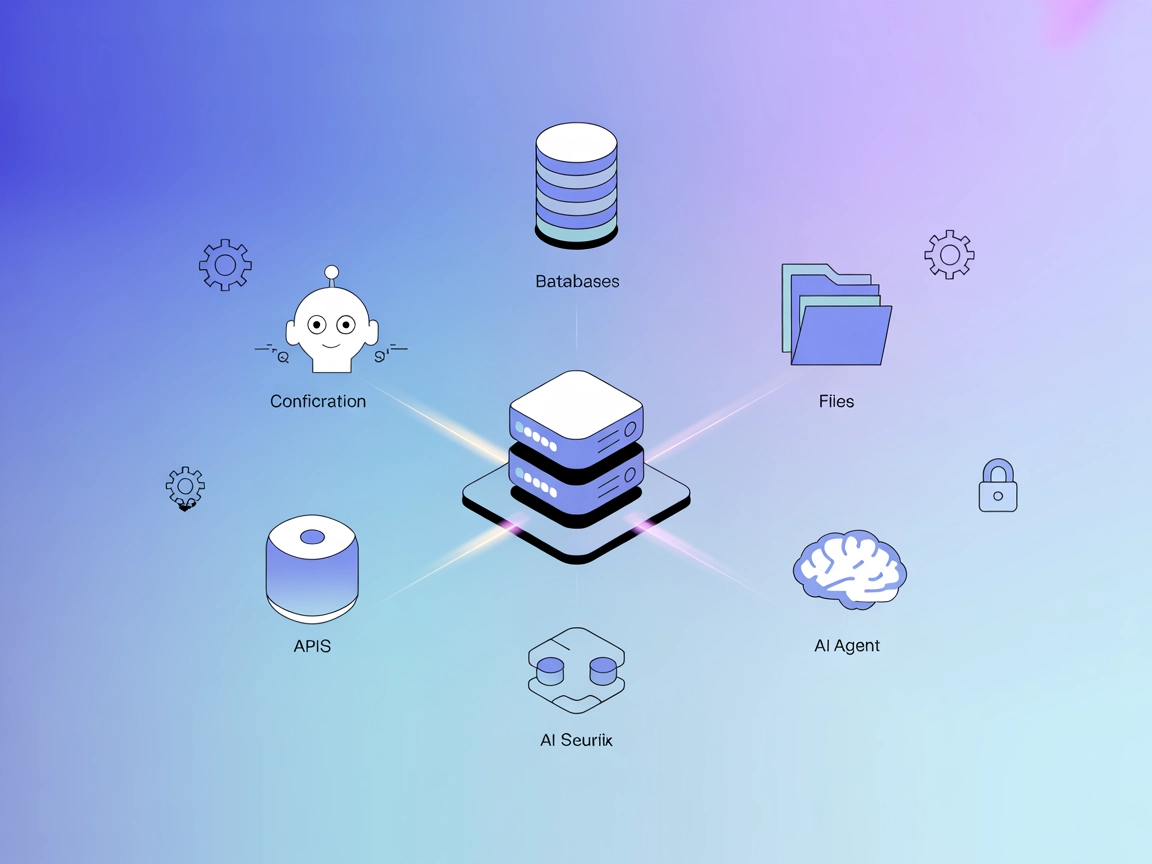
The ModelContextProtocol (MCP) Server acts as a bridge between AI agents and external data sources, APIs, and services, enabling FlowHunt users to build context...
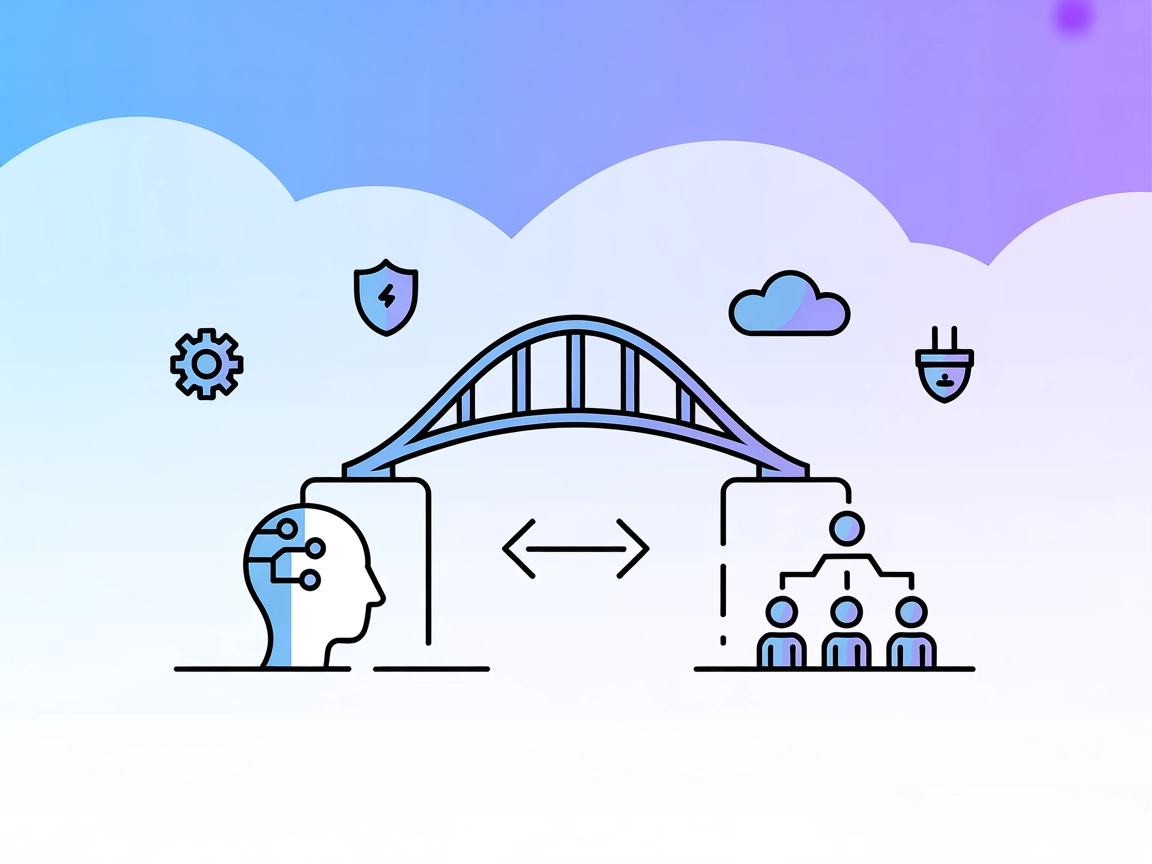
The A2A MCP Server bridges Model Context Protocol (MCP) with the Agent-to-Agent (A2A) protocol, enabling MCP-compatible AI assistants like Claude to interact se...
Cookie Consent
We use cookies to enhance your browsing experience and analyze our traffic. See our privacy policy.