


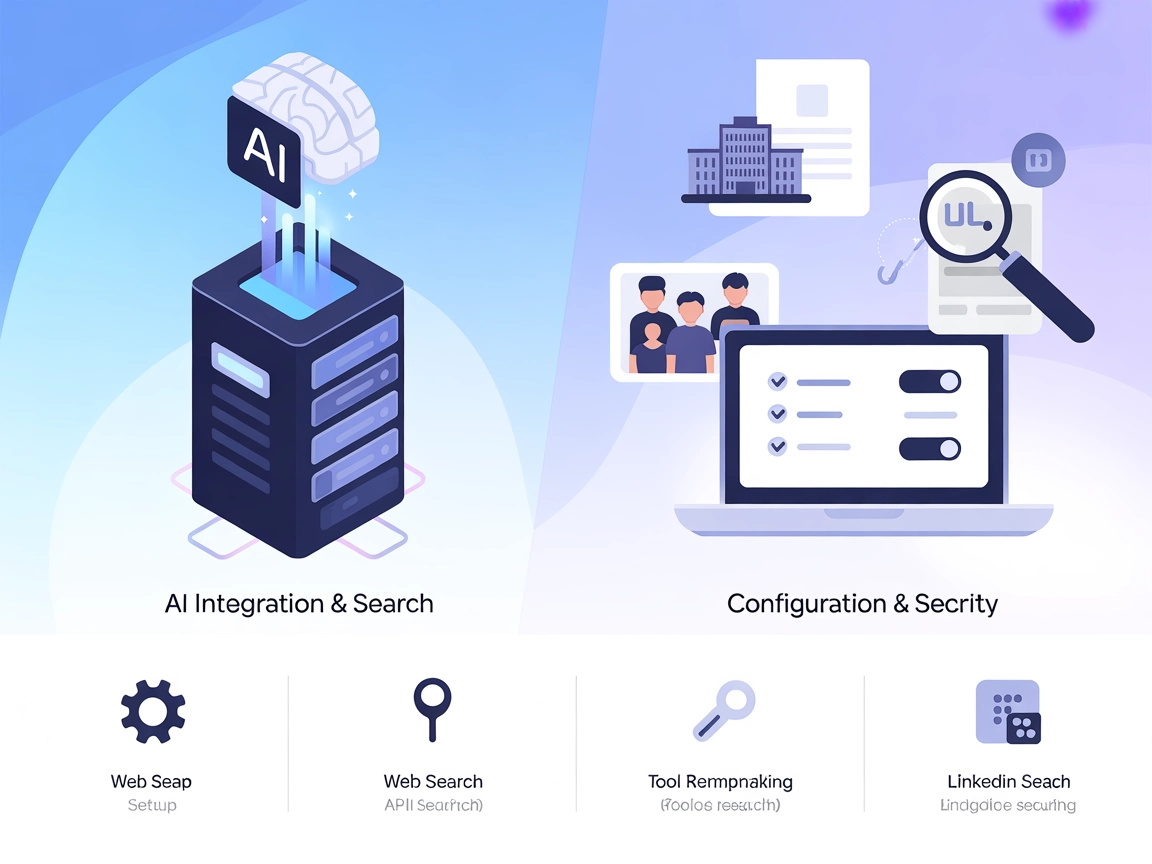
Exa MCP Server Integration
Empower your AI assistants with real-time web search, company research, URL crawling, and LinkedIn search by integrating FlowHunt with the Exa MCP Server. Acces...
4 min read
AI
Exa MCP Server
+4

Connect FlowHunt to real-time web search and external knowledge with the Exa MCP Server for more accurate, up-to-date, and trustworthy AI-powered workflows.
The Exa MCP (Model Context Protocol) Server enables AI assistants, such as Claude, to connect to the Exa AI Search API for real-time web searches. By serving as a bridge between AI models and the vast information available on the web, Exa MCP allows assistants to fetch up-to-date data, answer user queries more accurately, and access external knowledge in a safe, controlled manner. This enhances development workflows by integrating dynamic web search capabilities directly into AI-driven tools, making tasks like research, content generation, and fact-checking more efficient and reliable. Exa MCP can be run locally or accessed via a hosted endpoint, providing flexibility for various integration scenarios.
No prompt templates are mentioned in the repository.

Start your free trial today and see results within days.
No explicit resources are described in the repository.
No explicit tool list is documented in the repository or in a server.py file.
Get latest tips, trends, and deals for free.
No setup instructions for Windsurf are available in the repository.
exa-mcp-server globally:npm install -g exa-mcp-server
claude_desktop_config.json file:~/Library/Application Support/Claude/claude_desktop_config.json%APPDATA%\Claude\claude_desktop_config.json{
"mcpServers": {
"exa": {
"command": "npx",
"args": ["-y", "exa-mcp-server"],
"env": {
"EXA_API_KEY": "your-api-key-here"
}
}
}
}
Note: Secure your API keys using the env object as shown above.
No setup instructions for Cursor are available in the repository.
No setup instructions for Cline are available in the repository.
You can also connect directly to the hosted Exa MCP server:
{
  "mcpServers": {
    "exa": {
      "command": "npx",
      "args": [
        "-y",
        "mcp-remote",
        "https://mcp.exa.ai/mcp?exaApiKey=your-exa-api-key"
      ]
    }
  }
}
Replace your-exa-api-key with your actual API key from dashboard.exa.ai/api-keys
.
Using MCP in FlowHunt
To integrate MCP servers into your FlowHunt workflow, start by adding the MCP component to your flow and connecting it to your AI agent:

Click on the MCP component to open the configuration panel. In the system MCP configuration section, insert your MCP server details using this JSON format:
{
  "exa": {
    "transport": "streamable_http",
    "url": "https://yourmcpserver.example/pathtothemcp/url"
  }
}
Once configured, the AI agent is now able to use this MCP as a tool with access to all its functions and capabilities. Remember to change "exa" to whatever the actual name of your MCP server is and replace the URL with your own MCP server URL.
| Section | Availability | Details/Notes |
|---|---|---|
| Overview | ✅ | |
| List of Prompts | ⛔ | |
| List of Resources | ⛔ | |
| List of Tools | ⛔ | |
| Securing API Keys | ✅ | Uses env in config |
| Sampling Support (less important in evaluation) | ⛔ |
Based on the available information, the Exa MCP Server is straightforward to set up and well-maintained, but lacks explicit documentation on prompts, resources, and tools in the public repository. Its focus is on web search integration. I would rate this MCP server a 5/10 for general use and documentation.
| Has a LICENSE | ✅ (MIT) |
|---|---|
| Has at least one tool | ⛔ |
| Number of Forks | 150 |
| Number of Stars | 1.7k |
Empower your AI flows with real-time web search, research, and fact-checking using the Exa MCP Server integration.
Empower your AI assistants with real-time web search, company research, URL crawling, and LinkedIn search by integrating FlowHunt with the Exa MCP Server. Acces...
The ModelContextProtocol (MCP) Server acts as a bridge between AI agents and external data sources, APIs, and services, enabling FlowHunt users to build context...
The wxflows MCP Server bridges AI assistants with external data sources and APIs, enabling secure, modular, and AI-driven workflow automation in FlowHunt. Easil...
Cookie Consent
We use cookies to enhance your browsing experience and analyze our traffic. See our privacy policy.