


Firebase MCP Server
The Firebase MCP Server bridges AI assistants with Firebase services, enabling seamless integration with Firestore, Storage, and Authentication for smarter, aut...
4 min read
AI
Firebase
+6

Fireproof MCP Server empowers AI agents to persistently store, query, and manage structured JSON documents, streamlining rapid development and backend integration for AI-powered applications.
The Fireproof MCP (Model Context Protocol) Server acts as a bridge between AI assistants and a Fireproof database, enabling seamless storage and retrieval of JSON documents through LLM tool use. It provides a simple yet effective way to implement CRUD (Create, Read, Update, Delete) operations and allows documents to be queried and sorted by any field. This server enhances AI development workflows by allowing assistants to interact programmatically with persistent data, making it easier to manage structured information, automate data-driven tasks, and integrate with external tools or APIs. The Fireproof MCP Server is especially useful in scenarios where AI needs to read or modify data on-the-fly, supporting advanced development and prototyping workflows.
No prompt templates are mentioned in the repository.

Start your free trial today and see results within days.
No explicit MCP resources are described in the available documentation or files.
Get latest tips, trends, and deals for free.
npm install and npm build.{
"mcpServers": {
"fireproof": {
"command": "/path/to/fireproof-mcp/build/index.js"
}
}
}
npm install then npm build.~/Library/Application Support/Claude/claude_desktop_config.json%APPDATA%/Claude/claude_desktop_config.jsonmcpServers object:{
"mcpServers": {
"fireproof": {
"command": "/path/to/fireproof-mcp/build/index.js"
}
}
}
npm install and npm build.{
"mcpServers": {
"fireproof": {
"command": "/path/to/fireproof-mcp/build/index.js"
}
}
}
npm install, npm build.{
"mcpServers": {
"fireproof": {
"command": "/path/to/fireproof-mcp/build/index.js"
}
}
}
No API keys or environment variables are specified in the repository. If needed, you could secure keys like so:
{
  "mcpServers": {
    "fireproof": {
      "command": "/path/to/fireproof-mcp/build/index.js",
      "env": {
        "API_KEY": "${FIREPROOF_API_KEY}"
      },
      "inputs": {}
    }
  }
}
Using MCP in FlowHunt
To integrate MCP servers into your FlowHunt workflow, start by adding the MCP component to your flow and connecting it to your AI agent:

Click on the MCP component to open the configuration panel. In the system MCP configuration section, insert your MCP server details using this JSON format:
{
  "fireproof": {
    "transport": "streamable_http",
    "url": "https://yourmcpserver.example/pathtothemcp/url"
  }
}
Once configured, the AI agent is now able to use this MCP as a tool with access to all its functions and capabilities. Remember to change “fireproof” to whatever the actual name of your MCP server is and replace the URL with your own MCP server URL.
| Section | Availability | Details/Notes |
|---|---|---|
| Overview | ✅ | Found in README |
| List of Prompts | ⛔ | No templates mentioned |
| List of Resources | ⛔ | Not described |
| List of Tools | ✅ | CRUD & query operations described |
| Securing API Keys | ⛔ | Not described |
| Sampling Support (less important in evaluation) | ⛔ | Not mentioned |
Based on these tables, the Fireproof MCP Database Server is a minimal but functional MCP implementation. It covers the basics (CRUD tools and setup instructions), but lacks explicit prompt templates, resource definitions, and advanced features like roots or sampling support. If you need a lightweight document store for LLMs, it’s a solid starting point, but more documentation and capabilities would improve its score.
| Has a LICENSE | ✅ |
|---|---|
| Has at least one tool | ✅ |
| Number of Forks | 7 |
| Number of Stars | 20 |
Overall rating: 5/10 – It achieves the basics, is open source, and provides practical value, but lacks completeness in documentation and advanced MCP features.
Enhance your AI agent workflows with persistent, flexible storage. Set up Fireproof MCP in FlowHunt to unlock seamless CRUD and data management for your LLM apps.
The Firebase MCP Server bridges AI assistants with Firebase services, enabling seamless integration with Firestore, Storage, and Authentication for smarter, aut...
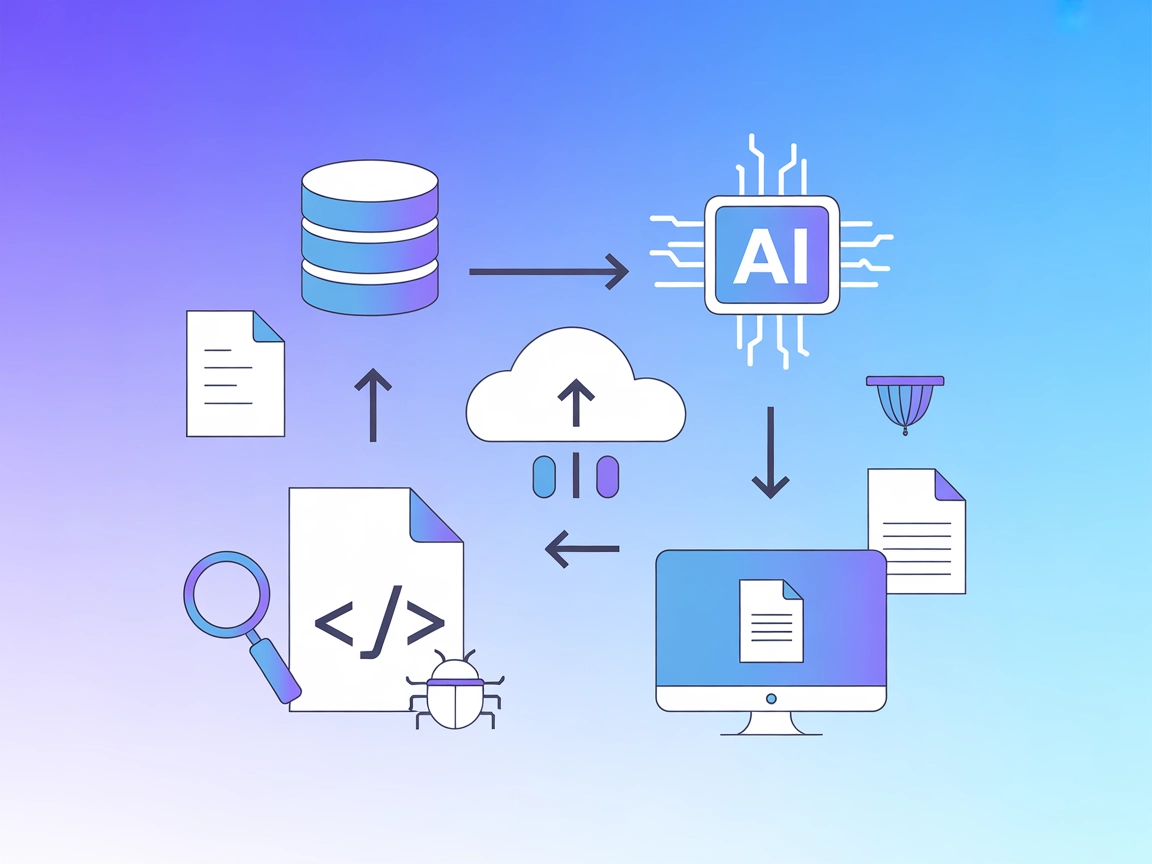
Integrate FlowHunt with Fireproof MCP for scalable, AI-first JSON document storage. Power your AI workflows with seamless CRUD operations, flexible queries, and...
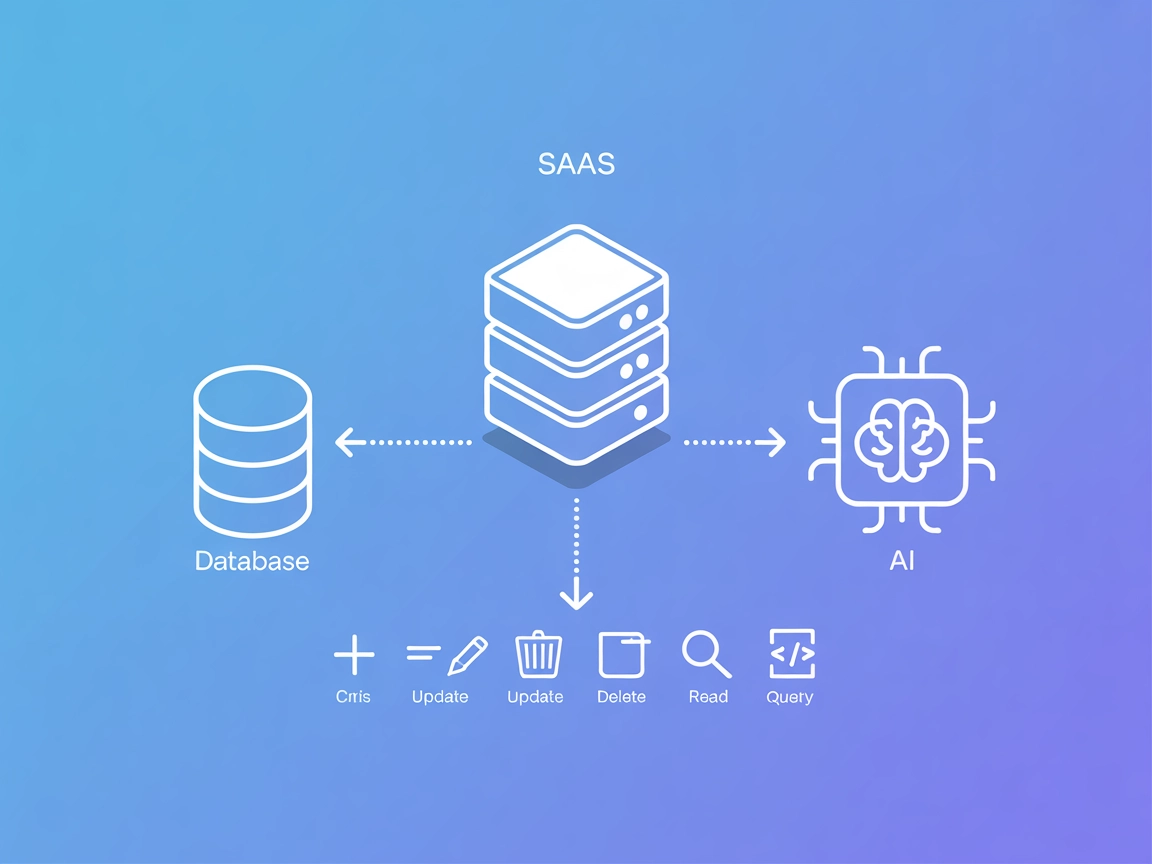
The Couchbase MCP Server connects AI agents and LLMs directly to Couchbase clusters, enabling seamless natural language database operations, automated managemen...
Cookie Consent
We use cookies to enhance your browsing experience and analyze our traffic. See our privacy policy.