


Creatify MCP
Integrate FlowHunt with Creatify MCP Server to automate AI avatar video generation, streamline video workflows, and enhance content creation using advanced Mode...
4 min read
AI
Creatify
+4
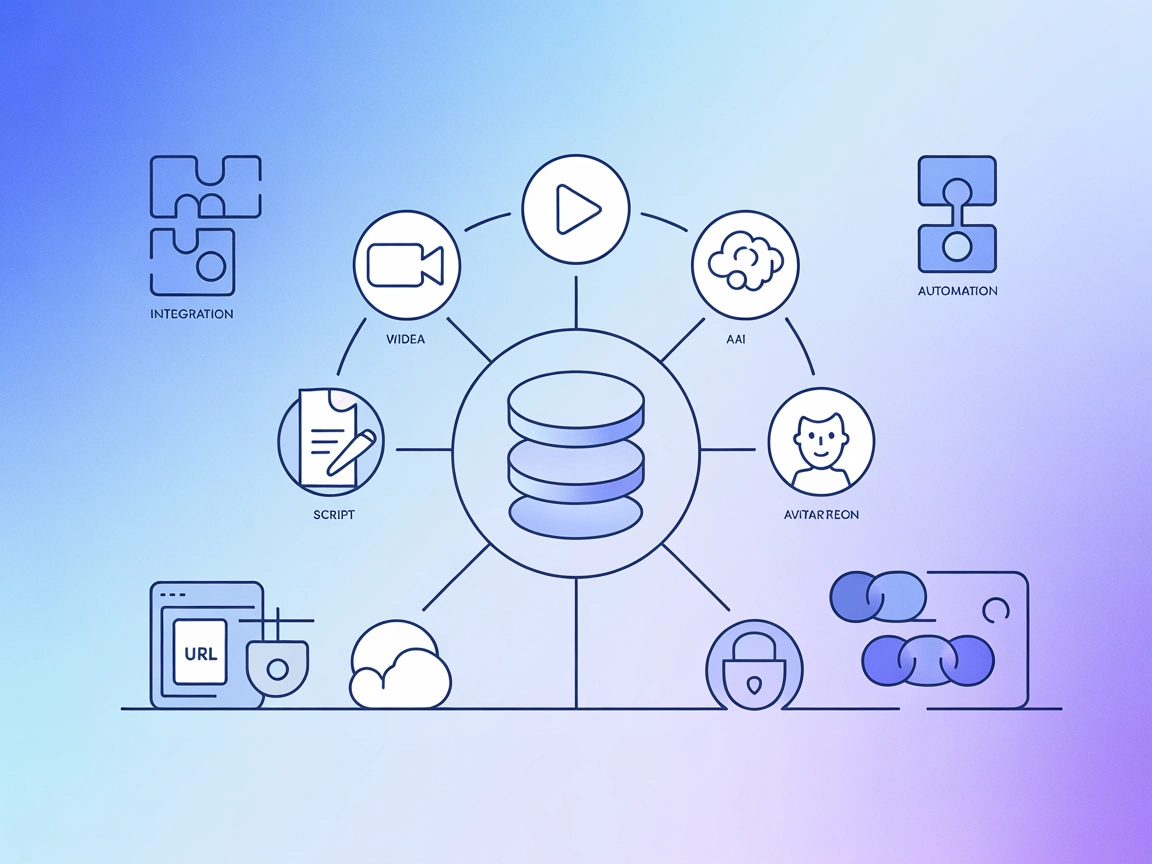
Integrate Creatify’s enterprise-grade video generation tools into your AI stack for scalable avatar videos, script automation, and next-gen multimedia workflows.
The Creatify MCP Server is an enterprise-grade Model Context Protocol (MCP) server designed to enhance AI development workflows by enabling seamless integration with Creatify AI’s robust video generation capabilities. It acts as a bridge between AI assistants and external media generation APIs, offering advanced services such as avatar-based video creation, URL-to-video conversion, AI-generated video shorts, script generation, and sophisticated lip-sync with emotion control. By exposing these functionalities through a standardized protocol, Creatify MCP empowers developers to automate multimedia content creation, manage assets, and execute complex video tasks directly from AI or LLM-powered applications, streamlining both experimentation and production workflows.
No information about prompt templates is available in the provided repository.

Start your free trial today and see results within days.
No explicit list of MCP resources is provided in the available documentation or repository files.
Get latest tips, trends, and deals for free.
mcpServers object:{
"mcpServers": {
"creatify-mcp": {
"command": "npx",
"args": ["@tsavo/creatify-mcp@latest"]
}
}
}
{
  "mcpServers": {
    "creatify-mcp": {
      "command": "npx",
      "args": ["@tsavo/creatify-mcp@latest"]
    }
  }
}
{
  "mcpServers": {
    "creatify-mcp": {
      "command": "npx",
      "args": ["@tsavo/creatify-mcp@latest"]
    }
  }
}
{
  "mcpServers": {
    "creatify-mcp": {
      "command": "npx",
      "args": ["@tsavo/creatify-mcp@latest"]
    }
  }
}
Securing API Keys with Environment Variables To secure your API keys, use environment variables in your configuration:
{
  "mcpServers": {
    "creatify-mcp": {
      "command": "npx",
      "args": ["@tsavo/creatify-mcp@latest"],
      "env": {
        "CREATIFY_API_KEY": "YOUR_API_KEY"
      },
      "inputs": {
        "apiKey": "${CREATIFY_API_KEY}"
      }
    }
  }
}
Using MCP in FlowHunt
To integrate MCP servers into your FlowHunt workflow, start by adding the MCP component to your flow and connecting it to your AI agent:

Click on the MCP component to open the configuration panel. In the system MCP configuration section, insert your MCP server details using this JSON format:
{
  "creatify-mcp": {
    "transport": "streamable_http",
    "url": "https://yourmcpserver.example/pathtothemcp/url"
  }
}
Once configured, the AI agent is now able to use this MCP as a tool with access to all its functions and capabilities. Remember to change “creatify-mcp” to whatever the actual name of your MCP server is and replace the URL with your own MCP server URL.
| Section | Availability | Details/Notes |
|---|---|---|
| Overview | ✅ | |
| List of Prompts | ⛔ | No prompt templates found |
| List of Resources | ⛔ | No explicit resource list |
| List of Tools | ✅ | 12 tools mentioned; key types inferred from repo + README |
| Securing API Keys | ✅ | Example provided |
| Sampling Support (less important in evaluation) | ⛔ | Not mentioned |
Creatify MCP Server offers strong video-generation capabilities and well-documented setup for various platforms. However, it lacks transparency regarding prompt templates and resource exposure, and does not clarify sampling or roots support. Tooling is its main strength. Overall, for teams focused on multimedia AI automation, it’s a solid starting point but would benefit from more thorough documentation.
| Has a LICENSE | ✅ |
|---|---|
| Has at least one tool | ✅ |
| Number of Forks | 1 |
| Number of Stars | 1 |
Transform your content pipeline with Creatify MCP Server—generate avatar videos, automate scripts, and bring emotion to multimedia at scale.
Integrate FlowHunt with Creatify MCP Server to automate AI avatar video generation, streamline video workflows, and enhance content creation using advanced Mode...

The Flyworks MCP Server integrates the Flyworks API with FlowHunt, enabling rapid, free lipsync video generation and avatar creation for digital content, virtua...

WavespeedMCP is a Model Control Protocol (MCP) server designed for WaveSpeed AI services, providing advanced image and video generation capabilities via standar...
Cookie Consent
We use cookies to enhance your browsing experience and analyze our traffic. See our privacy policy.