



Flightradar24 MCP Integration
Integrate FlowHunt with the Flightradar24 MCP Server for real-time flight tracking, airport status updates, and emergency alerts directly within your Claude Des...
3 min read
AI
Flightradar24
+5

Connect your AI agents to real-time flight data with the Flightradar24 MCP Server—ideal for travel apps, airport monitoring, and aviation analytics in FlowHunt.
The Flightradar24 MCP (Model Context Protocol) Server is a specialized tool designed to connect AI assistants with real-time flight tracking data sourced from Flightradar24. By exposing flight information through the MCP protocol, this server enables AI-powered development workflows that require live aviation data. With it, AI assistants can access up-to-date details about specific flights, view arrival and departure times, monitor flight statuses at airports, and keep track of emergency flights. This enhances the capabilities of AI agents in applications related to travel planning, aviation analysis, and situational awareness, making it a valuable asset for both enthusiasts and professionals.
No information available in the repository on prompt templates.

Start your free trial today and see results within days.
No explicit resource definitions found in the repository.
No access to the actual server.py or similar implementation file. No tool definitions found in the provided files.
Get latest tips, trends, and deals for free.
{
  "mcpServers": {
    "flightradar24": {
      "command": "npx",
      "args": ["@flightradar24/mcp-server@latest"]
    }
  }
}
{
  "mcpServers": {
    "flightradar24": {
      "command": "npx",
      "args": ["@flightradar24/mcp-server@latest"]
    }
  }
}
{
  "mcpServers": {
    "flightradar24": {
      "command": "npx",
      "args": ["@flightradar24/mcp-server@latest"]
    }
  }
}
{
  "mcpServers": {
    "flightradar24": {
      "command": "npx",
      "args": ["@flightradar24/mcp-server@latest"]
    }
  }
}
To secure API keys, use environment variables as follows:
{
  "mcpServers": {
    "flightradar24": {
      "command": "npx",
      "args": ["@flightradar24/mcp-server@latest"],
      "env": {
        "FLIGHTRADAR24_API_KEY": "${FLIGHTRADAR24_API_KEY}"
      },
      "inputs": {
        "apiKey": "${FLIGHTRADAR24_API_KEY}"
      }
    }
  }
}
Make sure to set the FLIGHTRADAR24_API_KEY variable securely in your environment.
Using MCP in FlowHunt
To integrate MCP servers into your FlowHunt workflow, start by adding the MCP component to your flow and connecting it to your AI agent:

Click on the MCP component to open the configuration panel. In the system MCP configuration section, insert your MCP server details using this JSON format:
{
  "flightradar24": {
    "transport": "streamable_http",
    "url": "https://yourmcpserver.example/pathtothemcp/url"
  }
}
Once configured, the AI agent is now able to use this MCP as a tool with access to all its functions and capabilities. Remember to change “flightradar24” to whatever the actual name of your MCP server is and replace the URL with your own MCP server URL.
| Section | Availability | Details/Notes |
|---|---|---|
| Overview | ✅ | Present in README |
| List of Prompts | ⛔ | No prompt templates mentioned |
| List of Resources | ⛔ | No explicit resource definitions |
| List of Tools | ⛔ | No tool list found in accessible files |
| Securing API Keys | ✅ | .env.example file present |
| Sampling Support (less important in evaluation) | ⛔ | Not mentioned |
Based on the documentation and repository content, the Flightradar24 MCP Server addresses a clear use case and provides basic setup instructions. However, the lack of explicit prompt, tool, and resource definitions limits its immediate utility for developers seeking out-of-the-box integrations. The project is open source and has some community interest, but would benefit from expanded documentation around MCP features.
Score: 5/10 — Good concept and basics, but limited MCP-specific details and features exposed.
| Has a LICENSE | ✅ (MIT) |
|---|---|
| Has at least one tool | ⛔ |
| Number of Forks | 7 |
| Number of Stars | 34 |
Add the Flightradar24 MCP Server to your FlowHunt workflows and empower your AI agents with real-time aviation insights.
Integrate FlowHunt with the Flightradar24 MCP Server for real-time flight tracking, airport status updates, and emergency alerts directly within your Claude Des...
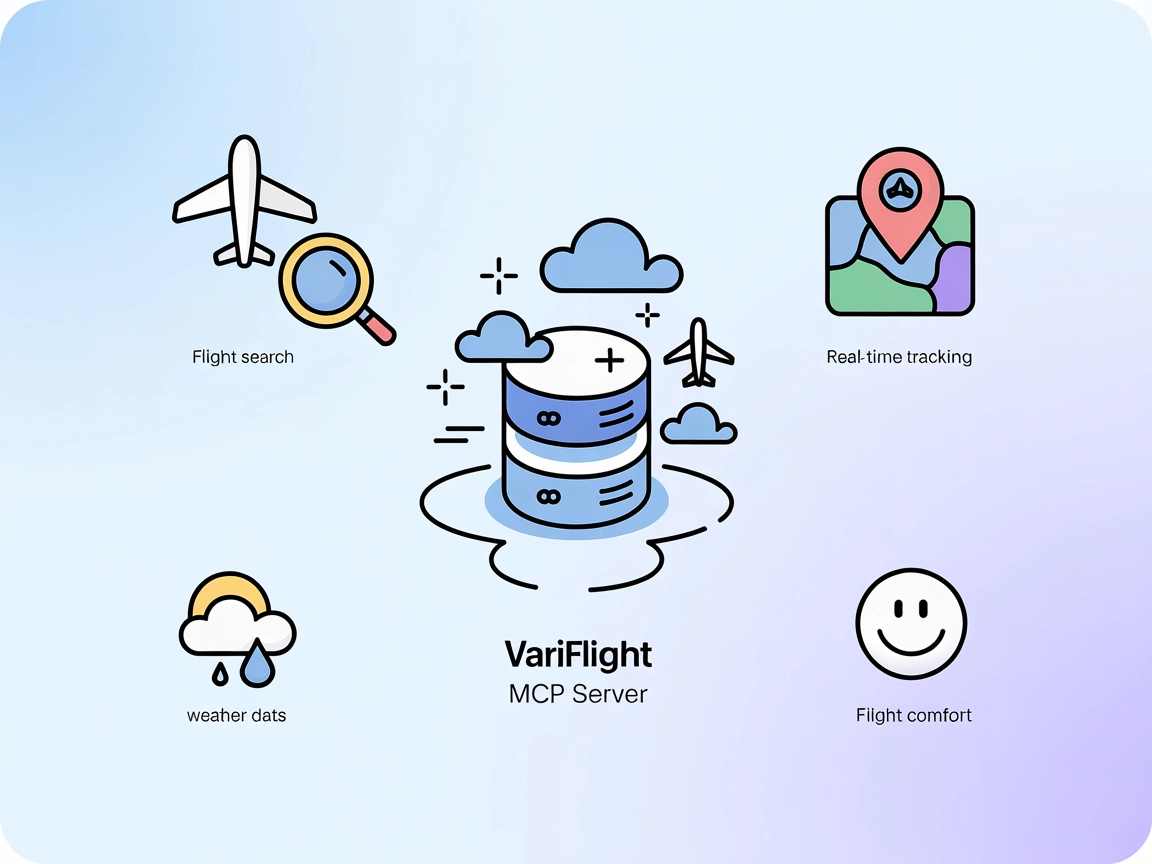
The Variflight MCP Server bridges AI agents and aviation data, enabling FlowHunt users to search flights, track real-time aircraft, access weather forecasts, an...
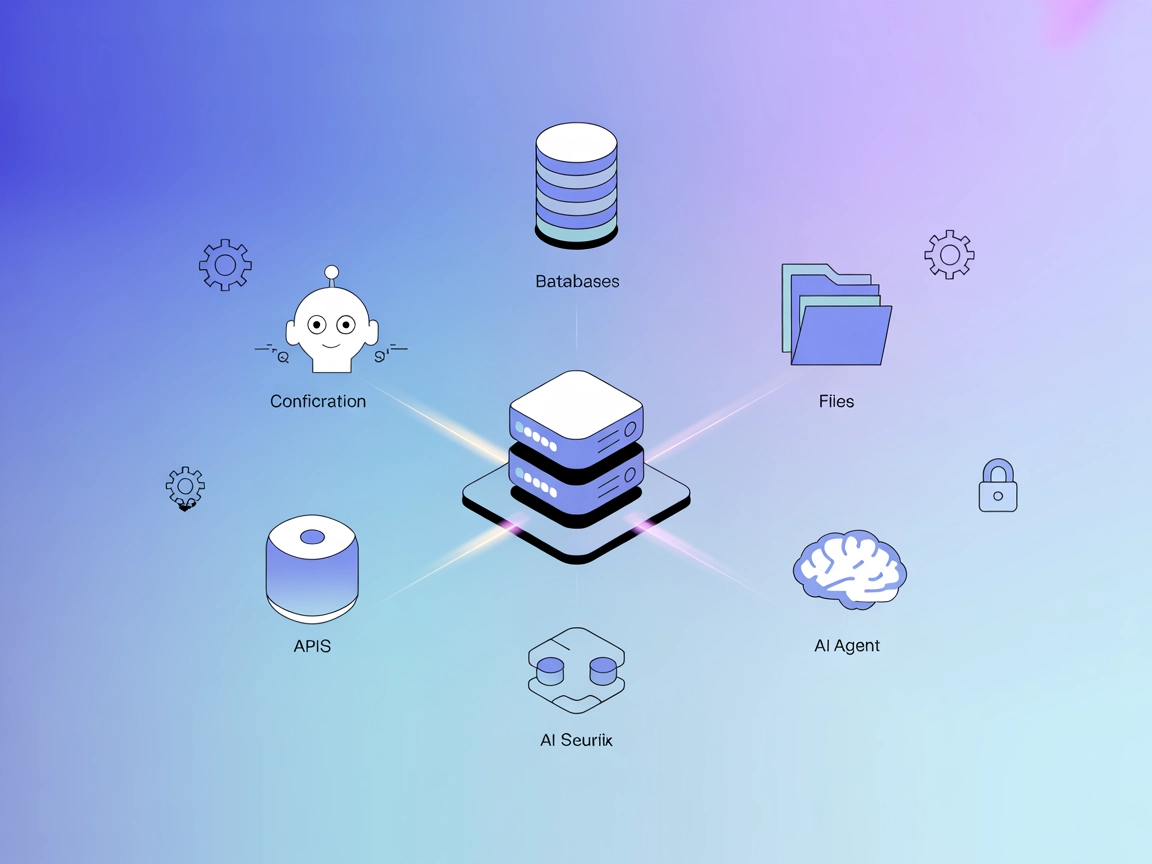
The ModelContextProtocol (MCP) Server acts as a bridge between AI agents and external data sources, APIs, and services, enabling FlowHunt users to build context...
Cookie Consent
We use cookies to enhance your browsing experience and analyze our traffic. See our privacy policy.