


Globalping MCP
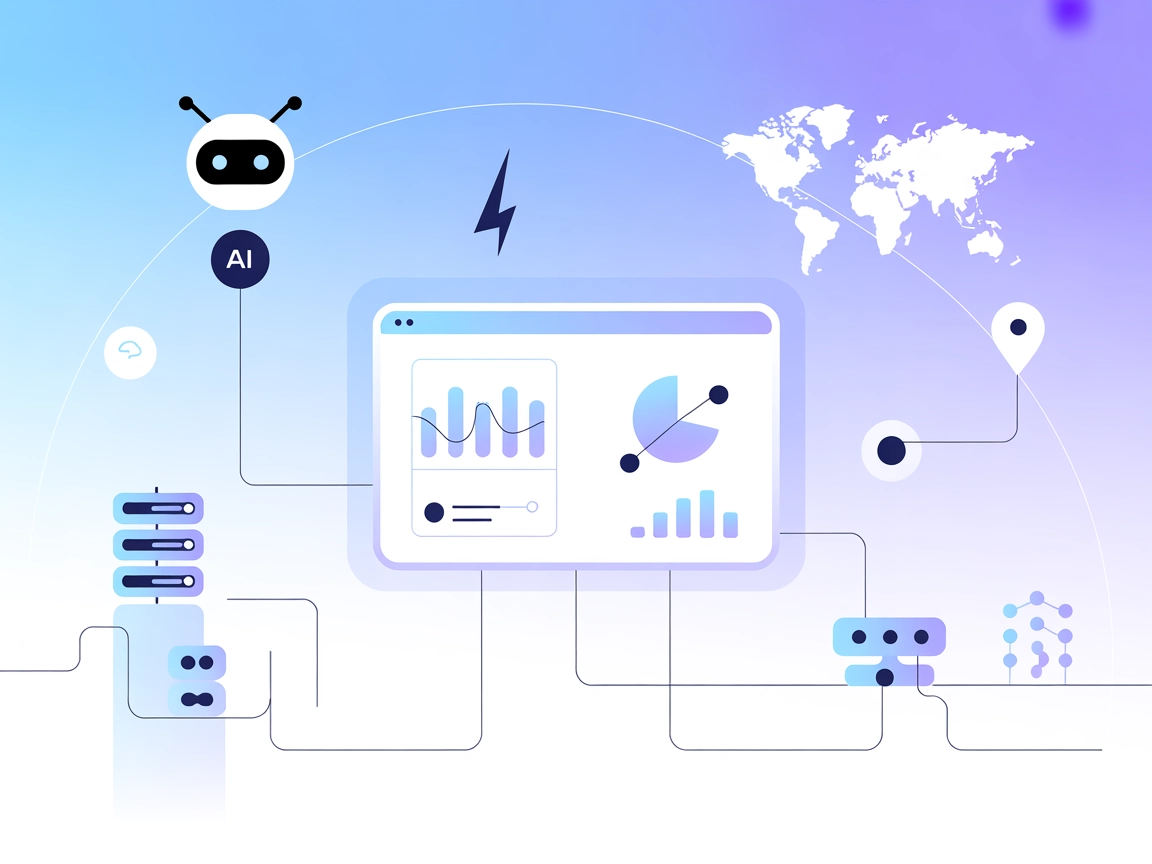
Integrate FlowHunt with Globalping MCP Server to automate network measurement, monitoring, and probe management. Streamline distributed ping testing, orchestrat...
3 min read
AI
Globalping MCP
+4

Connect FlowHunt to Globalping and unlock real-time global network diagnostics, monitoring, and analysis directly from your AI workflows.
The Globalping MCP Server connects AI assistants to Globalping’s global network measurement platform, enabling large language models (LLMs) to perform real-time network diagnostics and benchmarking tasks through natural language interfaces. Using the Model Context Protocol (MCP), it allows AI models such as OpenAI’s GPT and Anthropic’s Claude to execute network tests—including ping, traceroute, DNS lookups, MTR, and HTTP requests—from thousands of locations worldwide. This enhances development workflows by providing instant, actionable network analysis, comparative performance insights, and robust monitoring capabilities. The server also supports oAuth authentication for secure, high-throughput API access and is designed for easy integration with popular AI tools and assistants.
No explicit prompt templates are mentioned in the provided documentation or repository.

Start your free trial today and see results within days.
No explicit MCP resources are listed in the available documentation or repository.
Get latest tips, trends, and deals for free.
No setup instructions for Windsurf are provided in the documentation.
%APPDATA%\Claude\config.json (Windows)~/Library/Application Support/Claude/config.json (macOS)mcpServers:{
"mcpServers": {
"globalping": {
"command": "npx",
"args": [
"mcp-remote",
"https://mcp.globalping.dev/sse"
]
}
}
}
Securing API Keys: No explicit instructions are provided, but for securing API keys, you would typically use environment variables, e.g.:
{
  "env": {
    "GLOBALPING_API_KEY": "your-api-key"
  },
  "inputs": {
    "apiKey": "${GLOBALPING_API_KEY}"
  }
}
mcp.json config file, add:{
"mcpServers": {
"globalping": {
"command": "npx",
"args": [
"mcp-remote",
"https://mcp.globalping.dev/sse"
]
}
}
}
Securing API Keys: No explicit documentation, but you can use environment variables as shown above.
No setup instructions for Cline are provided in the documentation.
Using MCP in FlowHunt
To integrate MCP servers into your FlowHunt workflow, start by adding the MCP component to your flow and connecting it to your AI agent:

Click on the MCP component to open the configuration panel. In the system MCP configuration section, insert your MCP server details using this JSON format:
{
  "globalping": {
    "transport": "streamable_http",
    "url": "https://mcp.globalping.dev/sse"
  }
}
Once configured, the AI agent is now able to use this MCP as a tool with access to all its functions and capabilities. Remember to change “globalping” to whatever the actual name of your MCP server is and replace the URL with your own MCP server URL.
| Section | Availability | Details/Notes |
|---|---|---|
| Overview | ✅ | Full overview from README |
| List of Prompts | ⛔ | No prompt templates found |
| List of Resources | ⛔ | No explicit MCP resources listed |
| List of Tools | ✅ | Detailed in README.md |
| Securing API Keys | ⛔ | No explicit instructions, but example provided above |
| Sampling Support (less important in evaluation) | ⛔ | Not mentioned |
Based on the completeness of the documentation and feature set (tools, clear overview, setup for major platforms, but missing explicit resources, prompts, sampling/root support), we’d rate this MCP server a 6/10 for practical developer use and integration.
| Has a LICENSE | |
|---|---|
| Has at least one tool | ✅ |
| Number of Forks | 2 |
| Number of Stars | 7 |
Integrate the Globalping MCP Server with FlowHunt and empower your AI assistants to run comprehensive global network tests and monitoring—all through natural language.
Integrate FlowHunt with Globalping MCP Server to automate network measurement, monitoring, and probe management. Streamline distributed ping testing, orchestrat...

The lingo.dev MCP Server bridges AI assistants with external data sources, APIs, and services, enabling structured resource access, prompt templating, and tool ...
The Grafbase MCP Server bridges AI assistants and external data sources or APIs, enabling LLMs to access real-time data, automate workflows, and extend capabili...
Cookie Consent
We use cookies to enhance your browsing experience and analyze our traffic. See our privacy policy.