


Model Context Protocol (MCP) Server
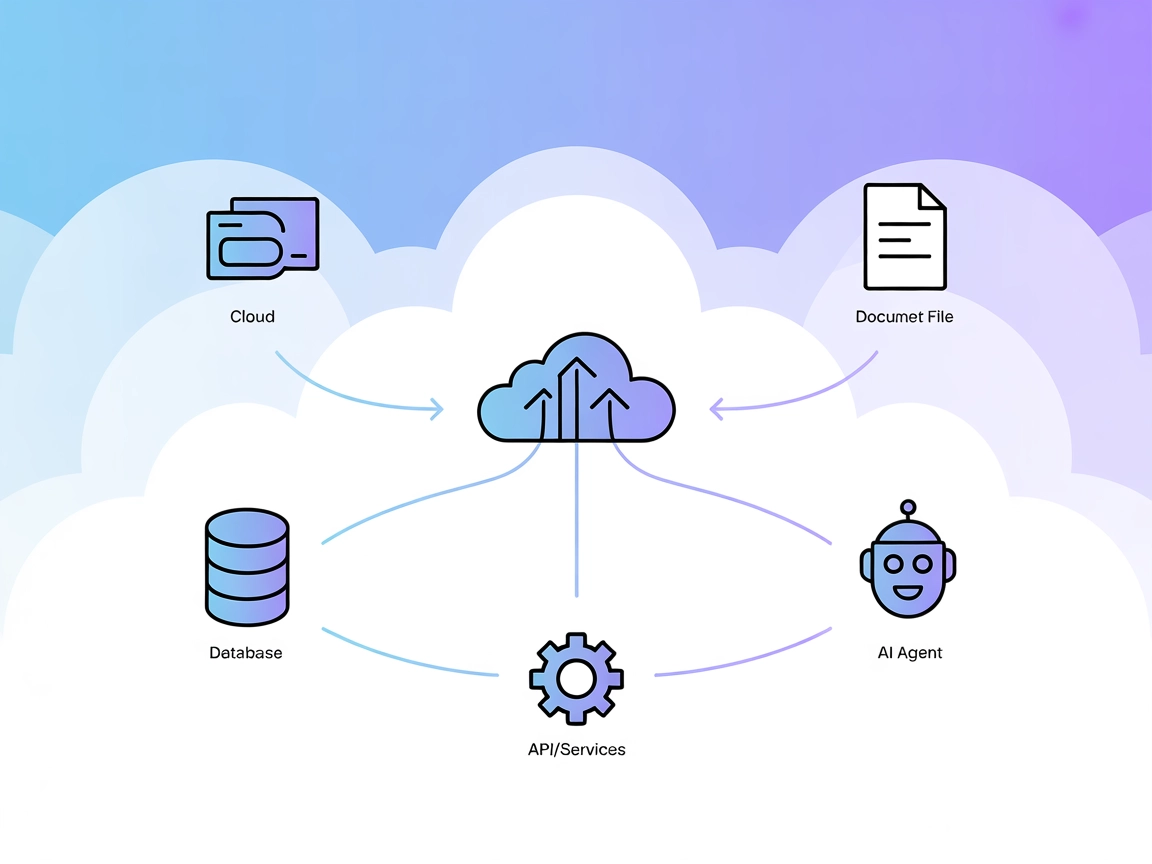
The Model Context Protocol (MCP) Server bridges AI assistants with external data sources, APIs, and services, enabling streamlined integration of complex workfl...
3 min read
AI
MCP
+4
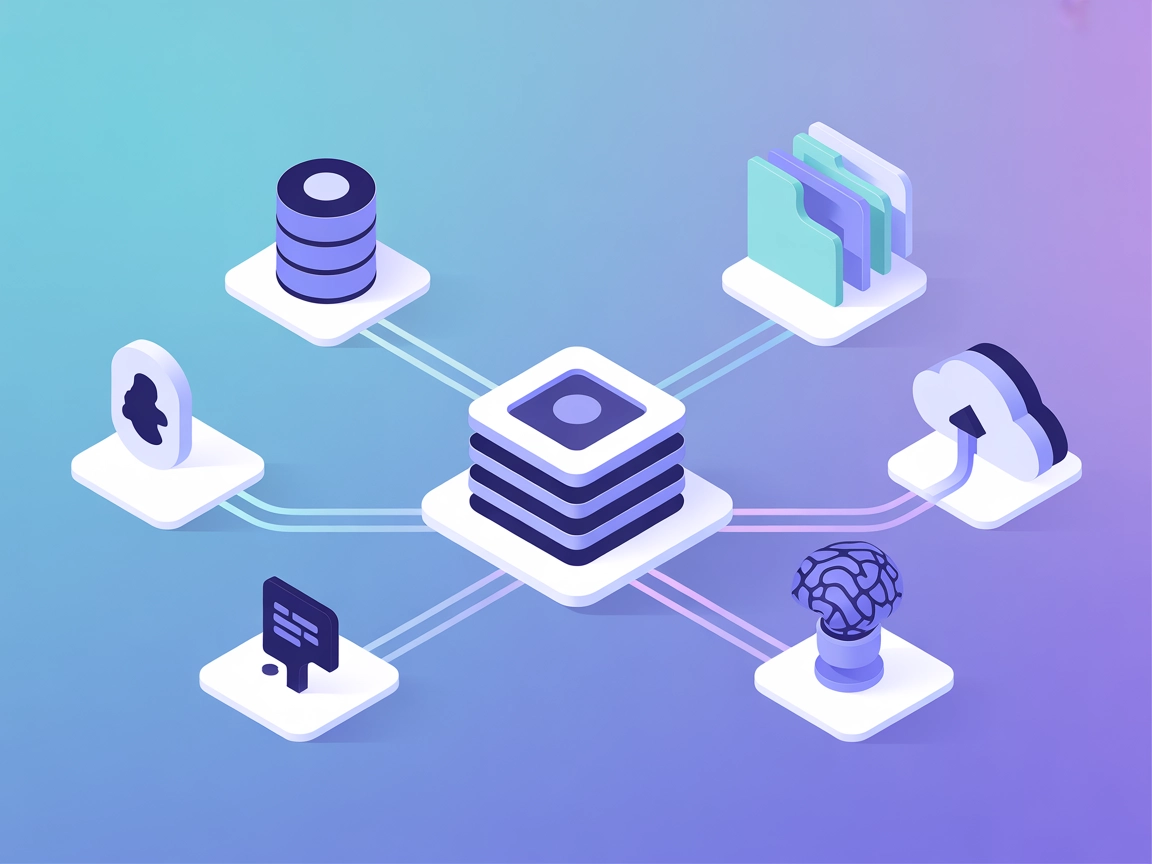
Grafbase MCP Server connects LLM agents to external APIs and services, streamlining complex developer tasks and automating contextual data access.
The Grafbase MCP (Model Context Protocol) Server serves as a bridge between AI assistants and external data sources, APIs, or services to enhance developer workflows. By connecting large language models (LLMs) to actionable data and tools, Grafbase MCP enables tasks such as database queries, file management, and API interactions. This integration empowers developers to streamline complex processes, automate repetitive tasks, and enrich their AI-powered applications with real-time, contextual data. Grafbase MCP is designed to be modular and extensible, allowing seamless integration with various backend systems and providing a standardized interface for LLMs to interact with the external world.

Start your free trial today and see results within days.
Using MCP in FlowHunt
To integrate MCP servers into your FlowHunt workflow, start by adding the MCP component to your flow and connecting it to your AI agent:

Click on the MCP component to open the configuration panel. In the system MCP configuration section, insert your MCP server details using this JSON format:
{
  "MCP-name": {
    "transport": "streamable_http",
    "url": "https://yourmcpserver.example/pathtothemcp/url"
  }
}
Once configured, the AI agent is now able to use this MCP as a tool with access to all its functions and capabilities. Remember to change “MCP-name” to whatever the actual name of your MCP server is (e.g., “github-mcp”, “weather-api”, etc.) and replace the URL with your own MCP server URL.
| Section | Availability | Details/Notes |
|---|---|---|
| Overview | ✅ | |
| List of Prompts | ⛔ | |
| List of Resources | ⛔ | |
| List of Tools | ⛔ | |
| Securing API Keys | ⛔ | |
| Sampling Support (less important in evaluation) | ⛔ |
Based on the available information, the Grafbase MCP repository lacks public details about prompt templates, resources, tools, and configuration methods. The server is present but documentation and feature exposure are minimal.
Given the absence of documentation and visible MCP primitives, this MCP server currently scores low for discoverability, developer experience, and direct usability. It would benefit greatly from better documentation and explicit feature exposition.
| Has a LICENSE | ⛔ |
|---|---|
| Has at least one tool | ⛔ |
| Number of Forks | |
| Number of Stars |
Empower your AI workflows by connecting the Grafbase MCP Server for seamless data access and automation. Get started with FlowHunt now.
The Model Context Protocol (MCP) Server bridges AI assistants with external data sources, APIs, and services, enabling streamlined integration of complex workfl...

The lingo.dev MCP Server bridges AI assistants with external data sources, APIs, and services, enabling structured resource access, prompt templating, and tool ...
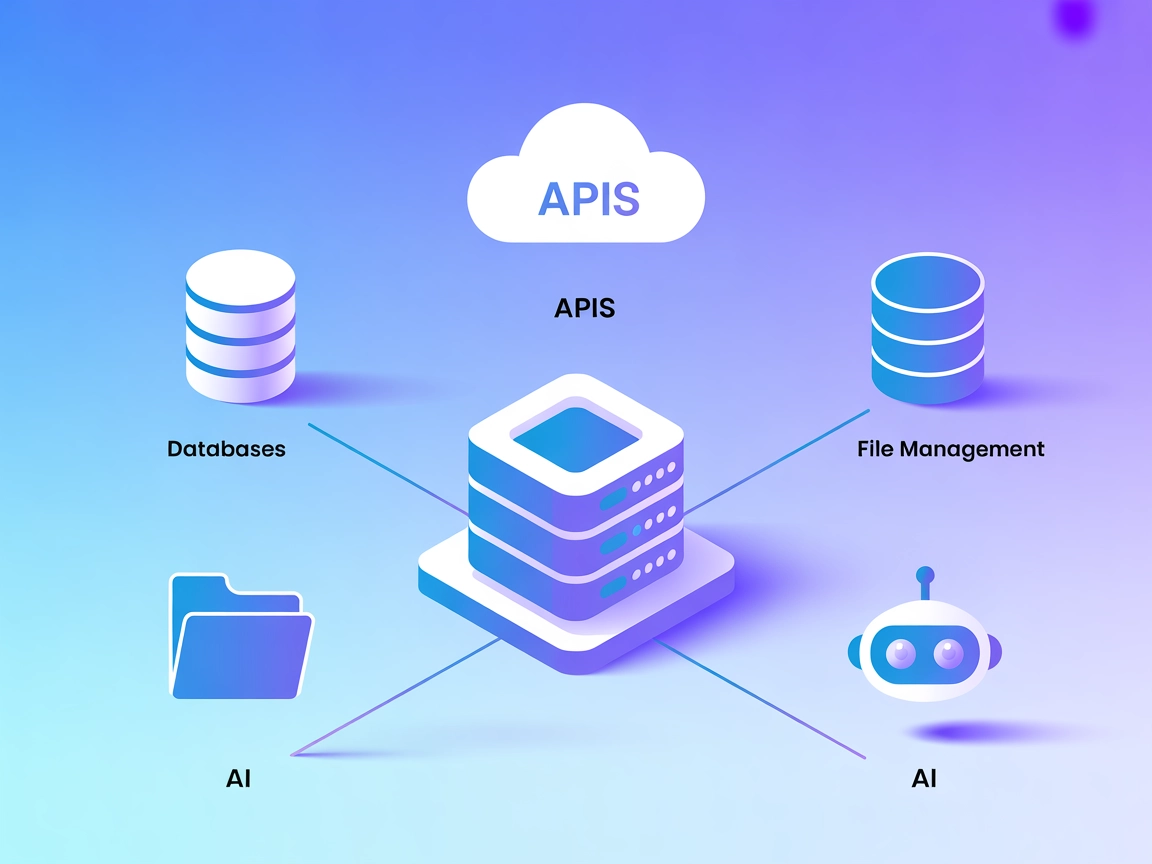
The Defang MCP Server bridges AI assistants with external data sources, APIs, and services, enabling standardized, context-aware workflows for developers buildi...
Cookie Consent
We use cookies to enhance your browsing experience and analyze our traffic. See our privacy policy.