


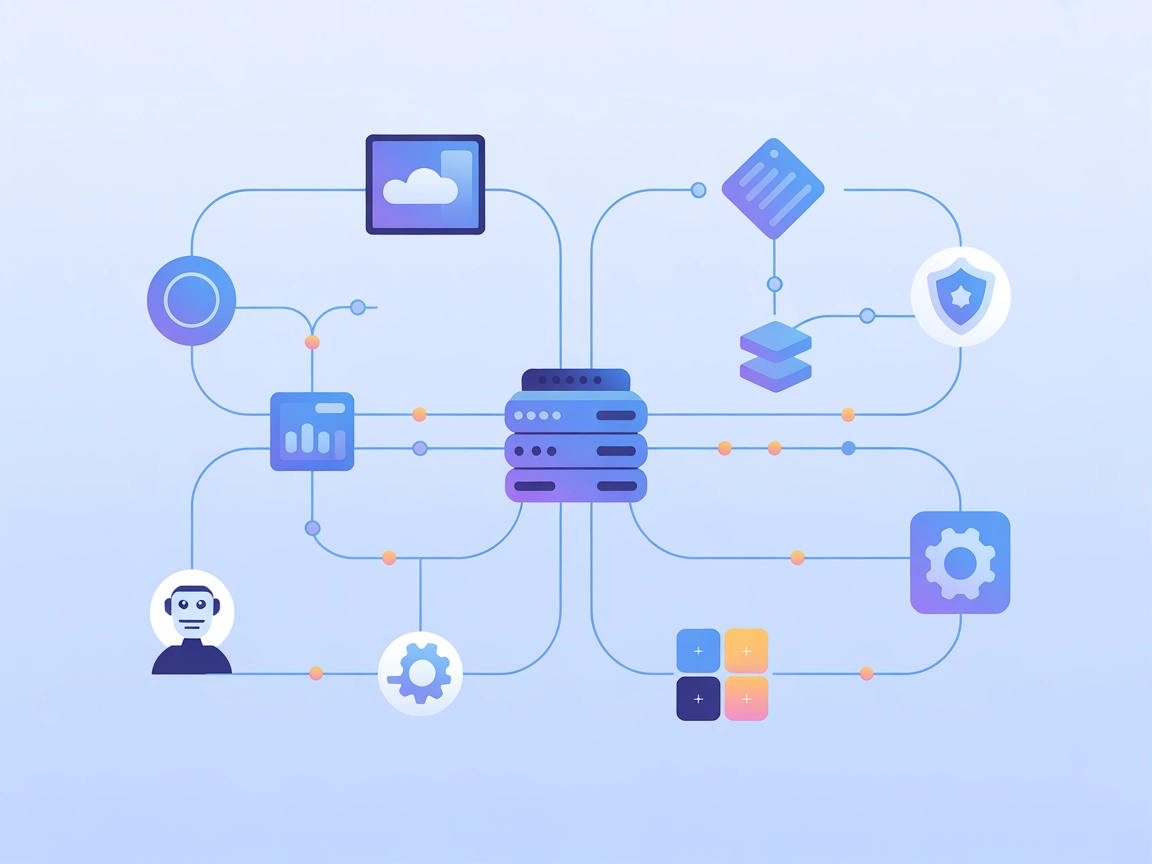
iFlytek Workflow MCP Server
The iFlytek Workflow MCP Server integrates AI assistants with iFlytek's workflow automation platform, enabling seamless scheduling, orchestration, and execution...
5 min read
MCP Servers
Workflow Automation
+3

Connect AI assistants to the iFlytek SparkAgent Platform via MCP for file management, workflow automation, and easy integration with FlowHunt.
The iFly-Spark-Agent-MCP MCP Server is a simple example implementation that connects AI assistants to the iFlytek SparkAgent Platform using the Model Context Protocol (MCP). This server acts as a bridge, allowing AI clients to invoke task chains on the SparkAgent Platform through a standardized interface. By exposing tools such as file upload, it enables seamless AI integration for tasks such as file management, process automation, and workflow orchestration. The server is designed to enhance development workflows by facilitating communication between AI assistants and the SparkAgent’s capabilities, making it easier for developers to add advanced functionality to their applications.
No prompt templates are mentioned in the repository.

Start your free trial today and see results within days.
No explicit resources are listed or described in the repository.
Get latest tips, trends, and deals for free.
upload_file tool to transfer local files to the SparkAgent Platform, automating file-based workflows or initiating processing pipelines.No specific instructions found for Windsurf.
uv or uvx.claude_desktop_config.json or mcp.json.Using uv:
{
  "mcpServers": {
    "ifly-spark-agent-mcp": {
      "command": "uv",
      "args": [
        "--directory",
        "/path/to/ifly-spark-agent-mcp",
        "run",
        "ifly-spark-agent-mcp"
      ],
      "env": {
        "IFLY_SPARK_AGENT_BASE_URL": "xxxx",
        "IFLY_SPARK_AGENT_APP_ID": "xxxx",
        "IFLY_SPARK_AGENT_APP_SECRET": "xxxx"
      }
    }
  }
}
Using uvx with GitHub repository:
{
  "mcpServers": {
    "ifly-spark-agent-mcp": {
      "command": "uvx",
      "args": [
        "--from",
        "git+https://github.com/iflytek/ifly-spark-agent-mcp",
        "ifly-spark-agent-mcp"
      ],
      "env": {
        "IFLY_SPARK_AGENT_BASE_URL": "xxxx",
        "IFLY_SPARK_AGENT_APP_ID": "xxxx",
        "IFLY_SPARK_AGENT_APP_SECRET": "xxxx"
      }
    }
  }
}
Store sensitive keys in the env section:
"env": {
  "IFLY_SPARK_AGENT_BASE_URL": "xxxx",
  "IFLY_SPARK_AGENT_APP_ID": "xxxx",
  "IFLY_SPARK_AGENT_APP_SECRET": "xxxx"
}
No specific instructions found for Cursor.
No specific instructions found for Cline.
Using MCP in FlowHunt
To integrate MCP servers into your FlowHunt workflow, start by adding the MCP component to your flow and connecting it to your AI agent:

Click on the MCP component to open the configuration panel. In the system MCP configuration section, insert your MCP server details using this JSON format:
{
  "ifly-spark-agent-mcp": {
    "transport": "streamable_http",
    "url": "https://yourmcpserver.example/pathtothemcp/url"
  }
}
Once configured, the AI agent is now able to use this MCP as a tool with access to all its functions and capabilities. Remember to change “ifly-spark-agent-mcp” to match your actual server name and URL.
| Section | Availability | Details/Notes |
|---|---|---|
| Overview | ✅ | Overview provided in README and description |
| List of Prompts | ⛔ | No prompt templates found |
| List of Resources | ⛔ | No resources listed |
| List of Tools | ✅ | upload_file described in README |
| Securing API Keys | ✅ | Uses env section in configuration example |
| Sampling Support (less important in evaluation) | ⛔ | No sampling support mentioned |
Based on the available documentation, this MCP server provides only basic functionality, primarily centered around one tool (upload_file). It includes straightforward setup guidance and proper license information, but lacks advanced features, prompt templates, and resource definitions. Its scope is limited but clear, ideal as a minimal working example. Overall, it rates low to moderate for versatility and depth.
| Has a LICENSE | ✅ (MIT) |
|---|---|
| Has at least one tool | ✅ |
| Number of Forks | 3 |
| Number of Stars | 1 |
Enhance your AI development workflow by connecting FlowHunt with the iFly-Spark-Agent-MCP Server for seamless file uploads and automated task chains.
The iFlytek Workflow MCP Server integrates AI assistants with iFlytek's workflow automation platform, enabling seamless scheduling, orchestration, and execution...
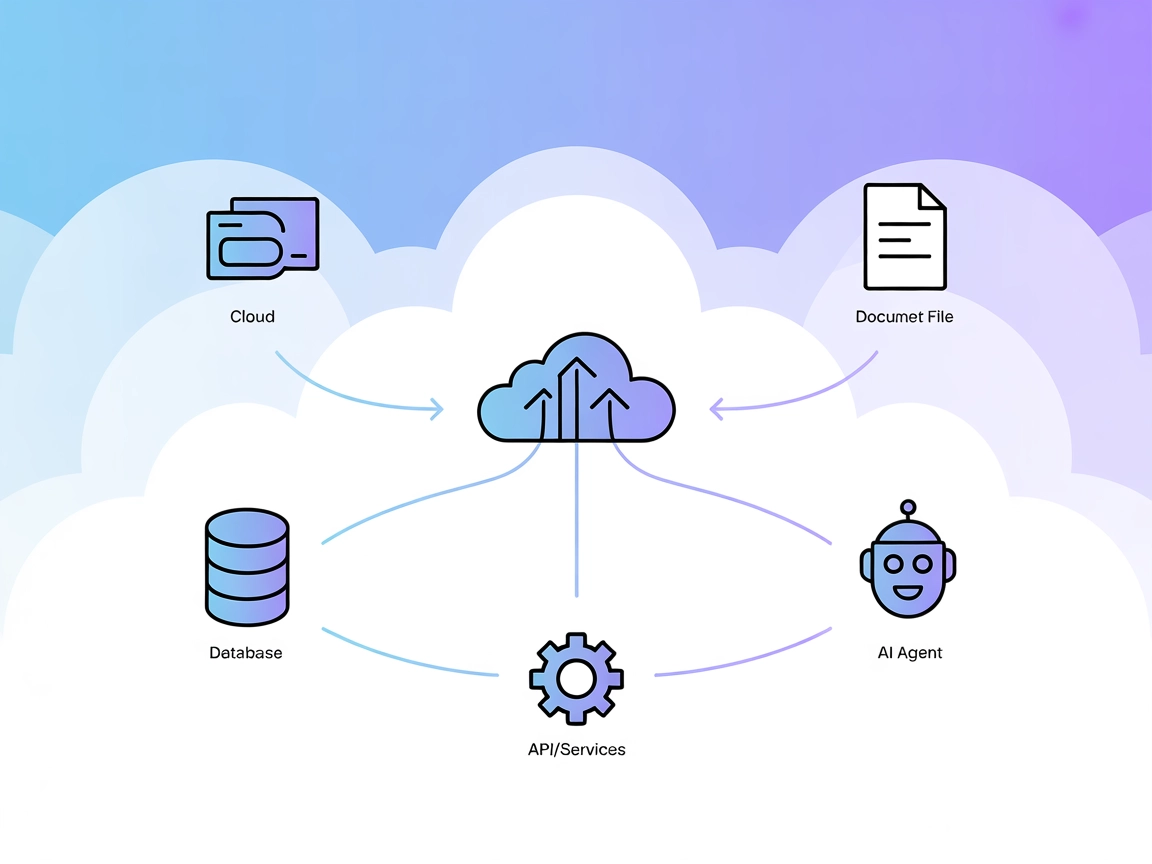
The Model Context Protocol (MCP) Server bridges AI assistants with external data sources, APIs, and services, enabling streamlined integration of complex workfl...
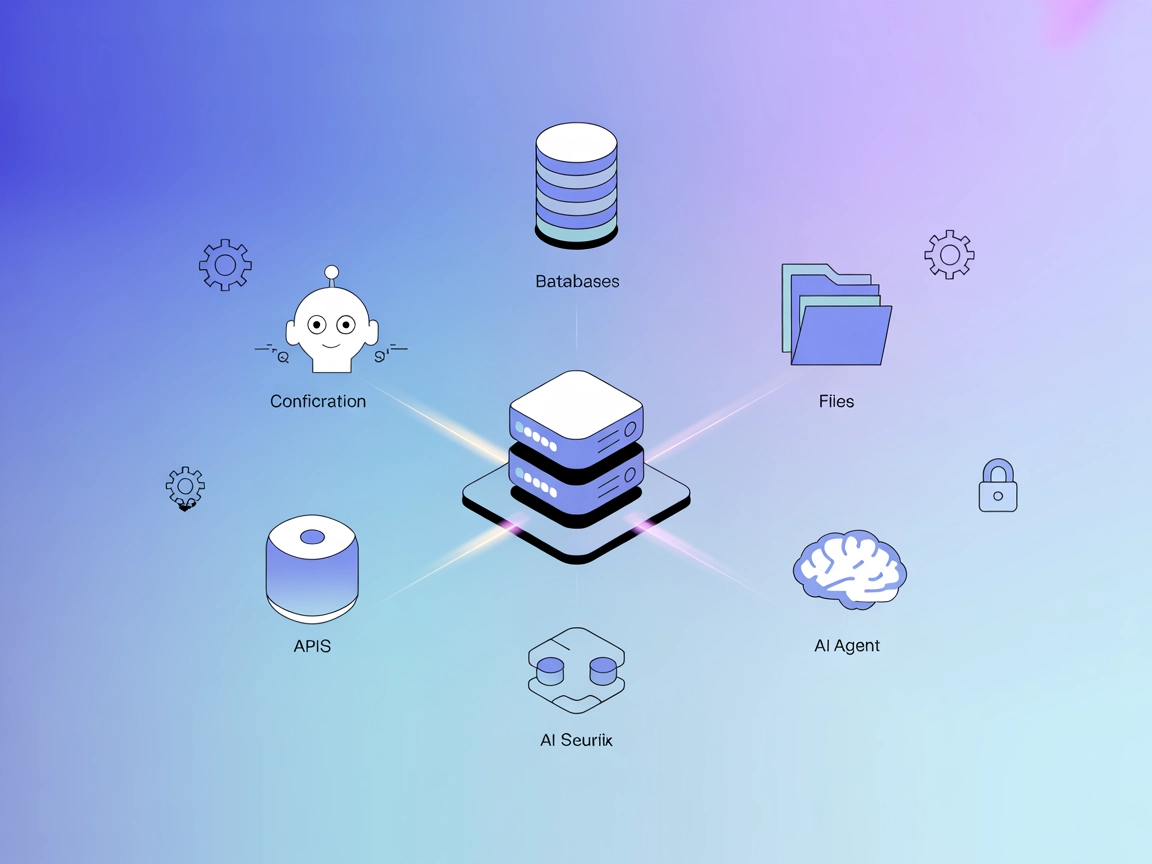
The ModelContextProtocol (MCP) Server acts as a bridge between AI agents and external data sources, APIs, and services, enabling FlowHunt users to build context...
Cookie Consent
We use cookies to enhance your browsing experience and analyze our traffic. See our privacy policy.