


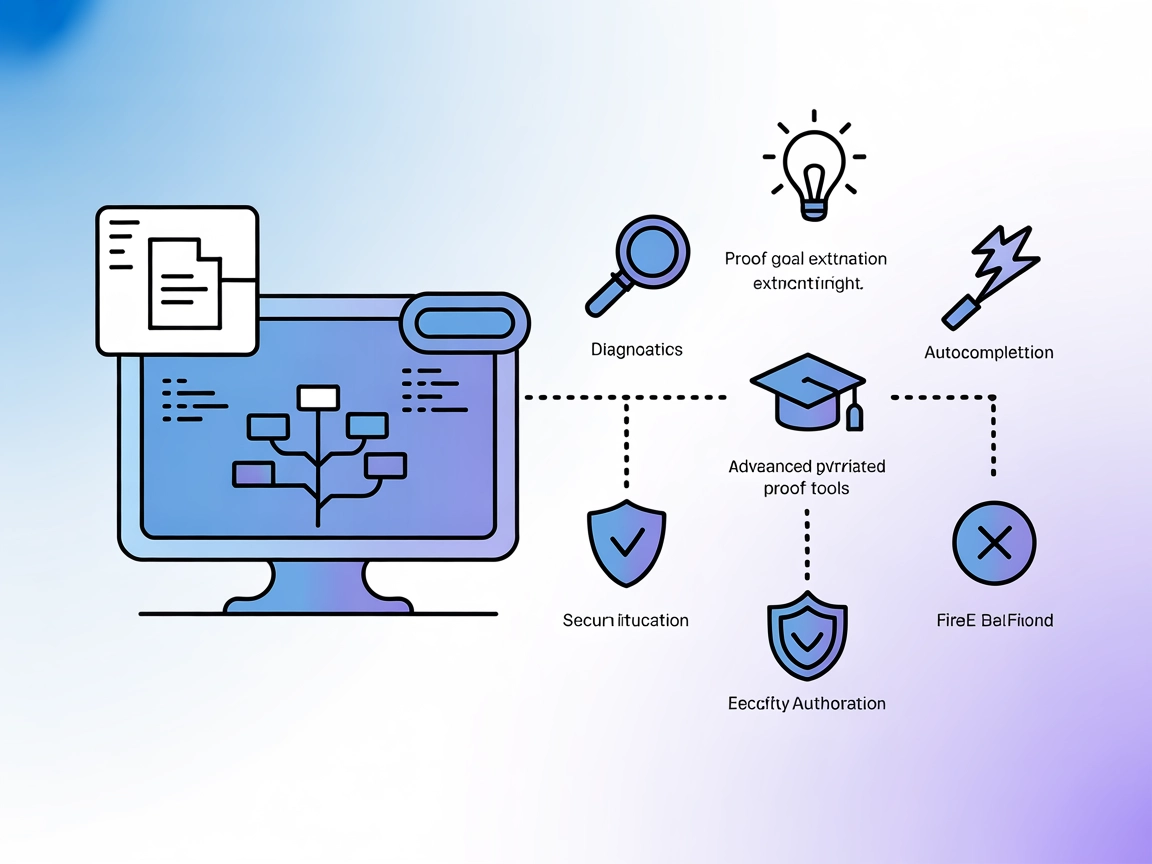
Lean LSP MCP
Integrate FlowHunt with the Lean LSP MCP server to empower AI agents in automating Lean mathematical proofs, providing advanced diagnostics, auto proofing, code...
4 min read
AI
Lean
+4
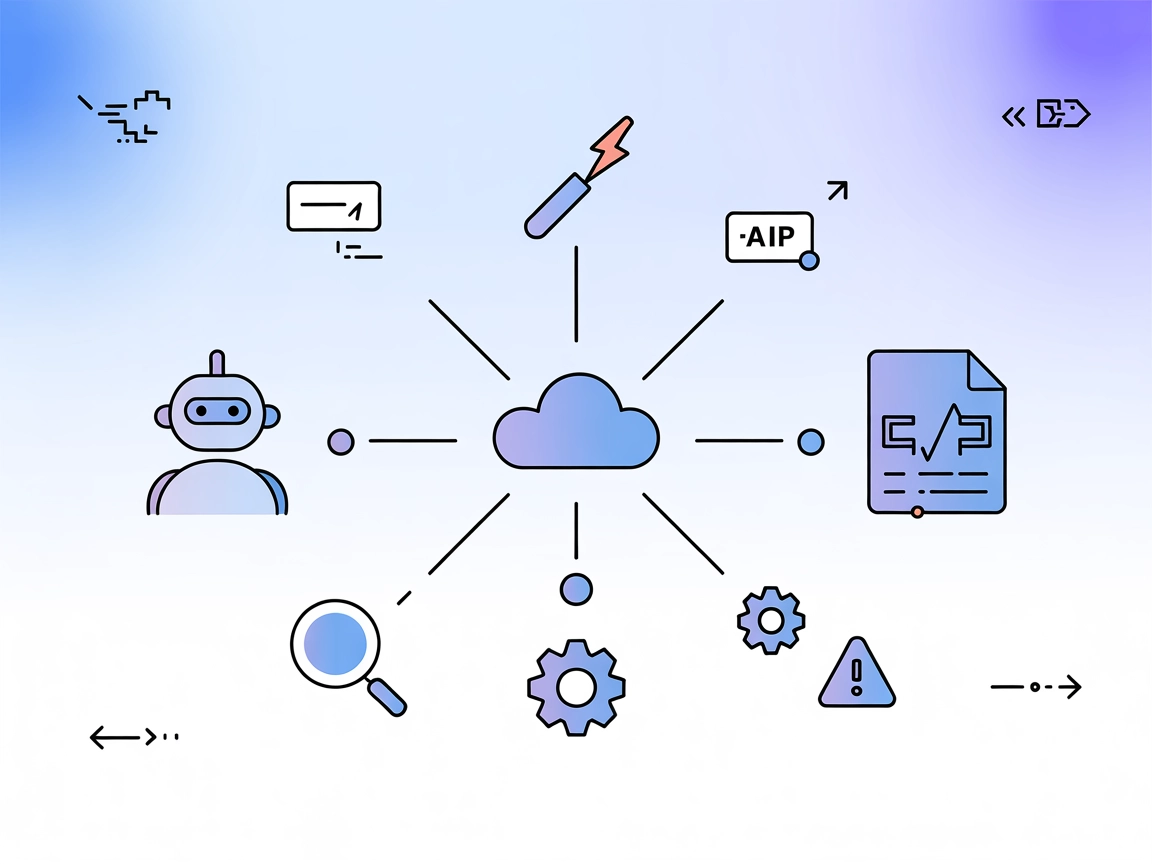
Connect AI agents to Lean Theorem Prover projects with Lean LSP MCP, enabling access to diagnostics, code completion, theorem search, and project build tools.
Lean LSP MCP is a Model Context Protocol (MCP) server that connects AI assistants with Lean Theorem Prover projects via the Language Server Protocol (LSP) using the leanclient. It enables agents and LLMs to interact with Lean projects, providing access to diagnostics, goal states, term information, hover documentation, and more. This integration streamlines development workflows for Lean users by exposing a rich agent-focused toolset, including theorem search, code completion, and project build functionality. The server aims to enhance the experience of developers, researchers, and AI agents working with Lean by making Lean’s tooling accessible in automated and interactive contexts.
No information about prompt templates was found in the repository.

Start your free trial today and see results within days.
No information about exposed MCP resources was found in the repository.
Get latest tips, trends, and deals for free.
lake build in your project root.{
"mcpServers": {
"lean-lsp-mcp": {
"command": "lean-lsp-mcp",
"args": []
}
}
}
lake build in your Lean project.{
"mcpServers": {
"lean-lsp-mcp": {
"command": "lean-lsp-mcp",
"args": []
}
}
}
lake build.{
"mcpServers": {
"lean-lsp-mcp": {
"command": "lean-lsp-mcp",
"args": []
}
}
}
lake build.{
"mcpServers": {
"lean-lsp-mcp": {
"command": "lean-lsp-mcp",
"args": []
}
}
}
If your setup requires API keys, use environment variables to keep them secure. Example:
{
  "mcpServers": {
    "lean-lsp-mcp": {
      "command": "lean-lsp-mcp",
      "args": [],
      "env": {
        "API_KEY": "${env:LEAN_LSP_MCP_API_KEY}"
      },
      "inputs": {
        "api_key": "${env:LEAN_LSP_MCP_API_KEY}"
      }
    }
  }
}
Using MCP in FlowHunt
To integrate MCP servers into your FlowHunt workflow, start by adding the MCP component to your flow and connecting it to your AI agent:

Click on the MCP component to open the configuration panel. In the system MCP configuration section, insert your MCP server details using this JSON format:
{
  "lean-lsp-mcp": {
    "transport": "streamable_http",
    "url": "https://yourmcpserver.example/pathtothemcp/url"
  }
}
Once configured, the AI agent is now able to use this MCP as a tool with access to all its functions and capabilities. Remember to change “lean-lsp-mcp” to whatever the actual name of your MCP server is and replace the URL with your own MCP server URL.
| Section | Availability | Details/Notes |
|---|---|---|
| Overview | ✅ | |
| List of Prompts | ⛔ | No prompt templates found |
| List of Resources | ⛔ | No MCP resources listed |
| List of Tools | ✅ | See README and repo description |
| Securing API Keys | ✅ | Example provided |
| Sampling Support (less important in evaluation) | ⛔ | Not mentioned |
Based on the available documentation and code, Lean LSP MCP provides strong tooling support for Lean projects but lacks explicit prompt templates or MCP resource definitions. Sampling and roots support are not mentioned. Overall, the server is practical for Lean users but does not yet expose the full spectrum of advanced MCP features.
| Has a LICENSE | ✅ (MIT) |
|---|---|
| Has at least one tool | ✅ |
| Number of Forks | 1 |
| Number of Stars | 41 |
Supercharge your Lean workflows with FlowHunt's seamless integration of the Lean LSP MCP server. Automate theorem proving, code analysis, and more.
Integrate FlowHunt with the Lean LSP MCP server to empower AI agents in automating Lean mathematical proofs, providing advanced diagnostics, auto proofing, code...
The LSP MCP Server connects Language Server Protocol (LSP) servers to AI assistants, enabling advanced code analysis, intelligent completion, diagnostics, and e...
Integrate FlowHunt with the LSP MCP Server to bring real-time code intelligence, diagnostics, and smart code completions directly into your AI-powered workflows...
Cookie Consent
We use cookies to enhance your browsing experience and analyze our traffic. See our privacy policy.