


DocsMCP: Documentation MCP Server
DocsMCP is a Model Context Protocol (MCP) server that empowers Large Language Models (LLMs) with real-time access to both local and remote documentation sources...
4 min read
MCP
LLM
+3
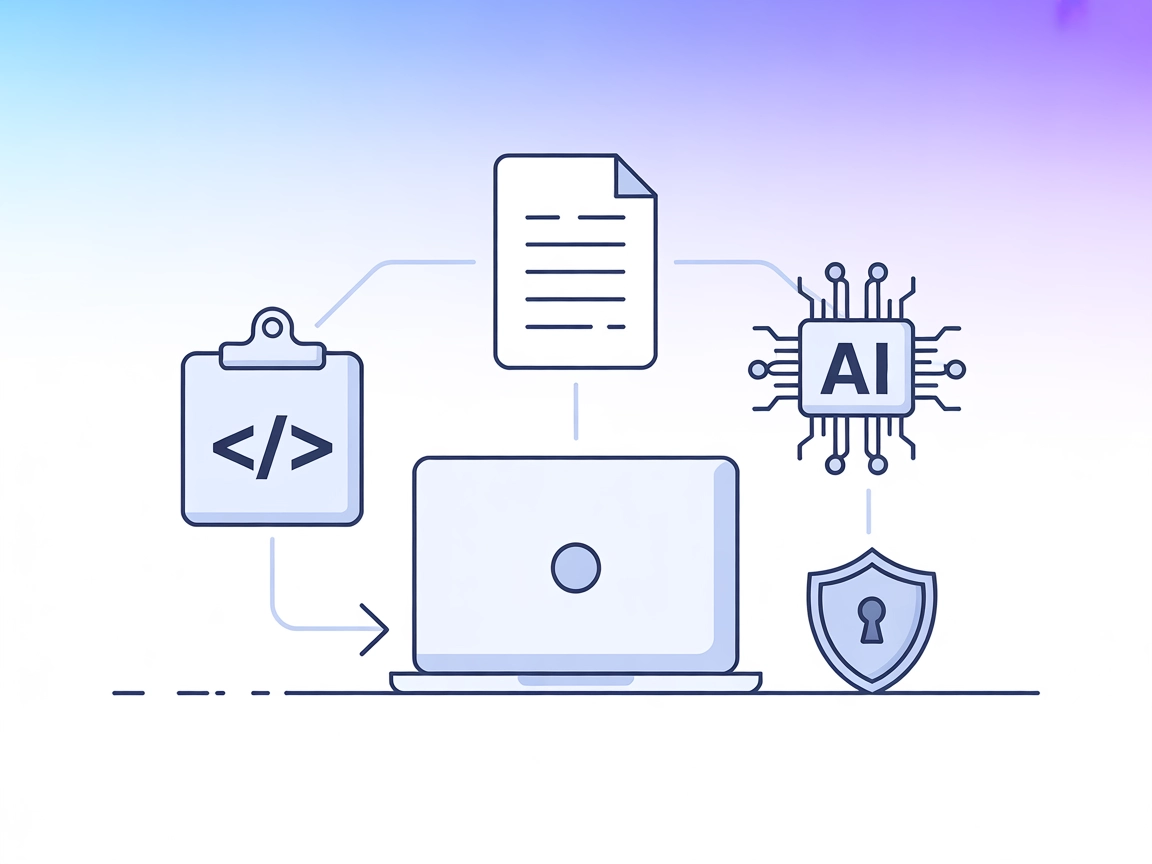
Seamlessly connect AI agents to code and text projects with the LLM Context MCP Server—optimizing development workflows with secure, context-rich, and automated assistance.
LLM Context MCP Server is a tool designed to seamlessly connect AI assistants with external code and text projects, enhancing the development workflow through the Model Context Protocol (MCP). By leveraging .gitignore patterns for intelligent file selection, it allows developers to inject highly relevant content directly into LLM chat interfaces or use a streamlined clipboard workflow. This enables tasks such as code review, documentation generation, and project exploration to be performed efficiently with context-aware AI assistance. LLM Context is particularly effective for both code repositories and collections of textual documents, making it a versatile bridge between project data and AI-powered workflows.
No information found in the repository regarding defined prompt templates.

Start your free trial today and see results within days.
No explicit resources are mentioned in the provided files or documentation.
No server.py or equivalent file listing tools is present in the visible repository structure. No information about exposed tools could be found.
Get latest tips, trends, and deals for free.
windsurf.config.json).{
"mcpServers": {
"llm-context": {
"command": "llm-context-mcp",
"args": []
}
}
}
{
  "mcpServers": {
    "llm-context": {
      "command": "llm-context-mcp",
      "args": []
    }
  }
}
{
  "mcpServers": {
    "llm-context": {
      "command": "llm-context-mcp",
      "args": []
    }
  }
}
{
  "mcpServers": {
    "llm-context": {
      "command": "llm-context-mcp",
      "args": []
    }
  }
}
Set environment variables to protect API keys and secrets. Example configuration:
{
  "mcpServers": {
    "llm-context": {
      "command": "llm-context-mcp",
      "args": [],
      "env": {
        "API_KEY": "${LLM_CONTEXT_API_KEY}"
      },
      "inputs": {
        "apiKey": "${LLM_CONTEXT_API_KEY}"
      }
    }
  }
}
Using MCP in FlowHunt
To integrate MCP servers into your FlowHunt workflow, start by adding the MCP component to your flow and connecting it to your AI agent:

Click on the MCP component to open the configuration panel. In the system MCP configuration section, insert your MCP server details using this JSON format:
{
  "llm-context": {
    "transport": "streamable_http",
    "url": "https://yourmcpserver.example/pathtothemcp/url"
  }
}
Once configured, the AI agent is now able to use this MCP as a tool with access to all its functions and capabilities. Remember to change “llm-context” to whatever the actual name of your MCP server is and replace the URL with your own MCP server URL.
| Section | Availability | Details/Notes |
|---|---|---|
| Overview | ✅ | |
| List of Prompts | ⛔ | No information found |
| List of Resources | ⛔ | No information found |
| List of Tools | ⛔ | No information found |
| Securing API Keys | ✅ | Environment variable example provided |
| Sampling Support (less important in evaluation) | ⛔ | No information found |
Based on the two tables, this MCP server has a strong overview and security best practices but lacks clear documentation for prompts, resources, and tools. As such, it is most useful for basic context-sharing workflows and requires further documentation to fully leverage MCP’s advanced features.
| Has a LICENSE | ✅ (Apache-2.0) |
|---|---|
| Has at least one tool | ⛔ |
| Number of Forks | 18 |
| Number of Stars | 231 |
Integrate the LLM Context MCP Server into FlowHunt for smarter, context-aware automation in your coding and documentation processes.
DocsMCP is a Model Context Protocol (MCP) server that empowers Large Language Models (LLMs) with real-time access to both local and remote documentation sources...
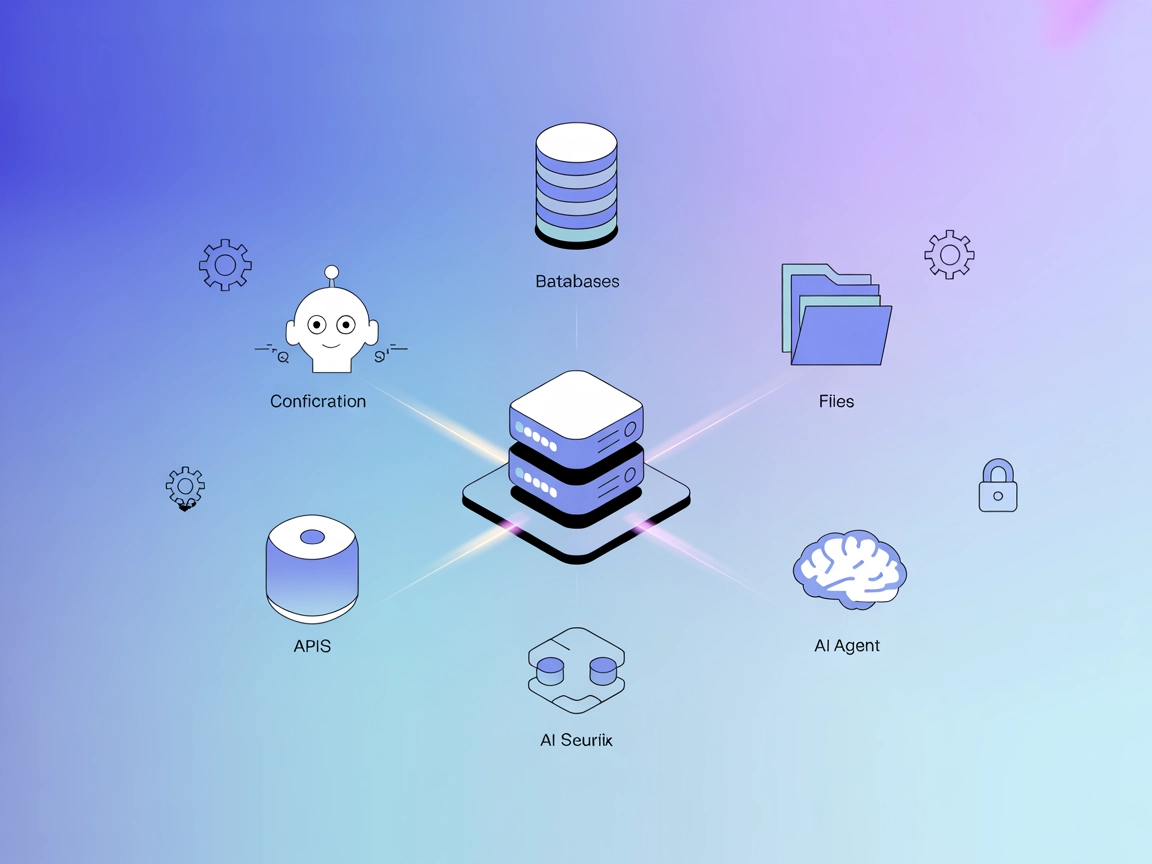
The ModelContextProtocol (MCP) Server acts as a bridge between AI agents and external data sources, APIs, and services, enabling FlowHunt users to build context...
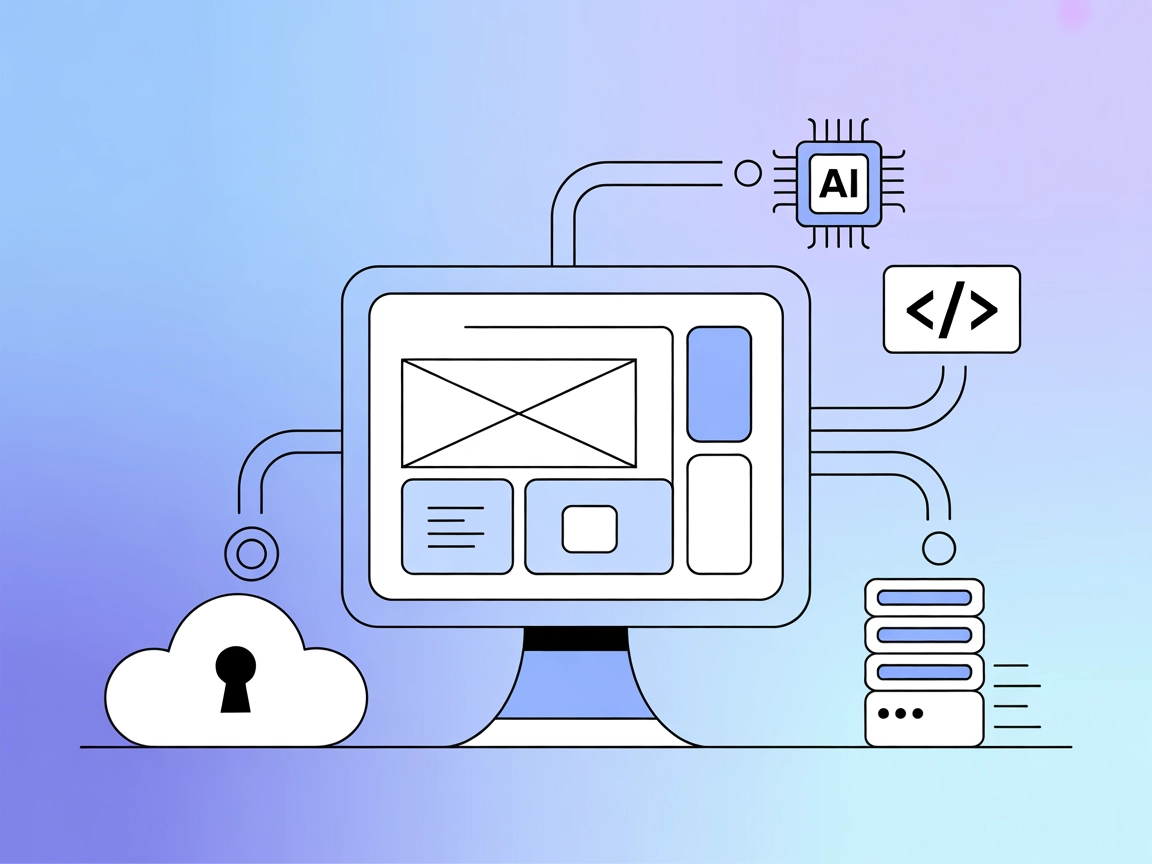
The Figma-Context MCP Server connects AI coding agents with Figma design layouts by exposing Figma data via the Model Context Protocol (MCP). It enables AI assi...
Cookie Consent
We use cookies to enhance your browsing experience and analyze our traffic. See our privacy policy.