


Markdownify MCP
Integrate FlowHunt with Markdownify MCP Server to automate the conversion of PDFs, images, audio, DOCX, spreadsheets, presentations, and web content into markdo...
4 min read
Markdown
Automation
+5

Convert files, web pages, audio, and more into Markdown for AI-ready, unified content access with Markdownify MCP Server.
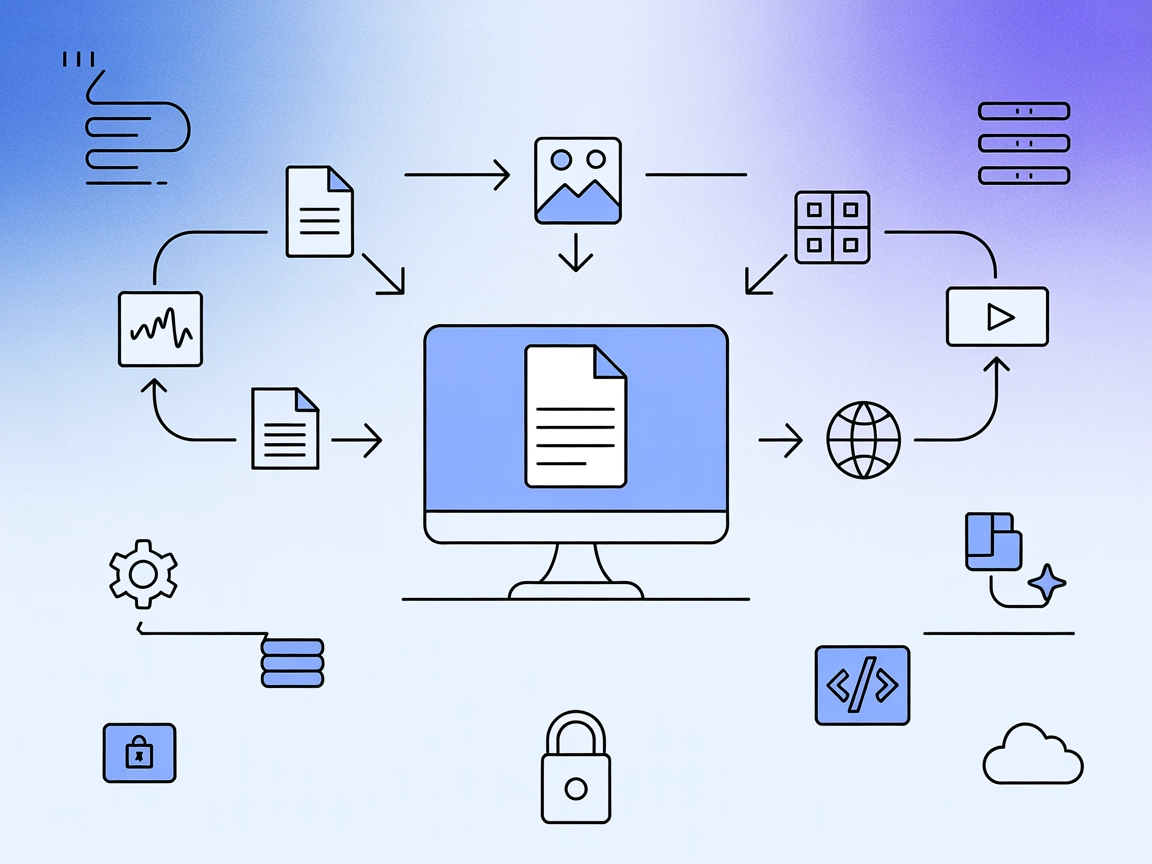
Markdownify MCP Server is a Model Context Protocol (MCP) server designed to convert various file types and web content into Markdown format. It acts as a bridge between AI assistants and external data sources, streamlining the process of transforming documents, images, audio, and web pages into easily readable and shareable Markdown text. By exposing a suite of tools, Markdownify enables tasks such as extracting text from PDFs, retrieving YouTube video transcripts, or converting audio files through transcription. This enhances development workflows by providing standardized, machine-readable content from otherwise complex or unstructured sources, making it easier for AI-powered applications to use, summarize, and process rich information.
(No prompt templates are explicitly mentioned in the repository or documentation.)

Start your free trial today and see results within days.
(No explicit MCP resources are detailed in the repository or documentation.)
.md or .markdown extensions) from a specified directory.Get latest tips, trends, and deals for free.
pnpm are installed.git clone https://github.com/zcaceres/markdownify-mcp.git
cd markdownify-mcp
pnpm install
pnpm run build
{
  "mcpServers": {
    "markdownify": {
      "command": "node",
      "args": [
        "/absolute/path/to/markdownify-mcp/dist/index.js"
      ],
      "env": {
        "UV_PATH": "/path/to/uv"
      }
    }
  }
}
Securing API Keys Example:
{
  "env": {
    "API_KEY": "${API_KEY}"
  },
  "inputs": {
    "api_key": "${API_KEY}"
  }
}
pnpm.{
"mcpServers": {
"markdownify": {
"command": "node",
"args": [
"/absolute/path/to/markdownify-mcp/dist/index.js"
],
"env": {
"UV_PATH": "/path/to/uv"
}
}
}
}
pnpm.pnpm run build.mcpServers section:{
"mcpServers": {
"markdownify": {
"command": "node",
"args": [
"/absolute/path/to/markdownify-mcp/dist/index.js"
],
"env": {
"UV_PATH": "/path/to/uv"
}
}
}
}
pnpm, then clone and install as above.mcpServers config:{
"mcpServers": {
"markdownify": {
"command": "node",
"args": [
"/absolute/path/to/markdownify-mcp/dist/index.js"
],
"env": {
"UV_PATH": "/path/to/uv"
}
}
}
}
Note: Use environment variables to securely manage API keys (see example above).
Using MCP in FlowHunt
To integrate MCP servers into your FlowHunt workflow, start by adding the MCP component to your flow and connecting it to your AI agent:

Click on the MCP component to open the configuration panel. In the system MCP configuration section, insert your MCP server details using this JSON format:
{
  "markdownify": {
    "transport": "streamable_http",
    "url": "https://yourmcpserver.example/pathtothemcp/url"
  }
}
Once configured, the AI agent is now able to use this MCP as a tool with access to all its functions and capabilities. Remember to change “markdownify” to the actual name of your MCP server and replace the URL with your own MCP server URL.
| Section | Availability | Details/Notes |
|---|---|---|
| Overview | ✅ | Clear description in README. |
| List of Prompts | ⛔ | No prompt templates mentioned. |
| List of Resources | ⛔ | No explicit resources detailed. |
| List of Tools | ✅ | 10 tools listed in README. |
| Securing API Keys | ✅ | Example shown in configuration section. |
| Sampling Support (less important in evaluation) | ⛔ | Not mentioned. |
Based on the above tables, Markdownify MCP Server is focused on practical conversion tools and setup guidance, but lacks detail on prompt templates, resources, and advanced MCP features like sampling and roots. The documentation is clear for tools and setup, but information on deeper MCP primitives is missing.
Markdownify MCP Server is robust for document and content conversion use cases, with a wide range of supported file types and good setup documentation. However, the absence of explicit prompt templates, MCP resources, and clarity around advanced features like sampling and roots limits its score for more advanced MCP integrations. For direct practical use in file-to-Markdown conversion, it scores high; for deep protocol extensibility, less so.
| Has a LICENSE | ✅ (MIT) |
|---|---|
| Has at least one tool | ✅ |
| Number of Forks | 140 |
| Number of Stars | 1.8k |
Unlock seamless content conversion and AI integration by deploying Markdownify MCP Server in your FlowHunt workflows.
Integrate FlowHunt with Markdownify MCP Server to automate the conversion of PDFs, images, audio, DOCX, spreadsheets, presentations, and web content into markdo...
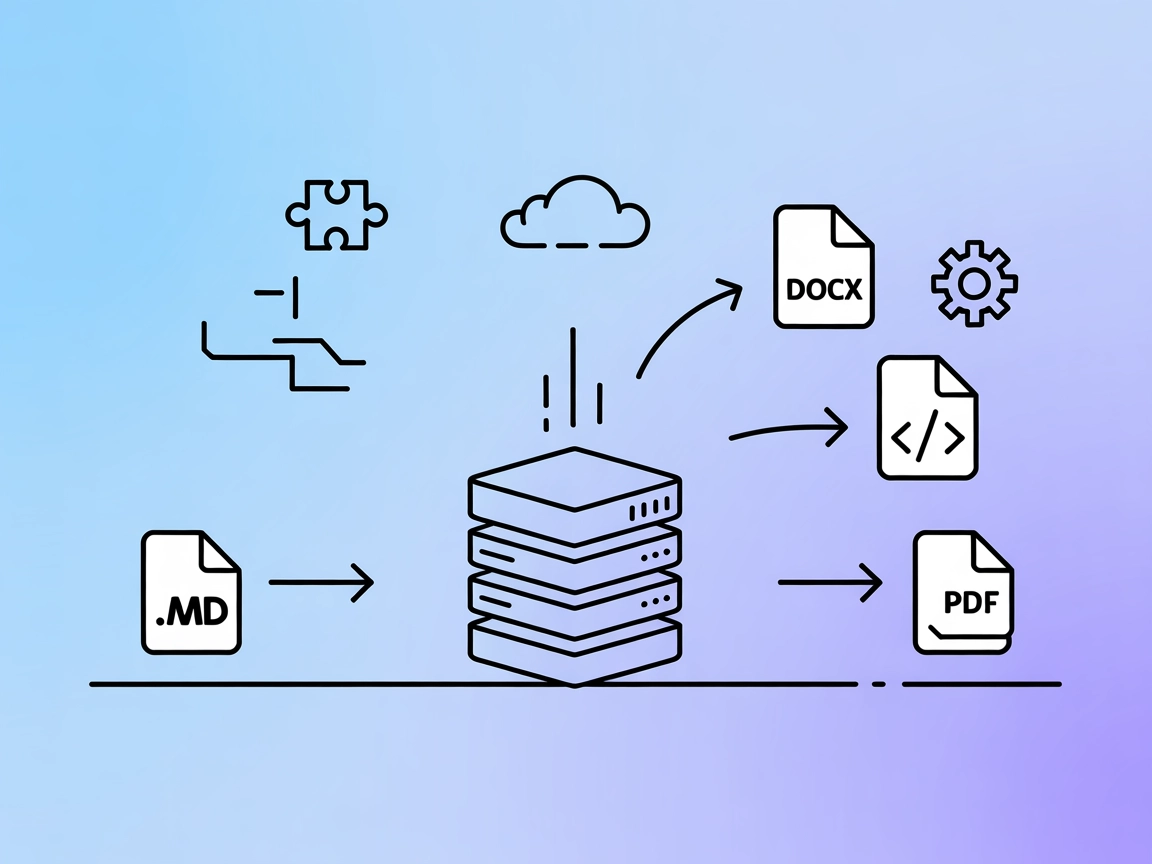
The Pandoc MCP Server enables seamless, automated document format conversion using the powerful pandoc tool. Integrate it with FlowHunt or other AI systems to t...

The Mindmap MCP Server transforms Markdown documents into interactive mindmaps, empowering developers, educators, and AI assistants to visualize hierarchical in...
Cookie Consent
We use cookies to enhance your browsing experience and analyze our traffic. See our privacy policy.