


MCP Installer AI Agent
Automate MCP server installations with FlowHunt’s MCP Installer AI Agent. Use natural language prompts to deploy Node.js or Python MCP servers via npm or PyPi, ...
4 min read
AI
Automation
+6
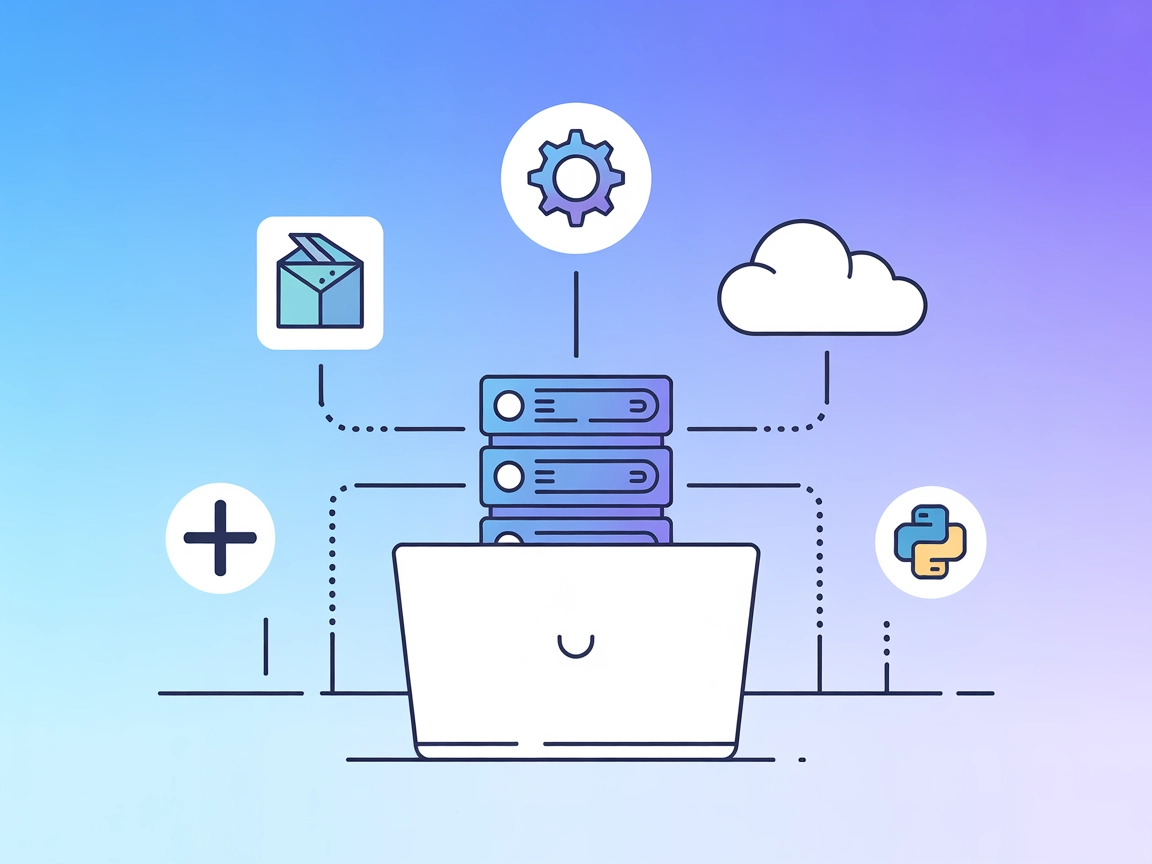
Automate the installation and management of MCP servers from npm or PyPi, expanding your AI assistant’s capabilities with a single command.
The mcp-installer MCP Server is a specialized Model Context Protocol (MCP) server designed to streamline and automate the installation of other MCP servers. By acting as an installation manager, it allows AI assistants and users to easily deploy additional MCP servers from npm or PyPi repositories. This enhances the development workflow by enabling dynamic expansion of available AI tools and integrations without manual setup. With the mcp-installer, tasks such as fetching, installing, and configuring various MCP-compatible servers become seamless, allowing developers and AI agents to quickly access new capabilities, such as database queries, file management, or API interactions, simply by issuing installation commands. The server requires npx for Node.js-based servers and uv for Python-based servers, ensuring broad compatibility and flexibility.
No prompt templates are documented in the available files or README.

Start your free trial today and see results within days.
No resources are explicitly mentioned in the available files or README.
No tool implementations are documented or listed in the available files or README. The likely tool is “install MCP server,” but this is not explicitly described in the code or documentation.
Get latest tips, trends, and deals for free.
npx for Node.js MCP servers and uv for Python MCP servers.{
"mcpServers": {
"mcp-installer": {
"command": "npx",
"args": ["@anaisbetts/mcp-installer@latest"]
}
}
}
npx, and uv are installed.{
"mcpServers": {
"mcp-installer": {
"command": "npx",
"args": ["@anaisbetts/mcp-installer@latest"]
}
}
}
npx, and uv are present on your system.{
"mcpServers": {
"mcp-installer": {
"command": "npx",
"args": ["@anaisbetts/mcp-installer@latest"]
}
}
}
npx, and uv.{
"mcpServers": {
"mcp-installer": {
"command": "npx",
"args": ["@anaisbetts/mcp-installer@latest"]
}
}
}
Securing API Keys:
Store API keys using environment variables for enhanced security. Example configuration:
{
  "mcpServers": {
    "mcp-installer": {
      "command": "npx",
      "args": ["@anaisbetts/mcp-installer@latest"],
      "env": {
        "MY_API_KEY": "${MY_API_KEY}"
      },
      "inputs": {
        "apiKey": "${MY_API_KEY}"
      }
    }
  }
}
Using MCP in FlowHunt
To integrate MCP servers into your FlowHunt workflow, start by adding the MCP component to your flow and connecting it to your AI agent:

Click on the MCP component to open the configuration panel. In the system MCP configuration section, insert your MCP server details using this JSON format:
{
  "mcp-installer": {
    "transport": "streamable_http",
    "url": "https://yourmcpserver.example/pathtothemcp/url"
  }
}
Once configured, the AI agent is now able to use this MCP as a tool with access to all its functions and capabilities. Remember to change “mcp-installer” to whatever the actual name of your MCP server is and replace the URL with your own MCP server URL.
| Section | Availability | Details/Notes |
|---|---|---|
| Overview | ✅ | |
| List of Prompts | ⛔ | No documented prompt templates found |
| List of Resources | ⛔ | No resources documented |
| List of Tools | ⛔ | No explicit tool list found |
| Securing API Keys | ✅ | Env variable example provided |
| Sampling Support (less important in evaluation) | ⛔ | Not mentioned |
The mcp-installer MCP server provides a valuable automation layer for installing other MCP servers, which is a unique and powerful capability. However, the lack of documentation on prompt templates, resources, and tools limits its transparency and usability for more advanced workflows. With clearer information and richer documentation, its usefulness would rate higher, but as it stands, it’s a strong utility for expanding MCP capabilities with minimal setup.
Rating: 6/10
| Has a LICENSE | ✅ (MIT) |
|---|---|
| Has at least one tool | ⛔ |
| Number of Forks | 157 |
| Number of Stars | 1.2k |
Install and configure new MCP servers with ease using mcp-installer. Streamline your AI workflow and unlock new integrations in minutes.
Automate MCP server installations with FlowHunt’s MCP Installer AI Agent. Use natural language prompts to deploy Node.js or Python MCP servers via npm or PyPi, ...
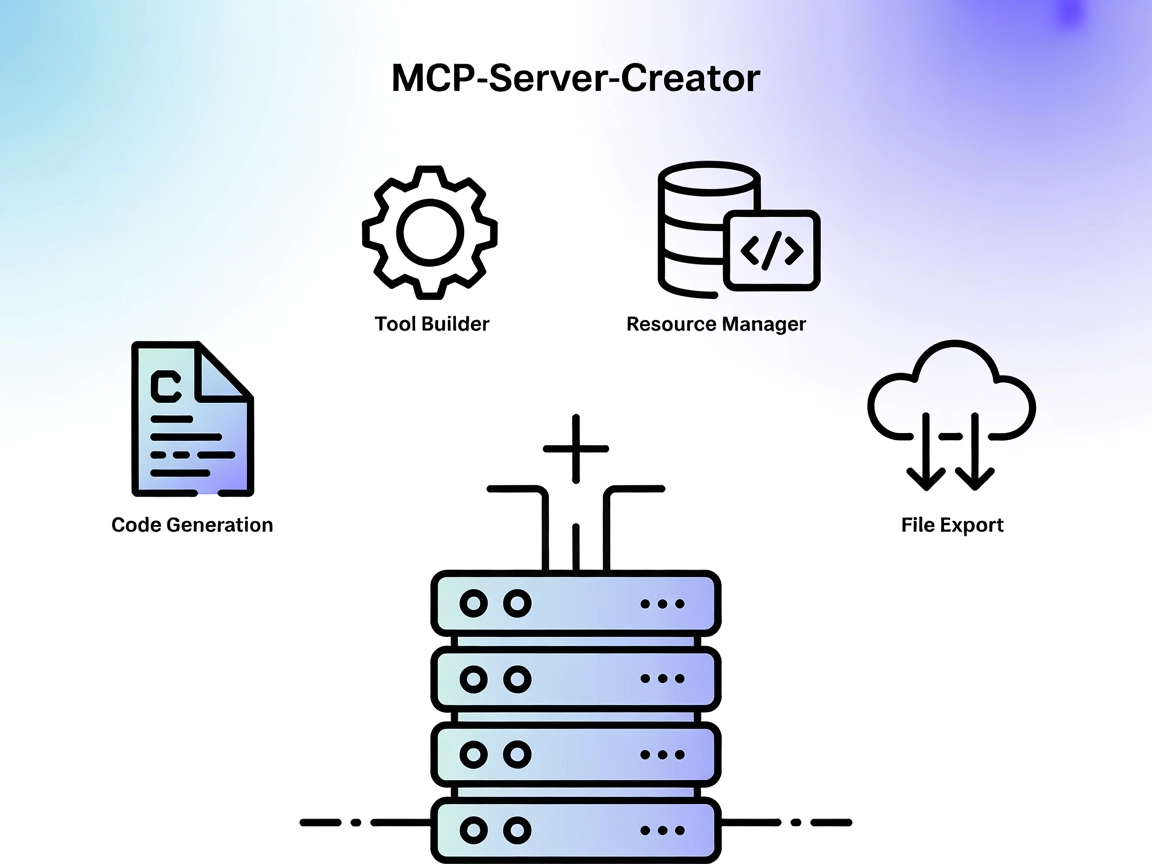
The MCP-Server-Creator is a meta-server that enables rapid creation and configuration of new Model Context Protocol (MCP) servers. With dynamic code generation,...
Automate the installation and configuration of Model Context Protocol (MCP) servers in Cursor IDE. The Cursor MCP Installer streamlines deployment from npm, loc...
Cookie Consent
We use cookies to enhance your browsing experience and analyze our traffic. See our privacy policy.