


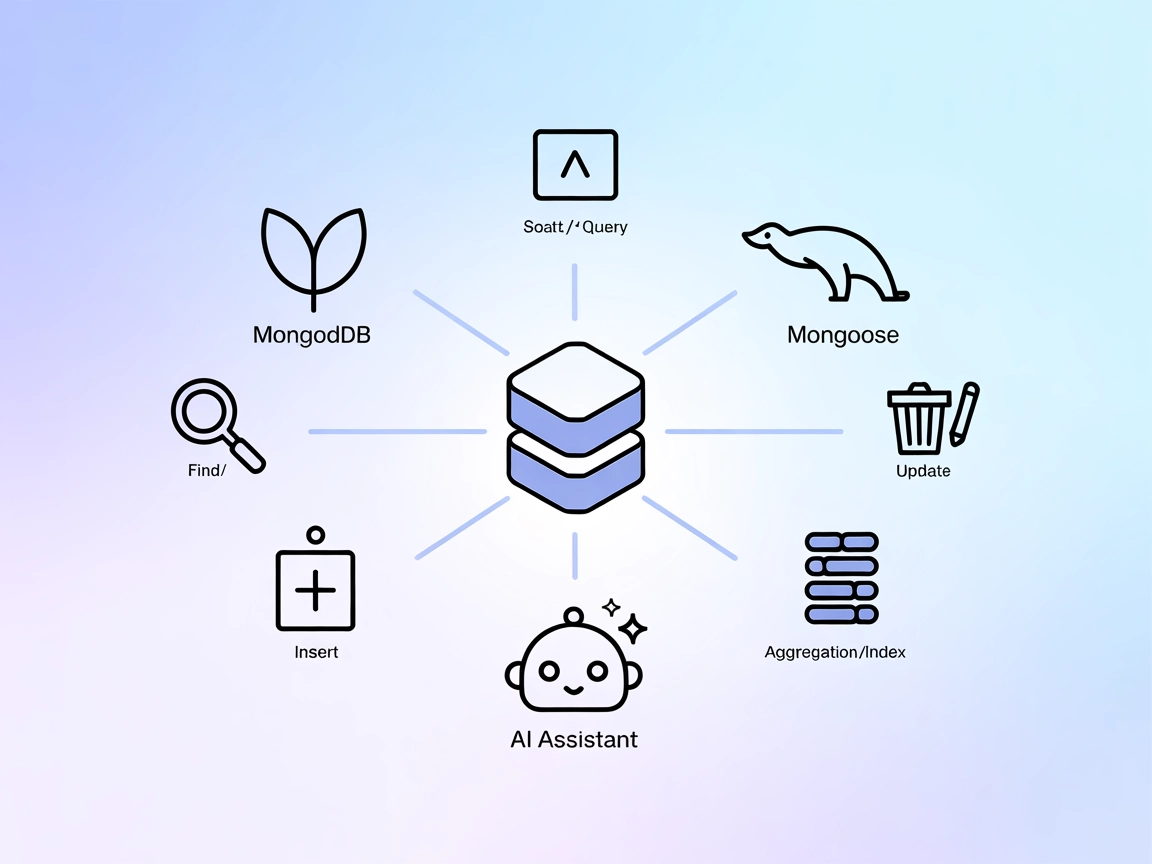
MongoDB Mongoose MCP Server
The MongoDB Mongoose MCP Server enables FlowHunt and other AI assistants to interact directly with MongoDB databases, supporting robust data validation, operati...
5 min read
AI
Database
+5

Bridge your AI workflows with MongoDB using the MCP Server for direct, secure, and protocol-compliant database operations.
The MongoDB MCP (Model Context Protocol) Server acts as a bridge between AI assistants and MongoDB databases. It enables AI-driven tools, agents, or workflows to connect directly with MongoDB instances, allowing for seamless database queries, management, and data retrieval through standardized MCP interfaces. By exposing database operations as easily accessible resources and tools, MongoDB MCP Server empowers developers to automate database tasks, enhance development workflows, and integrate MongoDB data into LLM-powered applications. This server is particularly valuable for scenarios where AI assistants need to interact with structured data, perform CRUD operations, and support analytics or reporting tasks, all while adhering to the Model Context Protocol standard for interoperability and security.
No prompt templates were mentioned in the repository.

Start your free trial today and see results within days.
No explicit resource definitions were found in the repository.
No detailed tool list was found in the repository files (such as server.py or src directory).
Get latest tips, trends, and deals for free.
mcpServers section.{
"mcpServers": {
"mongodb-mcp": {
"command": "npx",
"args": ["@kiliczsh/mcp-mongo-server@latest"]
}
}
}
mcpServers.{
"mcpServers": {
"mongodb-mcp": {
"command": "npx",
"args": ["@kiliczsh/mcp-mongo-server@latest"]
}
}
}
mcpServers list.{
"mcpServers": {
"mongodb-mcp": {
"command": "npx",
"args": ["@kiliczsh/mcp-mongo-server@latest"]
}
}
}
{
  "mcpServers": {
    "mongodb-mcp": {
      "command": "npx",
      "args": ["@kiliczsh/mcp-mongo-server@latest"]
    }
  }
}
Securing API Keys
If the server requires API keys or sensitive inputs, use environment variables:
{
  "mcpServers": {
    "mongodb-mcp": {
      "command": "npx",
      "args": ["@kiliczsh/mcp-mongo-server@latest"],
      "env": {
        "MONGODB_URI": "your-mongodb-uri"
      },
      "inputs": {}
    }
  }
}
Using MCP in FlowHunt
To integrate MCP servers into your FlowHunt workflow, start by adding the MCP component to your flow and connecting it to your AI agent:

Click on the MCP component to open the configuration panel. In the system MCP configuration section, insert your MCP server details using this JSON format:
{
  "mongodb-mcp": {
    "transport": "streamable_http",
    "url": "https://yourmcpserver.example/pathtothemcp/url"
  }
}
Once configured, the AI agent is now able to use this MCP as a tool with access to all its functions and capabilities. Remember to change “mongodb-mcp” to whatever the actual name of your MCP server is and replace the URL with your own MCP server URL.
| Section | Availability | Details/Notes |
|---|---|---|
| Overview | ✅ | |
| List of Prompts | ⛔ | No prompt templates found |
| List of Resources | ⛔ | No explicit resource definitions found |
| List of Tools | ⛔ | No tool list found in codebase |
| Securing API Keys | ✅ | Example given for using env variables |
| Sampling Support (less important in evaluation) | ⛔ | Not mentioned |
Based on the tables, the MCP MongoDB Server provides the essentials for setup and use but lacks explicit documentation for prompts, resources, and tools. It is a practical bridge for AI and MongoDB integration, but the lack of detailed protocol primitives reduces flexibility and transparency. Overall, it’s useful for straightforward use cases but would benefit from richer documentation and explicit resource/tool lists.
| Has a LICENSE | ✅ (MIT) |
|---|---|
| Has at least one tool | ⛔ |
| Number of Forks | 38 |
| Number of Stars | 234 |
Rating: 4/10 – Good base utility and open source, but not enough protocol surface or documentation detail for advanced or diverse MCP use cases.
Empower your AI assistants and workflows with direct MongoDB access using the MCP Server for seamless database integration and automation.
The MongoDB Mongoose MCP Server enables FlowHunt and other AI assistants to interact directly with MongoDB databases, supporting robust data validation, operati...
The ModelContextProtocol (MCP) Server acts as a bridge between AI agents and external data sources, APIs, and services, enabling FlowHunt users to build context...
Integrate FlowHunt with MongoDB through the MCP MongoDB Server for seamless AI-driven data management. Enable your LLMs to inspect collection schemas, perform a...
Cookie Consent
We use cookies to enhance your browsing experience and analyze our traffic. See our privacy policy.