


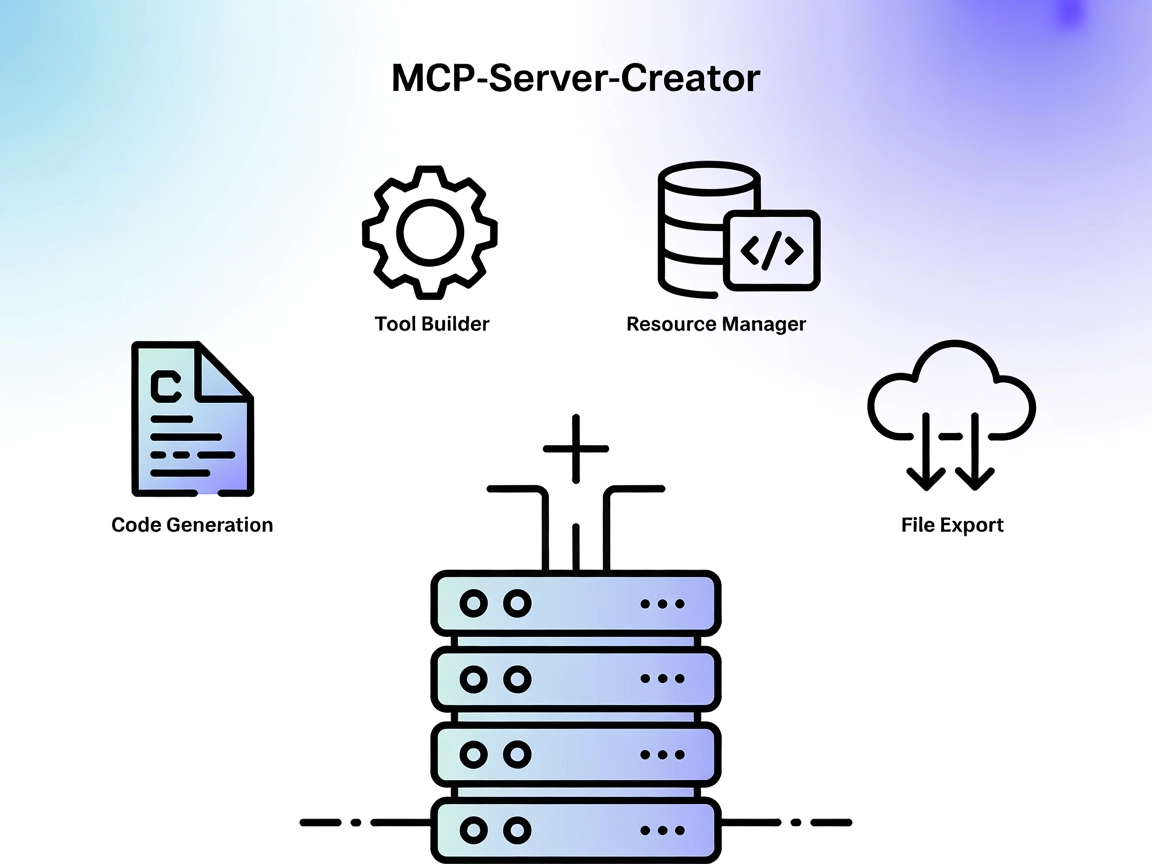
MCP-Server-Creator MCP Server
The MCP-Server-Creator is a meta-server that enables rapid creation and configuration of new Model Context Protocol (MCP) servers. With dynamic code generation,...
5 min read
AI
MCP
+5

A robust, easy-to-configure MCP server enhancing AI agent workflows with deterministic code generation and parallel tool support.
The PAIML MCP Agent Toolkit is an MCP (Model Context Protocol) Server developed by Pragmatic AI Labs. Its primary purpose is to make code with AI agents more deterministic by offering a zero-configuration AI context generation system. This server acts as a bridge connecting AI assistants with various external data sources, APIs, and services, thereby enhancing development workflows. By leveraging the MCP protocol, the PAIML MCP Agent Toolkit enables AI clients to perform tasks such as database queries, file management, and API interactions in a standardized and shareable manner. This makes it a valuable resource for developers seeking to streamline and automate their agent-based projects, ensuring reliable and reproducible outcomes.
No prompt templates were found in the repository or documentation.

Start your free trial today and see results within days.
No explicit MCP resources were documented in the available files or README.
functions
A namespace for tools designed to be used by agents, though no specific functions are listed in the documentation.
multi_tool_use.parallel
Allows the execution of multiple tools simultaneously (in parallel), provided all specified tools are in the “functions” namespace and can operate concurrently.
Get latest tips, trends, and deals for free.
Agent-based Code Generation
Developers can use the MCP server to generate and test code snippets with deterministic outputs, enhancing reproducibility in AI-assisted coding.
Parallel Tool Execution
The multi-tool use feature enables simultaneous execution of multiple agent tools, improving efficiency in workflows that require concurrent actions.
Zero-Configuration Context Generation
The server can be integrated without extensive setup, allowing rapid development and prototyping for AI-driven projects.
Integration with AI Development Platforms
By acting as an MCP server, it connects seamlessly with platforms like Claude, Windsurf, Cursor, and Cline, streamlining access to agent capabilities.
mcpServers object using the following JSON snippet:{
"paiml-mcp-agent-toolkit": {
"command": "npx",
"args": ["@paiml/mcp-agent-toolkit@latest"]
}
}
Securing API Keys:
{
"env": {
"API_KEY": "${API_KEY}"
},
"inputs": {
"api_key": "${API_KEY}"
}
}
{
  "paiml-mcp-agent-toolkit": {
    "command": "npx",
    "args": ["@paiml/mcp-agent-toolkit@latest"]
  }
}
Securing API Keys:
{
  "env": {
    "API_KEY": "${API_KEY}"
  },
  "inputs": {
    "api_key": "${API_KEY}"
  }
}
{
  "paiml-mcp-agent-toolkit": {
    "command": "npx",
    "args": ["@paiml/mcp-agent-toolkit@latest"]
  }
}
Securing API Keys:
{
  "env": {
    "API_KEY": "${API_KEY}"
  },
  "inputs": {
    "api_key": "${API_KEY}"
  }
}
{
  "paiml-mcp-agent-toolkit": {
    "command": "npx",
    "args": ["@paiml/mcp-agent-toolkit@latest"]
  }
}
Securing API Keys:
{
  "env": {
    "API_KEY": "${API_KEY}"
  },
  "inputs": {
    "api_key": "${API_KEY}"
  }
}
Using MCP in FlowHunt
To integrate MCP servers into your FlowHunt workflow, start by adding the MCP component to your flow and connecting it to your AI agent:

Click on the MCP component to open the configuration panel. In the system MCP configuration section, insert your MCP server details using this JSON format:
{
  "paiml-mcp-agent-toolkit": {
    "transport": "streamable_http",
    "url": "https://yourmcpserver.example/pathtothemcp/url"
  }
}
Once configured, the AI agent is now able to use this MCP as a tool with access to all its functions and capabilities. Remember to change “paiml-mcp-agent-toolkit” to whatever the actual name of your MCP server is and replace the URL with your own MCP server URL.
| Section | Availability | Details/Notes |
|---|---|---|
| Overview | ✅ | Brief and to the point in README |
| List of Prompts | ⛔ | Not documented |
| List of Resources | ⛔ | Not documented |
| List of Tools | ✅ | functions, multi_tool_use.parallel |
| Securing API Keys | ✅ | Shown in setup sections for each platform |
| Sampling Support (less important in evaluation) | ⛔ | Not documented |
Based on the available documentation, the PAIML MCP Agent Toolkit provides a basic but functional MCP server with a focus on deterministic agent code and zero-configuration integration. It’s easy to set up and supports parallel tool execution, but lacks detailed documentation on prompts, resources, and sampling support.
| Has a LICENSE | ✅ (MIT) |
|---|---|
| Has at least one tool | ✅ |
| Number of Forks | 6 |
| Number of Stars | 30 |
Overall, I would rate this MCP server a 5/10: it is promising for developers who value quick setup and deterministic agent workflows, but the lack of documentation on prompts, resources, roots, and sampling limits its broader utility and transparency.
Accelerate your agent-based projects with deterministic workflows and seamless external integrations. Set up the PAIML MCP Agent Toolkit in FlowHunt today.
The MCP-Server-Creator is a meta-server that enables rapid creation and configuration of new Model Context Protocol (MCP) servers. With dynamic code generation,...

The pydanticpydantic-aimcp-run-python MCP Server bridges AI assistants with secure, controlled Python code execution environments. It enables dynamic Python scr...
The interactive-mcp MCP Server enables seamless, human-in-the-loop AI workflows by bridging AI agents with users and external systems. It supports cross-platfor...
Cookie Consent
We use cookies to enhance your browsing experience and analyze our traffic. See our privacy policy.