


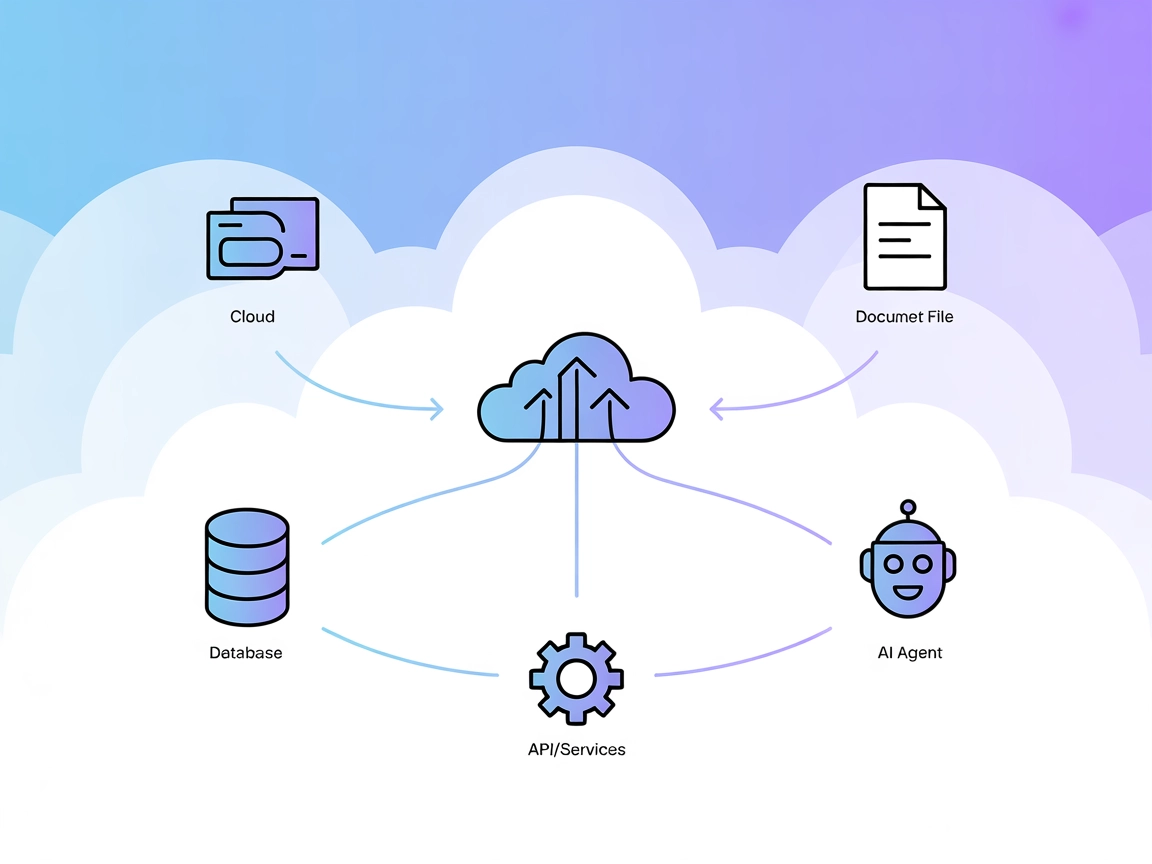
Model Context Protocol (MCP) Server
The Model Context Protocol (MCP) Server bridges AI assistants with external data sources, APIs, and services, enabling streamlined integration of complex workfl...
3 min read
AI
MCP
+4

Connect FlowHunt AI to your development workspace using MCP-PIF. Enable file management, journaling, and structured reasoning directly in your flows.
The MCP-PIF (Model Context Protocol - Personal Intelligence Framework) Server is a practical implementation of the Model Context Protocol (MCP) designed to facilitate meaningful collaboration between humans and AI. Acting as a bridge, MCP-PIF enables AI assistants to connect with structured external data sources and services, supporting development workflows such as workspace management, project journaling, and structured reasoning. Its core function is to expose tools and resources—like filesystem navigation, journaling systems, and reasoning utilities—to AI clients, empowering them to execute tasks like file manipulation, persistent note-taking, and development of structured insights. By providing this standardized interface, MCP-PIF enhances AI-driven productivity and enables seamless integration with development environments.
No specific prompt templates were found in the repository or documentation.

Start your free trial today and see results within days.
No explicit resource definitions were found in the repository or documentation.
Filesystem Operations
Tools for navigating and managing the workspace context:
pwd: Show current directorycd: Change directoryread: Read file contentswrite: Write to a filemkdir: Create a directorydelete: Delete files or directoriesmove: Move files or directoriesrename: Rename files or directoriesReasoning Tools
Enable structured thought and insight development:
reason: Develop connected insights by linking thoughtsthink: Create spaces for contemplation and temporal reasoningJournal System
Maintain continuity and document knowledge:
journal_create: Create new journal entriesjournal_read: Read and explore journal patternsGet latest tips, trends, and deals for free.
Workspace File Management
Developers can use AI assistants to navigate project directories, read and write files, create new folders, and manage workspace organization, streamlining everyday tasks.
Project Journaling
AI can document project developments, maintain logs, and extract patterns from journal entries, supporting knowledge continuity and retrospective analysis.
Structured Reasoning and Insight Development
The reasoning tools help AI and users collaboratively build chains of thought, model project ideas, and develop connected insights for complex problem-solving.
Codebase Exploration
By enabling directory navigation and file reading, developers can use the MCP-PIF server to explore new codebases, search for relevant files, and understand project structure efficiently.
Cross-Platform Workspace Synchronization
MCP-PIF can be configured and used across Windows, macOS, and Linux, ensuring consistent workflows and tool availability for teams on different systems.
git clone https://github.com/hungryrobot1/MCP-PIF
cd mcp-pif
npm install
npm run build
{
  "mcpServers": {
    "mcp-pif": {
      "command": "node",
      "args": ["path/to/your/mcp-pif/build/index.js"],
      "cwd": "path/to/your/mcp-pif",
      "env": {}
    }
  }
}
git clone https://github.com/hungryrobot1/MCP-PIF
cd mcp-pif
npm install
npm run build
claude_desktop_config.json and add:{
"mcpServers": {
"mcp-pif": {
"command": "node",
"args": ["path/to/your/mcp-pif/build/index.js"],
"cwd": "path/to/your/mcp-pif",
"env": {}
}
}
}
git clone https://github.com/hungryrobot1/MCP-PIF
cd mcp-pif
npm install
npm run build
{
  "mcpServers": {
    "mcp-pif": {
      "command": "node",
      "args": ["path/to/your/mcp-pif/build/index.js"],
      "cwd": "path/to/your/mcp-pif",
      "env": {}
    }
  }
}
git clone https://github.com/hungryrobot1/MCP-PIF
cd mcp-pif
npm install
npm run build
{
  "mcpServers": {
    "mcp-pif": {
      "command": "node",
      "args": ["path/to/your/mcp-pif/build/index.js"],
      "cwd": "path/to/your/mcp-pif",
      "env": {}
    }
  }
}
To secure sensitive keys or credentials, set them via environment variables in the configuration:
{
  "mcpServers": {
    "mcp-pif": {
      "command": "node",
      "args": ["path/to/your/mcp-pif/build/index.js"],
      "cwd": "path/to/your/mcp-pif",
      "env": {
        "MY_SECRET_KEY": "${MY_SECRET_KEY}"
      },
      "inputs": {
        "api_key": "${MY_SECRET_KEY}"
      }
    }
  }
}
Using MCP in FlowHunt
To integrate MCP servers into your FlowHunt workflow, start by adding the MCP component to your flow and connecting it to your AI agent:

Click on the MCP component to open the configuration panel. In the system MCP configuration section, insert your MCP server details using this JSON format:
{
  "mcp-pif": {
    "transport": "streamable_http",
    "url": "https://yourmcpserver.example/pathtothemcp/url"
  }
}
Once configured, the AI agent is now able to use this MCP as a tool with access to all its functions and capabilities. Remember to change “mcp-pif” to whatever the actual name of your MCP server is and replace the URL with your own MCP server URL.
| Section | Availability | Details/Notes |
|---|---|---|
| Overview | ✅ | Description and purpose available in README |
| List of Prompts | ⛔ | No prompt templates found |
| List of Resources | ⛔ | No explicit resource primitives described |
| List of Tools | ✅ | Filesystem, Reasoning, Journal tools listed in README |
| Securing API Keys | ✅ | Environment variable and inputs example present in setup instructions |
| Sampling Support (less important in evaluation) | ⛔ | No mention of sampling in documentation or code |
Based on the available documentation and code, MCP-PIF provides a robust set of core tools and good setup instructions, but is missing clear prompt templates, resource listings, and advanced MCP features like sampling and roots support. Overall, this implementation is solid for foundational tasks but could improve in user-facing documentation and advanced protocol features.
| Has a LICENSE | ✅ |
|---|---|
| Has at least one tool | ✅ |
| Number of Forks | 12 |
| Number of Stars | 44 |
Overall rating: 6/10
MCP-PIF is a strong starting point for MCP-based workspace management and reasoning, with clear code and setup, but lacks detailed prompt and resource definitions, and advanced MCP features documentation.
Supercharge your FlowHunt agents with workspace management, journaling, and reasoning tools. Integrate MCP-PIF today for seamless development workflows.
The Model Context Protocol (MCP) Server bridges AI assistants with external data sources, APIs, and services, enabling streamlined integration of complex workfl...
The UnifAI MCP Server connects AI assistants with external data sources, APIs, and services, enabling advanced automation and workflow orchestration within the ...
The Filesystem MCP Server enables secure, programmatic access to the local filesystem via the Model Context Protocol (MCP). It empowers AI assistants and client...
Cookie Consent
We use cookies to enhance your browsing experience and analyze our traffic. See our privacy policy.