


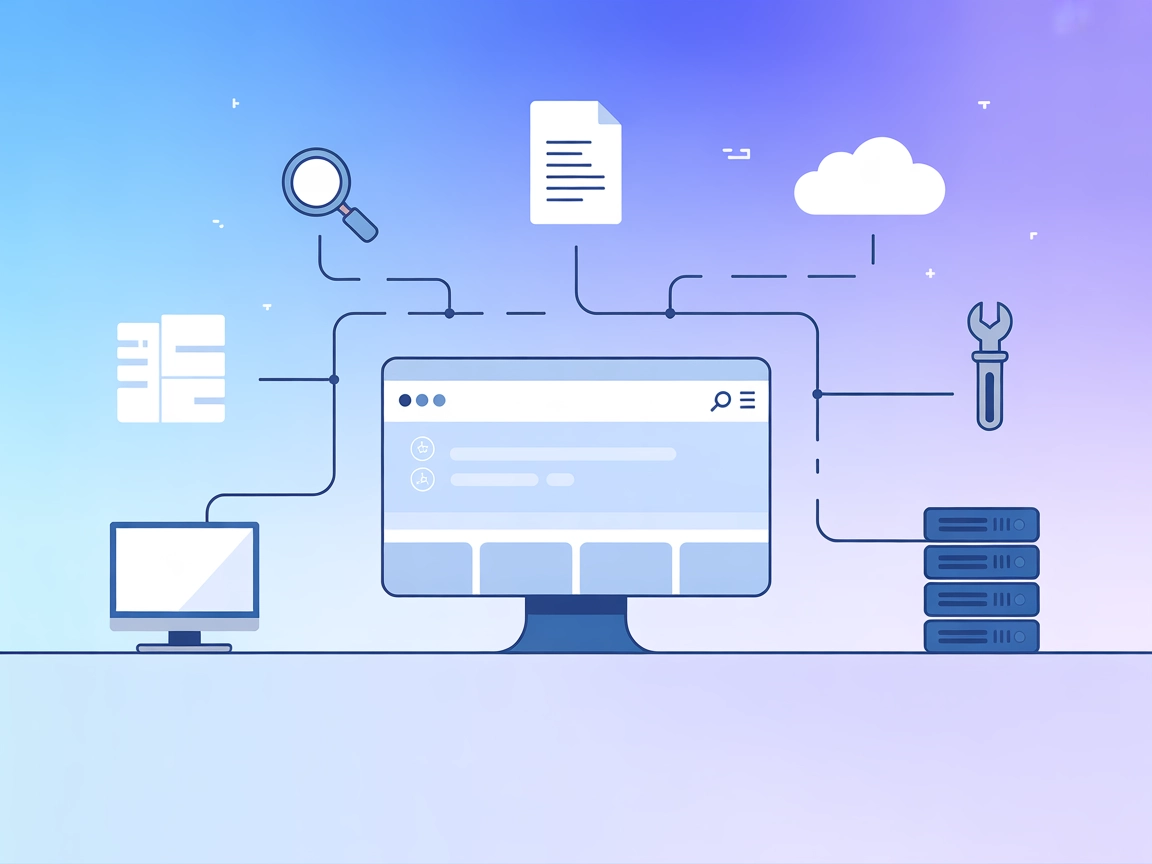
RAG Web Browser MCP Server
Integrate FlowHunt with the RAG Web Browser MCP Server to enable AI agents and LLMs with advanced web browsing, real-time search, and data extraction capabiliti...
4 min read
AI
Web Browser
+5
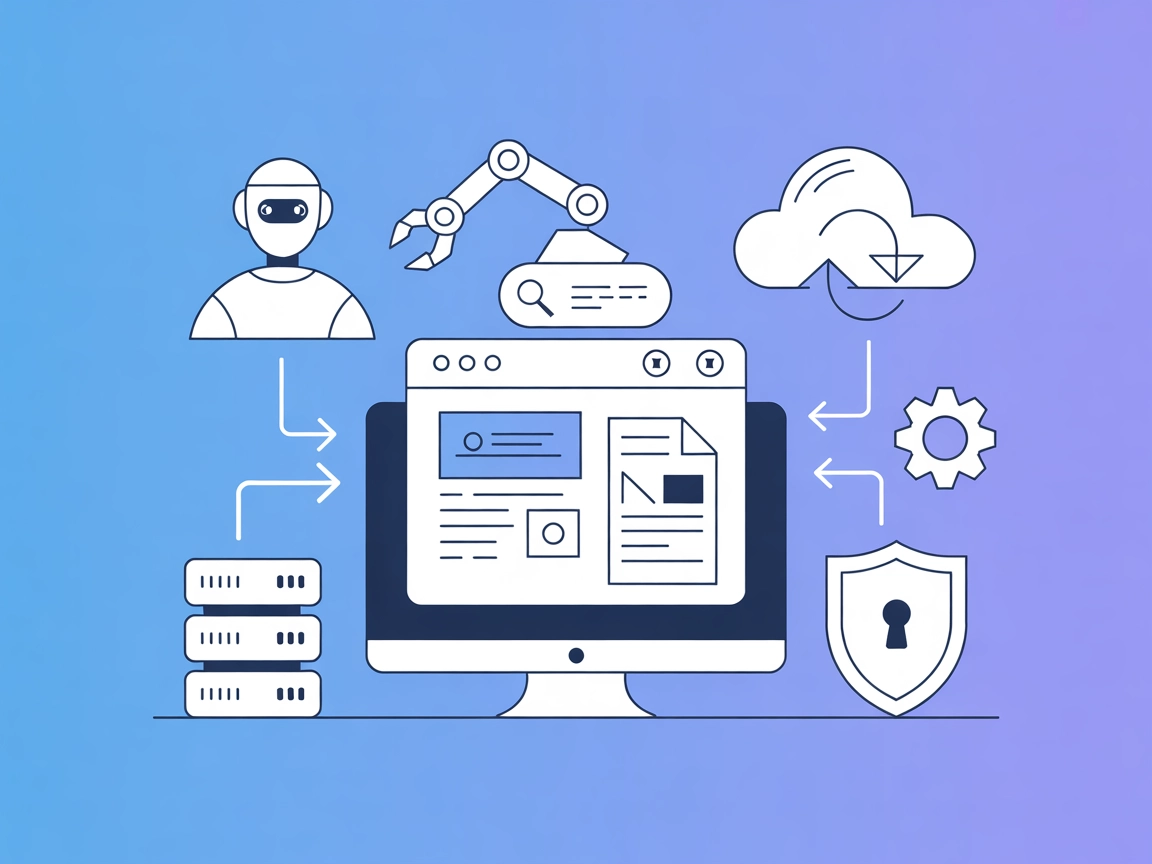
Empower your AI agents with real-time web search, scraping, and content extraction using the RAG Web Browser MCP Server. Seamlessly integrate fresh web data into LLM-powered flows on FlowHunt.
The RAG Web Browser MCP Server is a specialized tool designed to provide AI assistants and large language models (LLMs) with the ability to interact with the web and extract up-to-date information from web pages. Operating locally, it connects to the RAG Web Browser Actor in Standby mode, facilitating seamless communication between AI agents and web content. The main functions include performing web searches, scraping the top N URLs from search results, and returning their cleaned content as Markdown. Additionally, it can fetch the content of a single URL and present it in a user-friendly markdown format. This enables LLMs to access, summarize, and utilize live web data, enhancing their capabilities for research, content generation, and workflow automation.
No prompt templates are explicitly mentioned in the repository or documentation.

Start your free trial today and see results within days.
No explicit resources are defined in the available documentation or repository files.
query (string, required): Search term or URLmaxResults (number, optional): Maximum number of search results to scrape (default: 1)scrapingTool (string, optional): Select a scraping tool (‘browser-playwright’ or ‘raw-http’; default: ‘raw-http’)outputFormats (array, optional): Output formats (’text’, ‘markdown’, ‘html’; default: [‘markdown’])requestTimeoutSecs (number, optional): Max time in seconds for the request (default: 40)Get latest tips, trends, and deals for free.
Automated Web Searching
Enable AI agents to conduct live web searches and retrieve summarized information from the top results, useful for research and answering up-to-date queries.
Content Extraction for RAG Pipelines
Integrate with Retrieval-Augmented Generation (RAG) workflows to fetch and process web content as reliable context for LLM responses.
Summarization of Web Pages
Fetch and clean the content of specific URLs, allowing developers or LLMs to quickly ingest and summarize relevant information.
Data Collection for Market/Competitive Analysis
Use the server to scrape competitor sites or market news, providing real-time intelligence for business applications.
mcpServers object:{
"mcpServers": {
"rag-web-browser": {
"command": "npx",
"args": ["@apify/mcp-server-rag-web-browser@latest"]
}
}
}
{
"mcpServers": {
"rag-web-browser": {
"command": "npx",
"args": ["@apify/mcp-server-rag-web-browser@latest"],
"env": {
"APIFY_TOKEN": "process.env.APIFY_TOKEN"
},
"inputs": {
"apiKey": "${APIFY_TOKEN}"
}
}
}
}
{
  "mcpServers": {
    "rag-web-browser": {
      "command": "npx",
      "args": ["@apify/mcp-server-rag-web-browser@latest"]
    }
  }
}
{
  "mcpServers": {
    "rag-web-browser": {
      "command": "npx",
      "args": ["@apify/mcp-server-rag-web-browser@latest"]
    }
  }
}
{
  "mcpServers": {
    "rag-web-browser": {
      "command": "npx",
      "args": ["@apify/mcp-server-rag-web-browser@latest"]
    }
  }
}
Note: Secure your API keys using environment variables as shown in the Windsurf example.
Using MCP in FlowHunt
To integrate MCP servers into your FlowHunt workflow, start by adding the MCP component to your flow and connecting it to your AI agent:

Click on the MCP component to open the configuration panel. In the system MCP configuration section, insert your MCP server details using this JSON format:
{
  "rag-web-browser": {
    "transport": "streamable_http",
    "url": "https://yourmcpserver.example/pathtothemcp/url"
  }
}
Once configured, the AI agent is now able to use this MCP as a tool with access to all its functions and capabilities. Remember to change “rag-web-browser” to whatever the actual name of your MCP server is and replace the URL with your own MCP server URL.
| Section | Availability | Details/Notes |
|---|---|---|
| Overview | ✅ | Detailed in README |
| List of Prompts | ⛔ | No prompt templates referenced |
| List of Resources | ⛔ | No resources defined |
| List of Tools | ✅ | search tool with rich options |
| Securing API Keys | ✅ | Example provided in setup instructions |
| Sampling Support (less important in evaluation) | ⛔ | Not mentioned |
Based on the tables below, the RAG Web Browser MCP Server is streamlined and highly targeted for web interaction tasks but lacks broader MCP primitives like prompts and resources. It provides all essentials for setup and secure operation, with a strong, well-documented primary tool. Sampling and Roots support are not mentioned.
The MCP server is focused and functional, ideal for scenarios needing web data access inside LLM workflows. It’s easy to set up, has a clear license, and is moderately popular. The absence of prompt templates and explicit resources limits its flexibility for more customized or complex use cases, but for RAG and live web search, it excels. Score: 7/10
| Has a LICENSE | ✅ (Apache-2.0) |
|---|---|
| Has at least one tool | ✅ |
| Number of Forks | 19 |
| Number of Stars | 147 |
Supercharge your FlowHunt agents with live web search and automated content extraction. Try the RAG Web Browser MCP Server for real-time research and RAG workflows.
Integrate FlowHunt with the RAG Web Browser MCP Server to enable AI agents and LLMs with advanced web browsing, real-time search, and data extraction capabiliti...
The mcp-local-rag MCP Server enables privacy-respecting, local Retrieval-Augmented Generation (RAG) web search for LLMs. It allows AI assistants to access, embe...
The mcp-google-search MCP Server bridges AI assistants and the web, enabling real-time search and content extraction using the Google Custom Search API. It empo...
Cookie Consent
We use cookies to enhance your browsing experience and analyze our traffic. See our privacy policy.