


Ragie MCP Server Integration
Integrate FlowHunt with the Ragie Model Context Protocol (MCP) Server to enable AI-powered, real-time knowledge base retrieval for your enterprise. Streamline A...
4 min read
AI
Ragie MCP
+4
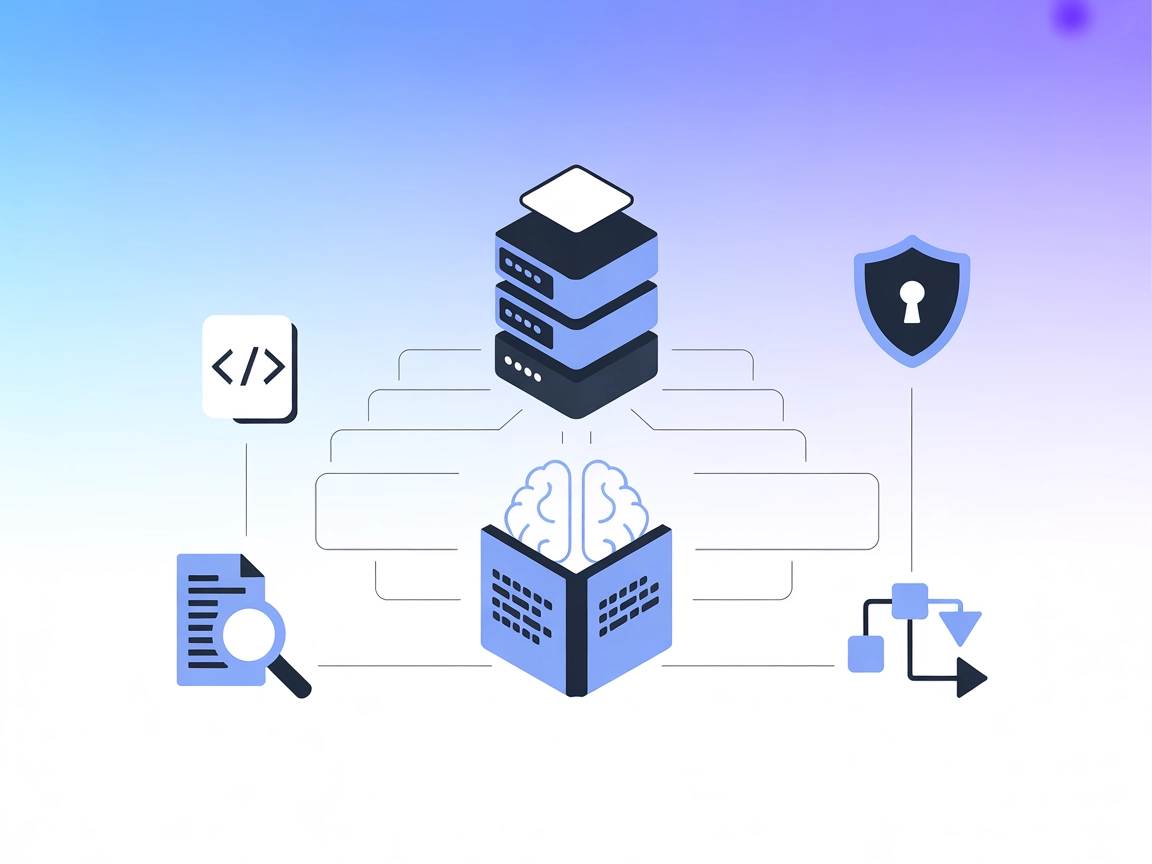
Integrate Ragie MCP Server with FlowHunt to empower your AI agents with direct access to relevant, structured knowledge base content via semantic retrieval.
The Ragie MCP (Model Context Protocol) Server serves as an interface between AI assistants and Ragie’s knowledge base retrieval system. By implementing the MCP, this server enables AI models to query a Ragie knowledge base, facilitating the retrieval of relevant information to support advanced development workflows. The primary functionality offered is the ability to perform semantic search and fetch contextually pertinent data from structured knowledge bases. This integration empowers AI assistants with enhanced capabilities for knowledge retrieval, supporting tasks such as answering questions, providing references, and integrating external knowledge into AI-driven applications.
No prompt templates are mentioned in the available documentation.

Start your free trial today and see results within days.
No explicit resources are documented in the available repository files or README.
Get latest tips, trends, and deals for free.
{
  "mcpServers": {
    "ragie": {
      "command": "npx",
      "args": ["@ragieai/mcp-server@latest"],
      "env": { "RAGIE_API_KEY": "your_api_key" }
    }
  }
}
{
  "mcpServers": {
    "ragie": {
      "command": "npx",
      "args": ["@ragieai/mcp-server@latest"],
      "env": { "RAGIE_API_KEY": "your_api_key" }
    }
  }
}
{
  "mcpServers": {
    "ragie": {
      "command": "npx",
      "args": ["@ragieai/mcp-server@latest"],
      "env": { "RAGIE_API_KEY": "your_api_key" }
    }
  }
}
{
  "mcpServers": {
    "ragie": {
      "command": "npx",
      "args": ["@ragieai/mcp-server@latest"],
      "env": { "RAGIE_API_KEY": "your_api_key" }
    }
  }
}
Securing API Keys:
Always provide the RAGIE_API_KEY via environment variables, not in source code or configuration files directly.
Example:
{
  "env": {
    "RAGIE_API_KEY": "your_api_key"
  }
}
Using MCP in FlowHunt
To integrate MCP servers into your FlowHunt workflow, start by adding the MCP component to your flow and connecting it to your AI agent:

Click on the MCP component to open the configuration panel. In the system MCP configuration section, insert your MCP server details using this JSON format:
{
  "ragie": {
    "transport": "streamable_http",
    "url": "https://yourmcpserver.example/pathtothemcp/url"
  }
}
Once configured, the AI agent is now able to use this MCP as a tool with access to all its functions and capabilities. Remember to change “ragie” to whatever the actual name of your MCP server is and replace the URL with your own MCP server URL.
| Section | Availability | Details/Notes |
|---|---|---|
| Overview | ✅ | Description provided in README |
| List of Prompts | ⛔ | No prompt templates mentioned |
| List of Resources | ⛔ | No explicit resources documented |
| List of Tools | ✅ | One tool: retrieve |
| Securing API Keys | ✅ | Usage of env variable: RAGIE_API_KEY |
| Sampling Support (less important in evaluation) | ⛔ | No mention of sampling support |
The Ragie MCP Server is highly focused and easy to set up, with clear documentation for tool integration and API key security. However, it currently offers only one tool, no explicit prompt or resource templates, and lacks details on advanced features like roots or sampling.
| Has a LICENSE | ✅ (MIT) |
|---|---|
| Has at least one tool | ✅ |
| Number of Forks | 9 |
| Number of Stars | 21 |
Rating:
Based on the above tables, we’d rate the Ragie MCP Server a 5/10. It is well-licensed, clearly documented, and simple, but limited in scope and extensibility due to the absence of prompts, resources, roots, or sampling. Suitable for basic KB retrieval, but not for complex workflows requiring richer protocol features.
Supercharge your AI workflows with Ragie’s powerful knowledge base retrieval. Integrate now for smarter, more contextual AI agents.
Integrate FlowHunt with the Ragie Model Context Protocol (MCP) Server to enable AI-powered, real-time knowledge base retrieval for your enterprise. Streamline A...
The Agentset MCP Server is an open-source platform enabling Retrieval-Augmented Generation (RAG) with agentic capabilities, allowing AI assistants to connect wi...
The mcp-local-rag MCP Server enables privacy-respecting, local Retrieval-Augmented Generation (RAG) web search for LLMs. It allows AI assistants to access, embe...
Cookie Consent
We use cookies to enhance your browsing experience and analyze our traffic. See our privacy policy.